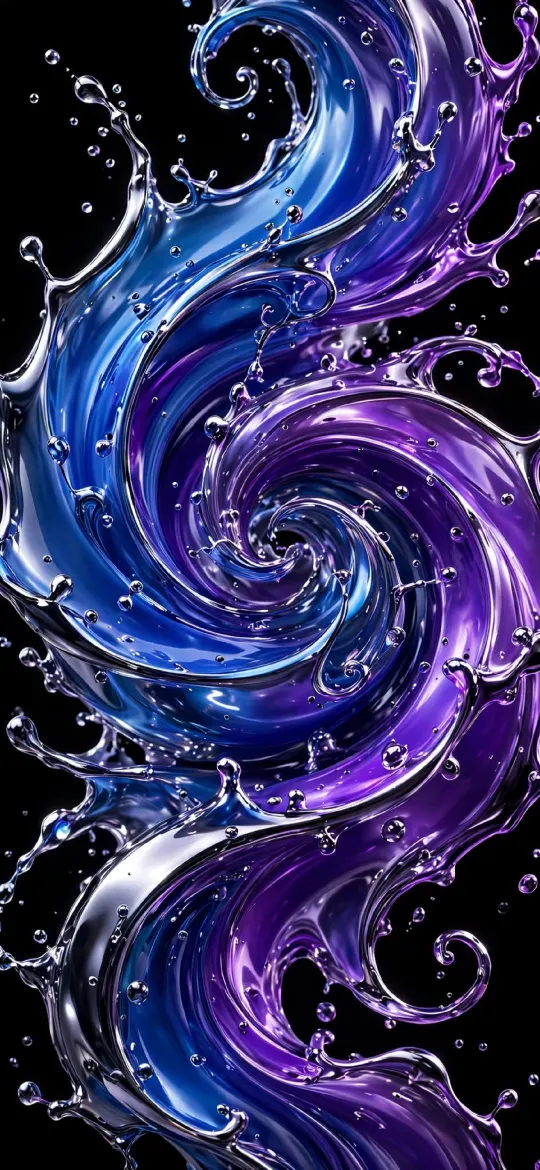
 Abstract Wallpaper for iPhone: Fluid, Glass, Geometric and Line Art
Abstract wallpapers range from glossy liquid chrome to fine line art. Here is how each style behaves behind the Lock Screen clock and widgets, and how to pick the right one.
Abstract Wallpaper for iPhone: Fluid, Glass, Geometric and Line Art
Abstract wallpapers range from glossy liquid chrome to fine line art. Here is how each style behaves behind the Lock Screen clock and widgets, and how to pick the right one.
Blog page 2
Wallpaper picks, lock screen ideas and practical iPhone guides. Every wallpaper we mention comes in the exact size for your model.
Abstract Wallpaper for iPhone: Fluid, Glass, Geometric and Line Art
Abstract wallpapers range from glossy liquid chrome to fine line art. Here is how each style behaves behind the Lock Screen clock and widgets, and how to pick the right one.
 Desert Wallpaper for iPhone: Dunes, Canyons and Warm Neutrals
Sand dunes and canyon walls make some of the calmest iPhone wallpapers there are. Here is how to choose one that keeps the clock clear, plus warm neutral alternatives.
Desert Wallpaper for iPhone: Dunes, Canyons and Warm Neutrals
Sand dunes and canyon walls make some of the calmest iPhone wallpapers there are. Here is how to choose one that keeps the clock clear, plus warm neutral alternatives.
 Beach Wallpaper for iPhone: Sea, Coast and Calm Water Picks
A good beach wallpaper keeps the horizon away from the clock and the busy surf away from your widgets. Here is how to pick sea and water scenes that work on an iPhone Lock Screen.
Beach Wallpaper for iPhone: Sea, Coast and Calm Water Picks
A good beach wallpaper keeps the horizon away from the clock and the busy surf away from your widgets. Here is how to pick sea and water scenes that work on an iPhone Lock Screen.
 Moon Wallpaper for iPhone: Night Sky Picks and Placement Tips
Full moons, crescents and night skies: where to place the moon relative to the clock, how they look in dark mode and Always-On, and which size to download.
Moon Wallpaper for iPhone: Night Sky Picks and Placement Tips
Full moons, crescents and night skies: where to place the moon relative to the clock, how they look in dark mode and Always-On, and which size to download.
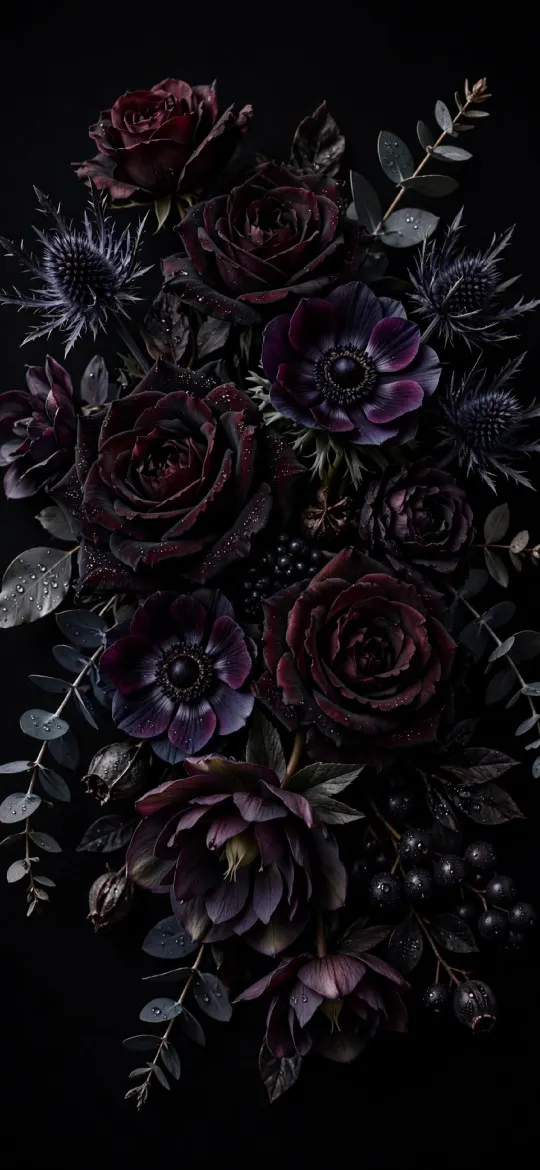 Flower Wallpaper for iPhone: Dark, Pink and Aesthetic Florals
Roses on black, pastel peonies, sakura and wildflowers: which floral styles suit an iPhone Lock Screen, and how to keep the clock and app icons readable.
Flower Wallpaper for iPhone: Dark, Pink and Aesthetic Florals
Roses on black, pastel peonies, sakura and wildflowers: which floral styles suit an iPhone Lock Screen, and how to keep the clock and app icons readable.
 Mountain Wallpaper for iPhone: Peaks, Light and a Clear Clock
Mountain wallpapers look best when the peak sits below the clock. How to frame them, pick a time of day, choose dark or bright, and use Depth Effect.
Mountain Wallpaper for iPhone: Peaks, Light and a Clear Clock
Mountain wallpapers look best when the peak sits below the clock. How to frame them, pick a time of day, choose dark or bright, and use Depth Effect.
 3D Wallpaper for iPhone: Liquid Chrome, Glass and Real Depth
What "3D" really means for a still iPhone wallpaper, how rendered chrome and glass create depth, and how Depth Effect and the newer spatial scene effect add to it.
3D Wallpaper for iPhone: Liquid Chrome, Glass and Real Depth
What "3D" really means for a still iPhone wallpaper, how rendered chrome and glass create depth, and how Depth Effect and the newer spatial scene effect add to it.
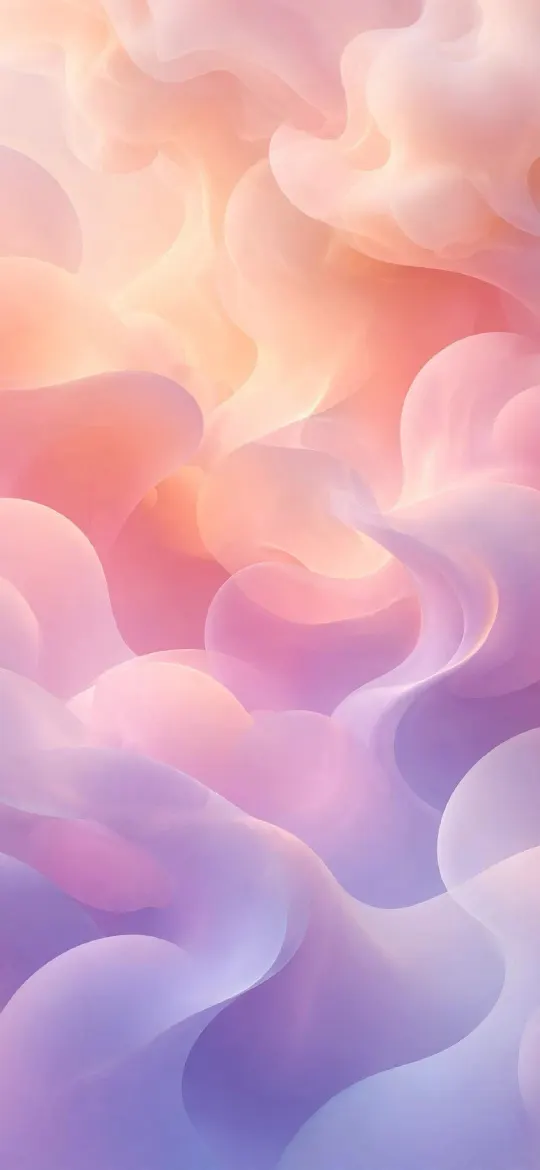 Gradient Wallpaper for iPhone: Styles, Colours and Clock Contrast
Why gradients suit an iPhone Lock Screen, how mesh, linear and blob gradients differ, and how to pick colours that keep the clock and widgets easy to read.
Emoji Wallpaper on iPhone: How to Make One and Ideas
Your iPhone already has an emoji wallpaper maker built into the Lock Screen editor. Here is how to use it, a few combinations that look good, and when a picture is the better choice.
Gradient Wallpaper for iPhone: Styles, Colours and Clock Contrast
Why gradients suit an iPhone Lock Screen, how mesh, linear and blob gradients differ, and how to pick colours that keep the clock and widgets easy to read.
Emoji Wallpaper on iPhone: How to Make One and Ideas
Your iPhone already has an emoji wallpaper maker built into the Lock Screen editor. Here is how to use it, a few combinations that look good, and when a picture is the better choice.
 Different Wallpaper for Lock Screen and Home Screen on iPhone
Yes, your iPhone can show one picture on the Lock Screen and another behind your apps. Here are the exact steps, the options on the Home Screen side and a few pairings that work.
Different Wallpaper for Lock Screen and Home Screen on iPhone
Yes, your iPhone can show one picture on the Lock Screen and another behind your apps. Here are the exact steps, the options on the Home Screen side and a few pairings that work.
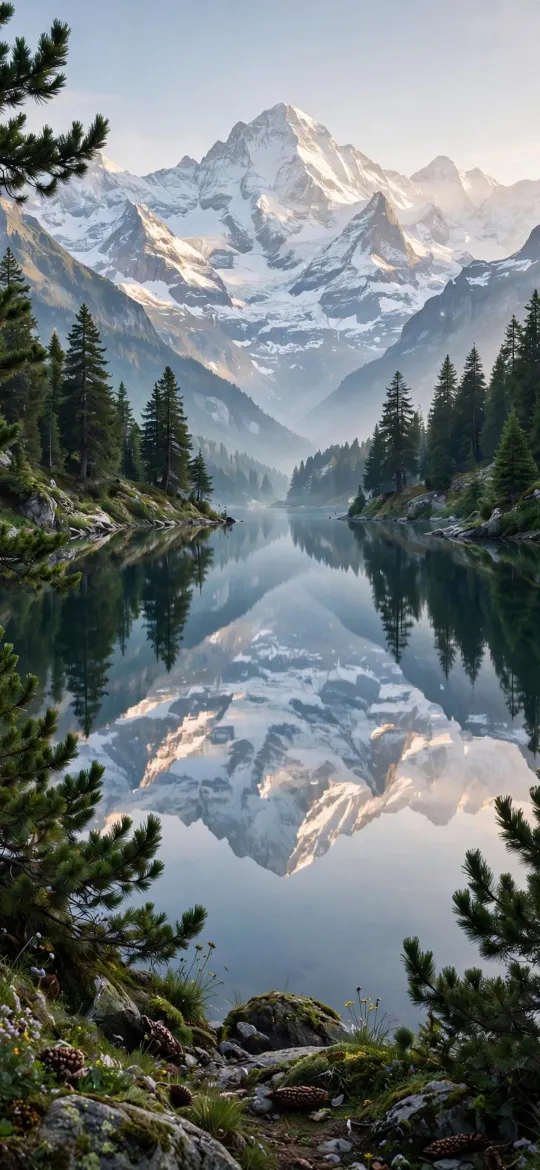 How to Download a Wallpaper on iPhone and Set It
Saving a wallpaper from a website should take ten seconds. Here is where the image ends up, how to get it into Photos, and how to fix a save that comes out blurry or goes missing.
How to Download a Wallpaper on iPhone and Set It
Saving a wallpaper from a website should take ten seconds. Here is where the image ends up, how to get it into Photos, and how to fix a save that comes out blurry or goes missing.
 Dark Appearance Dims Wallpaper: What It Does on iPhone
If your iPhone wallpaper suddenly looks darker at night, one switch is usually responsible. Here is what it does, where to find it and when it is worth keeping on.
Dark Appearance Dims Wallpaper: What It Does on iPhone
If your iPhone wallpaper suddenly looks darker at night, one switch is usually responsible. Here is what it does, where to find it and when it is worth keeping on.