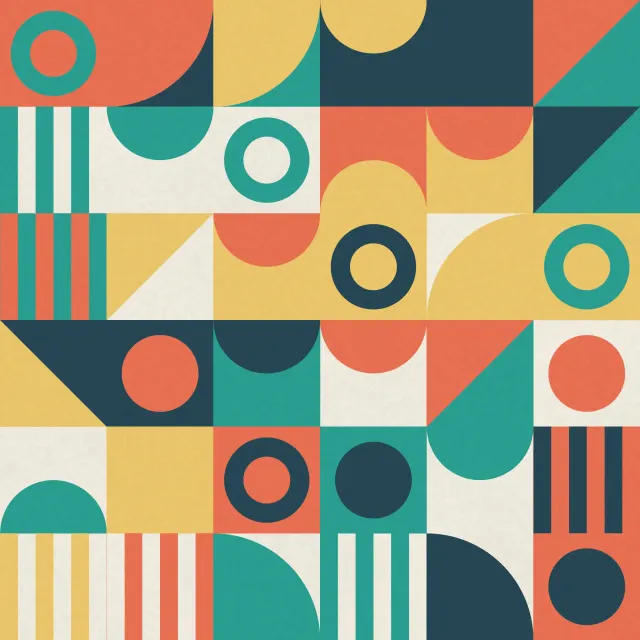
 Geometric Tile Quilt
iPad wallpapers
Wallpapers for every current iPad, from iPad mini to the 13-inch iPad Pro. Each file is square, at the long side of your iPad's screen, so it fills the screen in portrait and landscape without stretching.
115 wallpapers · 6 screen sizes
Geometric Tile Quilt
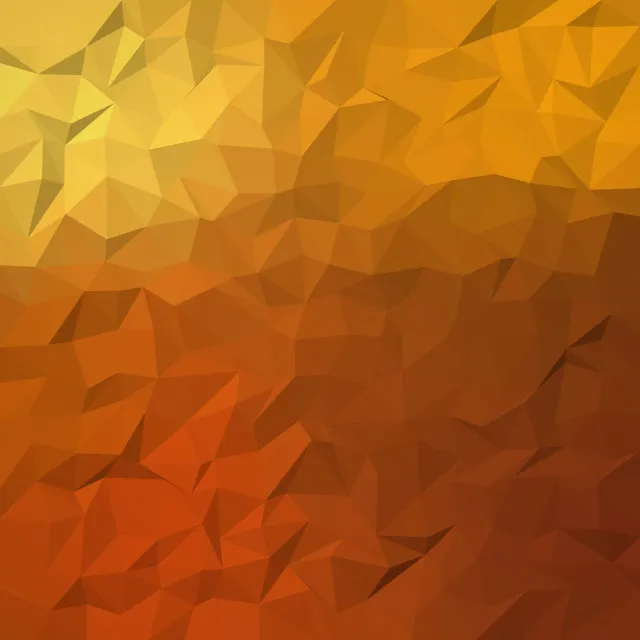 Amber Canyon Facets
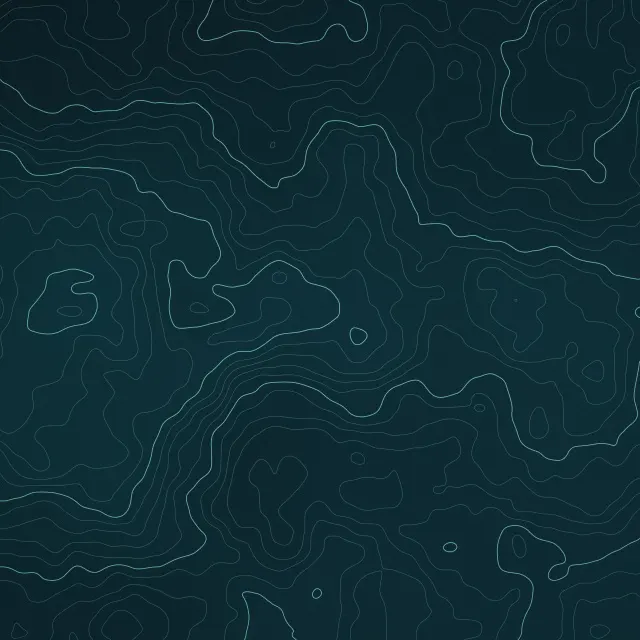 Abyss Depth Contours
 Blush Hex Mosaic
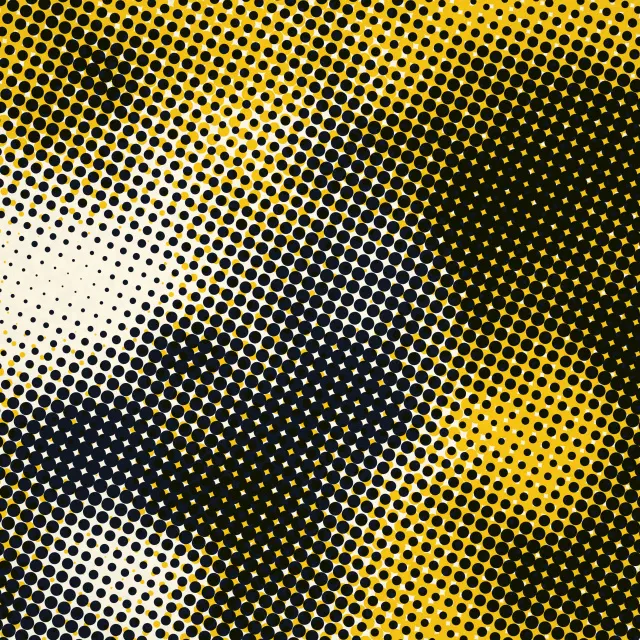 Ink Spot Halftone
 Verde Marble Slab
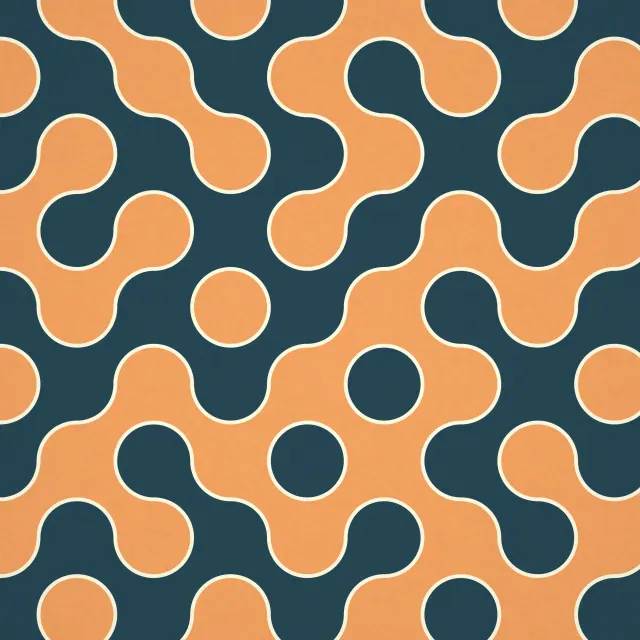 Ochre Ink Labyrinth
 Slate Linen Weave
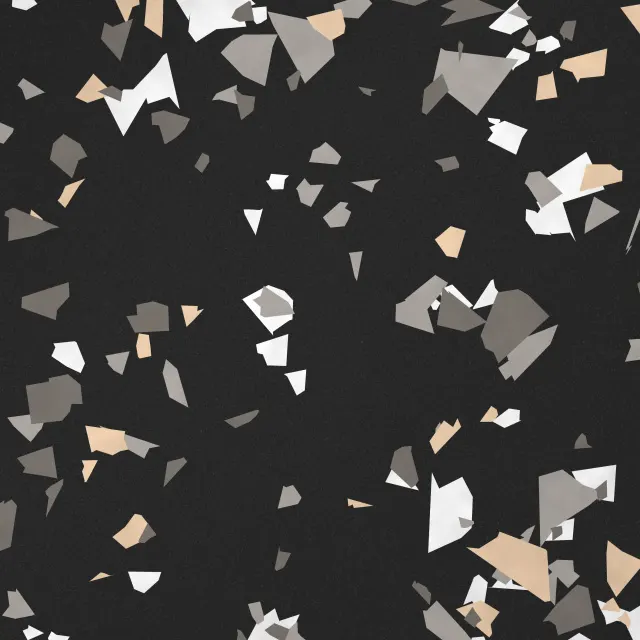 Charcoal Terrazzo
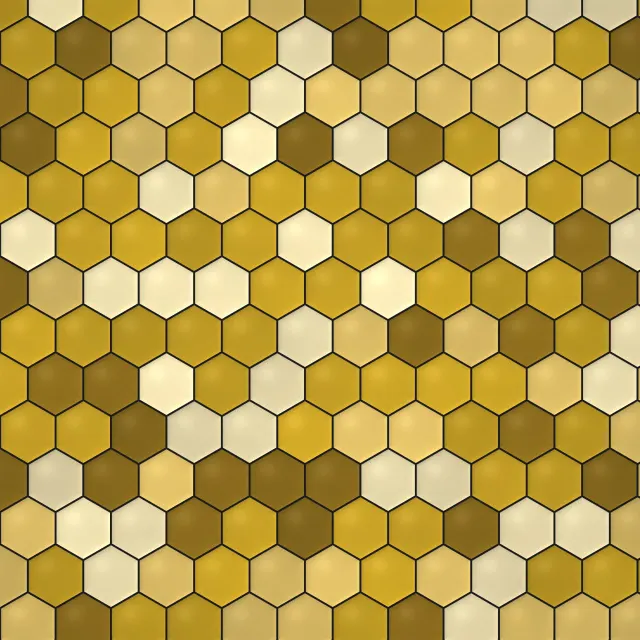 Honeycomb Gold Tiles
 Rooftop Comet Watch
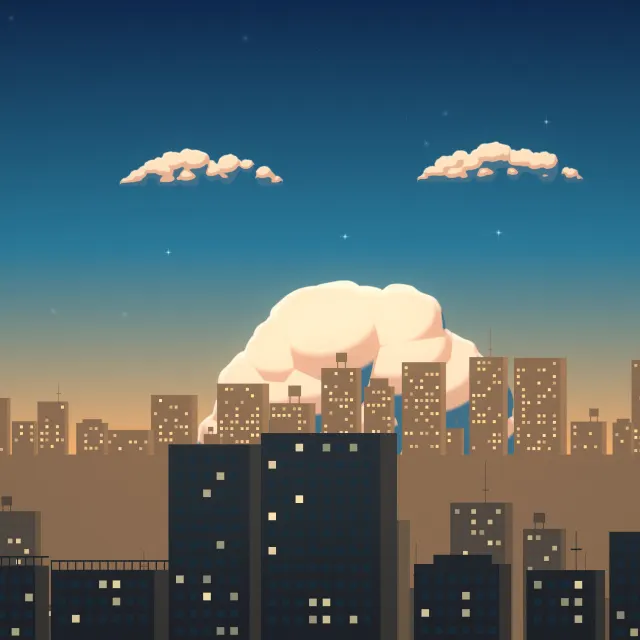 Blue Hour City Lights
 Golden Sea Breeze
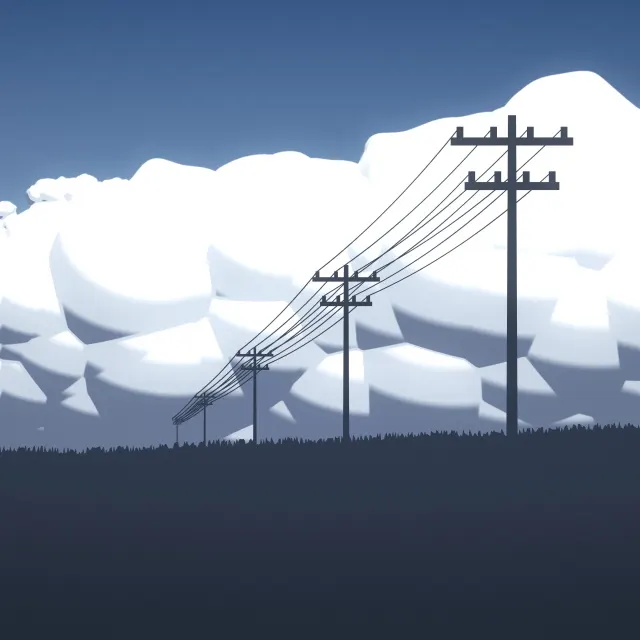 Thunderhead Afternoon
 Violet Rooftop Sunset
 Cotton Cloud Morning
 Comet Over Still Water
 Amber Meadow Rays
 Midnight Skyline Moon
 Water Tank Summer
 Crimson Singularity
 Indigo Rose Nebula
 Cobalt Storm Giant
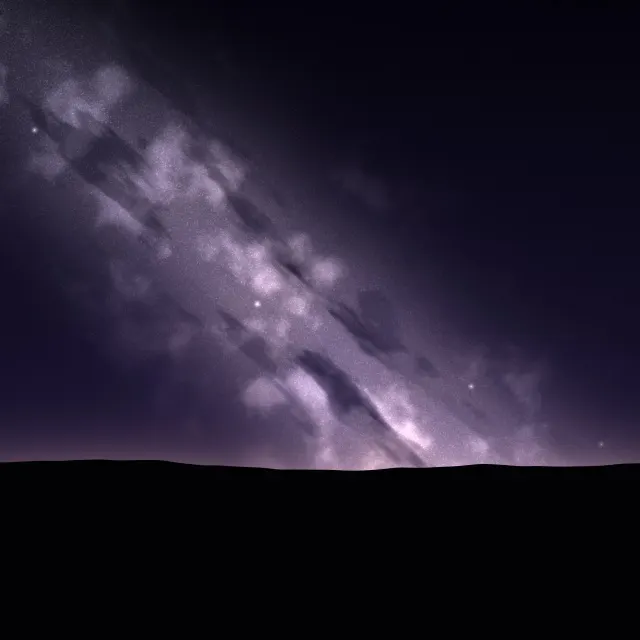 Violet Star River
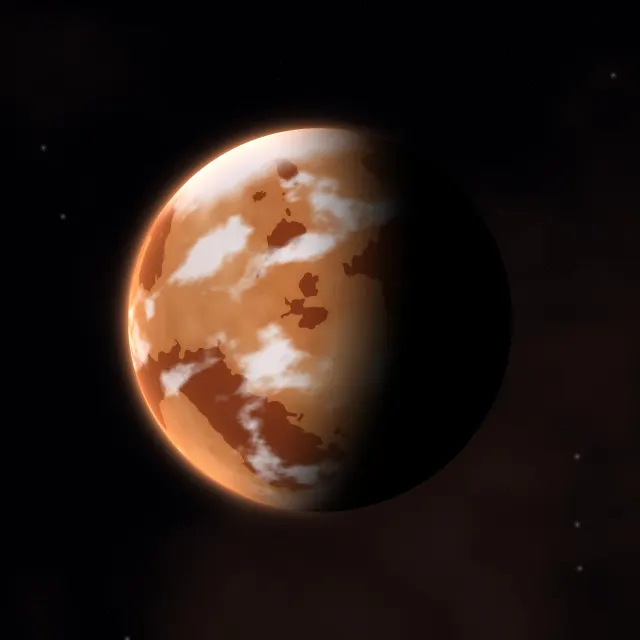 Rust Desert Planet
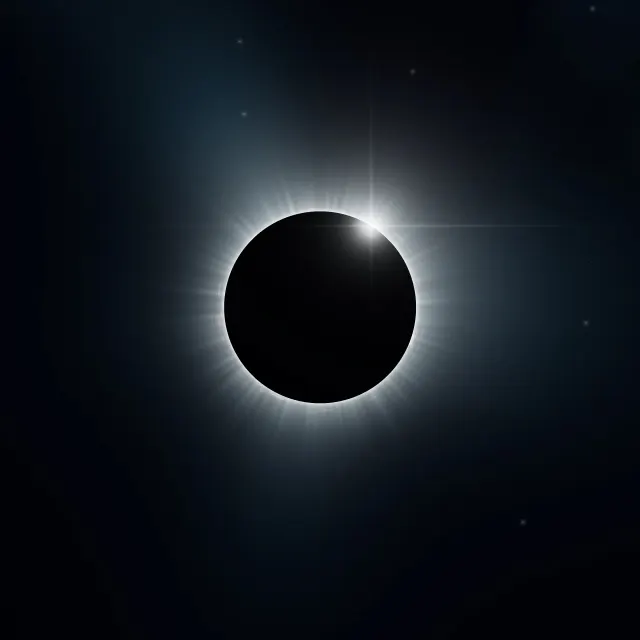 Ice Blue Corona
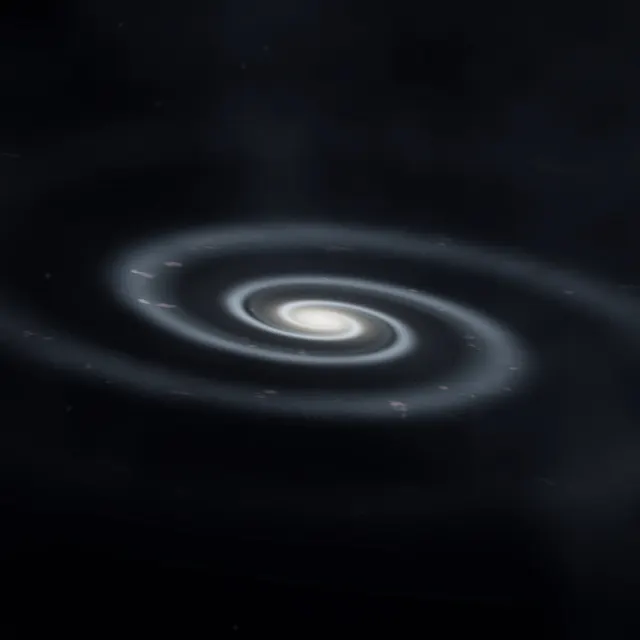 Edge Lit Galaxy
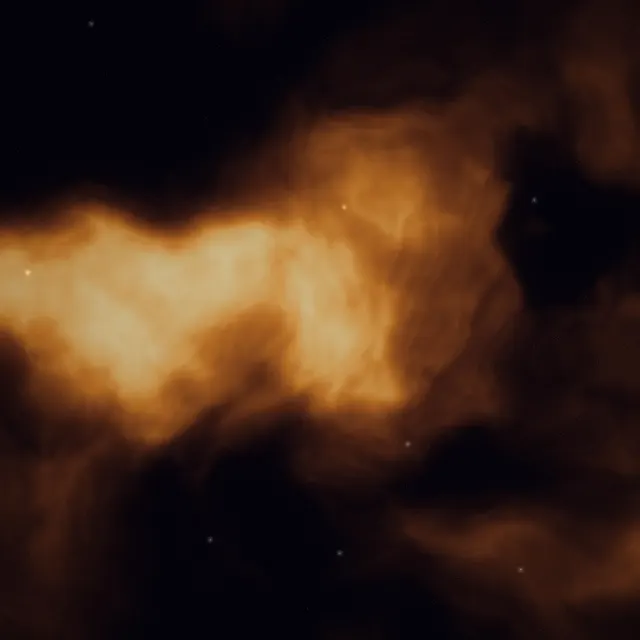 Copper Dust Nebula
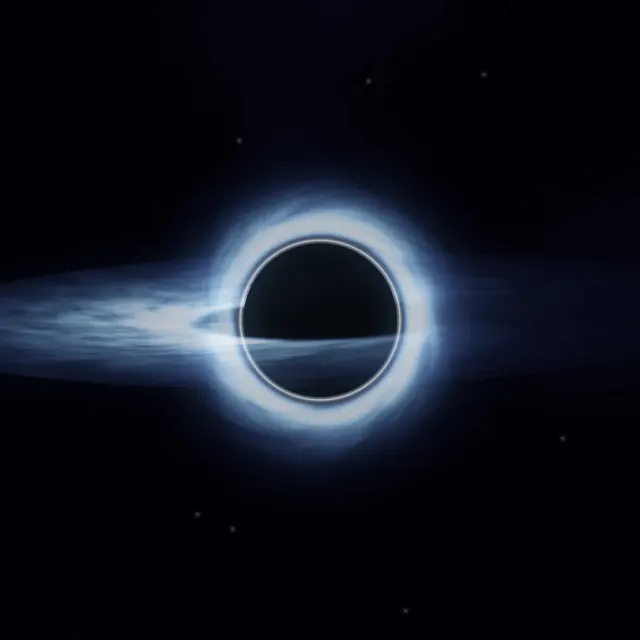 Blue Accretion Disc
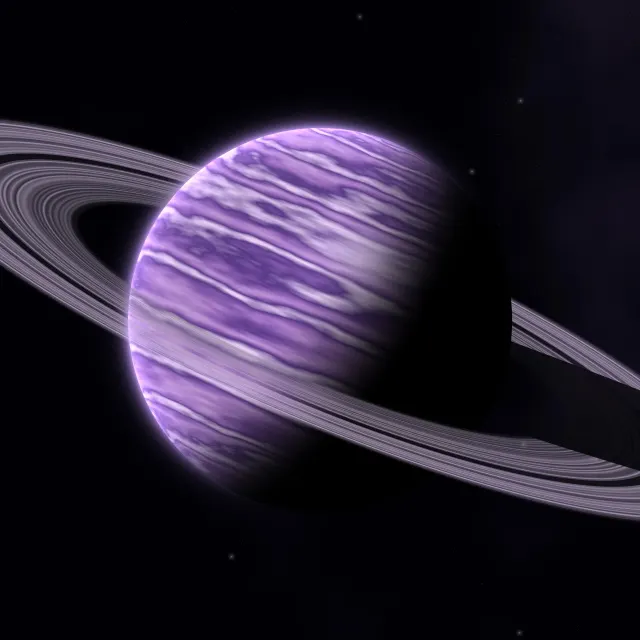 Amethyst Ringed Planet
 Amber Prism Tunnel
 Orbital Light Painting
 Synth Wave Peaks
 Yellow Bolt Sign
 Electric Silk Ribbons
 Ember Synth Horizon
Screen sizes included
- iPad Pro 13-inch (M4 and later)2752 × 2752
- iPad Air 13-inch / iPad Pro 12.9-inch2732 × 2732
- iPad Pro 11-inch (M4 and later)2420 × 2420
- iPad Air 11-inch / iPad (A16) / iPad 10th gen2360 × 2360
- iPad mini (6th gen and later)2266 × 2266
- iPad 10.2-inch (7th to 9th gen)2160 × 2160
iPad wallpaper questions
Why are the iPad files square?
An iPad turns between portrait and landscape. A square file at the long side of the screen fills it both ways, which is how Apple's own iPad wallpapers work.
How do I set a wallpaper on iPad?
Open the downloaded image in Photos, tap the share button, choose Use as Wallpaper, then tap Add.