 Midnight Paper Waves
Desktop wallpapers for Windows PC and laptops
Wallpapers for Windows desktops and laptops in the common screen resolutions, from 1080p and 1440p to 4K UHD and ultrawide monitors. Choose your resolution on a wallpaper's page and it downloads ready to use.
35 wallpapers · 7 screen sizes
Midnight Paper Waves
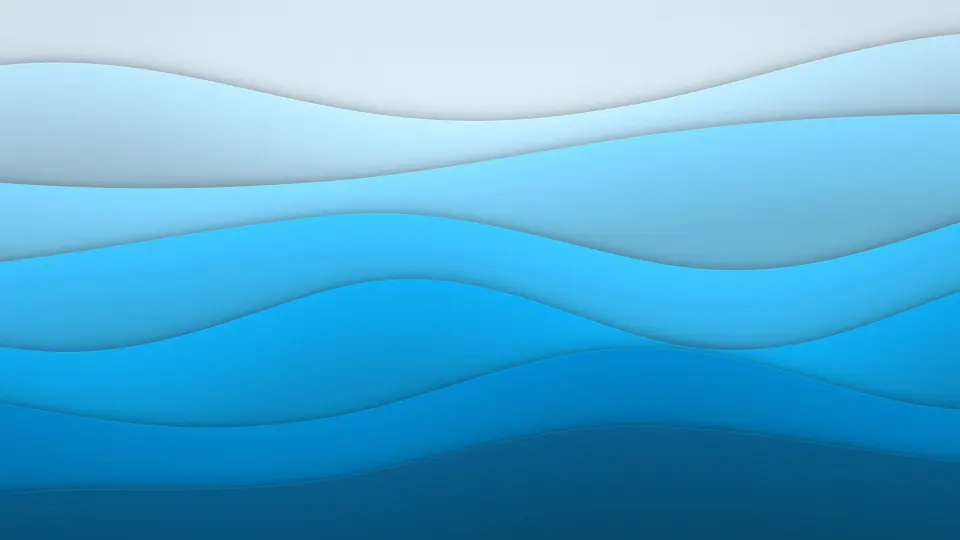 Ocean Paper Waves
 Pastel Bubbles
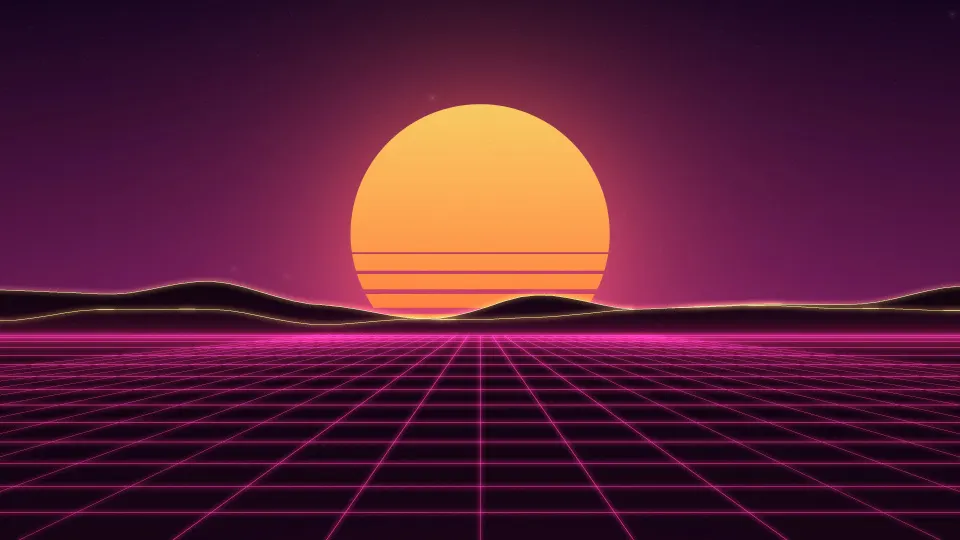 Sunset Boulevard Grid
 Silver Moonrise Sea
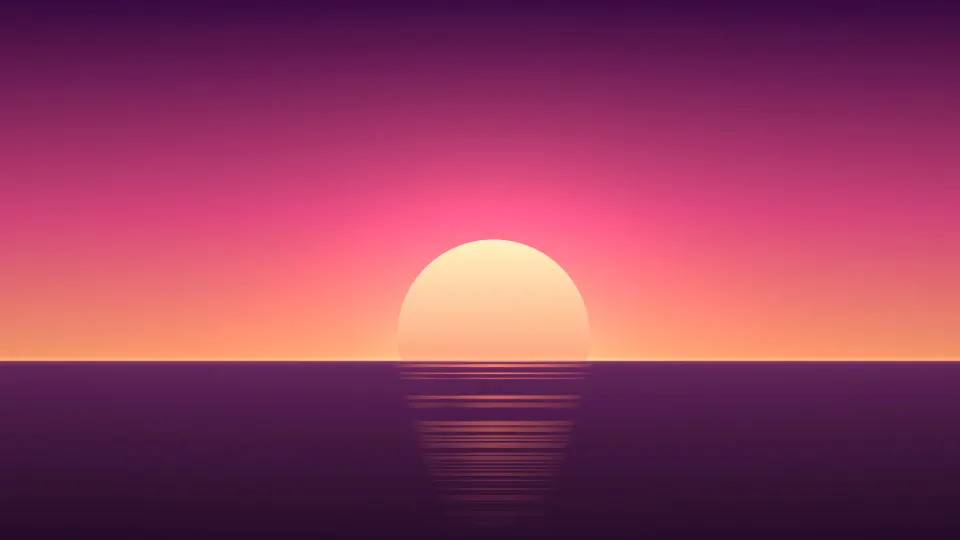 Coral Ocean Sunset
 Autumn Facets
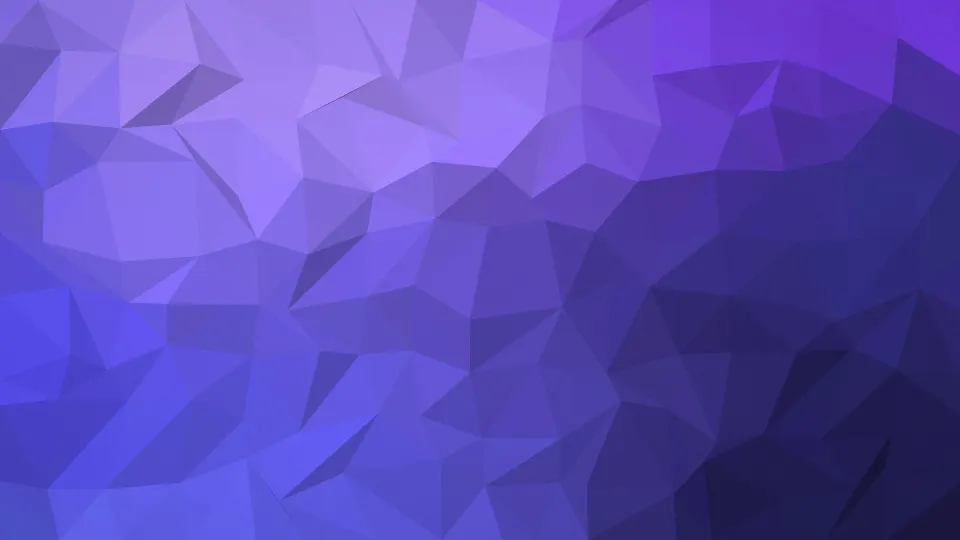 Indigo Facets
 Midnight Contours
 Teal Contour Lines
 Jade Nebula
 Ember Nebula
 Silver Silk Lines
 Flame Ribbons
 Lime Grove Gradient
 Lavender Haze Gradient
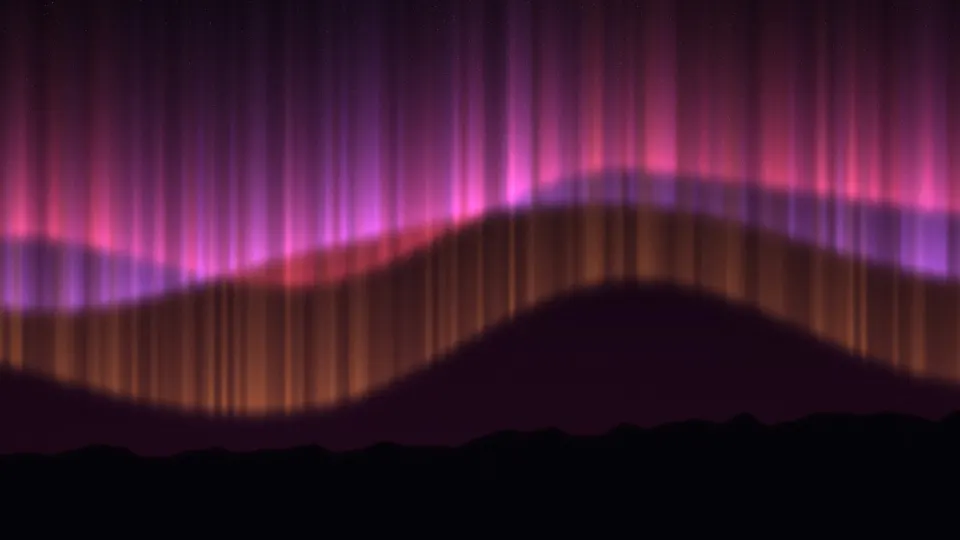 Crimson Aurora Night
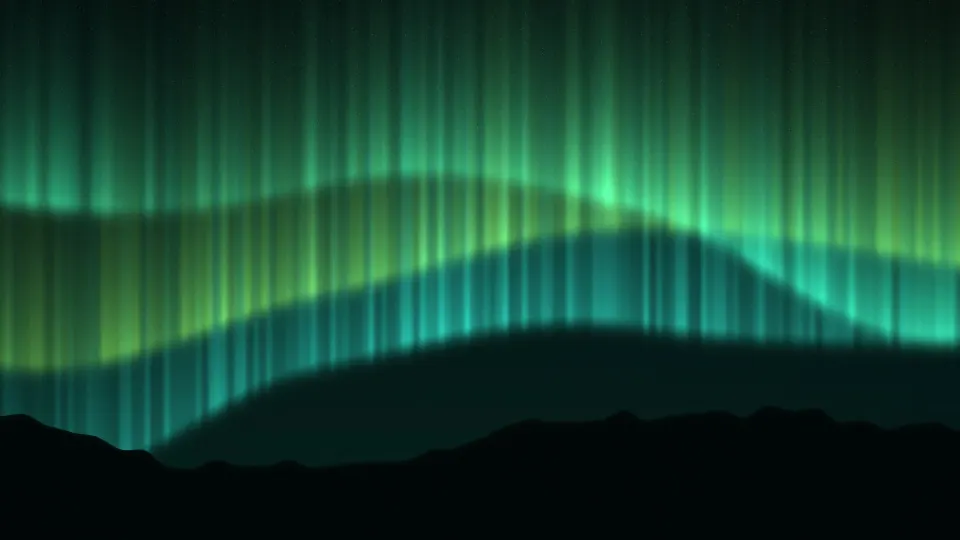 Emerald Sky Aurora
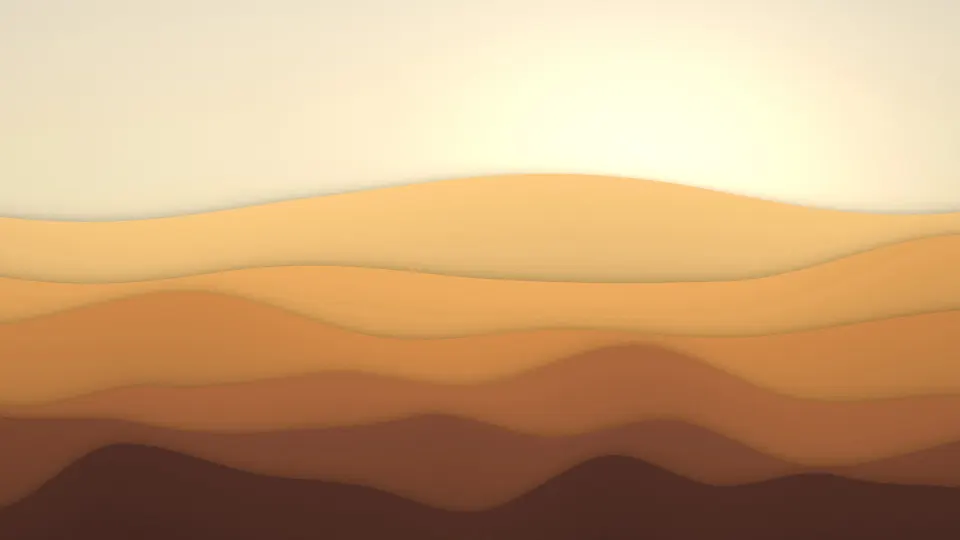 Golden Desert Dunes
 Blue Hour Dunes
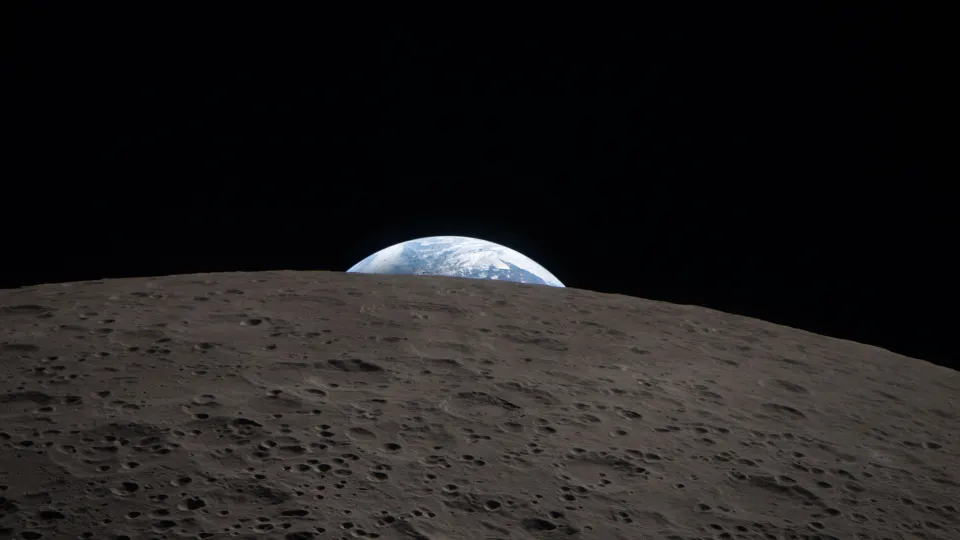 Earthset Over the Moon
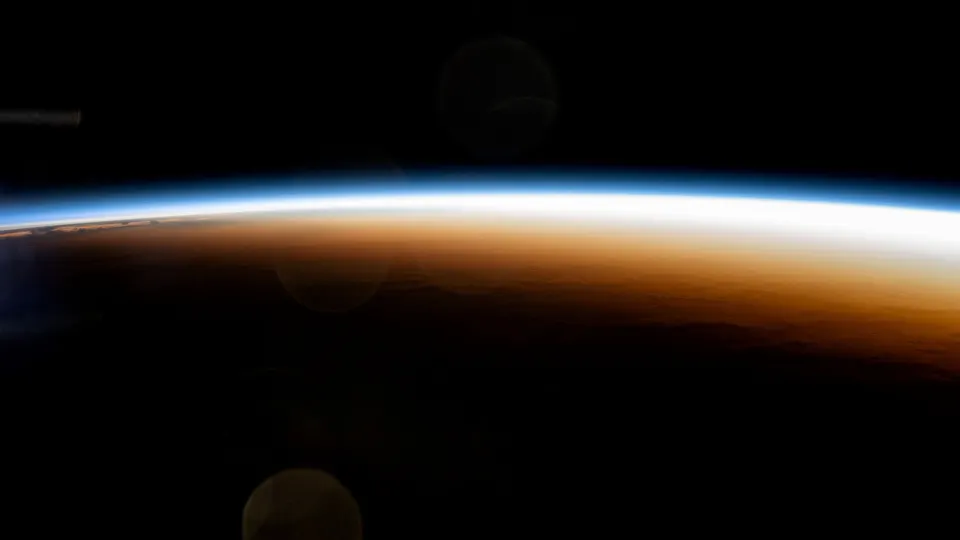 Orbital Sunrise Horizon
 City Lights From Space
 Green Aurora Arc
 Northern Lights From Orbit
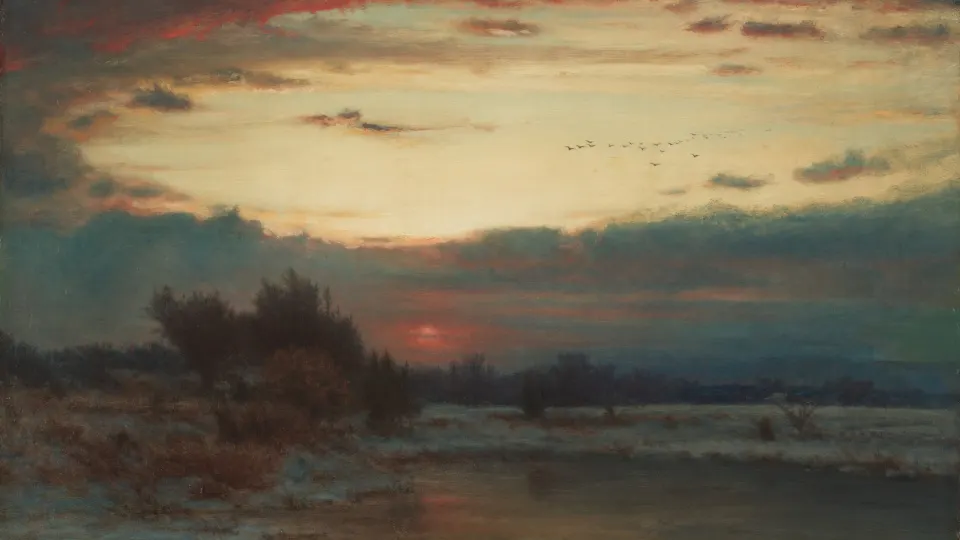 Winter Marsh Sunset
 Storm Over Fir Forest
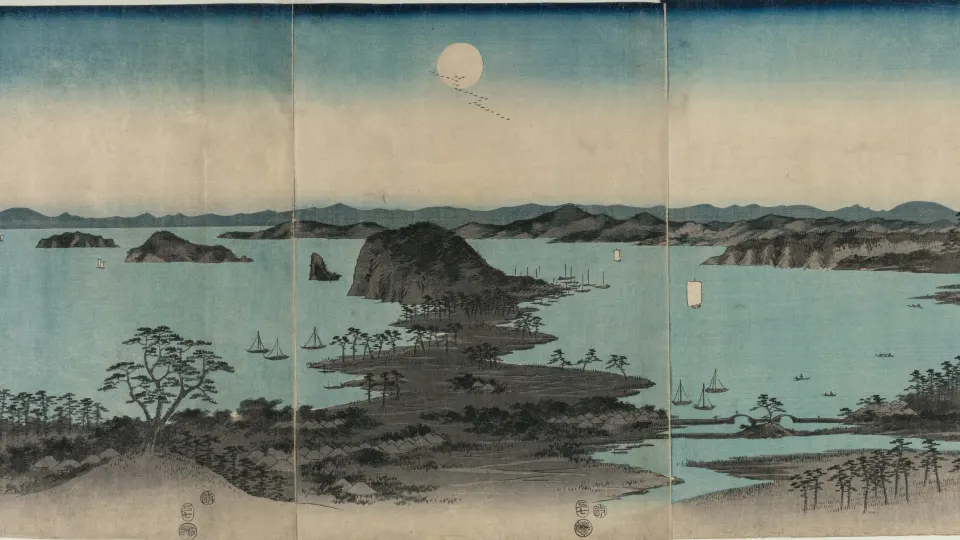 Moonlit Bay Islands
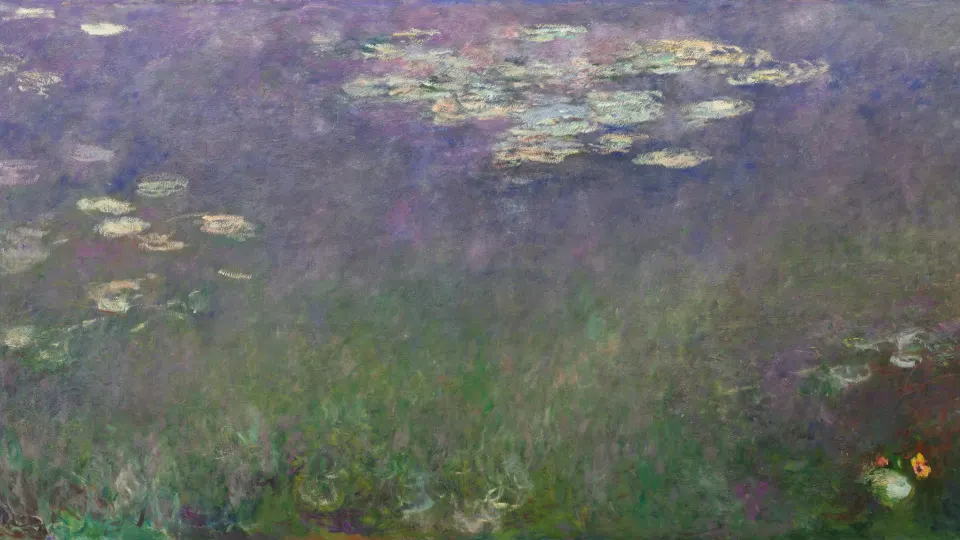 Lavender Lily Pond
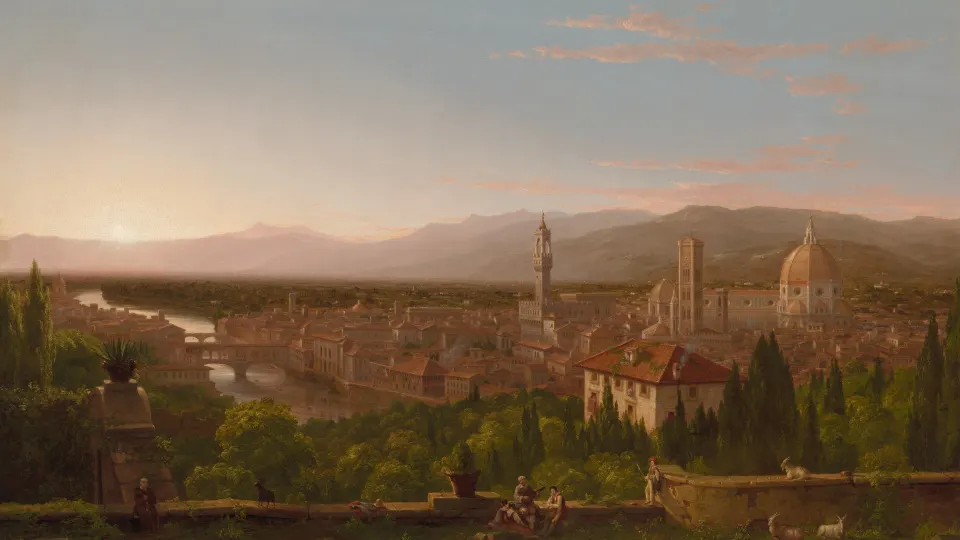 Tuscan Valley Evening
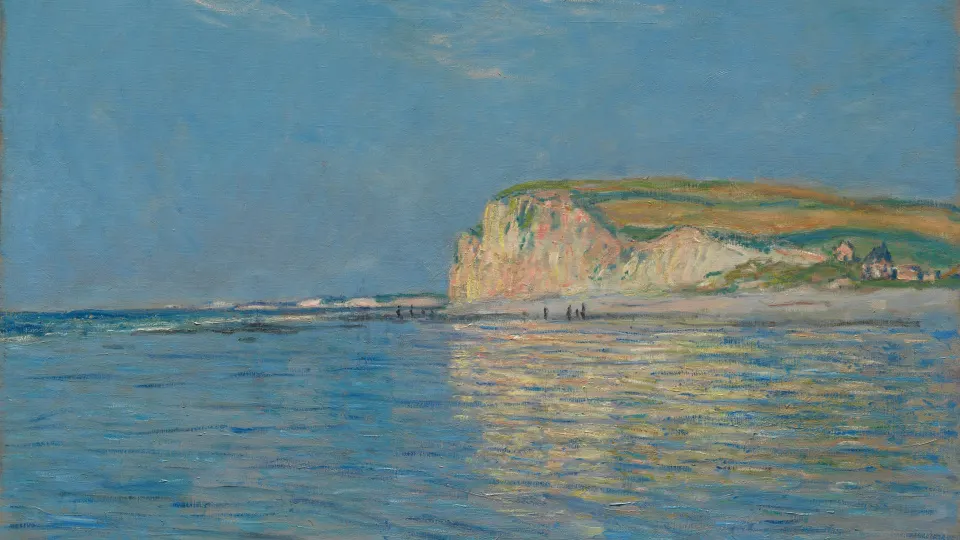 Low Tide Blue Coast
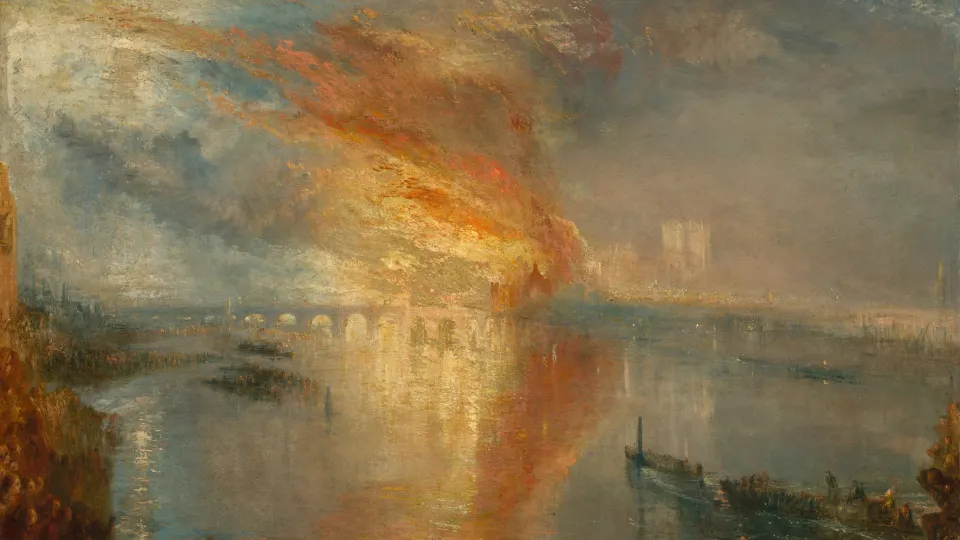 River Blaze at Dusk
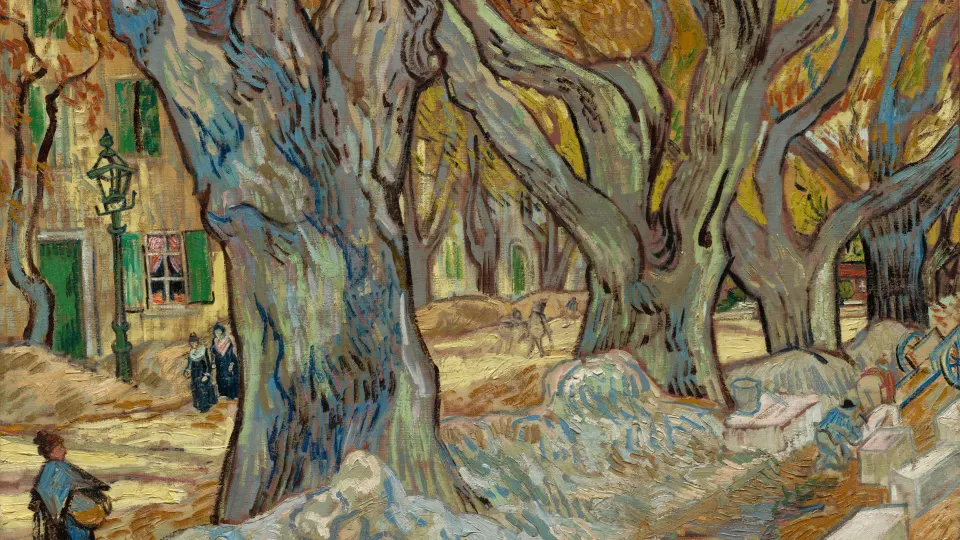 Golden Plane Tree Avenue
 Red Mountain Morning
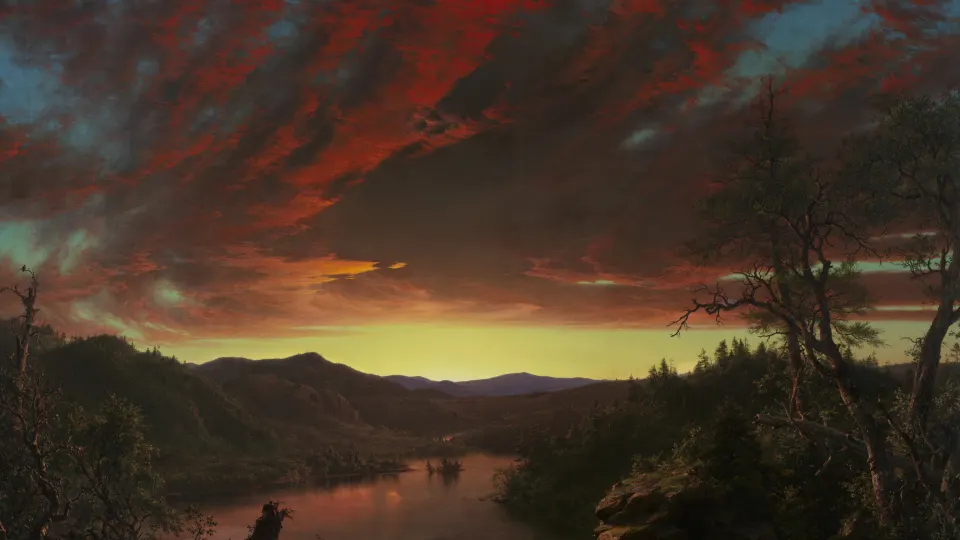 Crimson Wilderness Twilight
Screen sizes included
- Full HD 1080p1920 × 1080
- QHD 1440p2560 × 1440
- 4K UHD3840 × 2160
- WUXGA 1920 × 1200 (16:10 laptops)1920 × 1200
- WQXGA 2560 × 1600 (16:10 laptops)2560 × 1600
- Ultrawide 3440 × 14403440 × 1440
- HD laptop 1366 × 7681366 × 768
Windows PC & Laptop wallpaper questions
Which resolution is my screen?
On Windows 11, open Settings › System › Display: Display resolution shows it, for example 1920 × 1080 or 2560 × 1440. Download that size.
How do I set a desktop wallpaper on Windows?
Right-click the downloaded file and choose Set as desktop background, or open Settings › Personalization › Background, pick the picture and set Choose a fit to Fill.