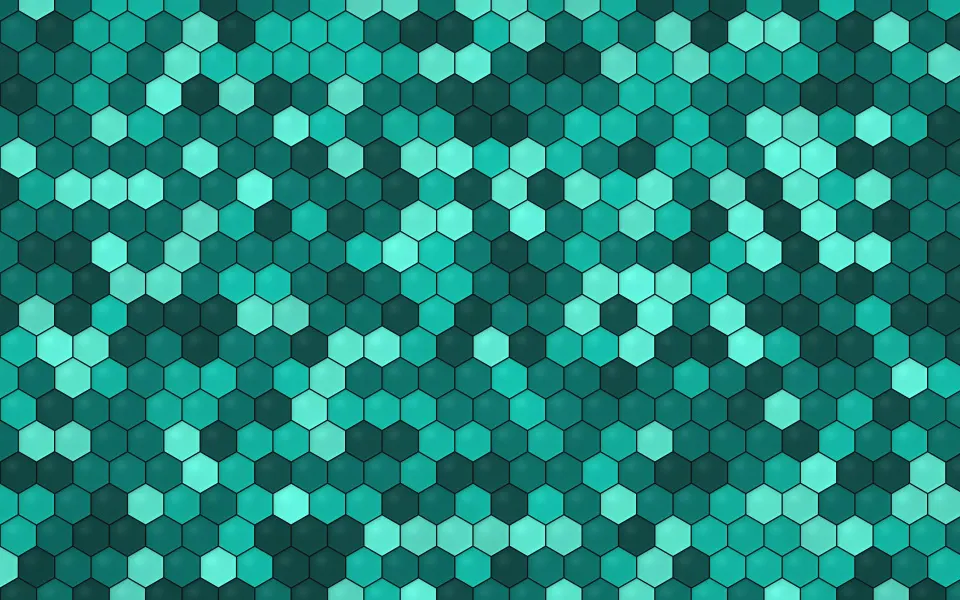
 Deep Teal Honeycomb
MacBook & iMac wallpapers
Wallpapers cut to the native resolution of every Mac display: MacBook Air, MacBook Pro, iMac, Studio Display and Pro Display XDR. Pick your Mac on a wallpaper's page and the file fills the screen pixel for pixel.
115 wallpapers · 8 screen sizes
Deep Teal Honeycomb
 Carrara Grey Veins
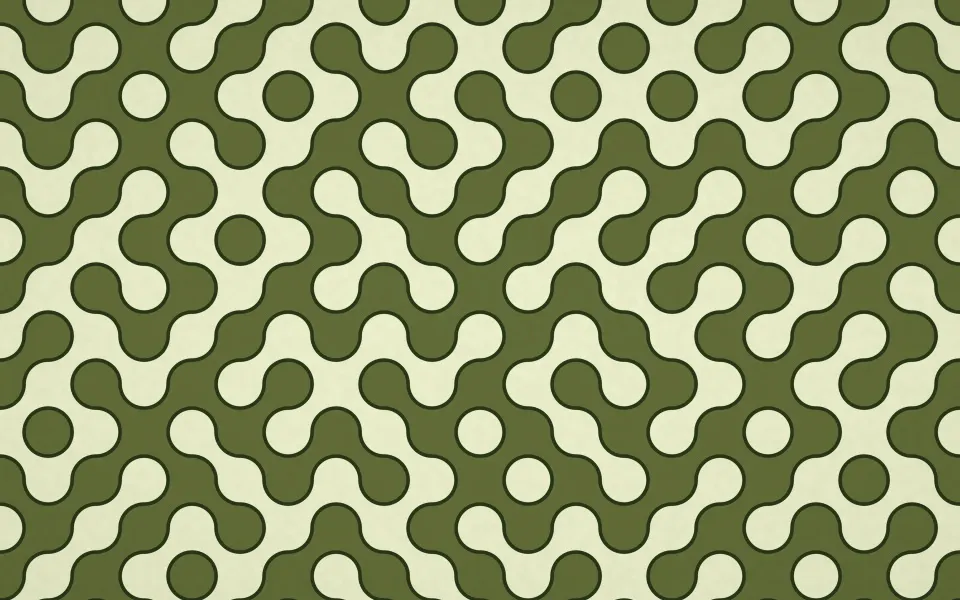 Olive Path Labyrinth
 Crimson Line Terrain
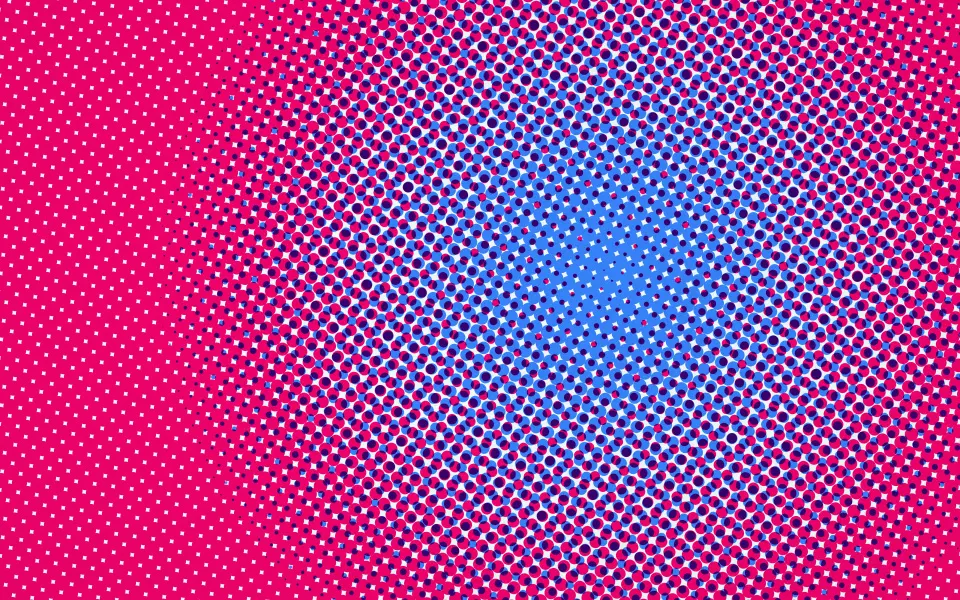 Electric Halftone Glow
 Onyx Gilded Marble
 Scarlet Tube Maze
 Sage Wicker Lattice
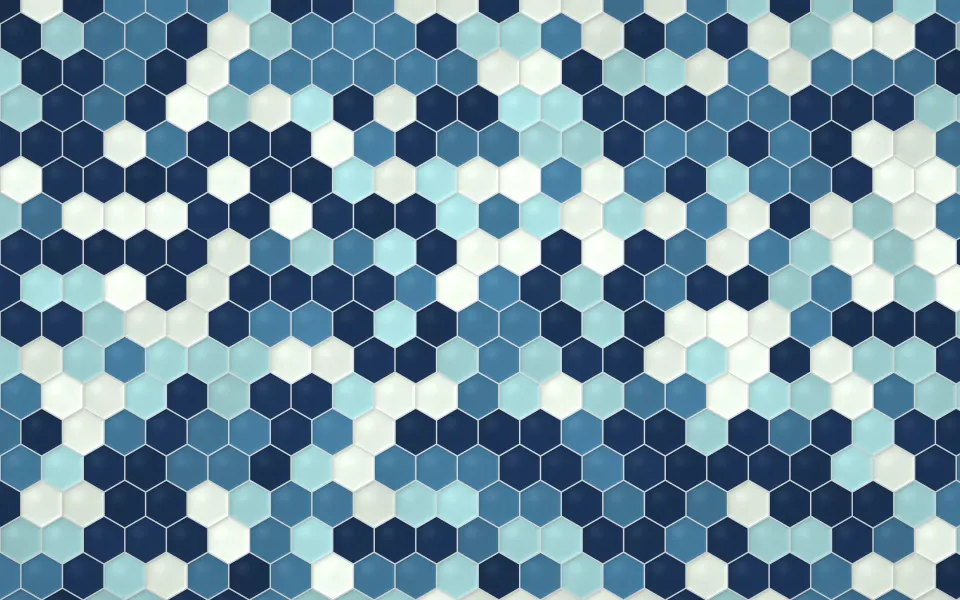 Harbour Hex Tiles
 Coral Chip Terrazzo
 Towering Cloud Countryside
 Soft Morning Water Tower
 Pink Dusk Metropolis
 Twilight Seawall
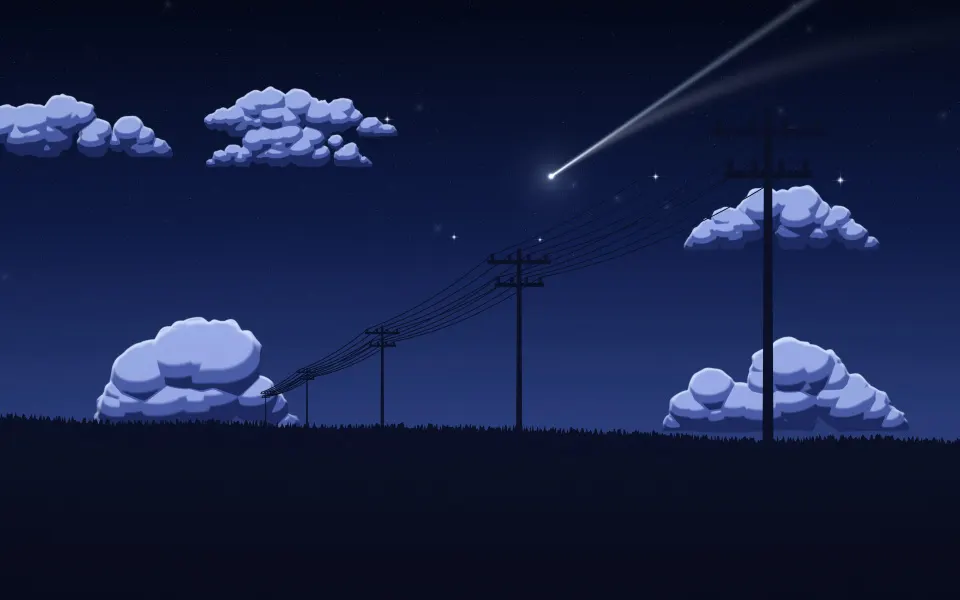 Comet Field Night
 Warm Evening Skyline
 Full Moon Rooftops
 Ocean Road Cumulus
 Lavender Sky Power Lines
 Big Sky Summer City
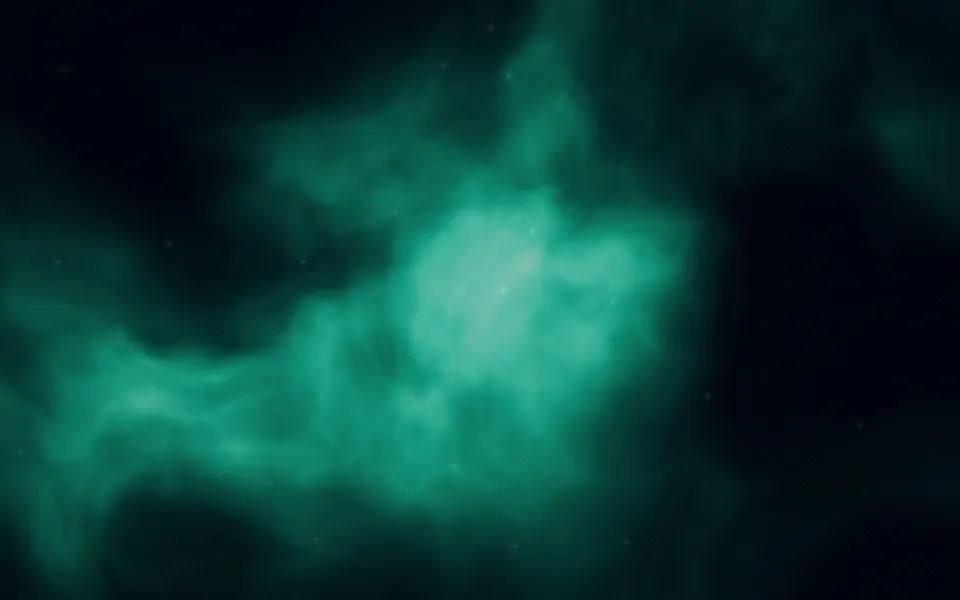 Emerald Cloud Nebula
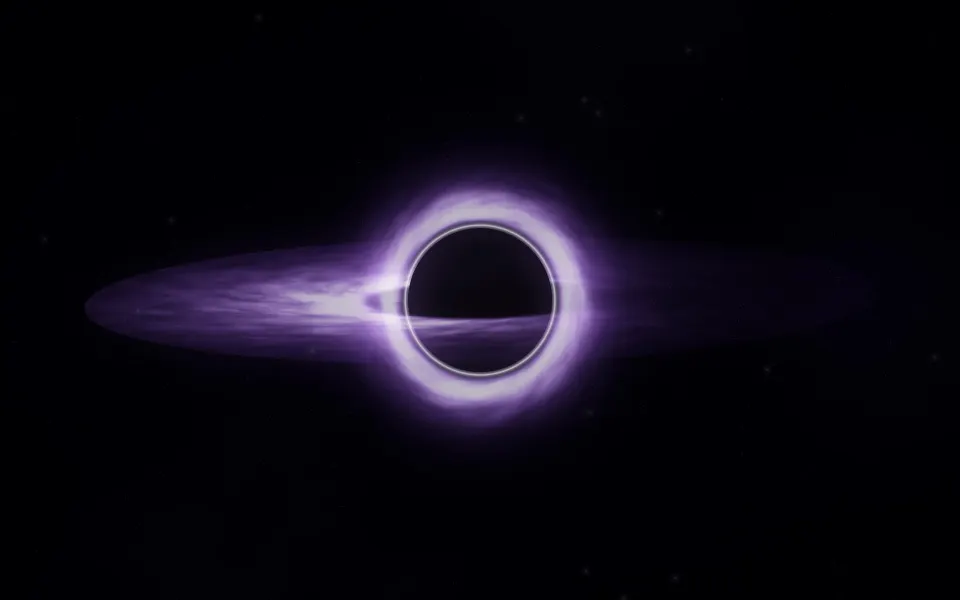 Violet Gravity Well
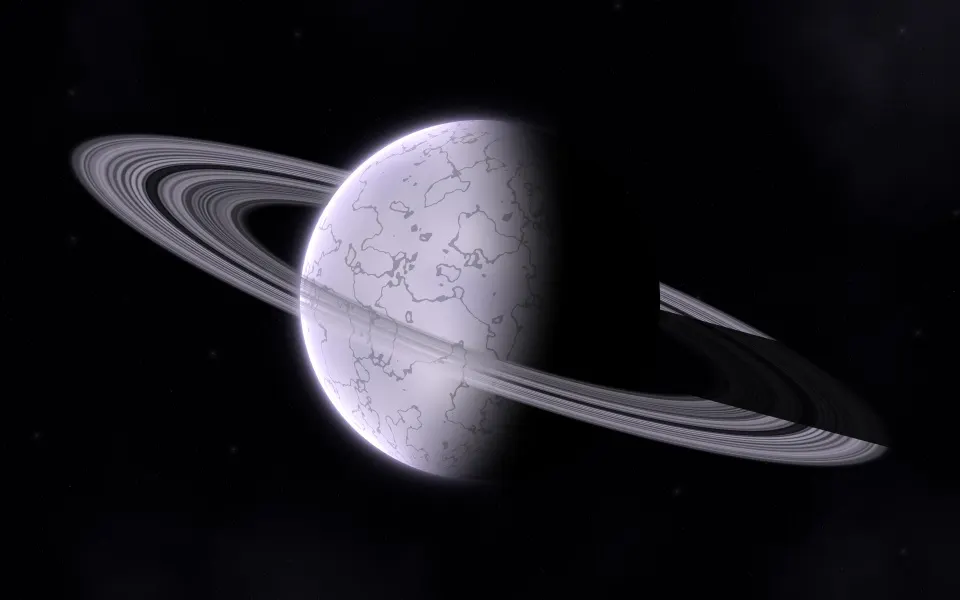 Pale Frost Rings
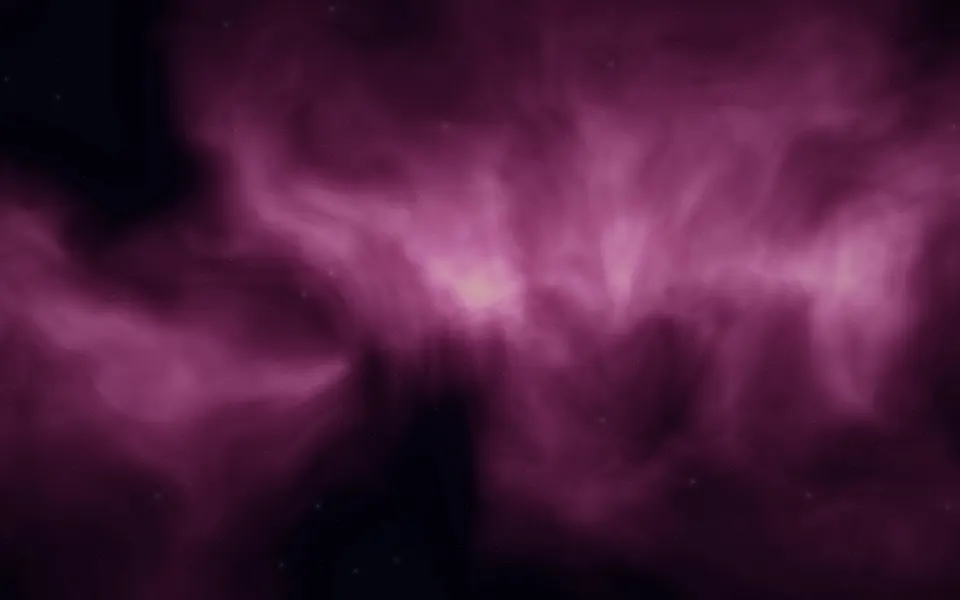 Magenta Flame Nebula
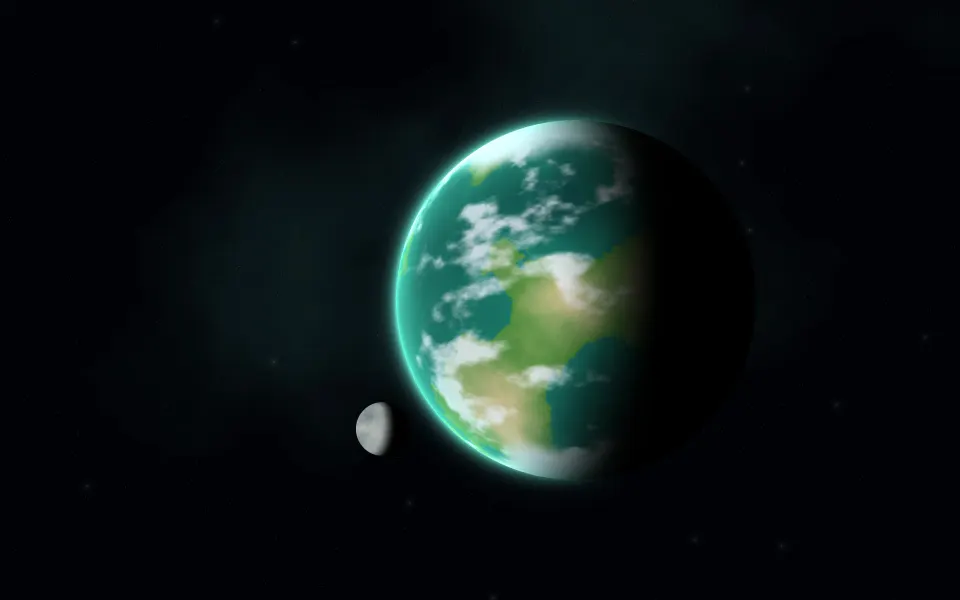 Emerald Sea Planet
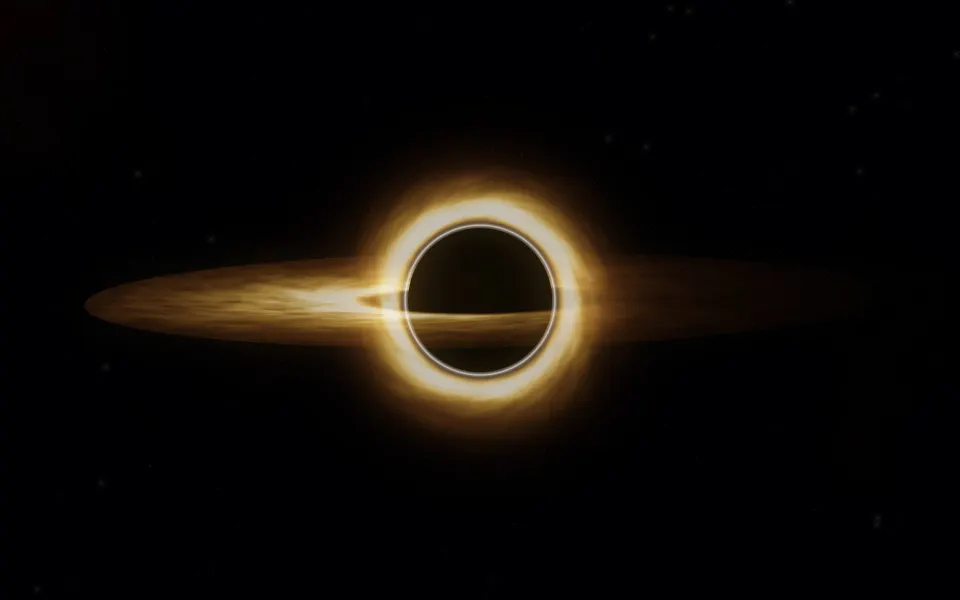 Gravity Lens Disc
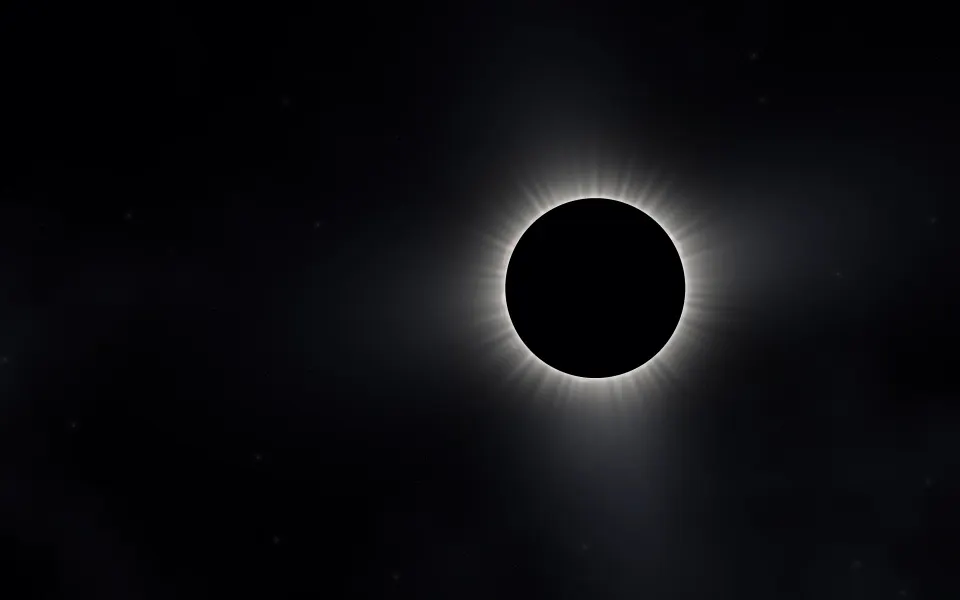 Pearl Halo Eclipse
 Grand Spiral Panorama
 Galactic Core Horizon
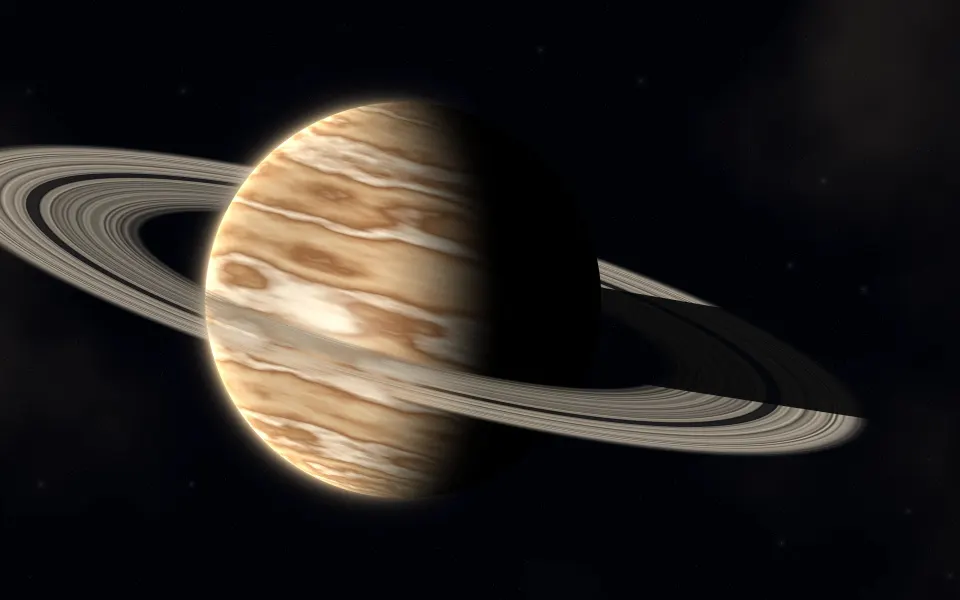 Gilded Ring Planet
 Ultraviolet Light Loops
 Lime Frequency Lines
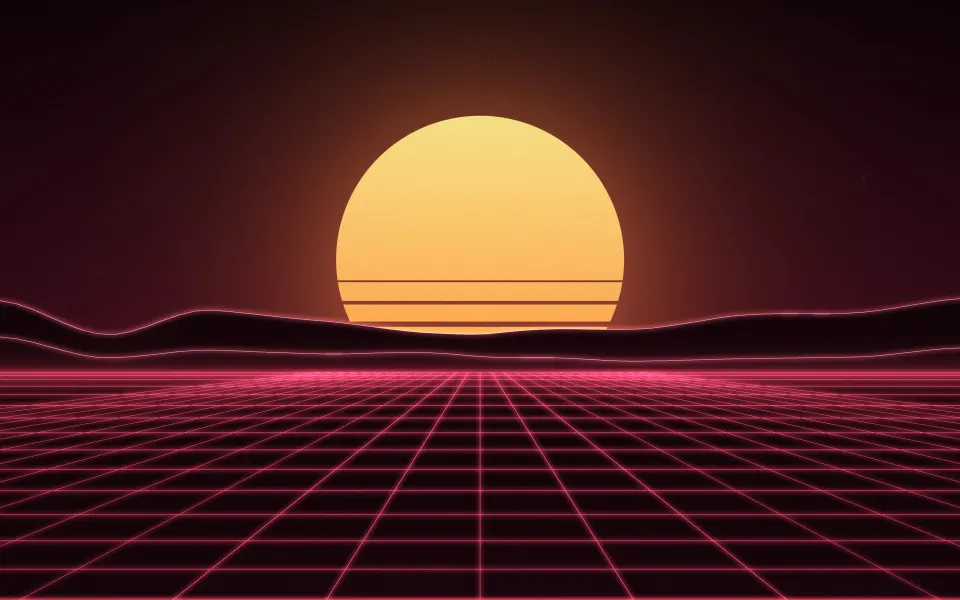 Crimson Arcade Dusk
 Violet Teal Signs
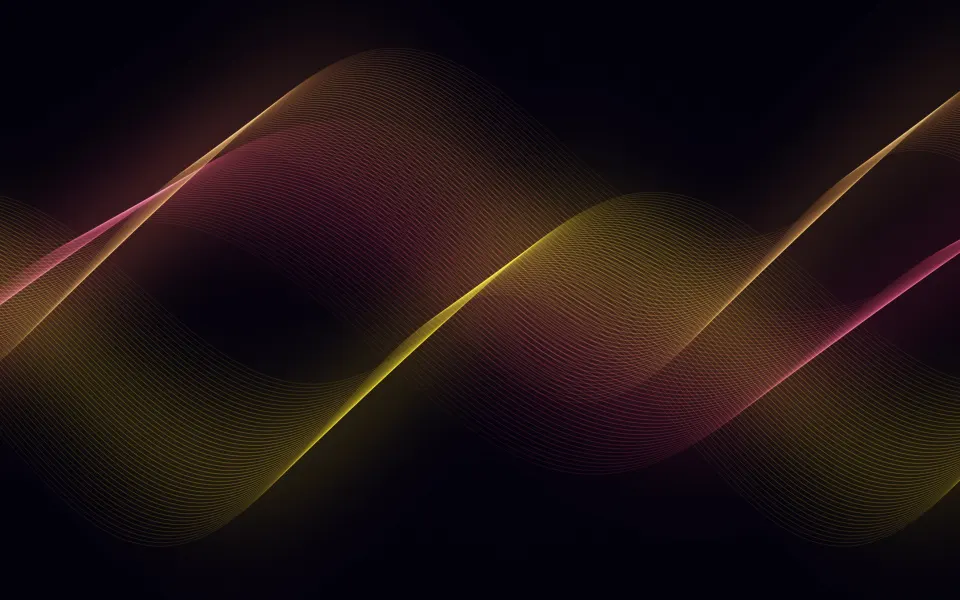 Molten Neon Threads
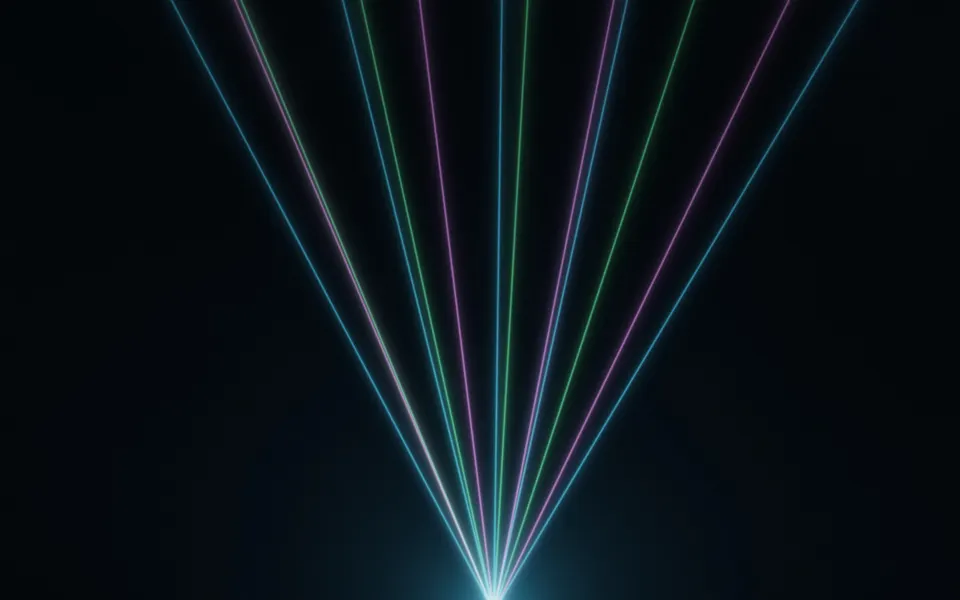 Club Beam Spectrum
Screen sizes included
- MacBook Air 13-inch (M2 and later)2560 × 1664
- MacBook Air 15-inch2880 × 1864
- MacBook Pro 14-inch3024 × 1964
- MacBook Pro 16-inch3456 × 2234
- MacBook Air 13-inch (M1) / older MacBook Pro 13-inch2560 × 1600
- iMac 24-inch4480 × 2520
- Studio Display / iMac 27-inch 5K5120 × 2880
- Pro Display XDR 6K6016 × 3384
MacBook & iMac wallpaper questions
Which size should I download for my Mac?
Choose your model in the download box. MacBook Air 13-inch (M2 and later) is 2560 × 1664, MacBook Pro 14-inch 3024 × 1964 and the Studio Display 5120 × 2880. Apple menu › About This Mac shows your model.
How do I set a wallpaper on a Mac?
Open System Settings › Wallpaper and click Add Photo, or right-click the downloaded file in Finder and choose Set Desktop Picture. Choose Fill Screen.