 Blush Petal Gradient
Minimal wallpapers
Clean, minimal wallpapers
73 wallpapers
Blush Petal Gradient
 Sage Hills Print
 Harbour Peach Sunset
 Rust Arch Moonrise
 Silver Fog Layers
 Bold Bauhaus Blocks
 Red Sun Print
 Sandstone Dune Layers
 Mauve Sea Sundown
 Terracotta Rainbow Arch
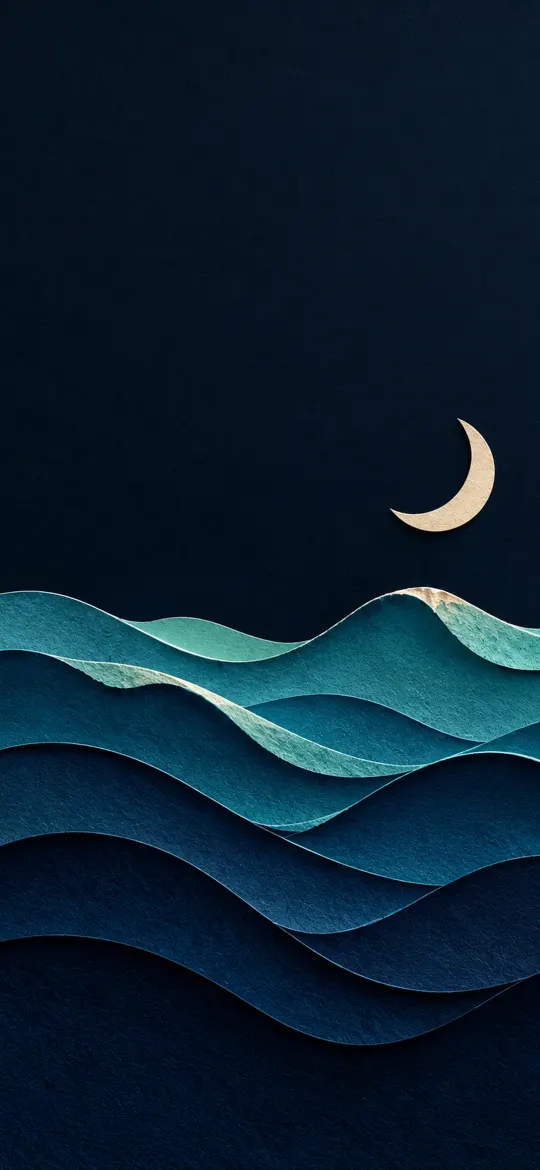 Paper-Cut Ocean Waves with Moon 4K Wallpaper
 Paper-Cut Northern Lights Hills 4K Wallpaper
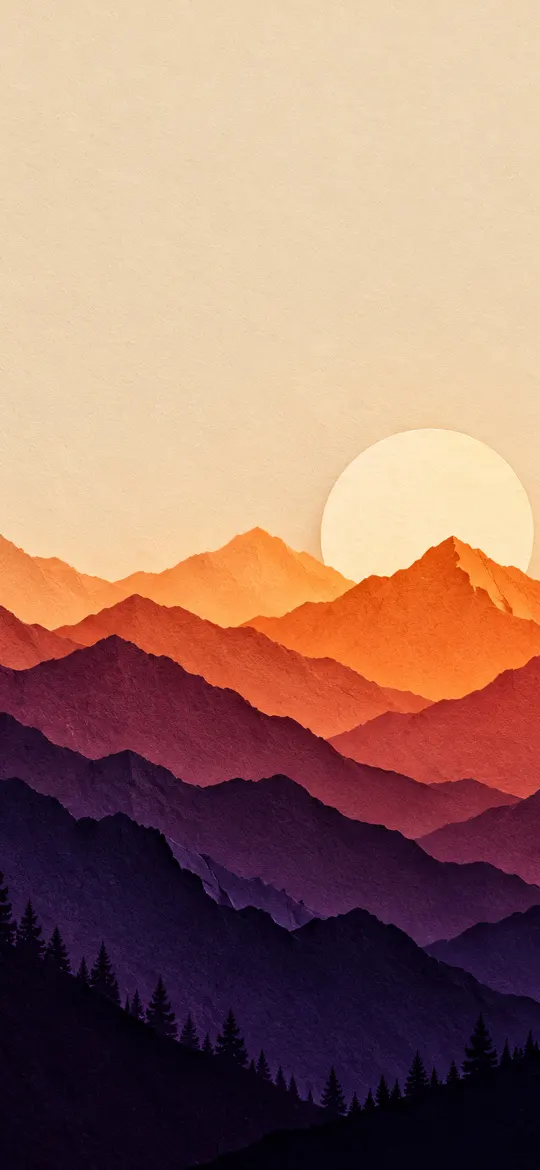
 Paper-Cut Mountains at Sunset 4K Wallpaper
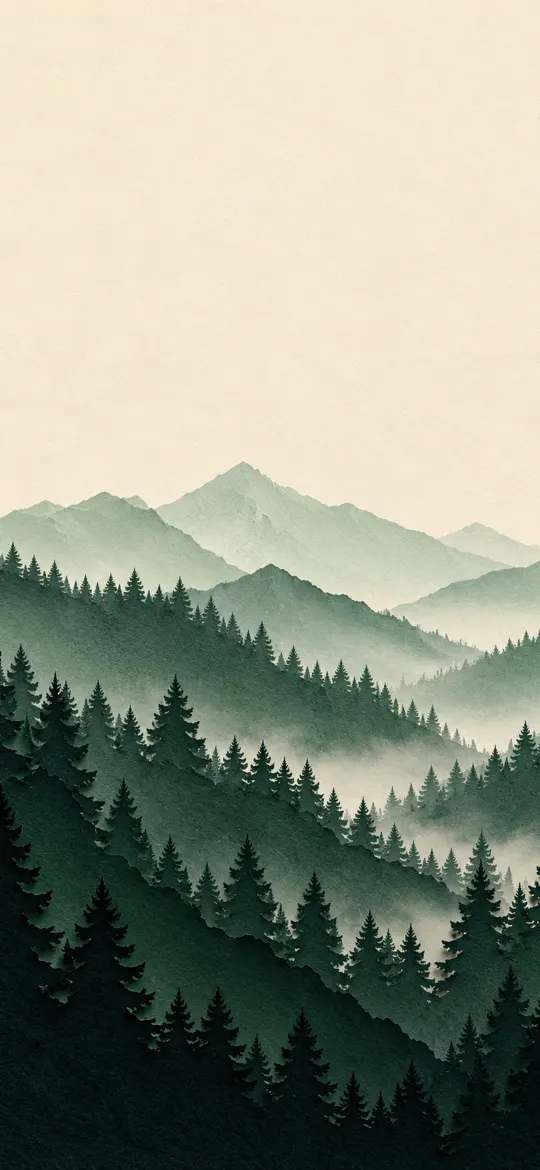
 Paper-Cut Forest Layers 4K Wallpaper
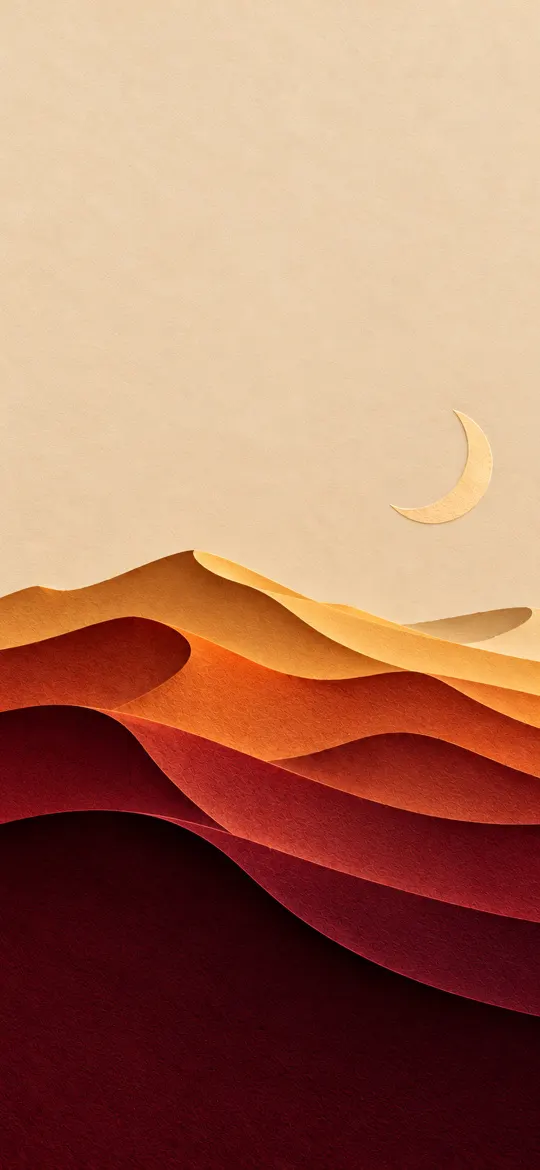 Paper-Cut Desert Dunes 4K Wallpaper
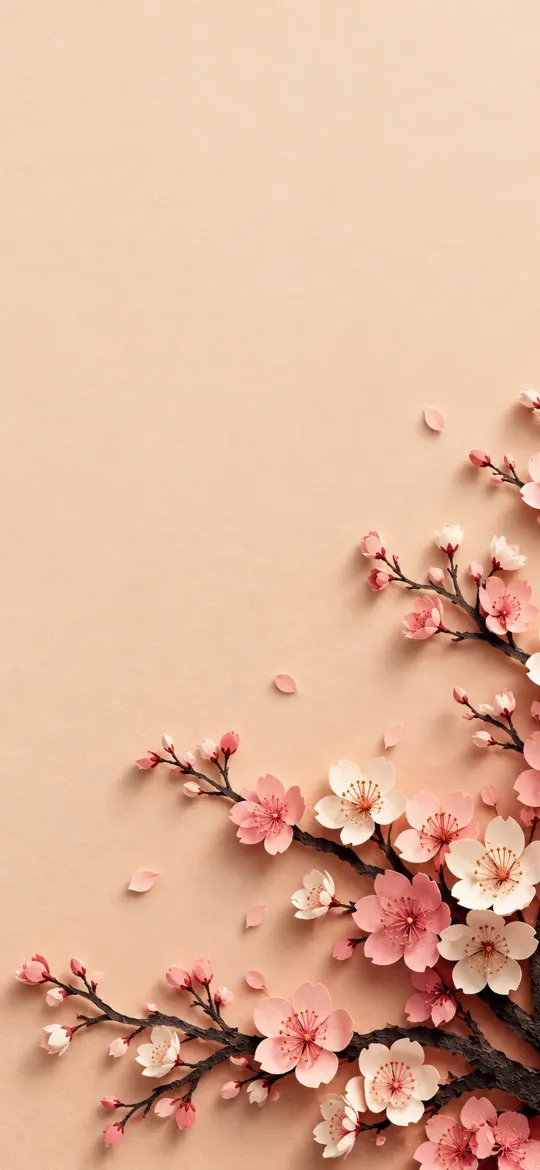 Paper-Cut Cherry Blossom 4K Wallpaper
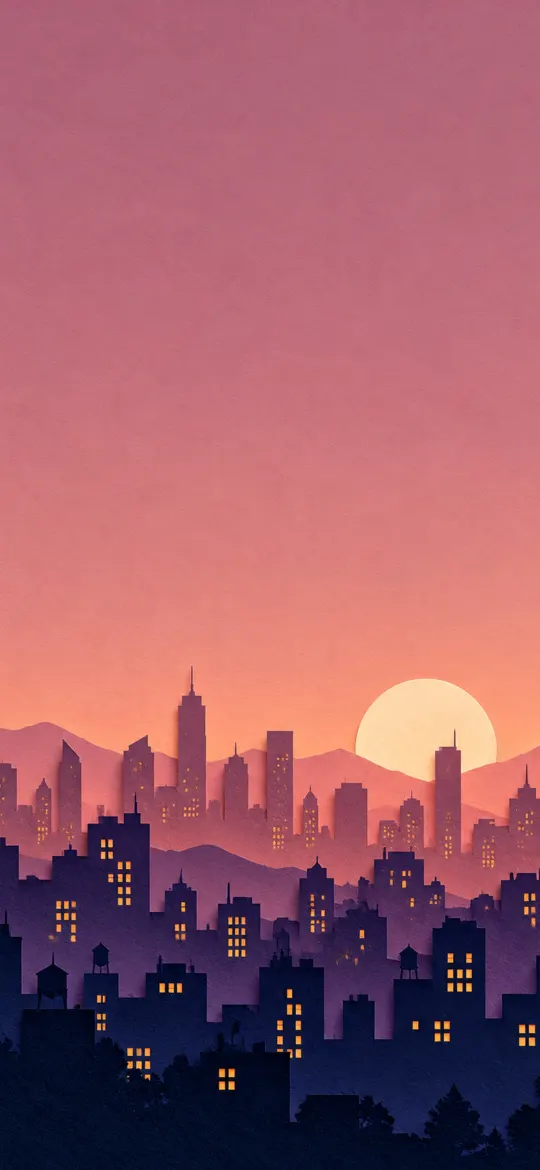 Paper-Cut Night City Skyline 4K Wallpaper
 Paper-Cut Lavender Fields 4K Wallpaper
 Paper-Cut Black and Gold Waves 4K Wallpaper
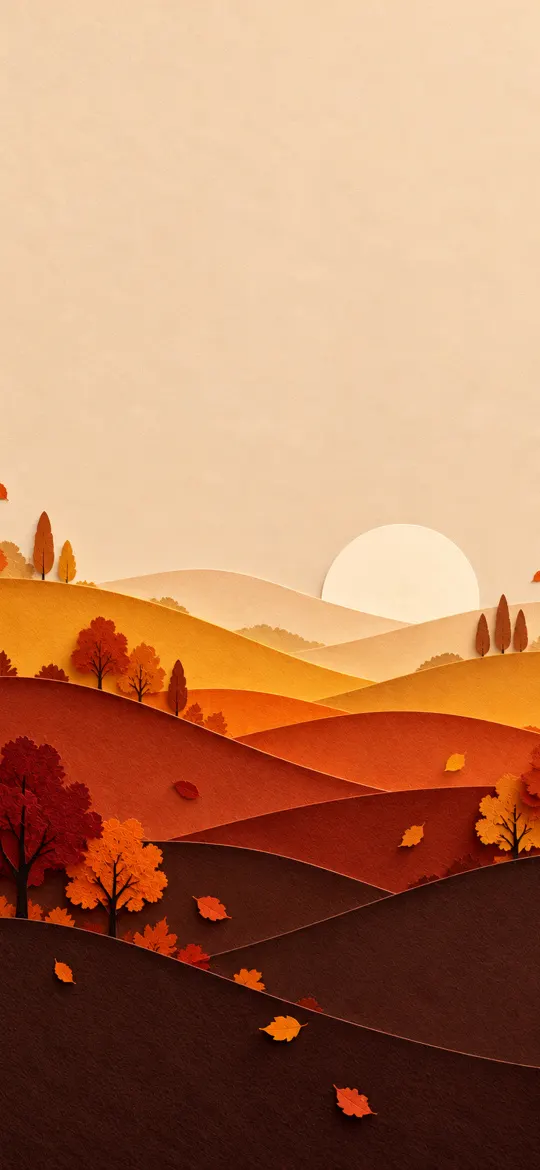 Paper-Cut Autumn Hills 4K Wallpaper
 Crescent Moon Over a Sea of Clouds
 Mountain Peaks Above a Sea of Clouds
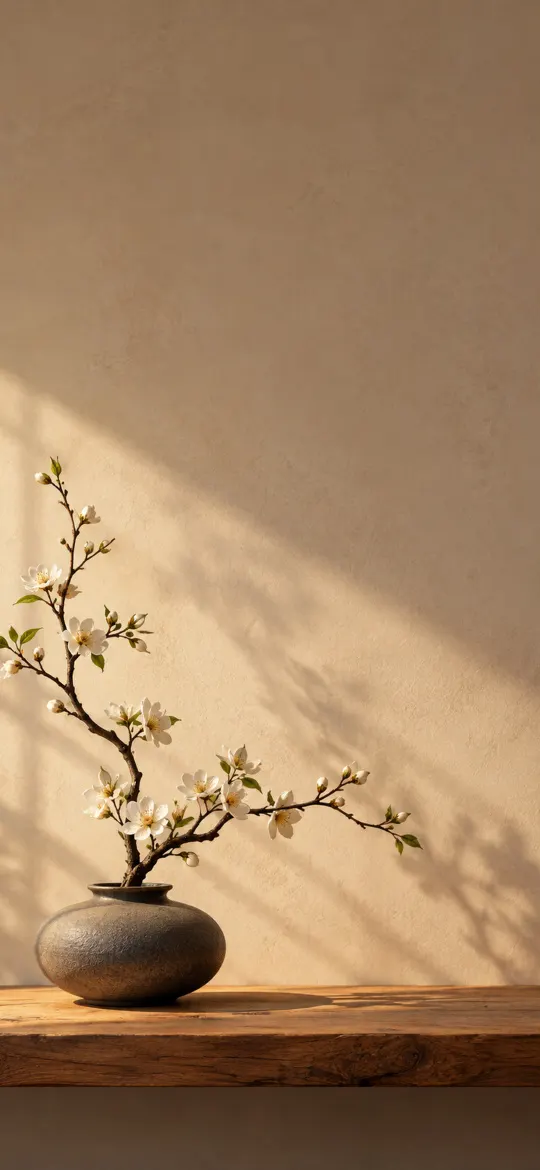 Minimalist Japanese Zen iPhone Wallpaper 4K
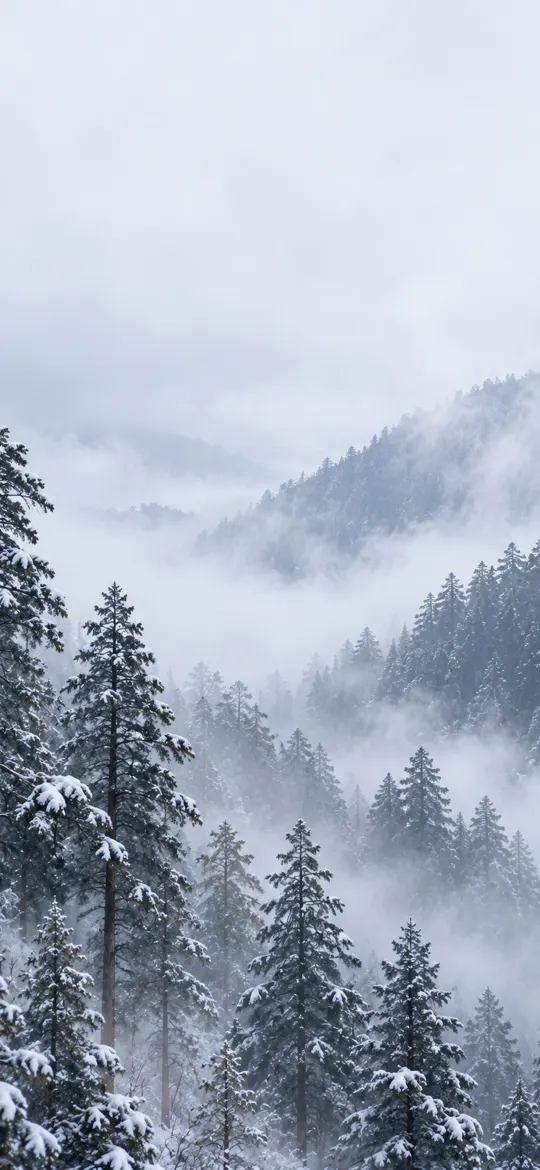 Snowy Pine Forest in Winter Mist
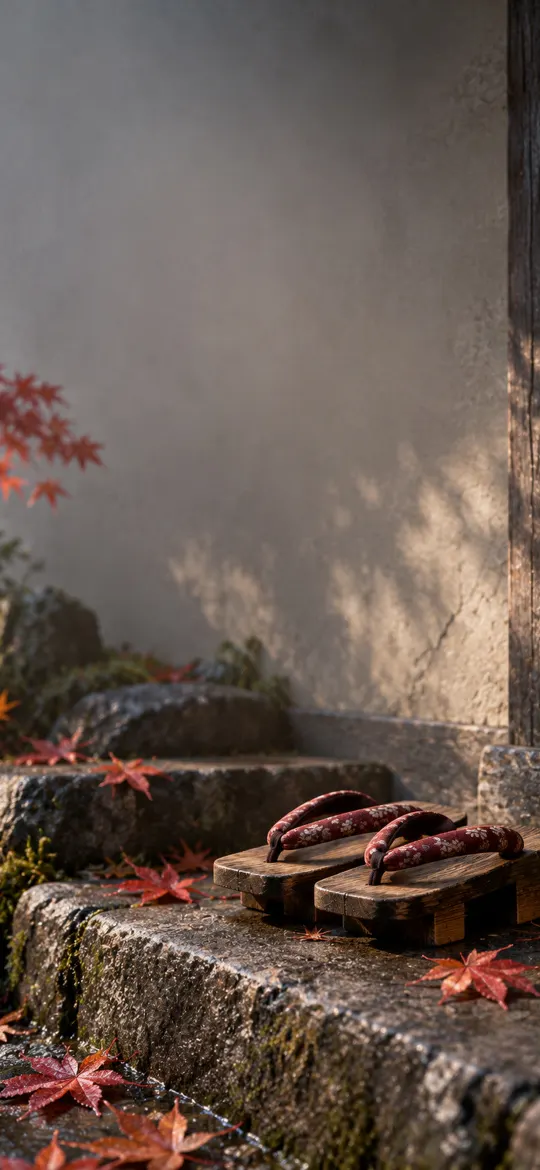 Wooden Geta on Mossy Stone Steps
 Glowing Paper Lantern in a Japanese Room
 Japanese Seigaiha Pattern Wallpaper 4K
 Abstract Sumi Ink Zen Wallpaper 4K
 Japanese Winter Zen iPhone Wallpaper 4K
 Serene Zen Garden Stepping Stones
 Kintsugi Bowl Wabi-Sabi iPhone Wallpaper 4K
 Serene Japanese Garden Morning Mist Wallpaper 4K
 Japanese Full Moon Bamboo iPhone Wallpaper 4K
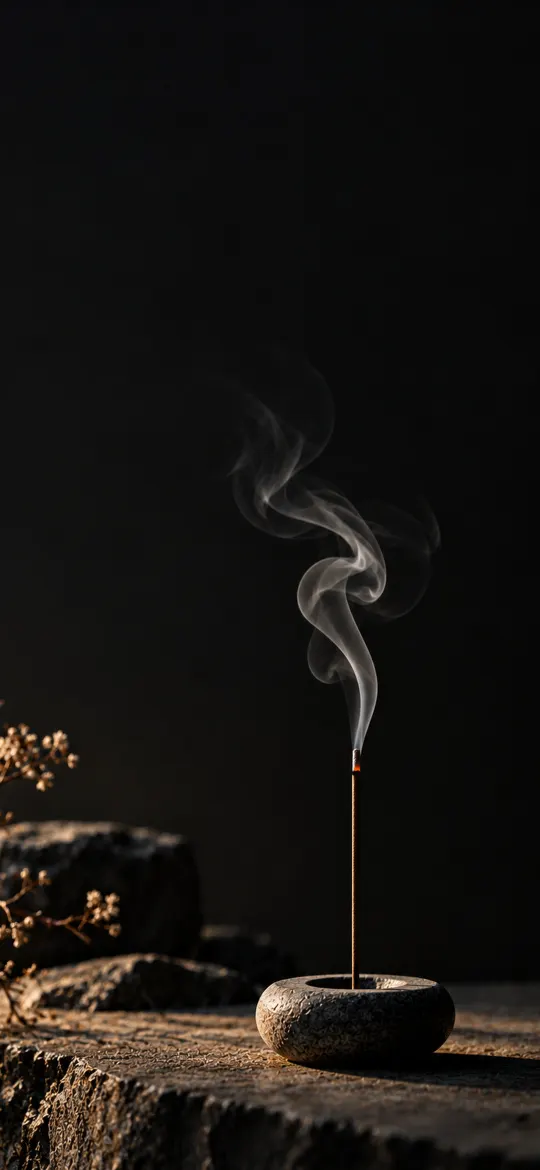 Minimal Zen Incense Smoke iPhone Wallpaper 4K
 Japanese Folding Fan iPhone Wallpaper 4K
 Red Camellia Snow iPhone Wallpaper 4K
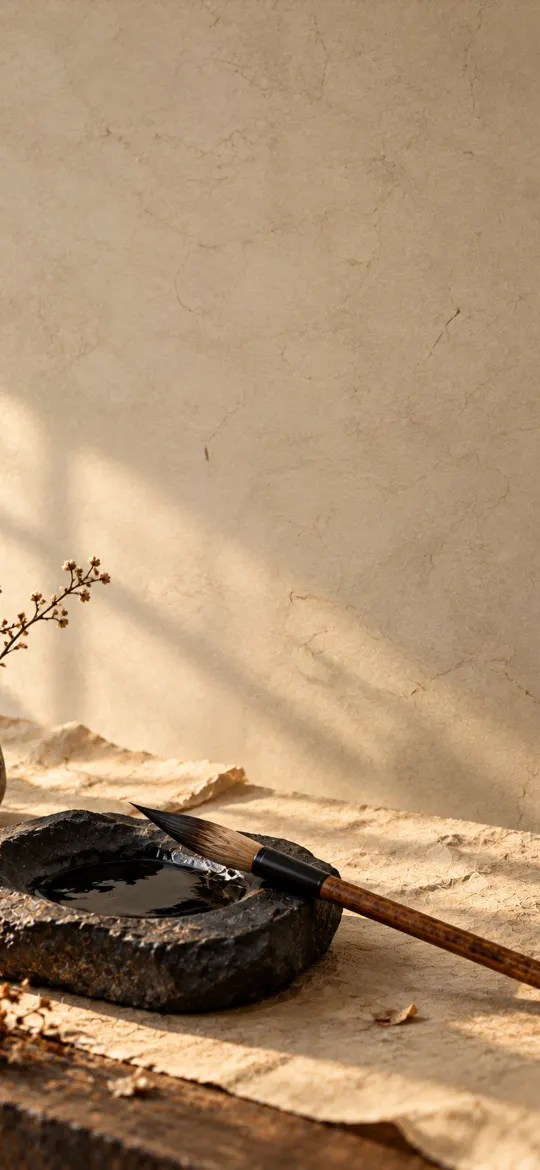 Zen Calligraphy Brush iPhone Wallpaper 4K
 Japanese Autumn Persimmons iPhone Wallpaper 4K
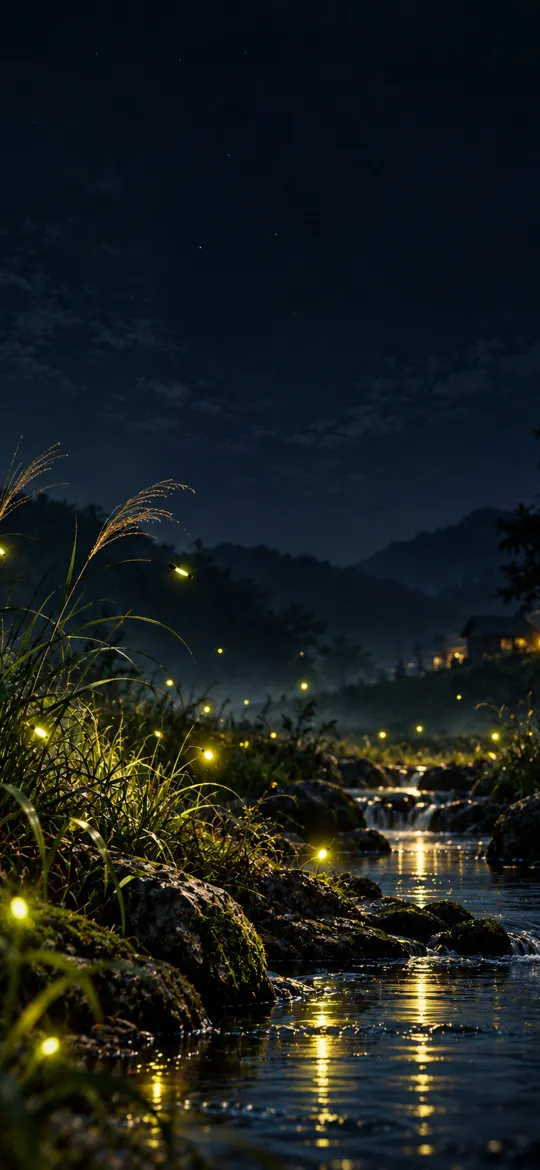 Fireflies Stream iPhone Wallpaper 4K
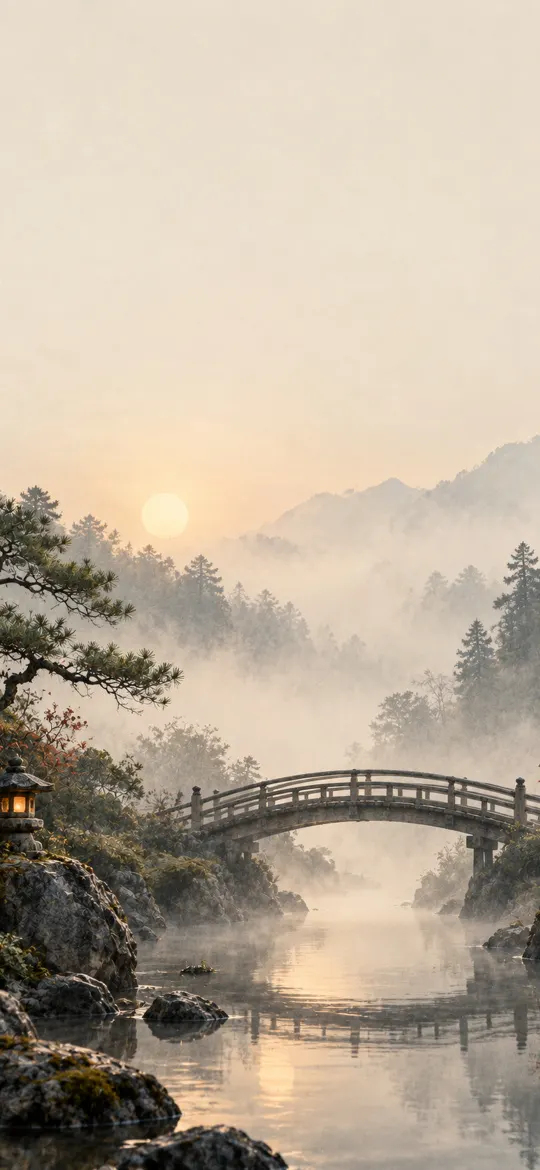 Japanese Wooden Bridge
 Japanese Temple Bell
 Rainy Japanese Temple Roof
 Japanese Misty Lake Boat
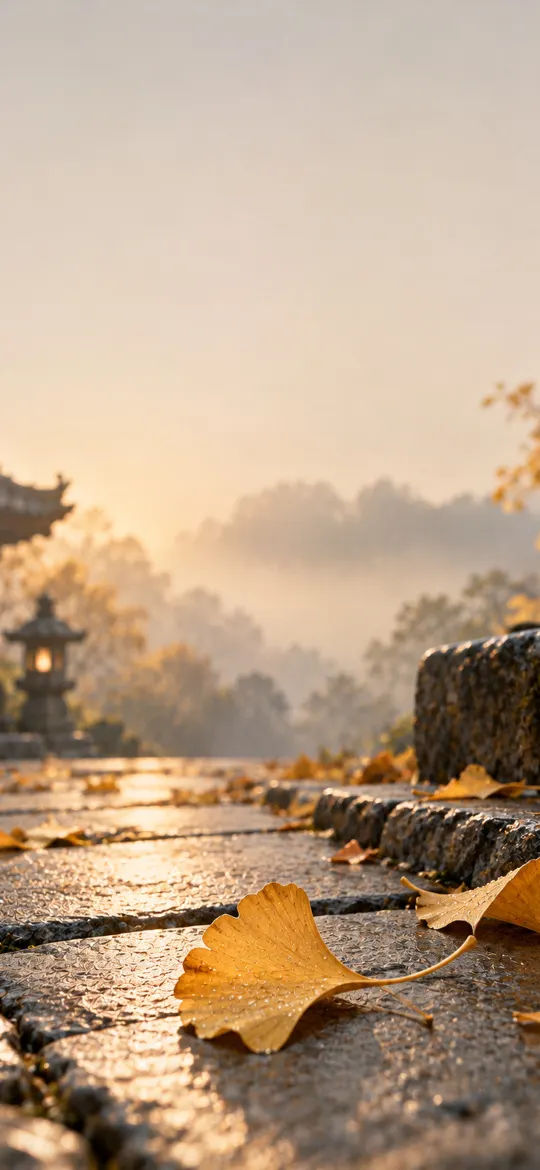 Golden Ginkgo Leaves
 Minimalist Bonsai Tree
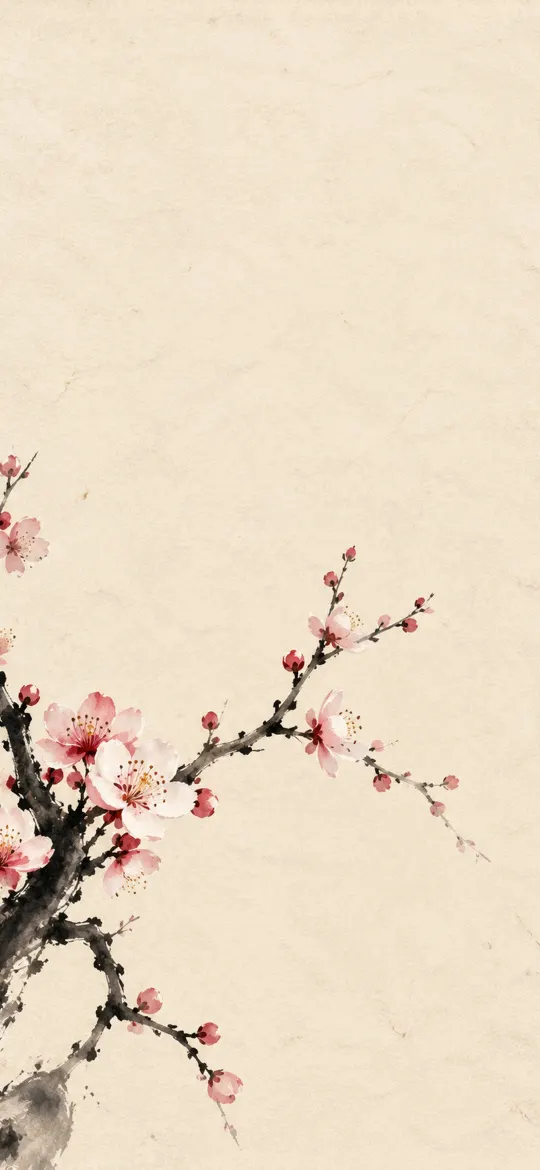 Japanese Plum Blossom
 Japanese Glass Wind Chime
 Floating Lanterns on Dark Water
Minimal wallpapers keep your iPhone calm: soft gradients, single lines, quiet paper textures and lots of empty space. They're ideal if you use lock-screen widgets or a large clock, because nothing in the image fights for attention.
Why minimal wallpapers work so well on iPhone
A simple background makes app icons and text easier to read, and it ages well: a clean gradient or a single arch shape still looks right months later. True-black minimal designs also suit OLED iPhones, where pure black pixels are switched off, giving deep contrast and saving a little battery.
Lock screen tips
Place the main shape low or to one side so the clock has space. On iOS 16 and later you can turn on the depth effect for wallpapers with a clear subject, and pair a muted wallpaper with a coloured clock style for contrast.
Each minimal wallpaper is cropped to the exact resolution of your iPhone model, plus a universal 4K file.