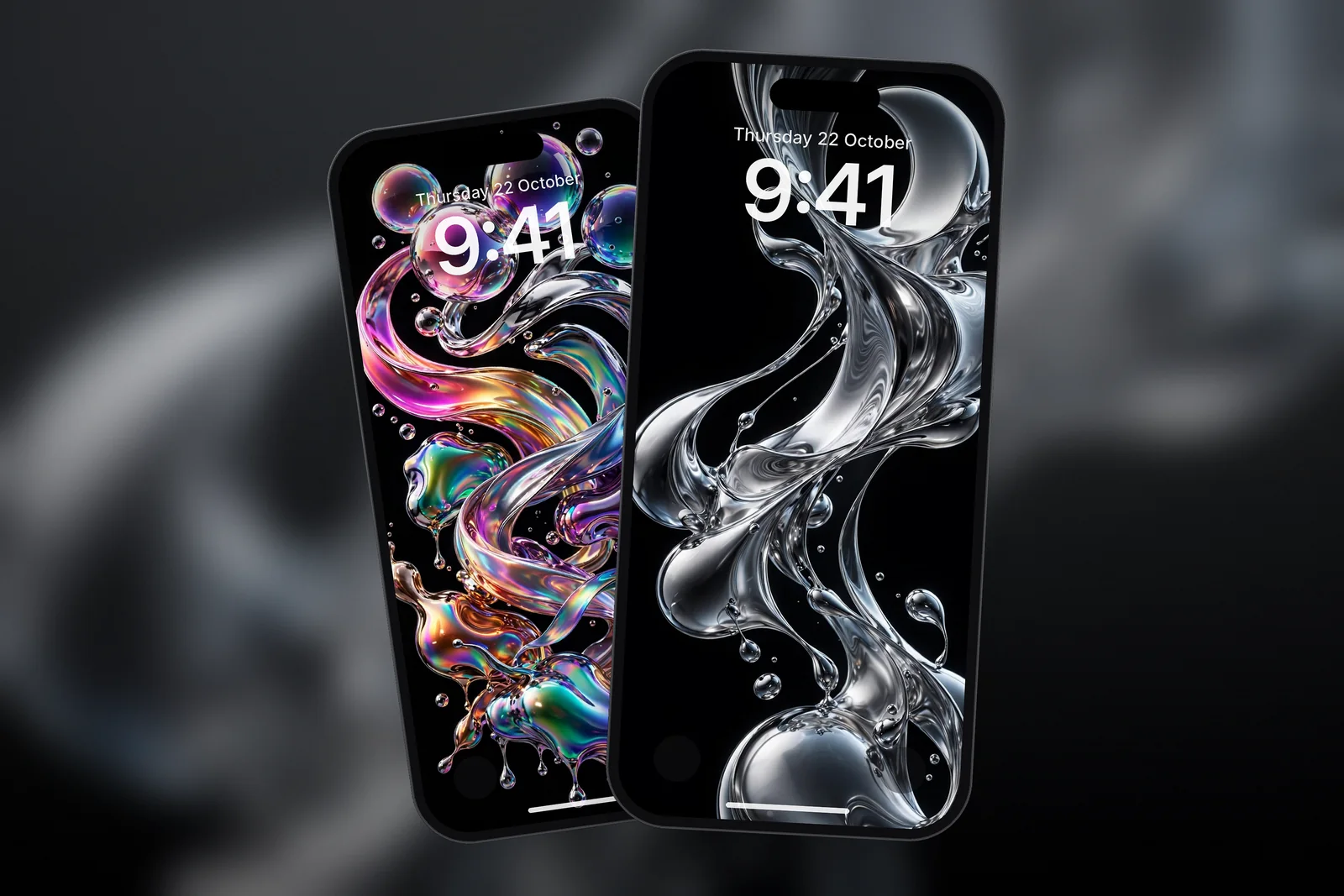
On iPhone, an abstract wallpaper works best when its main shape sits in the middle or lower half of the screen and the top third stays dark or plain, so the Lock Screen clock and widgets stay readable. For iPhone 17 Pro Max, download the 1320 × 2868 size; for any other phone, the 4K abstract file is 2160 × 3840.
In short
- Abstract wallpapers fall into four main styles: fluid (liquid chrome), glass, geometric and line art.
- Fluid and chrome designs on black suit OLED iPhones, which switch black pixels off.
- Geometric and line-art designs repeat across the frame, so check that no strong line runs straight through the clock.
- The Lock Screen shows a row of widgets under the clock; busy abstract art behind that row makes them harder to read.
- Abstract is the largest category on iPhonesWallpaper, and each wallpaper is cut to 15 exact iPhone sizes plus a 4K file.
What counts as an abstract wallpaper?
An abstract wallpaper is an image that shows shapes, colour and texture rather than a recognisable scene. There is no horizon, no subject and no right way up, which is exactly why it suits a phone: iOS can place the clock and widgets anywhere without covering something important.
That freedom has a catch. Without a natural empty sky, you have to check where the quiet space is. A wallpaper that looks balanced as a thumbnail can put its brightest highlight right behind the time once it is on the Lock Screen. The abstract category holds the full range; the four styles below cover most of it.
Four abstract styles and how they handle widgets
Each abstract style puts its detail in a different place, and that decides how well it shares the screen with the clock and widgets.

| Style | What it looks like | Where the detail sits | Widget friendliness |
|---|---|---|---|
| Fluid / liquid chrome | Glossy metal ribbons and splashes, often on black | Centre of the frame | Good if the top stays black |
| Glass | Frosted tiles, prisms, soft refraction | Spread across the frame | Medium; pick a darker version |
| Geometric | Layers, cells, hexagons, arcs | Even, repeating pattern | Good when the pattern is low contrast |
| Line art | Fine curves, moiré waves, contour rings | Thin lines, lots of space | Very good; the clock sits in the gaps |
Fluid and liquid chrome
Liquid chrome is a 3D render of shiny, metal-looking liquid, usually twisted into ribbons or caught mid-splash. On a pure black background it is one of the best choices for OLED iPhones, because only the shape itself lights up. Look for versions where the splash sits in the centre or bottom so the clock floats on black. The chrome tag collects every version.
Glass
Glass wallpapers show frosted tiles, prisms and translucent layers. They are softer than chrome and spread their light more evenly, which makes them calm but also means there is rarely a fully empty patch. A white clock usually still reads well on the darker glass designs.
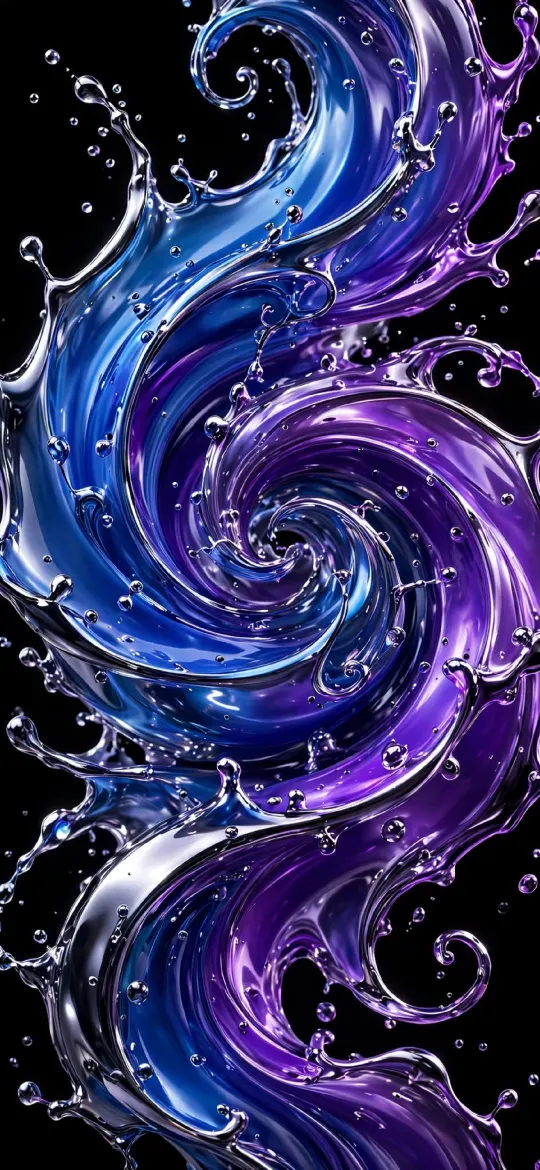 Blue Purple Liquid Chrome Swirl 4K Wallpaper
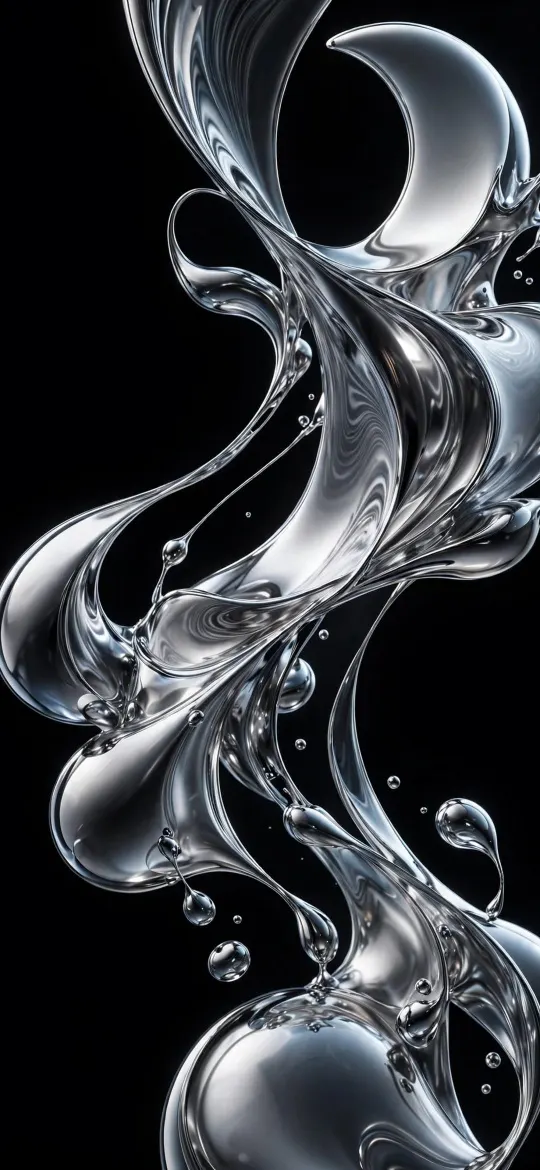 Dynamic Liquid Glass Chrome Splash OLED 4K Wallpaper
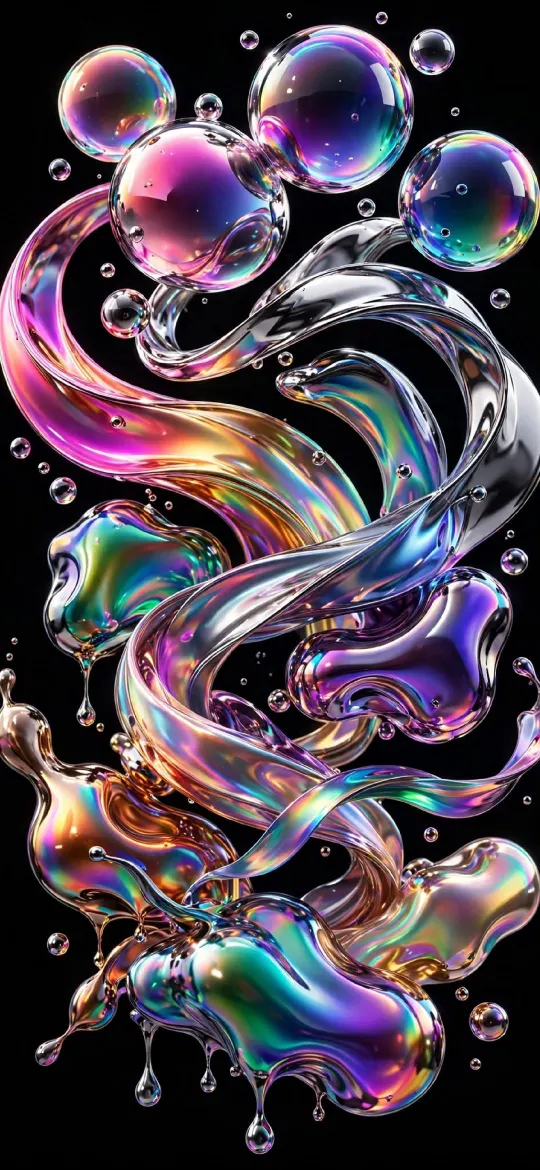 Holographic Chrome Bubbles Ribbons 4K Wallpaper
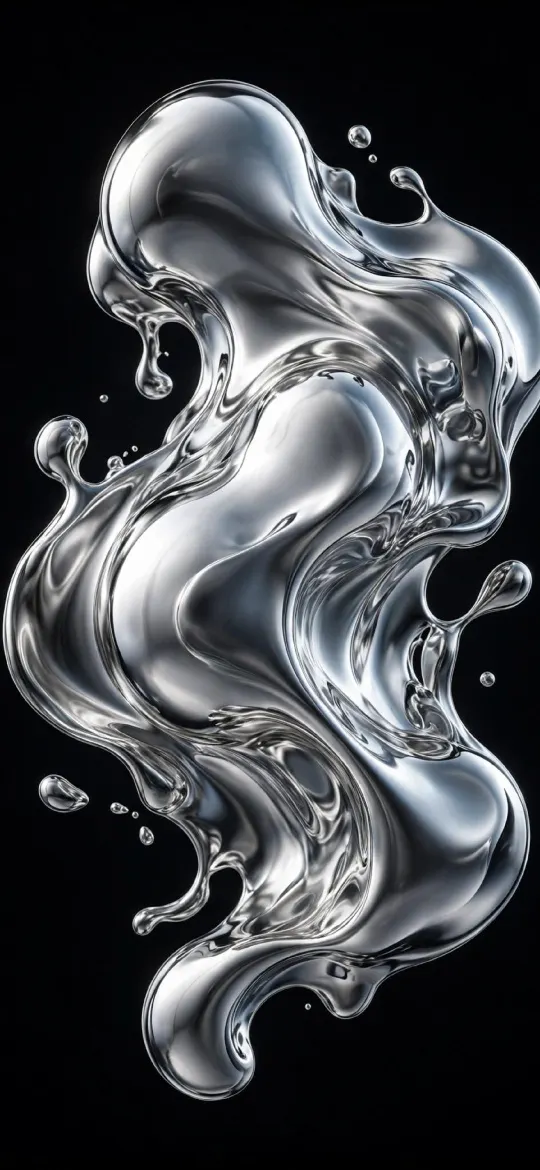 Liquid Chrome 4K Wallpaper
 Frosted Glass Tiles 4K iPhone Wallpaper
 Translucent Prism 4K iPhone Wallpaper
Geometric
Geometric wallpapers are built from repeated shapes: stacked layers, cells, hexagons and arcs. Because the pattern covers the whole screen, contrast matters more than layout. A low-contrast pattern (dark blue on darker blue) stays behind the widgets; a high-contrast one competes with them. Browse the geometric tag for more.
Line art
Line art uses thin curves on a plain background: moiré waves, contour rings, a single glowing S-curve. It leaves the most empty space of any abstract style, which makes it the safest pick for a Lock Screen with a full row of widgets plus a widget in the date line above the clock.
 Minimalist Blue Geometric Layers Abstract 4K Wallpaper
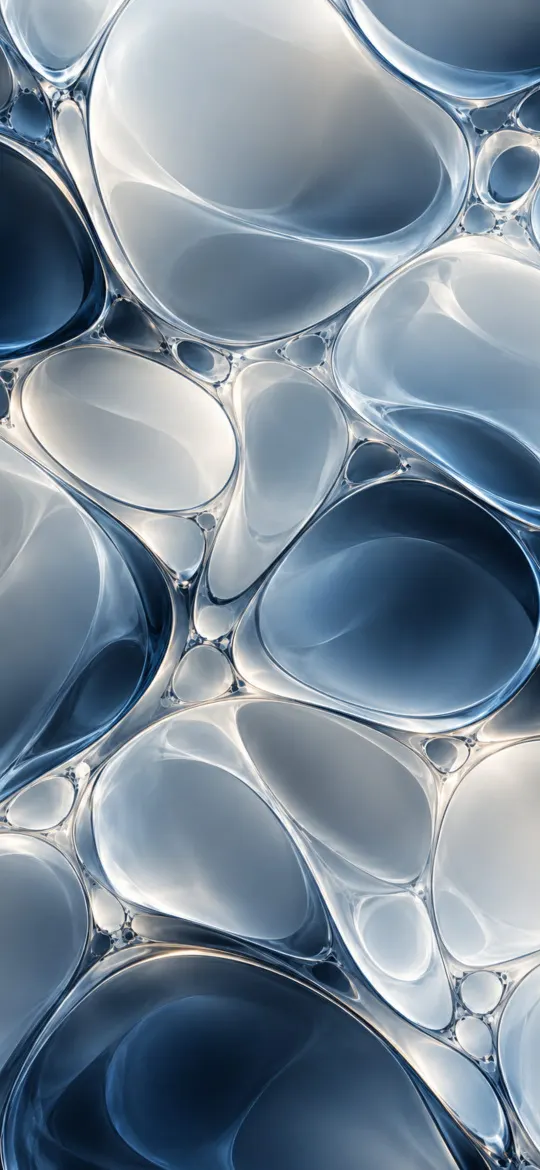 Cellular Pattern iPhone Wallpaper 4K
 Dark Wireframe Waves 4K iPhone Wallpaper
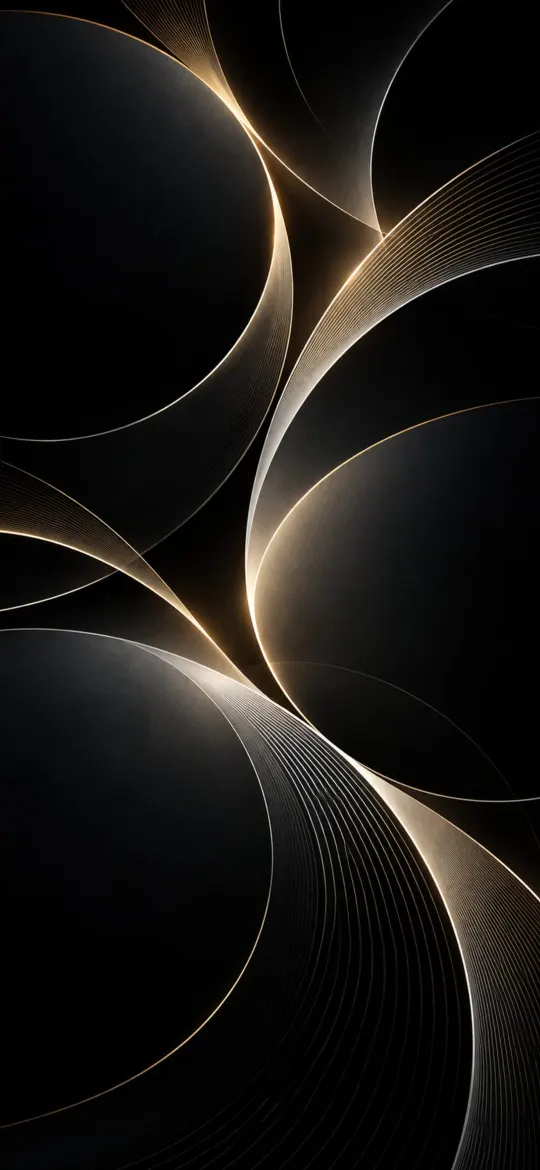 Abstract Eclipse Arcs 4K iPhone Wallpaper
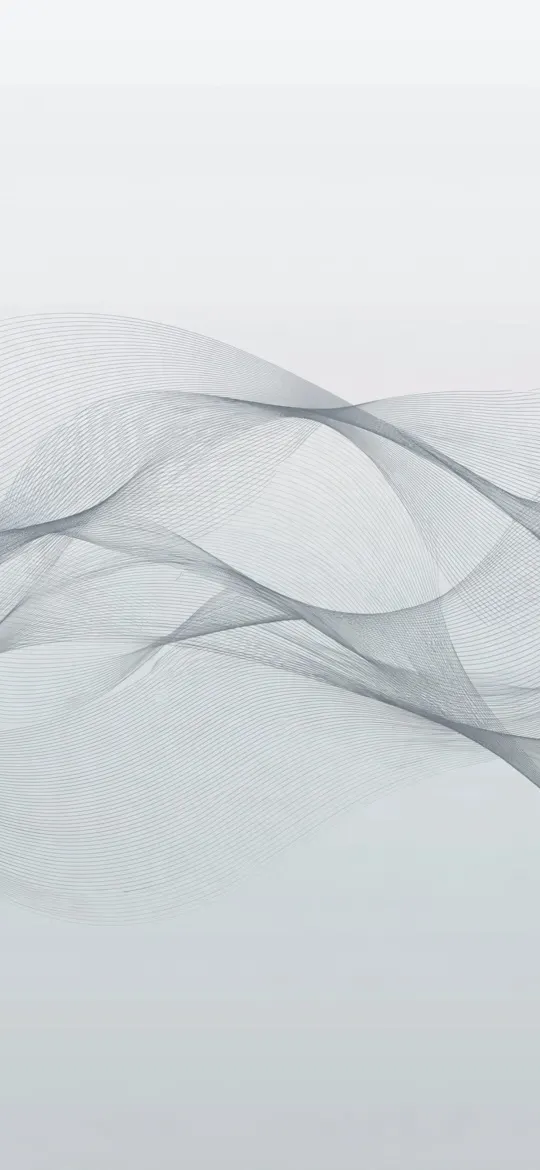 Minimalist Moiré Line Flow 4K Wallpaper
 Minimal S-Curve Glowing White Line OLED 4K Wallpaper
How do I choose an abstract wallpaper that suits my widgets?
Choose one whose top third is darker or emptier than the rest, then test it in the Lock Screen editor before you commit. Long-press the Lock Screen, tap +, pick the photo, and add your usual widgets; you will see straight away whether the shape fights with the clock.
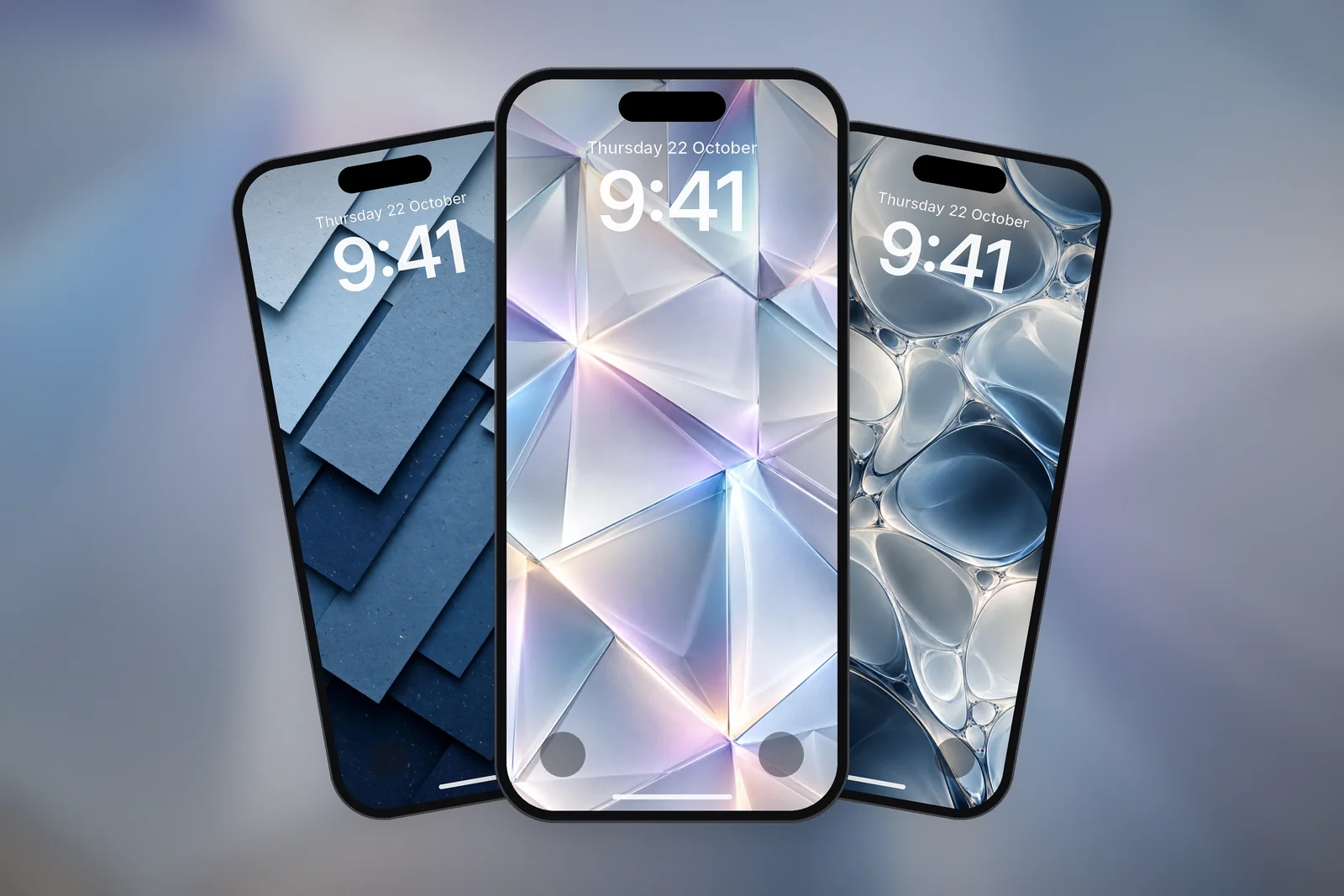
- Drag the image down so the brightest highlight sits below the widget row.
- Pinch to zoom in on a calmer part of the design; start from a large file so it stays sharp.
- Tap the clock and change its colour to one taken from the wallpaper, or switch it to the more transparent look.
- On the Home Screen side, a blurred copy of a chrome or glass design becomes a smooth gradient that keeps icon labels readable.
For more ways to keep icons and labels clear, see Home Screen wallpaper ideas.
Which abstract wallpaper size do I need for iPhone 17 Pro Max?
iPhone 17 Pro Max needs 1320 × 2868 pixels, the same size as iPhone 16 Pro Max and iPhone 18 Pro Max. Fine lines and glossy chrome edges show any upscaling straight away, so use the exact size from the 17 Pro Max wallpapers page or the 4K file.
| iPhone model | Size (pixels) |
|---|---|
| iPhone 18 Pro Max / 17 Pro Max / 16 Pro Max | 1320 × 2868 |
| iPhone 18 Pro / 17 Pro / 17 / 16 Pro | 1206 × 2622 |
| iPhone Air | 1260 × 2736 |
| iPhone 16 Plus / 15 Plus / 15 Pro Max / 14 Pro Max | 1290 × 2796 |
| Any phone (4K) | 2160 × 3840 |
Read next: Gradient Wallpaper for iPhone: Styles, Colours and Clock Contrast and 3D Wallpaper for iPhone: Liquid Chrome, Glass and Real Depth.
Quick answers
What is the best abstract wallpaper for iPhone?
The best abstract wallpaper for iPhone keeps its brightest shape in the middle or lower half and leaves the top third dark or plain for the clock. Liquid chrome on black and fine line art both do this well.
Where can I get abstract wallpaper in 4K?
Every iPhone wallpaper on iPhonesWallpaper has a 4K file at 2160 × 3840 pixels, which fits any phone, plus 15 exact iPhone sizes.
What size is an abstract wallpaper for iPhone 17 Pro Max?
iPhone 17 Pro Max uses 1320 × 2868 pixels. Download that exact size so thin lines and glossy edges stay sharp.
Are black abstract wallpapers better for OLED iPhones?
Yes, a little. OLED iPhones switch black pixels off, so chrome or line art on true black uses less power at high brightness and looks deeper, especially with Always-On display.
How do I match my app icons to an abstract wallpaper?
Touch and hold the Home Screen until the icons jiggle, tap Edit, then Customise and choose Tinted. Use the eyedropper to pick a colour from the wallpaper, such as the violet of a chrome swirl, and the icons take that tint.
Sources
- Create a custom iPhone Lock Screen, Apple Support
- Customize apps and widgets on the iPhone Home Screen, Apple Support
- iPhone - Compare Models, Apple