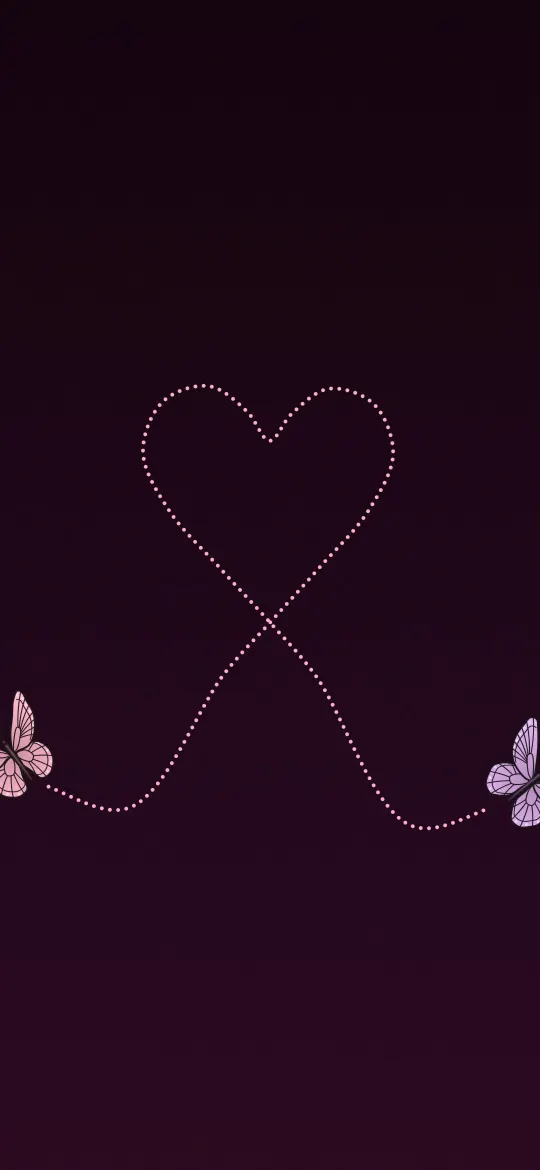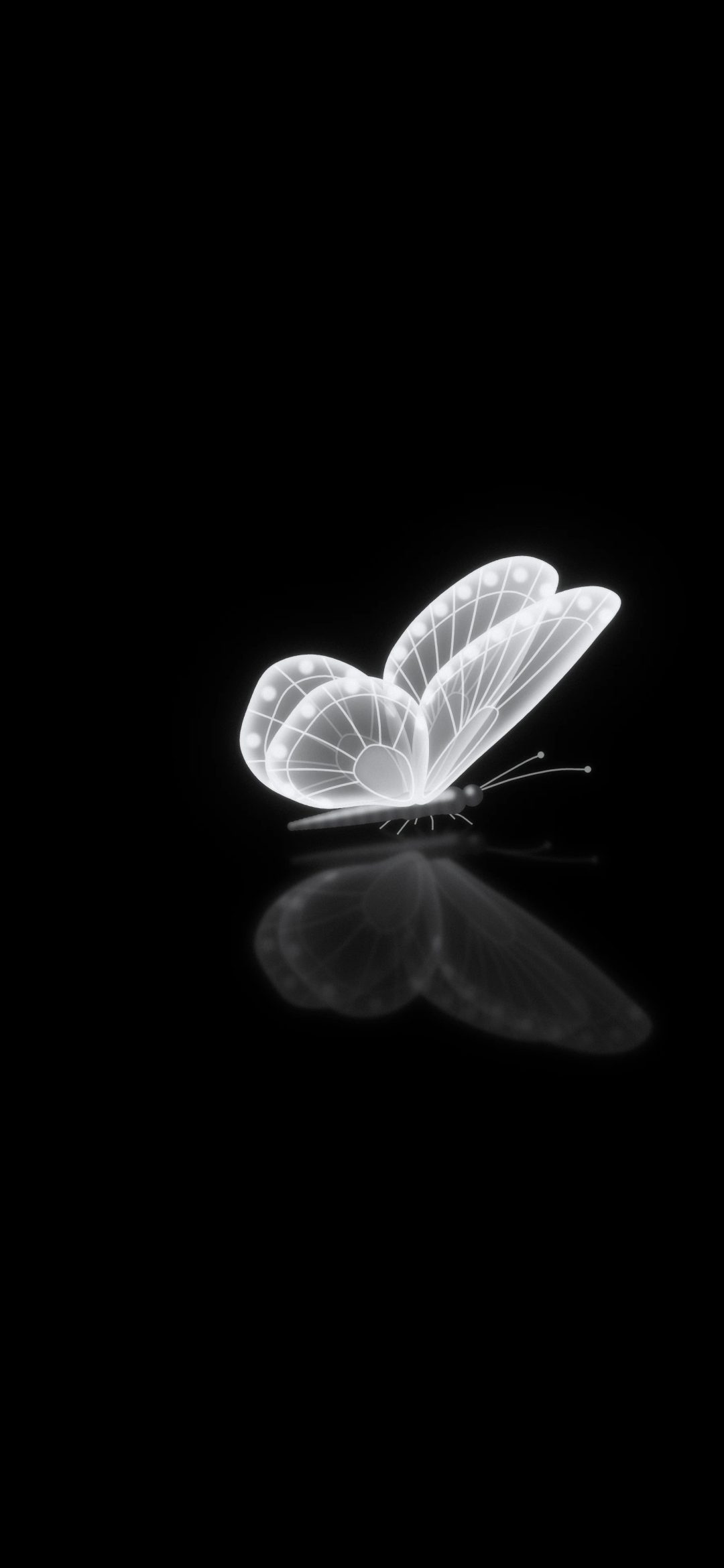
A dark aesthetic wallpaper is more than a black screen. It is mostly dark, but it has one subject that catches the light: a butterfly glowing softly, a charcoal heart in a pool of light, a polished chrome charm, the bright rim of a huge moon. That contrast is what makes it look deliberate and stylish instead of empty.
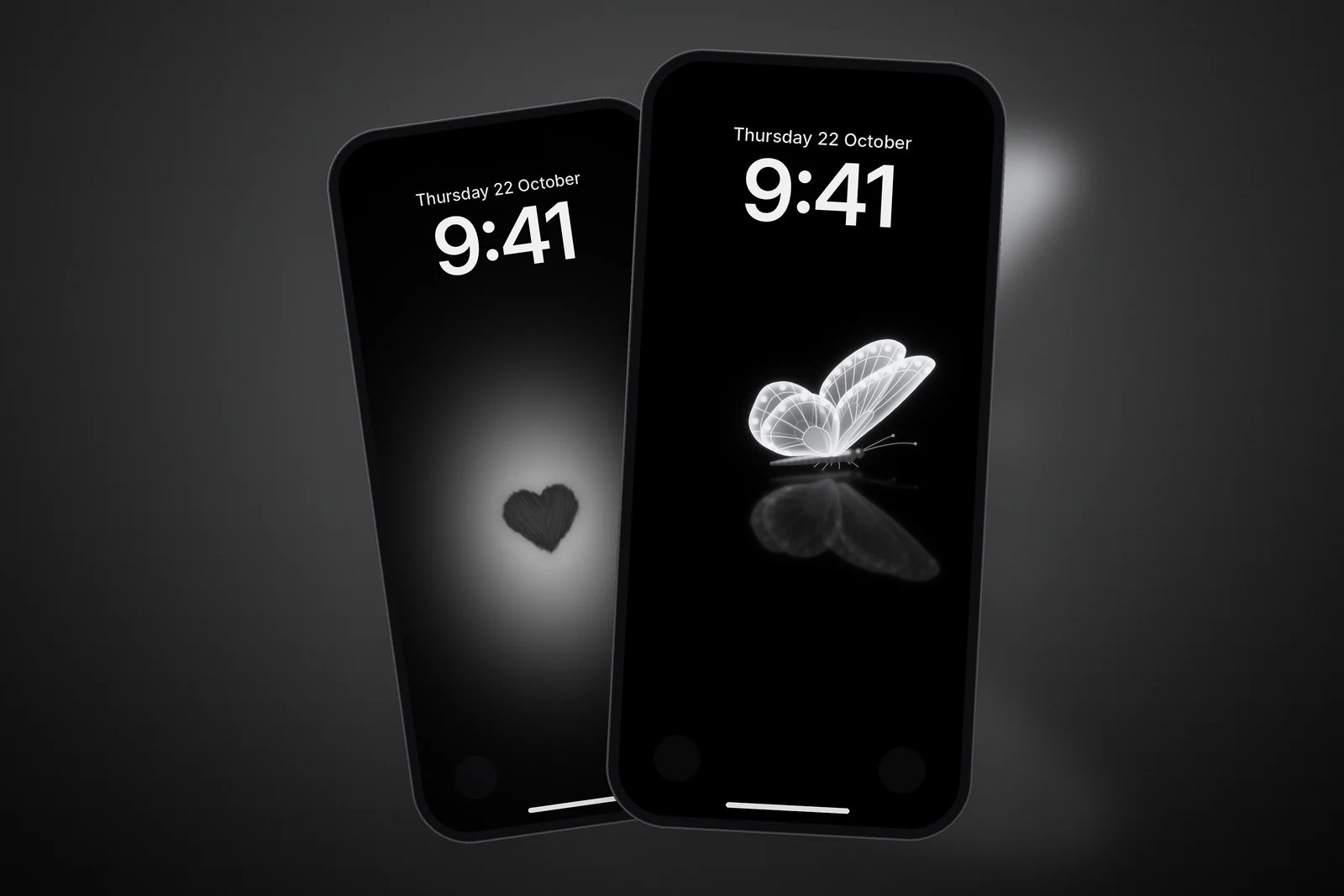
This guide covers the dark styles that look best on an iPhone, how to set them up in Dark Mode, and a collection of free dark aesthetic wallpapers in 4K and every iPhone size.
In short
- A dark aesthetic wallpaper works best with one lit subject and lots of true black around it.
- Keep the top quarter almost black, so the white clock and widgets stand out crisply.
- On iPhones with an OLED display, true black areas blend into the screen edges for a seamless look.
- Pair it with Dark Mode and dark or tinted app icons to keep the whole phone in the same mood.
What makes a dark wallpaper "aesthetic"
One source of light
The best dark wallpapers have a single bright point: a glow, a rim light or a reflection. Your eye goes straight to it, and the rest of the screen stays calm. Several bright subjects compete with each other and with your notifications.
True black, not dark grey
A background of true black looks deeper and cleaner than a muddy dark grey, especially next to the black edges of the screen. Most of the wallpapers below keep the background at true black, with the light fading smoothly into it.
Texture in the light, not the dark
Fine detail, such as wing veins, chalky brush strokes or crater rims, belongs in the lit subject. The dark areas should stay smooth, so they don't look noisy behind white text.
Glowing hearts and butterflies
Soft light on black is the most popular dark aesthetic. These keep a small subject in the middle of the screen with a gentle glow around it.
Liquid chrome and light trails
For a sharper, more modern look, polished chrome charms on dark satin and fine ribbons of light give the same dark mood with a bit of shine.
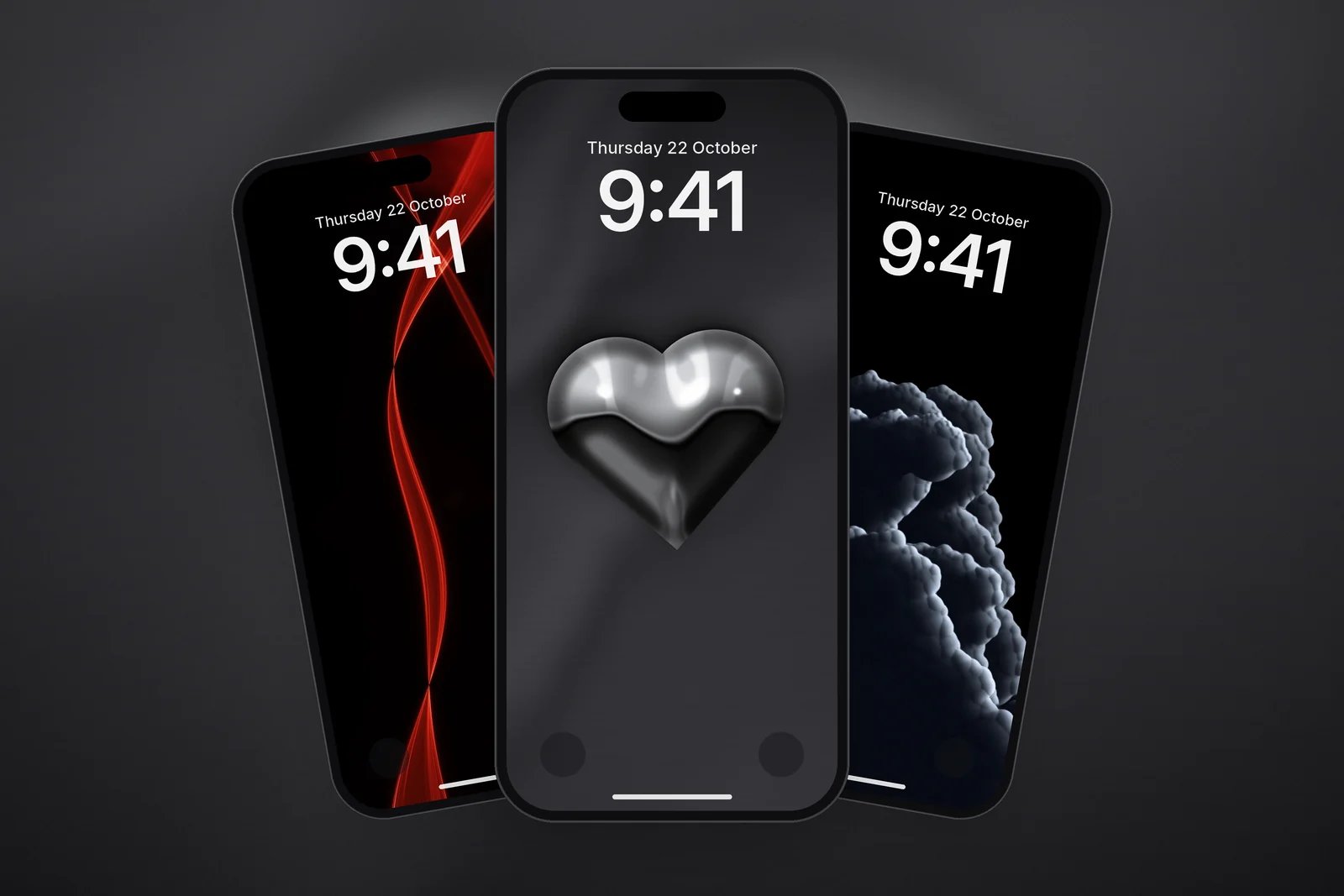
Night skies, moons and storm clouds
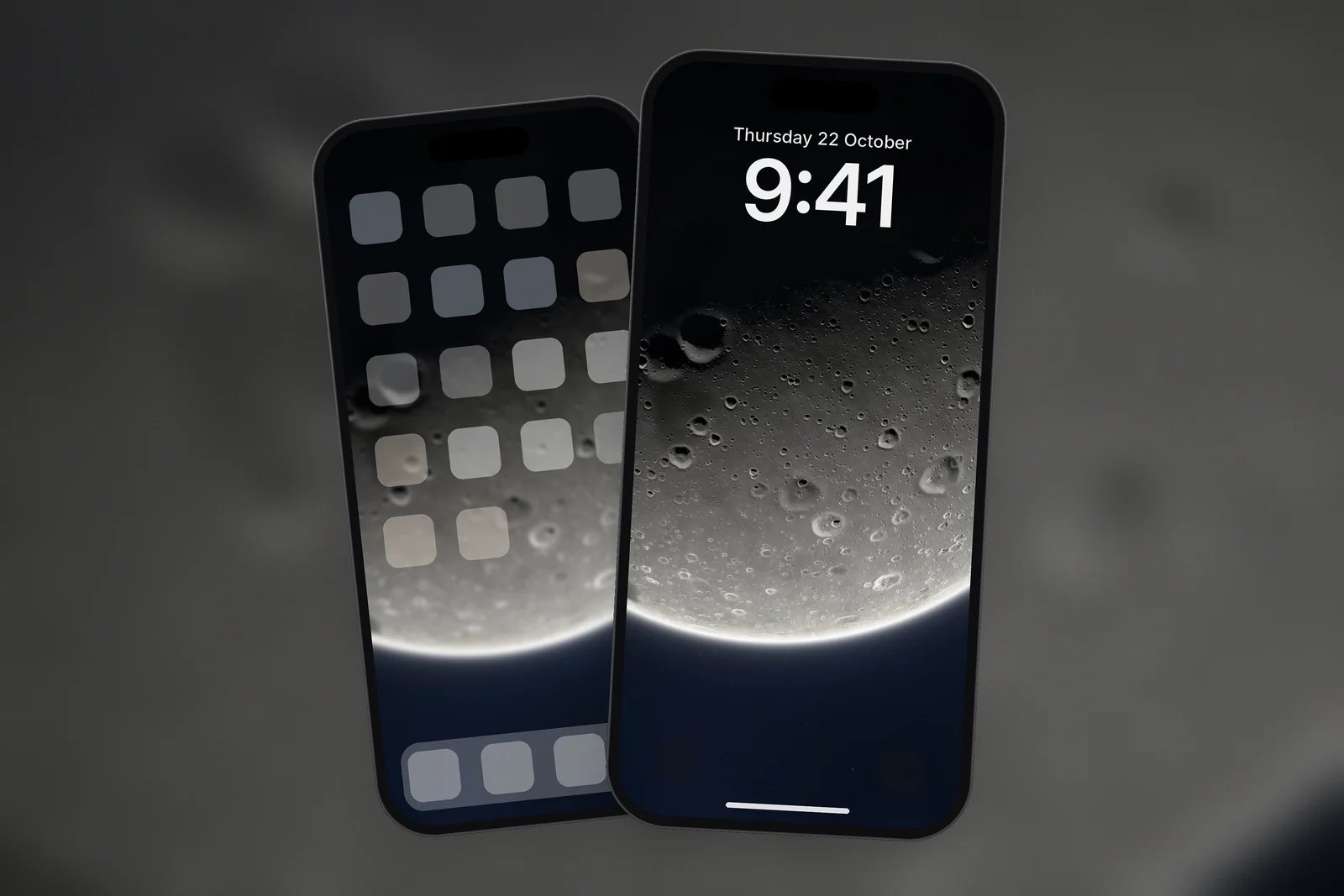
Huge moons, billowing clouds lit from one side and dotted flight trails bring drama while leaving most of the screen dark.
| Style | Example | Best for |
|---|---|---|
| Soft glow | Glowing Butterfly Reflection | Lock Screen with a small clock |
| Chrome | Liquid Chrome Heart | A modern Lock Screen, dark icons |
| Light trails | Red Light Ribbon | Both screens; the lines run behind icons |
| Night sky | Huge Moon Rim Glow | Dark Mode, night-time Always-On display |
Setting up a dark aesthetic iPhone
A dark wallpaper looks best when the rest of the phone matches it.
- Turn on Dark Mode: Settings > Display & Brightness > Dark.
- Touch and hold the Lock Screen, tap Customise, then choose the Lock Screen and pick a white or pale clock that matches the glow in the picture.
- Tap Done and choose Set as Wallpaper Pair, so the same dark picture sits behind your apps.
- To darken the app icons, touch and hold the Home Screen background, tap Edit, then Customise, and choose Dark.
For more on black wallpapers and OLED screens, see the best AMOLED true black iPhone wallpapers and do dark wallpapers save battery?.
Browse the full Dark category, or our black colour page for every wallpaper where black is the main colour. All of them are free and come in 4K and your exact iPhone size.
Read next: Heart Wallpapers for iPhone and Minimalist Wallpaper for iPhone: What Works With Widgets.
Quick answers
What is a dark aesthetic wallpaper?
A mostly black or very dark wallpaper with one lit subject, such as a glowing butterfly, a charcoal heart or the bright rim of a moon. The contrast between the dark background and the single light makes it look intentional.
Are dark wallpapers better for OLED iPhones?
They look especially good on them, because true black areas on an OLED display look deep and seamless next to the screen's black edges.
How do I make my whole iPhone look dark?
Turn on Dark Mode in Settings > Display & Brightness, set a dark wallpaper as a pair for both screens, and choose Dark for the app icons in the Home Screen Customise menu.
Which clock colour suits a dark wallpaper?
White or a pale tint taken from the glow in the picture, such as a soft blue for an ice-blue halo or warm cream for a golden butterfly.
Are these dark wallpapers free?
Yes. Every wallpaper here is free for personal use and downloads in 4K and in your iPhone's exact screen size.
Sources
- Create a custom iPhone Lock Screen, Apple Support (iOS 27).
- Customize apps and widgets on the Home Screen, Apple Support.
- Adjust the screen brightness and colour on iPhone (Dark Mode), Apple Support.
- Keep the iPhone display on longer, Apple Support (iOS 27).