Dark wallpapers do save battery, but only on iPhones with an OLED screen, and only a little in everyday use. On OLED, every pixel makes its own light, so pure black pixels are switched off and use almost no power. On an LCD iPhone the backlight stays on behind the whole screen, so a black wallpaper saves practically nothing.
The honest answer, then, is yes for most recent iPhones, but screen brightness and how long the screen stays on matter far more than the picture behind your icons. Here is how it works and when it is worth choosing a dark wallpaper.
In short
- Only OLED iPhones benefit: iPhone X and later, except iPhone XR, iPhone 11 and iPhone SE, which have LCD screens.
- The saving is real but small, because the wallpaper is only on screen when you are not in an app.
- Brightness and screen-on time matter far more; Dark Mode in apps saves more than the wallpaper alone.
- The exception is Always-On display: there a mostly black wallpaper is on screen for hours, so it makes the biggest difference.
OLED vs LCD: which iPhones benefit?
The screen type decides everything here. Most iPhones from the last several years use OLED, but a few popular models still in use have LCD panels.
| Screen type | iPhone models | Does a dark wallpaper help? |
|---|---|---|
| OLED | iPhone X, XS and XS Max, 11 Pro and 11 Pro Max, every iPhone 12 and later (including mini, Plus, Pro, 16e, 17e, Air and Duo) | Yes, black pixels are off |
| LCD | iPhone XR, iPhone 11, iPhone SE (all generations), iPhone 8 and earlier | No, the backlight lights the whole panel |
If your phone is on the LCD list, pick a wallpaper purely for looks. A dark one might feel easier on the eyes at night, but it will not change your battery life.
Why black pixels save power on OLED
An OLED screen has no backlight. Each pixel is a tiny light that glows only as brightly as the image asks. A white pixel at full brightness draws the most power, a mid-grey pixel draws less, and a pure black pixel (RGB 0, 0, 0) is simply off.
Two details matter here:
- Near-black is not black. A deep navy or charcoal pixel is still lit, just dimly. The saving comes mostly from true black areas, so a wallpaper with large areas of pure black helps more than one that is merely dark.
- Brightness multiplies everything. Apple notes that dimming the screen extends battery life. A lit pixel at low brightness costs little, so the gap between a black and a bright wallpaper shrinks as you turn brightness down.
This is why true-black, or AMOLED, wallpapers exist. We have a whole collection in our post on the best AMOLED true black iPhone wallpapers, so this guide stays with the question of how much they really help.
How much battery does a dark wallpaper really save?
Less than most people expect, because the wallpaper is on screen for a small share of the day. Once you open an app, the app fills the screen and the wallpaper disappears. You see it on the Lock Screen when you check the time or a notification, and between app icons on the Home Screen.
The size of the saving follows brightness. Outdoors at high brightness, every lit pixel is working hard, so a mostly black screen saves a noticeable share of display power. At dim indoor brightness, lit pixels cost little and the gap shrinks. A wallpaper covers only part of your screen time, so its real effect over a day is small, often too small to notice. You can see where your battery actually goes in Settings → Battery, where each app shows its time on screen and in the background.
Here is how the main factors compare, from biggest to smallest:
- Screen brightness. The single biggest drain you control. Auto-Brightness (Settings → Accessibility → Display & Text Size) keeps it sensible.
- Screen-on time. Hours of video, games and scrolling outweigh any wallpaper choice.
- Dark Mode in apps. Settings → Appearance → Dark (Display & Brightness in iOS 26 and earlier) turns the apps you actually stare at dark, which saves far more than the wallpaper alone.
- Your wallpaper. A small, real saving on OLED, mostly when you check the Lock Screen often or use a bright screen outdoors.
Always-On display: where a dark wallpaper helps most
iPhone 14 Pro and later Pro models, iPhone 17, iPhone Air and iPhone Duo can keep the Lock Screen visible all the time at very low brightness. By default, the Always-On display shows a dimmed version of your wallpaper, so a bright, colourful picture keeps more pixels lit for hours a day.
This is the case where a dark wallpaper makes the most difference, because the screen is on far longer than when you just glance at it. You have two options:
- Use a wallpaper that is mostly true black, so only a small subject glows on the dimmed screen.
- Go to Settings → Display & Brightness → Always On Display and turn off Show Wallpaper. The screen then goes black with only the clock, widgets and notifications.
Turning the Always-On display off completely saves the most, but you lose the glanceable clock.
Which wallpapers actually help
If battery is part of your reason for choosing a wallpaper, look for these features:
- A pure black background rather than dark grey or deep blue.
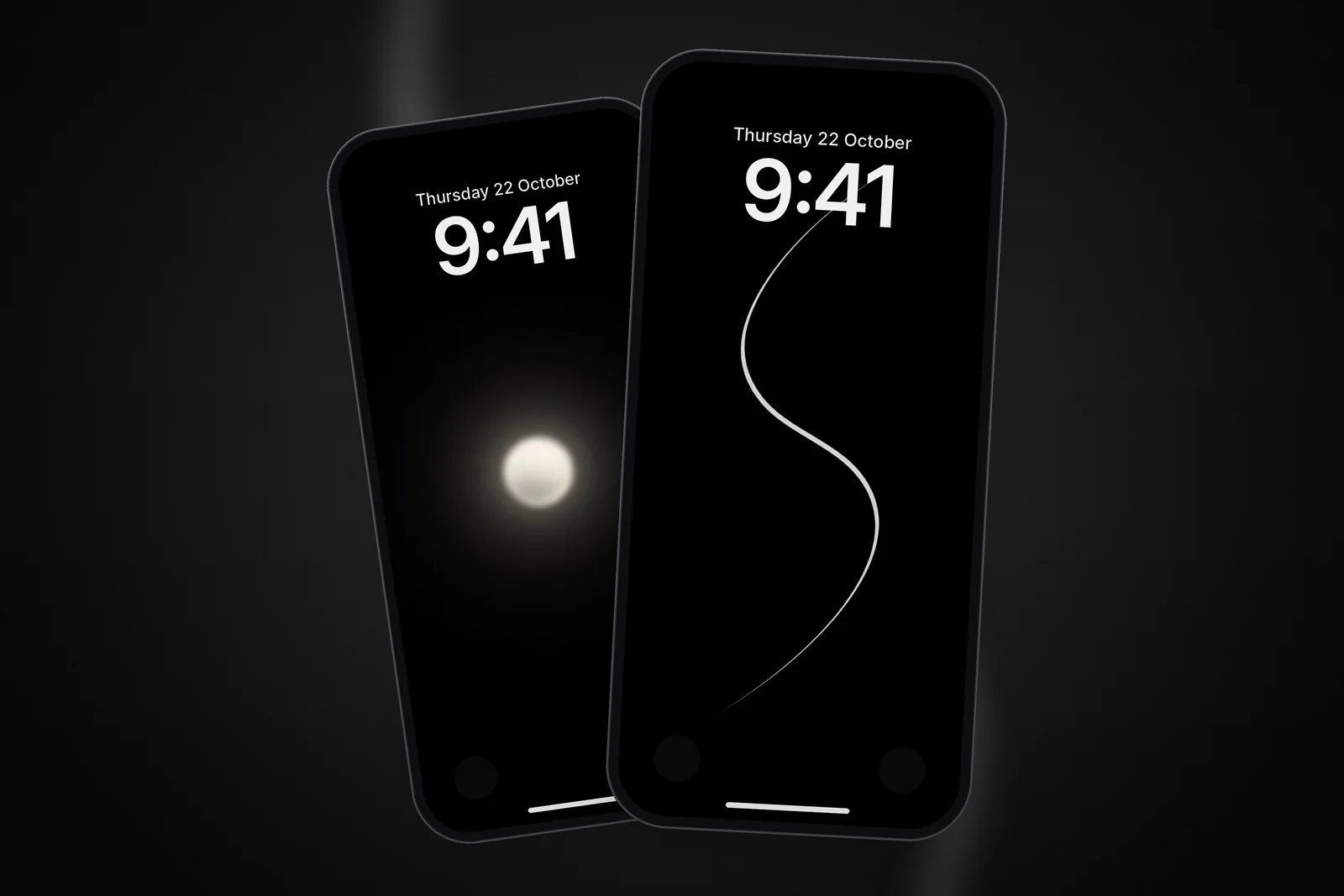
- A small subject, such as a single line, orb or moon, rather than a full-screen scene.
- Small highlights rather than large bright areas of any colour.
- Little texture in the black area, since noise and grain light up pixels that would otherwise be off.
These are good examples of the style, each with a small lit subject on a true black field:
 Minimal S-Curve Glowing White Line OLED 4K Wallpaper
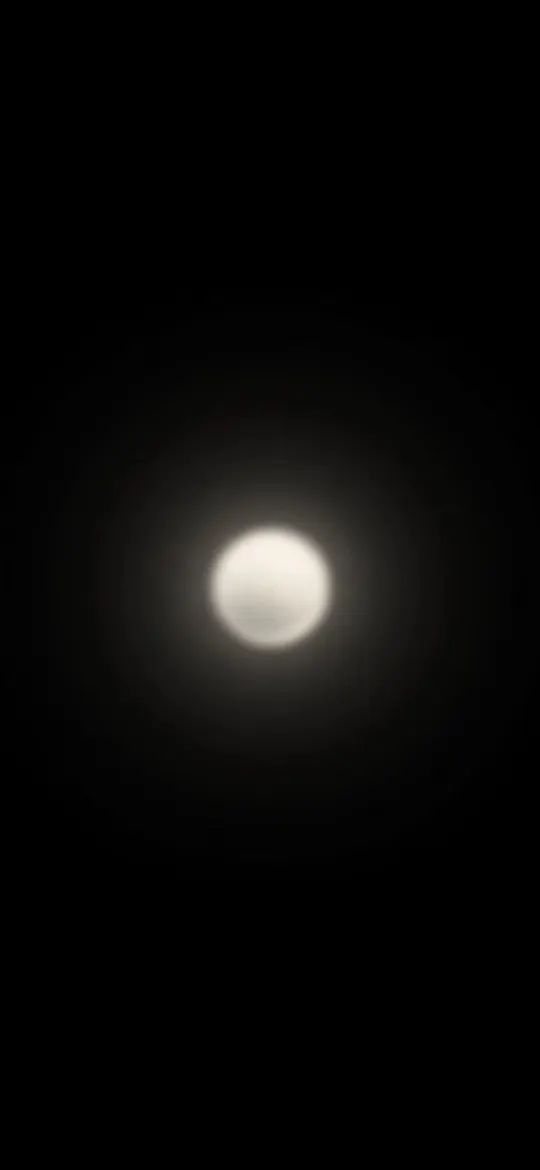 Minimalist Glowing Light Orb on Pitch Black 4K Wallpaper
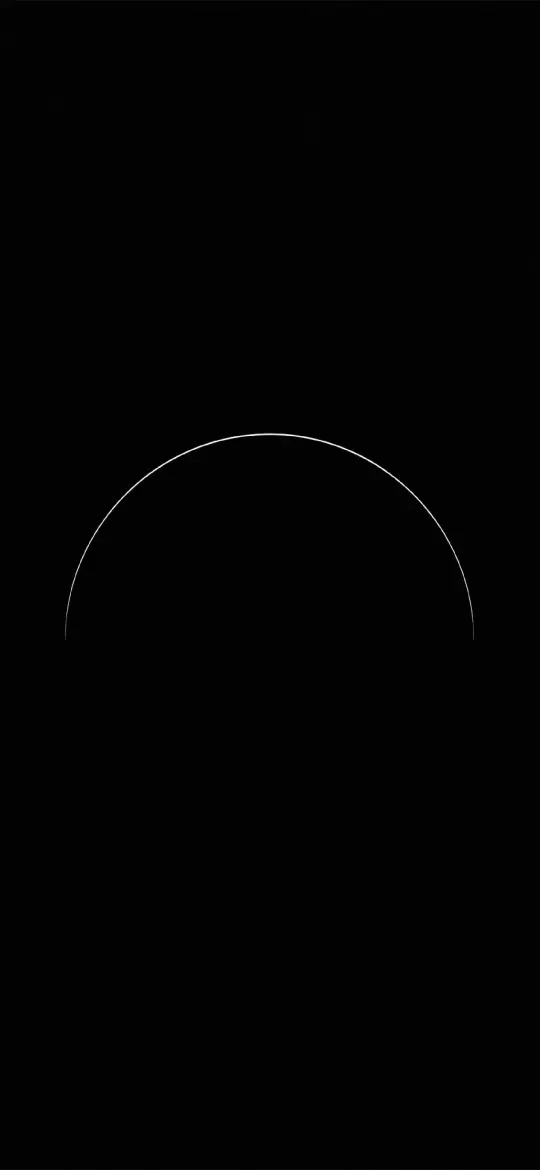 Pure Black OLED Minimal Arch Wallpaper 4K
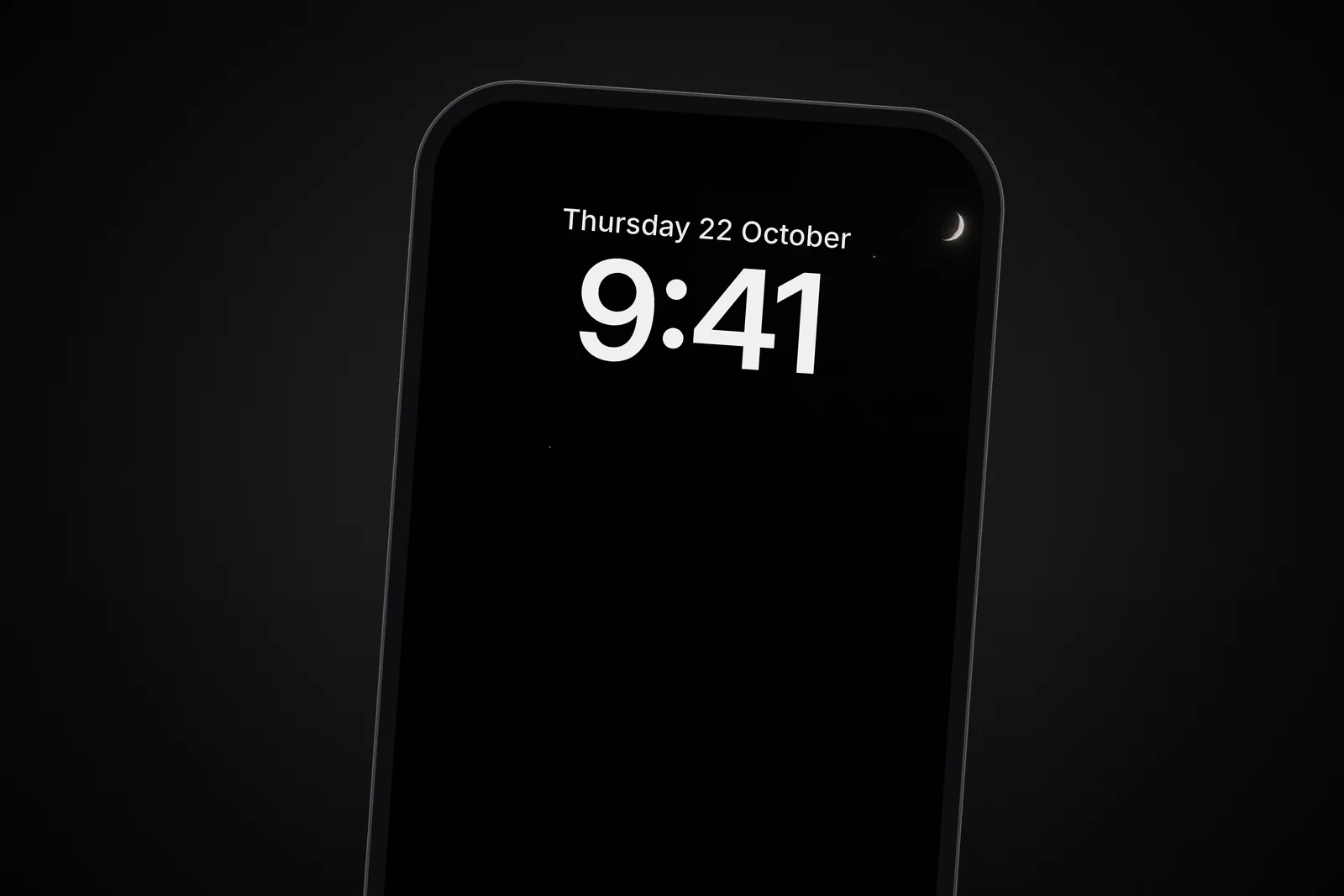
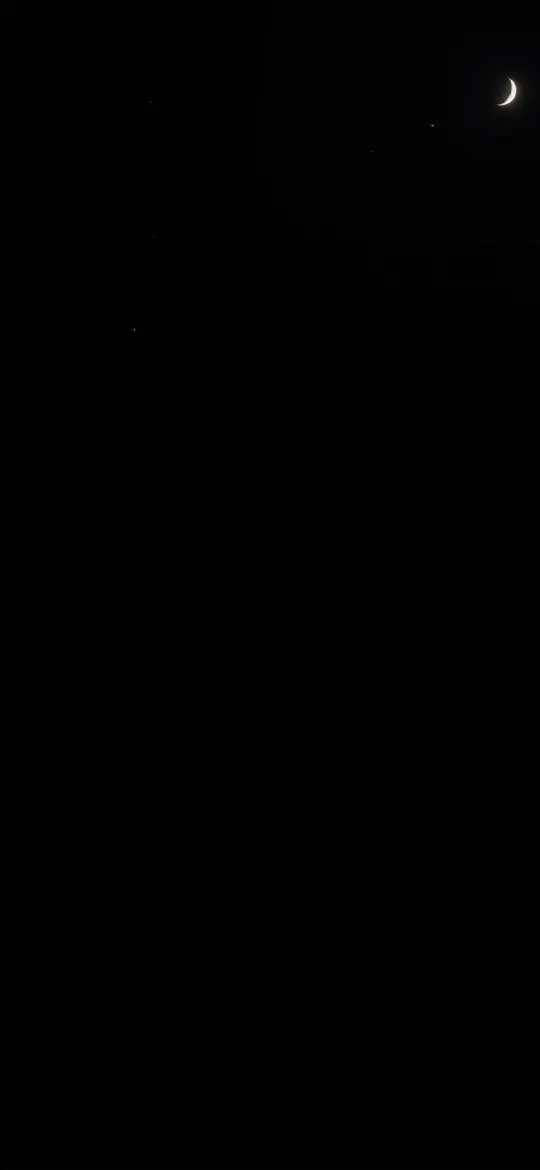 Dark Night Sky Crescent Moon & Tiny Stars 4K Wallpaper
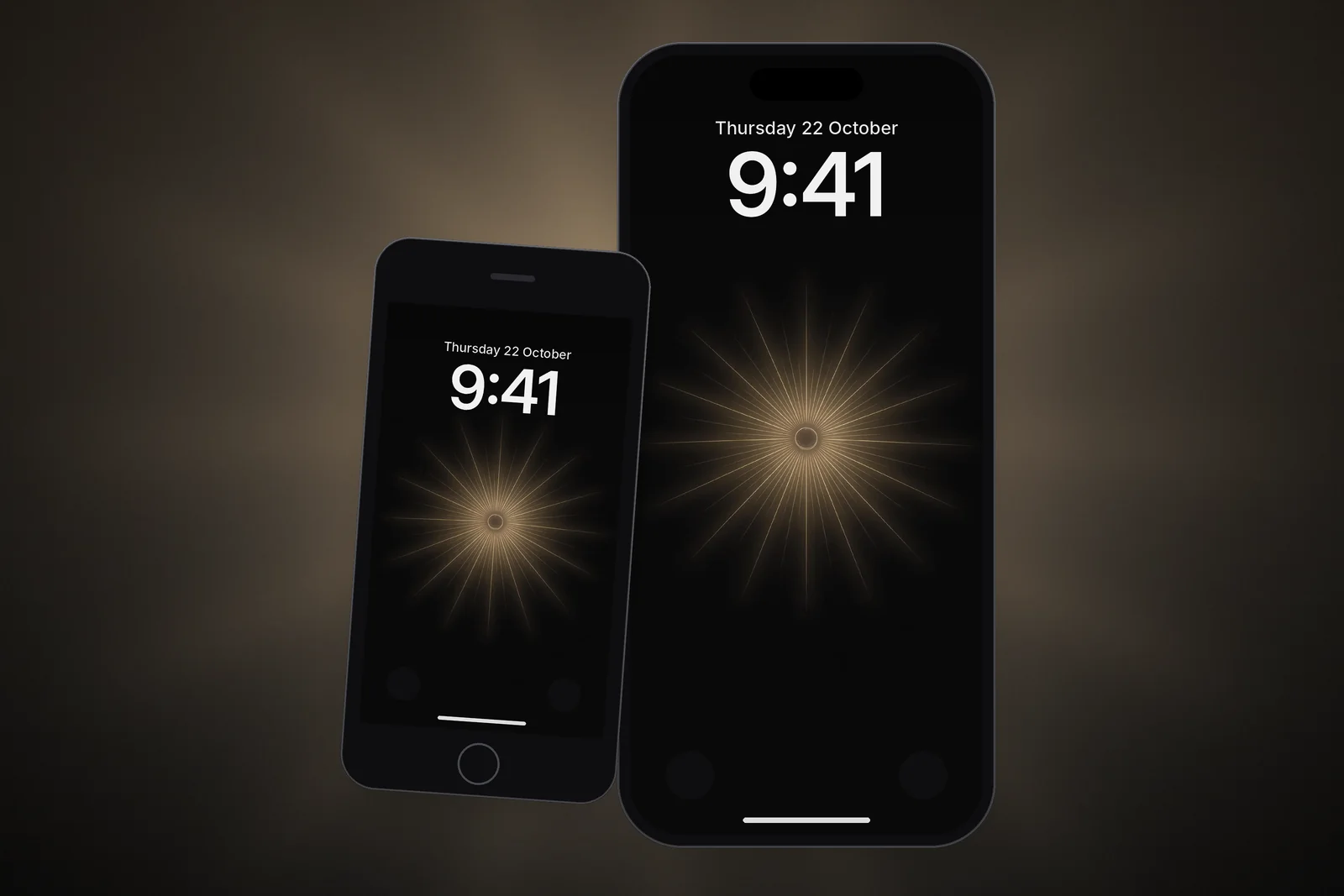
 Minimal Zen Sun Wallpaper 4K
You will find more in the dark wallpapers category and under the AMOLED tag. Each one comes in your iPhone's exact size, so no part of the black background is stretched or softened.
Read next: Home Screen Wallpaper Ideas That Keep Your Apps Readable and Space Wallpaper 4K: Earth From Orbit for Phone and PC.
Quick answers
Does wallpaper drain battery on iPhone?
Only slightly. A bright wallpaper uses a bit more power on OLED iPhones because more pixels are lit, but brightness and screen-on time matter far more. On LCD iPhones the wallpaper makes no real difference.
Does a black wallpaper save battery on iPhone 11?
No. The iPhone 11 and iPhone XR use LCD screens with a backlight, so black pixels still use power. The iPhone 11 Pro and 11 Pro Max have OLED screens and do benefit.
Is dark mode or a dark wallpaper better for battery?
Dark Mode, because it darkens the apps you use most of the day. A dark wallpaper only affects the Lock Screen and Home Screen. Using both gives the largest saving on an OLED iPhone.
Does Low Power Mode dim my wallpaper?
Not directly. Low Power Mode cuts background activity and, on ProMotion models, limits the display to 60 frames per second. On iPhone 15 Pro and later, Adaptive Power can lower screen brightness on heavy days, which dims everything, wallpaper included.
How can I see how much battery my screen uses on iPhone?
Go to Settings → Battery and scroll to the app list, or tap View All Battery Usage for earlier days. Each app shows its time on screen and in the background, which tells you far more than the wallpaper ever will.
Sources
- About the Super Retina display and Super Retina XDR display on your iPhone, Apple Support
- Save battery life with Power Modes on iPhone, Apple Support
- Understand your iPhone battery usage and health, Apple Support
- Keep the iPhone display on longer, Apple Support