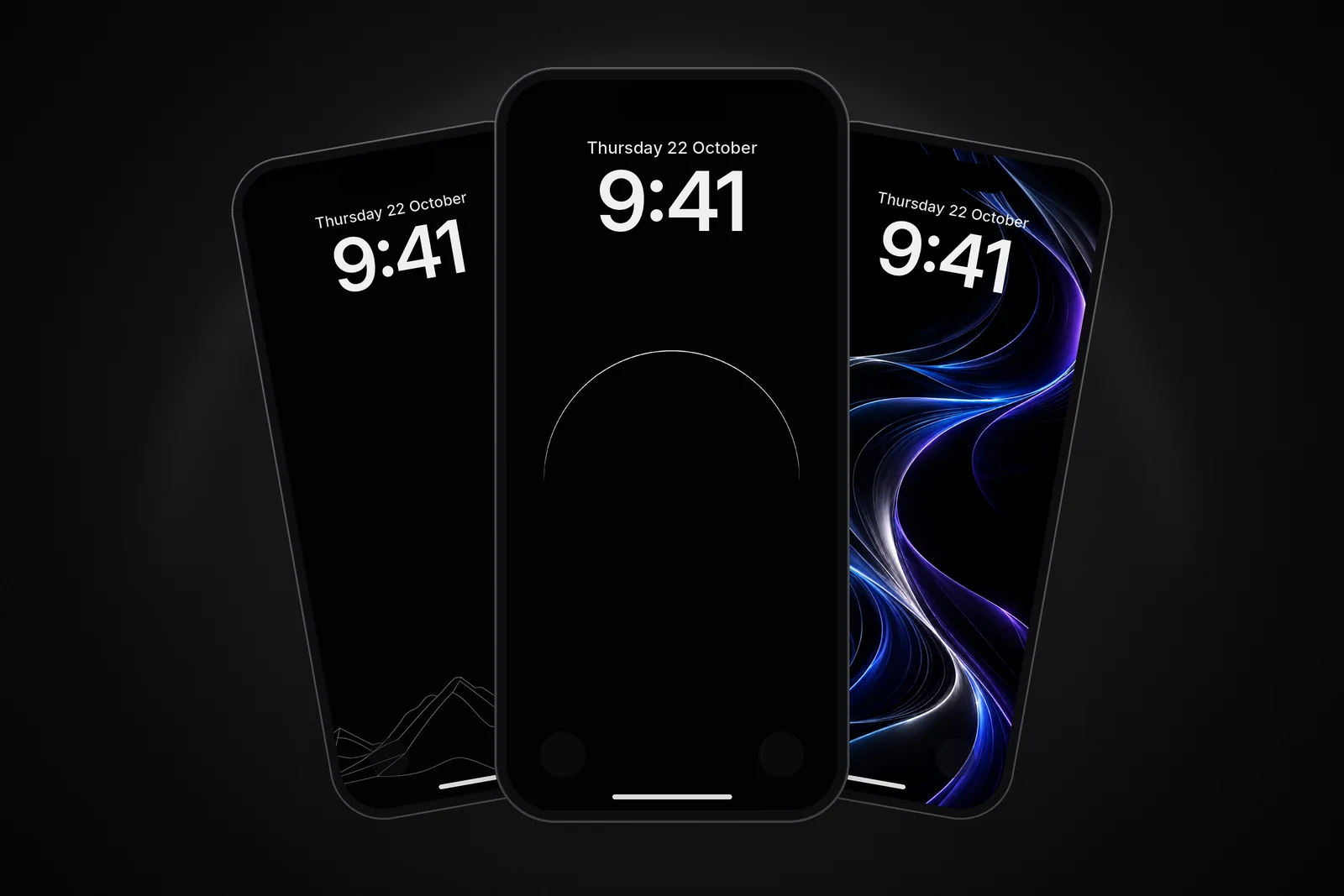
Most iPhones sold in the last few years have an OLED screen, and that changes how a wallpaper looks. An OLED screen has no backlight: each pixel makes its own light, so a pixel showing pure black gives off none. A true-black wallpaper doesn't look dark grey the way it does on an LCD: the black blends into the edge of the glass, and anything bright on top of it seems to float.
In short
- A true-black (AMOLED) wallpaper uses pure black, RGB 0, 0, 0, for its background; on an OLED iPhone those pixels stay dark.
- Every iPhone from iPhone X onwards has OLED except iPhone XR, iPhone 11 and iPhone SE (2nd and 3rd generation), which use LCD.
- The best ones put a single bright element (a moon, a line, an orb) on an otherwise empty screen and keep the top clear for the clock.
- On iPhones with Always-On display, a true-black wallpaper stays dark when the screen dims, so only the subject glows.
These are our favourite true-black wallpapers on the site, all free and cut to the exact size of every iPhone.
Glowing details on pure black
The strongest AMOLED wallpapers put one bright element on an otherwise empty screen. The black does the work, so the subject can stay small.
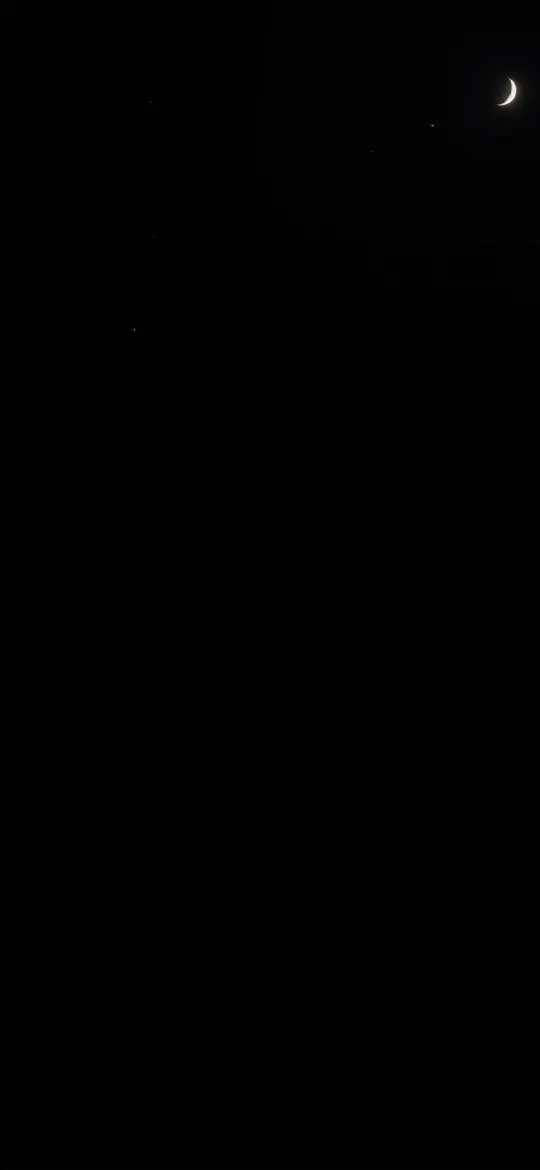 Dark Night Sky Crescent Moon & Tiny Stars 4K Wallpaper
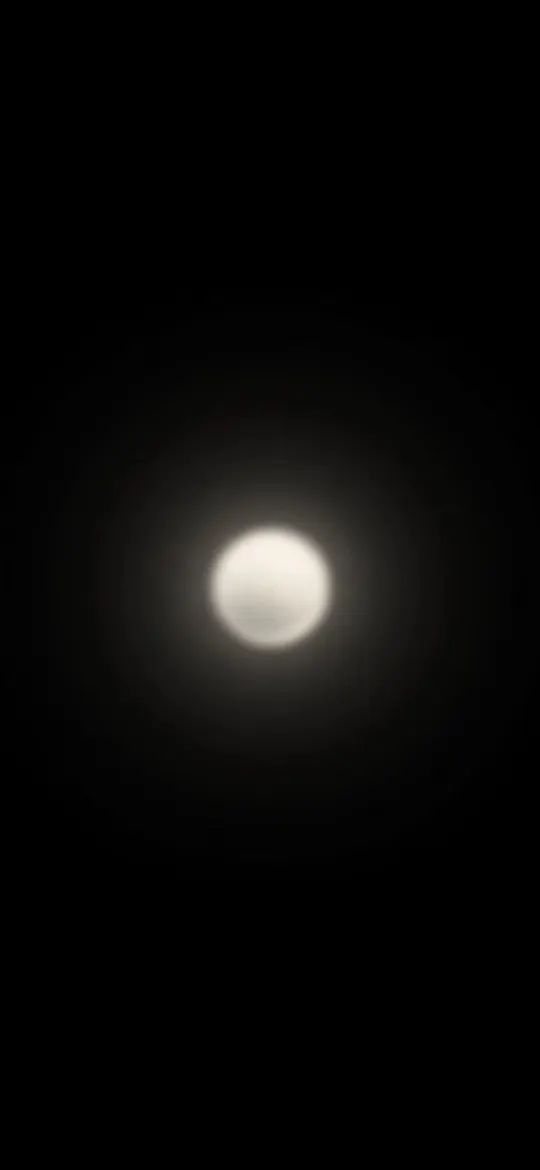 Minimalist Glowing Light Orb on Pitch Black 4K Wallpaper
 Minimal S-Curve Glowing White Line OLED 4K Wallpaper
 Minimal Zen Sun Wallpaper 4K
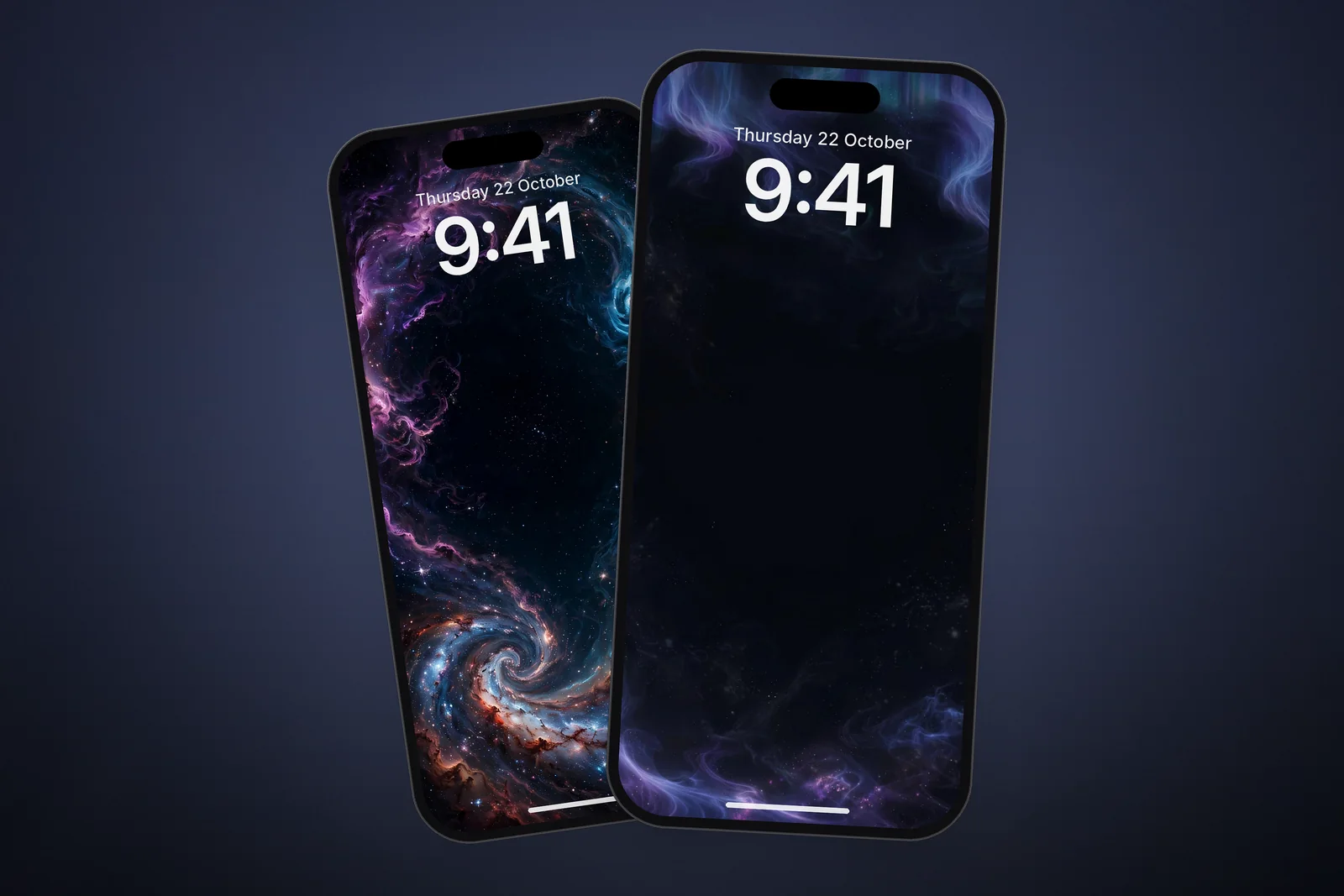
A thin line of light or a single moon keeps the top of the screen clear for the clock, and the Lock Screen stays easy to read at night.
Colour that pops
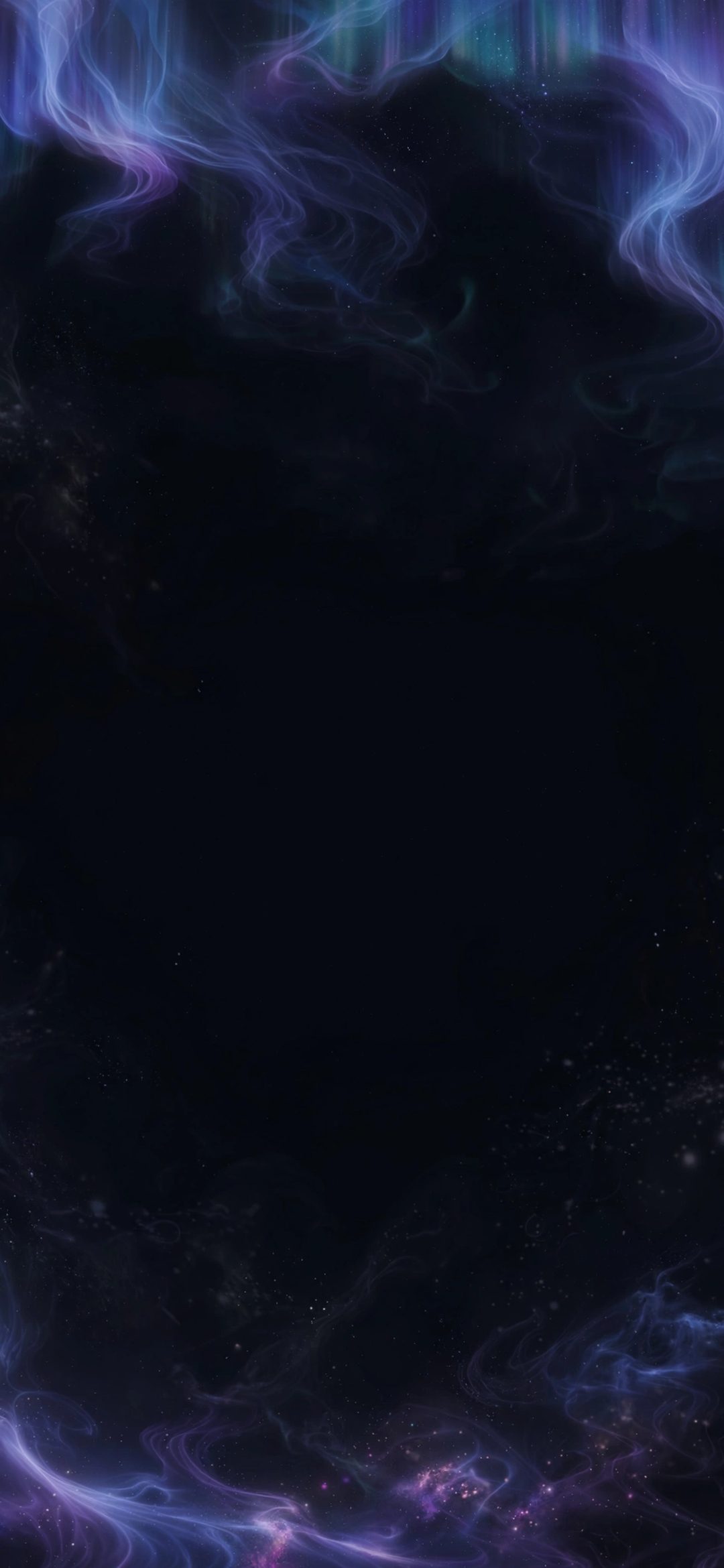
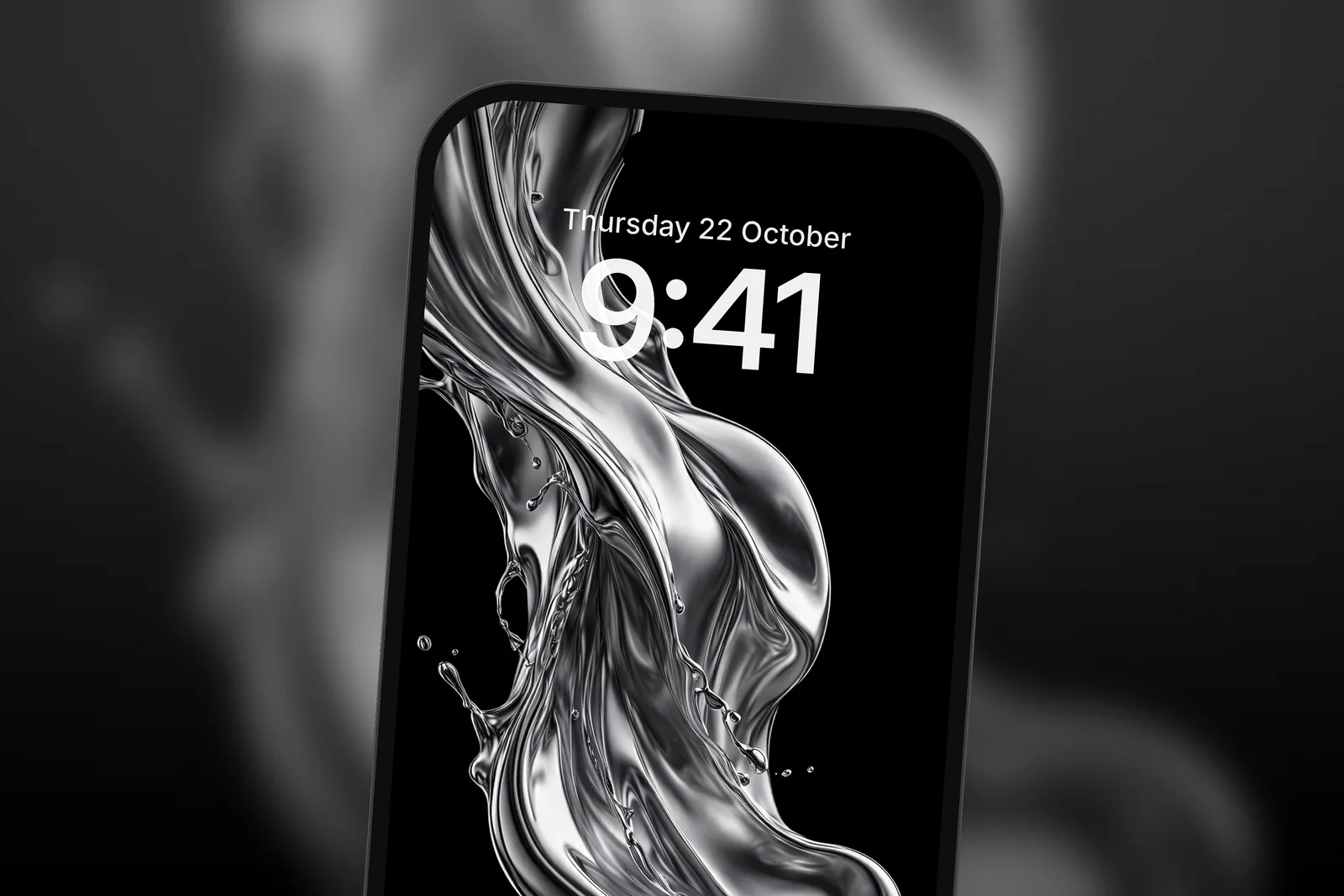
If you want colour, black backgrounds make it more intense. Liquid chrome and aurora scenes look almost three-dimensional when the space around them is truly dark.
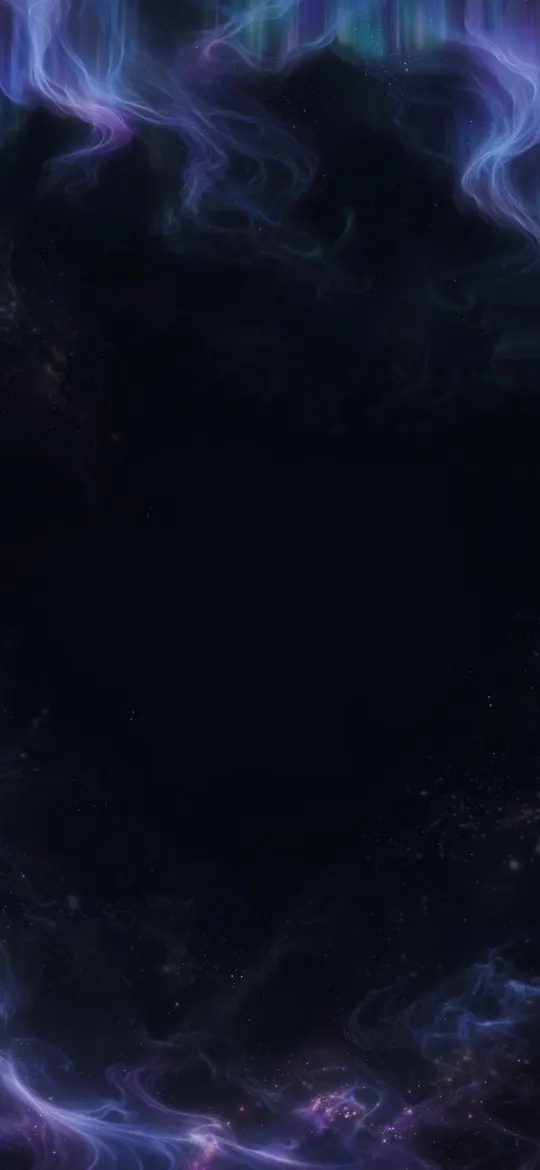 Ethereal Aurora Borealis Night Sky OLED 4K Wallpaper
 Liquid Chrome Splash Abstract 3D OLED 4K Wallpaper
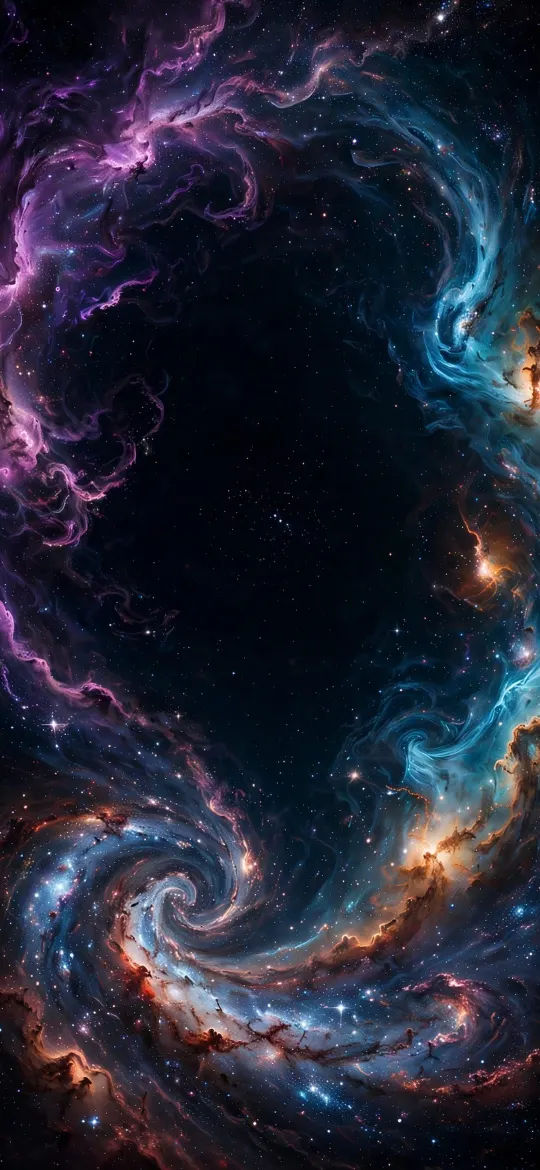 Deep Space Nebula Vortex Galaxy OLED 4K Wallpaper
 Dynamic Liquid Glass Chrome Splash OLED 4K Wallpaper
What counts as a true-black wallpaper?
True black means the background pixels are exactly black, not charcoal, navy or a very dark gradient. The difference is easy to miss on a computer monitor and obvious on an OLED phone at night: a "nearly black" background still glows faintly and shows where the screen ends, while true black disappears into the bezel.
Three things to check before you download one:
- An empty background. Grain, faint stars or noise spread across the black light up pixels that would otherwise stay dark.
- One subject. A small bright shape reads instantly; a wide scene fills the screen with lit pixels and loses the effect.
- The exact size. A file made for your model fills the screen pixel for pixel, so the black meets the edges cleanly instead of being zoomed.
Line art and wireframes are the purest form of the style, because almost the whole frame is black:
 Pure Black OLED Minimal Arch Wallpaper 4K
 Minimalist Wireframe Mountain Peaks Black 4K Wallpaper
 Golden Sun Through Amber Haze 4K Wallpaper
 AMOLED Liquid Lines iPhone Wallpaper 4K
Do dark wallpapers save battery?
On an OLED iPhone, yes, a little. Black pixels make no light, so a mostly black wallpaper draws less power than a bright photo whenever the Lock Screen or Home Screen is showing. The saving is largest on models with an Always-On display, where the wallpaper stays visible while the phone is locked. Don't expect hours of extra battery, but there's no downside either. Our post on whether dark wallpapers save battery puts numbers on it.
Which iPhones have OLED screens?
Apple calls its OLED panels Super Retina and Super Retina XDR. These models have one:
- iPhone X, XS and XS Max, and iPhone 11 Pro and 11 Pro Max
- Every iPhone 12, 13, 14, 15, 16 and 17 model, including the mini models, iPhone 16e and iPhone 17e
- iPhone Air, iPhone 18 Pro and iPhone 18 Pro Max, and both screens of iPhone Duo
iPhone XR, iPhone 11, iPhone 8 and every iPhone SE use LCD screens. True-black wallpapers still look good on them, but black shows as a very dark grey because the backlight is always on.
| iPhone | Screen | Always-On display |
|---|---|---|
| iPhone 14 Pro, 15 Pro, 16 Pro (and Pro Max) | OLED | Yes |
| iPhone 17, 17 Pro, 17 Pro Max, iPhone Air | OLED | Yes |
| iPhone 18 Pro, 18 Pro Max, iPhone Duo | OLED | Yes |
| iPhone 14, 15, 16 (and Plus), 16e, 17e | OLED | No |
| iPhone XR, 11, SE (2nd and 3rd gen) | LCD | No |
How do I set a true-black wallpaper on the Lock Screen?
Save the picture to Photos first, then use the wallpaper gallery. In iOS 27 the steps are:
- Open Settings, tap Wallpaper, then tap Add New Wallpaper.
- Tap Photos and choose the true-black image.
- Pinch and drag with two fingers if the subject needs moving, keeping the brightest part below the clock.
- Tap Add, then Set as Wallpaper Pair to use it on both screens, or Customise Home Screen to pick something different behind your apps.
On a model with Always-On display, check Settings → Display & Brightness → Always On Display and make sure Show Wallpaper is on if you want the design to stay visible when the phone is locked.
Tips for the Lock Screen
- Pick a white or light clock. While customising, tap the time to change its font and colour, or switch it to a more transparent look.
- Keep the brightest part away from the top. A glow behind the time makes it harder to read.
- Try the depth effect on wallpapers with a clear subject, like a planet or a mountain, so it can overlap the clock. In the Lock Screen editor it appears as Depth Effect when the photo supports layering.
- Use the same wallpaper on the Home Screen, or choose Blur under Customise Home Screen so app icons stay readable.
Does a black wallpaper cause burn-in?
A true-black wallpaper is one of the safer choices for an OLED screen, because most of the panel isn't lit at all. Apple says burn-in can happen in more extreme cases, when the same high-contrast image is shown continuously at high brightness for long periods, and that iPhone tracks the use of individual pixels to adjust their brightness and reduce the effect. Apple's advice is to keep Auto-Brightness on, use a short Auto-Lock time and avoid leaving a static image on screen at maximum brightness.
Browse every AMOLED wallpaper or the whole dark collection.
Quick answers
What is an AMOLED wallpaper?
An AMOLED wallpaper is an image with a pure black background (RGB 0, 0, 0) and a small bright subject. On OLED screens the black pixels give off no light, so the subject appears to float and the screen edges disappear.
Is the iPhone screen AMOLED?
Apple calls its OLED screens Super Retina (iPhone X, XS, XS Max) and Super Retina XDR (iPhone 11 Pro and later, except iPhone SE). They work the same way for wallpapers: no backlight, and black pixels stay dark.
Why does my black wallpaper look grey on iPhone 11?
iPhone 11, iPhone XR and iPhone SE have LCD screens with a backlight that is always on, so black shows as very dark grey. The wallpaper itself is fine; the effect needs an OLED model.
Can a true-black wallpaper cause burn-in on iPhone?
It is unlikely. Apple links burn-in to the same high-contrast image shown at high brightness for long periods, and a mostly black wallpaper lights very few pixels. Keep Auto-Brightness on and Auto-Lock short.
What size should a true-black wallpaper be for iPhone 18 Pro Max?
1320 × 2868 pixels, the same as iPhone 17 Pro Max and 16 Pro Max. Any other model can use its exact size or the 2160 × 3840 file.
Sources
- About the Super Retina display and Super Retina XDR display on your iPhone, Apple Support
- iPhone - Compare Models, Apple
- Keep the iPhone display on longer, Apple Support
- Create a custom iPhone Lock Screen, Apple Support