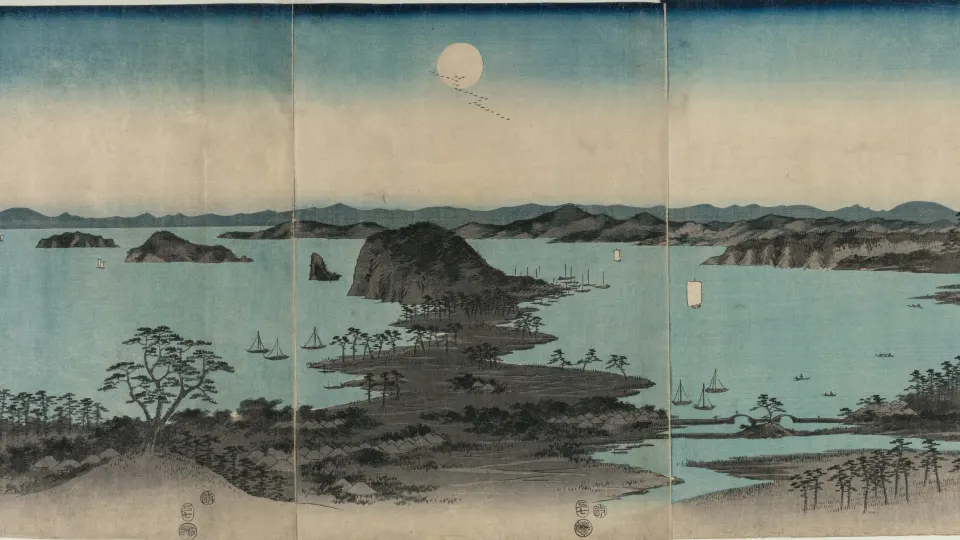
The best 4K space wallpapers show Earth from orbit: green aurora curling over the poles, cities glowing at night, a thin line of sunrise on the horizon and Earth setting behind the Moon. They are sharp, mostly black, and look right on both a phone and a big monitor when the file matches your screen. Below is what each type of scene offers and how to pick one for your device.

In short
- Desktop: wide scenes such as an orbital sunrise or an aurora arc, at your monitor's exact size (3840 × 2160 for a 4K screen, 3440 × 1440 for an ultrawide).
- Phone: centred subjects such as an eclipse, a ringed planet or a full-height aurora, at your iPhone's size or the 2160 × 3840 portrait file.
- Mostly black skies suit Dark Mode, keep icons readable and look deepest on OLED screens, which every current iPhone uses.
Why real photos of Earth make great wallpapers
Painted or rendered space art can look busy, with dozens of planets and nebulae packed into one frame. Views of Earth from orbit are calmer. Most of the frame is the black of space, with one strong subject: the curve of the planet, a band of light or a scatter of city glows.
That simple layout is exactly what a wallpaper needs. Your icons, widgets and windows sit on the dark areas, and the subject stays visible around them. A view of the real planet also carries a sense of scale that busy fantasy art rarely matches.
Earth from space: the scenes to look for
Aurora from orbit
Seen from above, the northern lights form a glowing ring of green and sometimes red over the dark side of the planet. On a desktop the arc stretches across the screen and leaves plenty of black space for icons. If you like the aurora seen from the ground as well, our aurora wallpapers collect both views.
City lights at night
At night, coastlines and road networks trace themselves in amber light. These wallpapers are almost entirely dark, so they suit a desktop full of windows and keep glare low in a dim room.
Sunrise on the horizon
Caught at the right moment, sunrise shows as a thin band of blue, orange and white light along the curve of the Earth, with black space above. It is a wide, quiet composition that suits a laptop or ultrawide monitor.
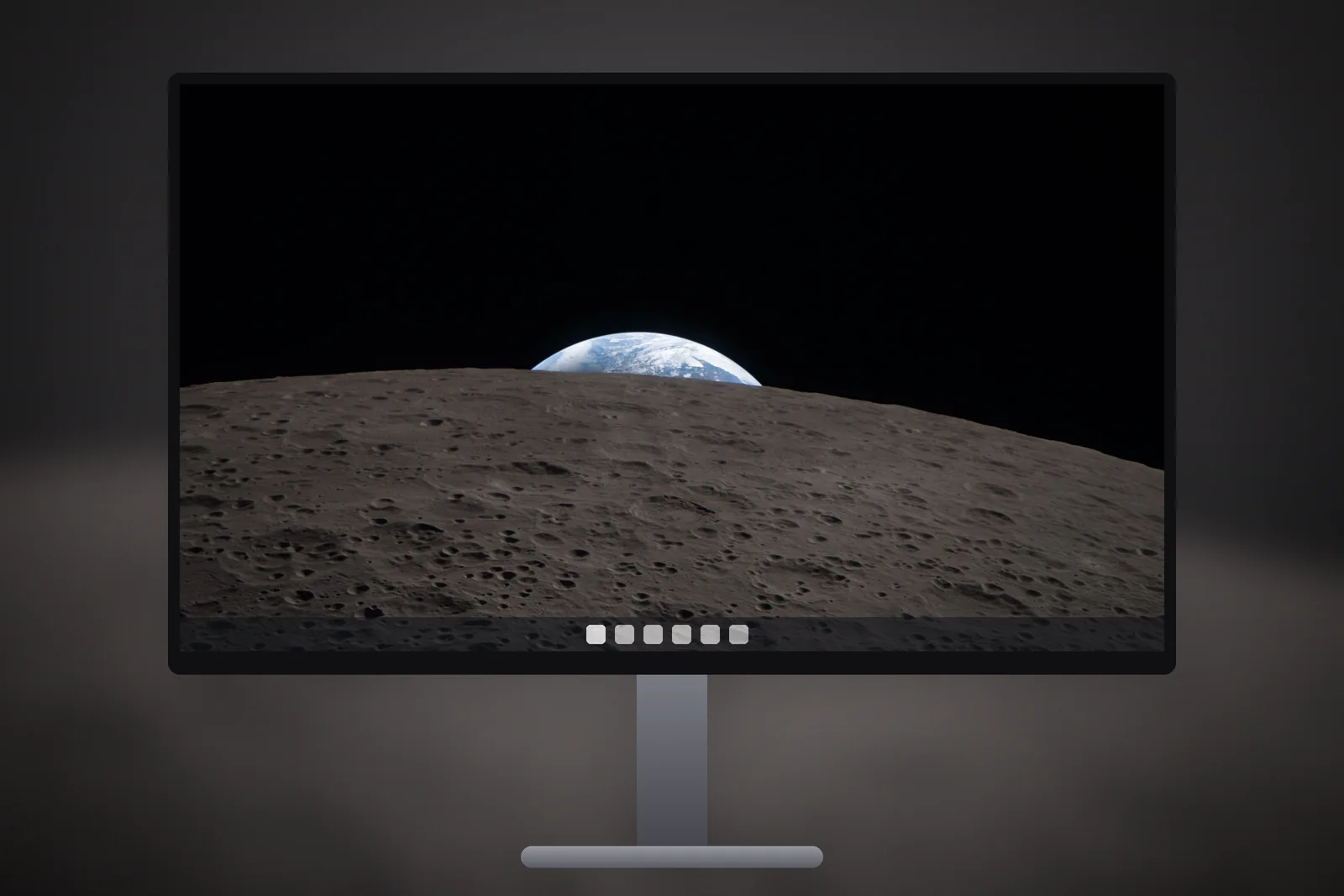
Earth over the Moon
Seen from lunar orbit, Earth is a small blue and white disc sinking behind the grey, cratered edge of the Moon. It is one of the most minimal space images there is: one small subject, a textured foreground and a lot of black.
 City Lights From Space
 Northern Lights From Orbit
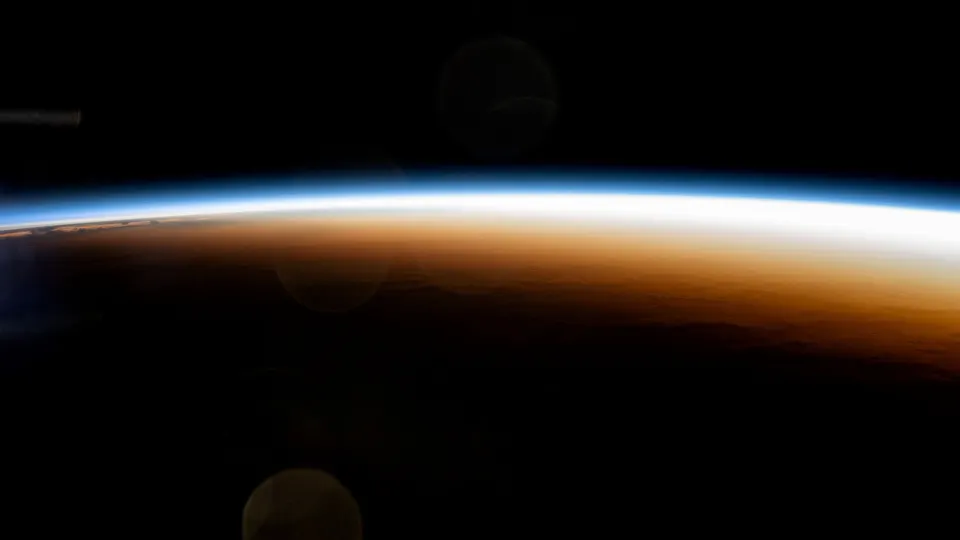 Orbital Sunrise Horizon
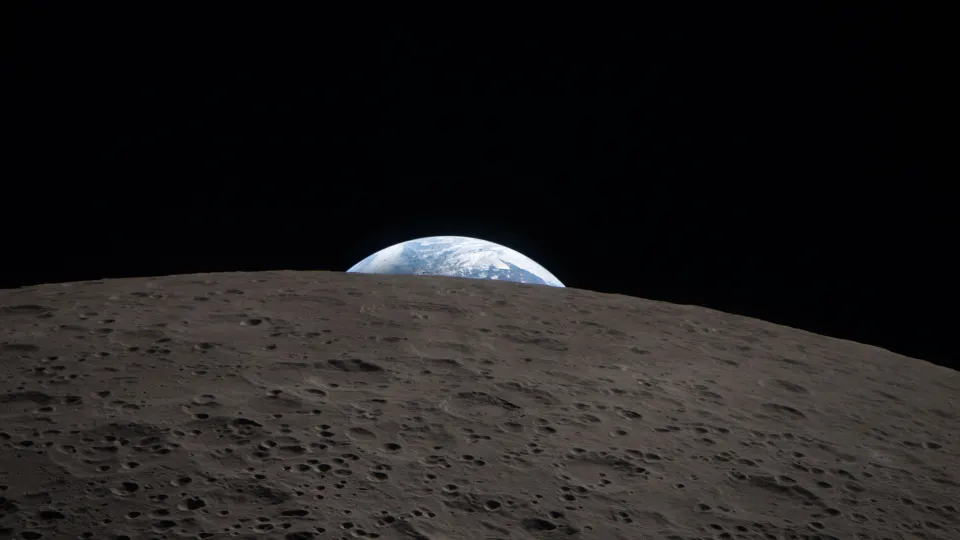 Earthset Over the Moon
 Green Aurora Arc
Each of these is cut to every common monitor size in our PC space wallpapers, from 1366 × 768 up to 4K and 3440 × 1440 ultrawide. Mac users can get the same pictures at the exact Retina resolution of each MacBook and iMac from the Mac space wallpapers.
Why space wallpapers suit dark mode and OLED screens
Space is naturally dark, which makes these wallpapers a natural partner for dark mode. A bright beach photo behind dark menus and widgets looks patchy; a black sky with a single highlight looks like it belongs.
- Readable icons and widgets: white text and app labels stand out clearly against black.
- Less glare at night: a mostly dark screen is easier on the eyes in bed or a dim room.
- True black on OLED: OLED screens, which Apple uses on every current iPhone from the iPhone 17e up, turn black pixels off completely. The sky becomes real black that blends into the edges of the screen, and the lit parts appear to float.
- A little power saved: pixels that are switched off use no power, so a dark wallpaper is slightly kinder to the battery on OLED.
If you want to take the true-black idea further, our guide to the best AMOLED true-black iPhone wallpapers covers designs built around pure black.
Space wallpaper for phone vs desktop
The same scene can work very differently on a tall phone and a wide monitor. Wide horizon shots lose most of their curve when cropped to portrait, while a single bright subject survives almost any crop.
| Scene | Phone | Desktop |
|---|---|---|
| Sunrise on the horizon | Good if the band crosses the middle | Excellent; made for wide screens |
| Aurora from orbit | Good; the glow fills a tall frame | Excellent |
| City lights at night | Fair; detail gets small | Excellent, especially on 4K |
| Earth over the Moon | Very good; one small subject | Very good; lots of room for icons |
| Sun, planets and eclipses | Excellent; centred subject | Good |
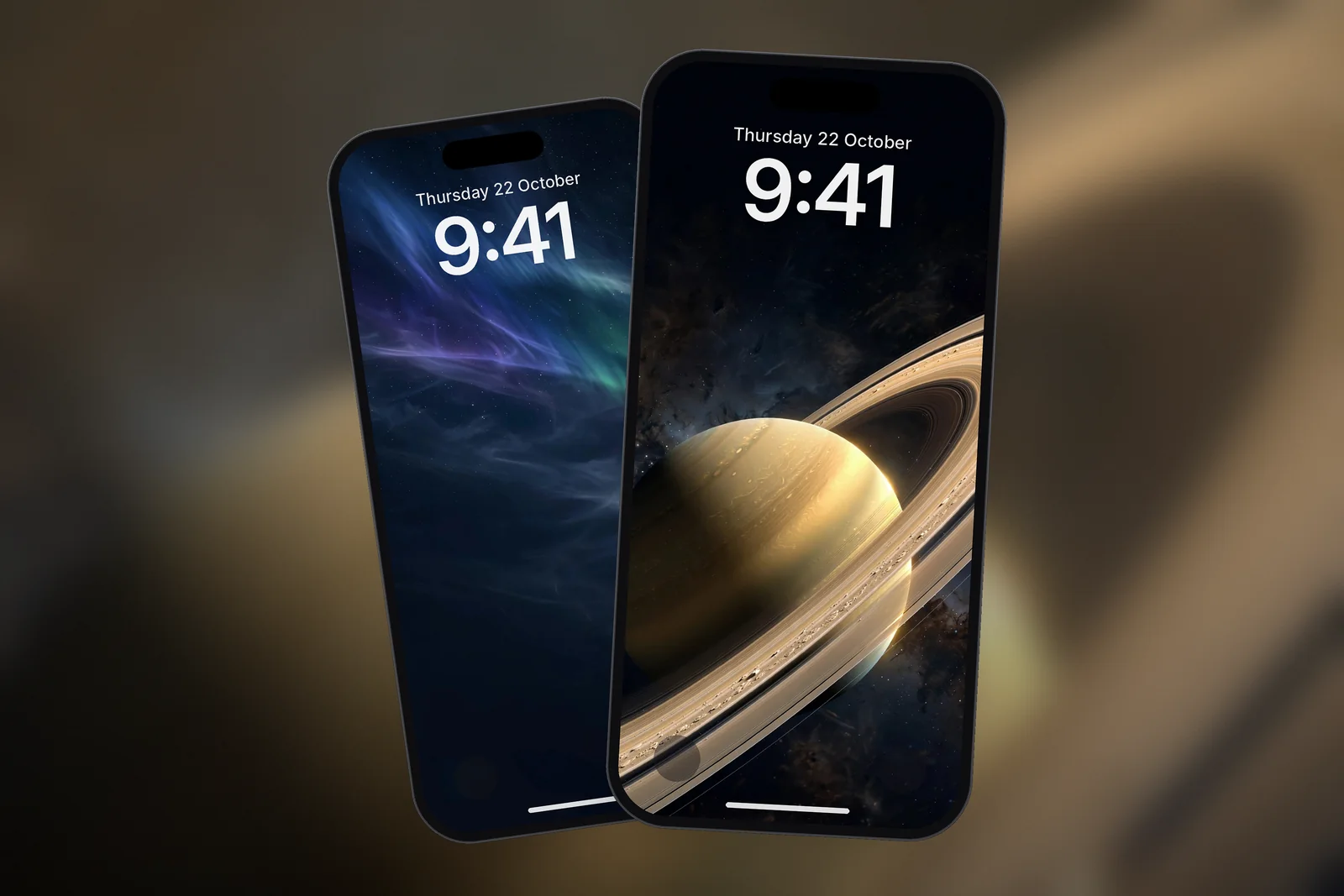
For a phone, centred subjects work best: an eclipse, a ringed planet, a rising sun or an aurora that fills the frame from top to bottom. These keep their impact in a 19.5:9 portrait shape and leave the top clear for the clock.
 Premium Aurora Night Sky 4K Wallpaper
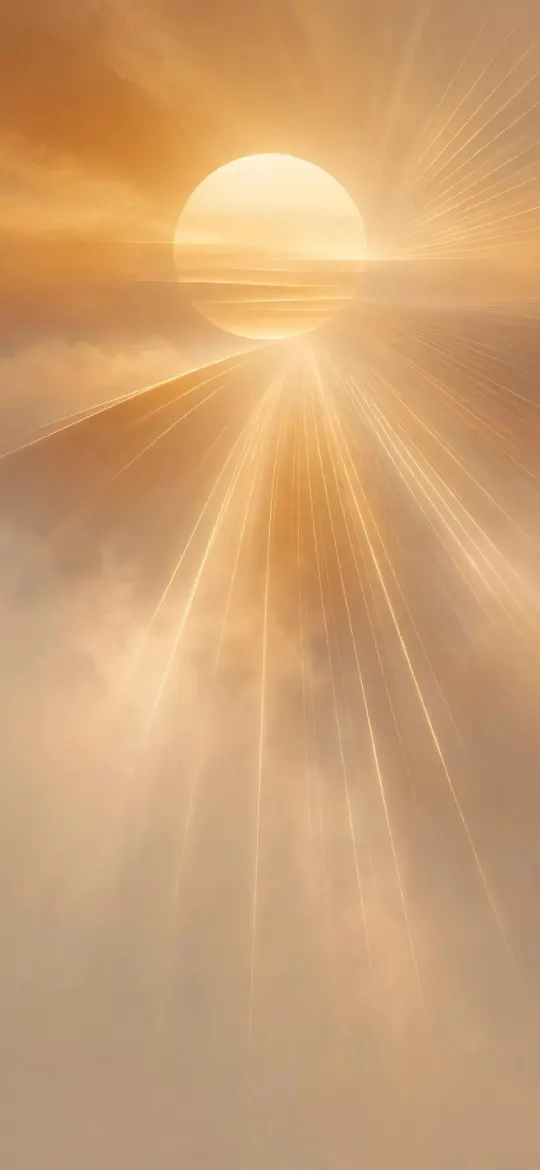 Golden Sun Through Amber Haze 4K Wallpaper
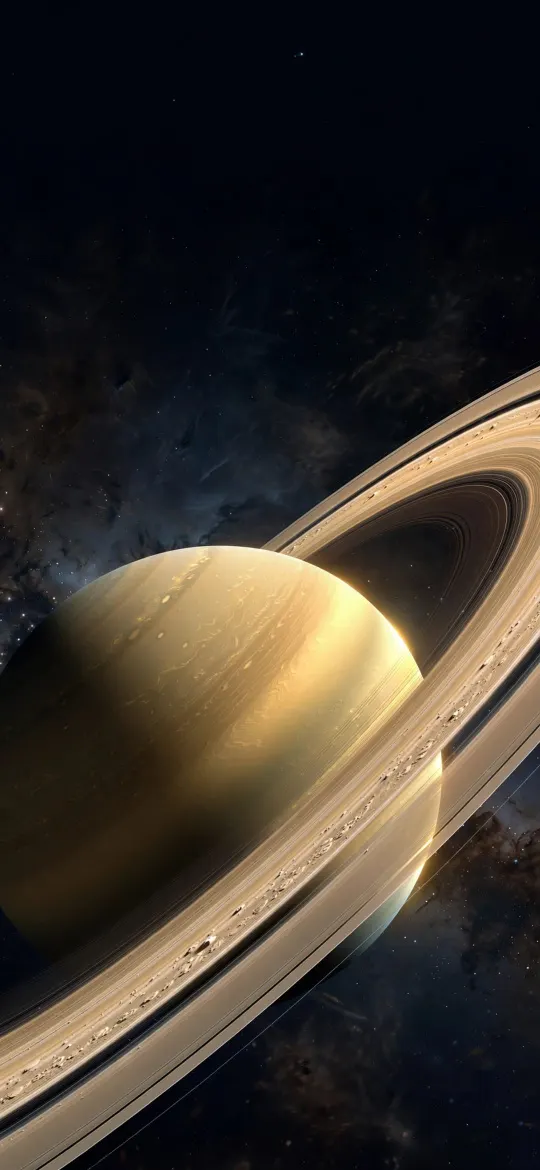 Saturn Rings Close-Up 4K Wallpaper
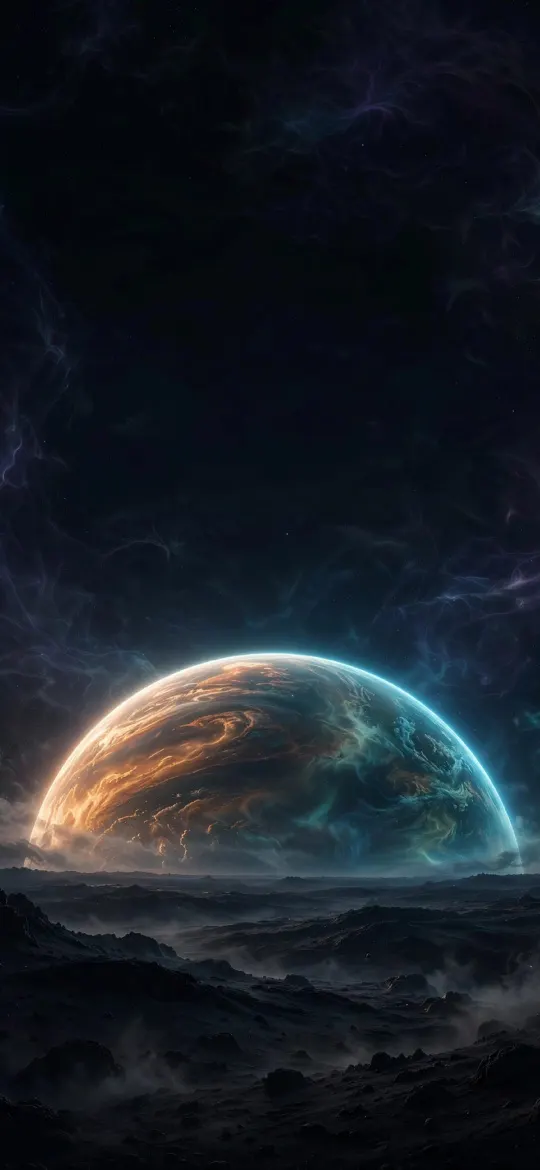 Massive Planet Rising Cosmic Horizon 4K Wallpaper
 4K Space Galaxy iPhone Wallpaper
Every phone wallpaper in our space wallpapers category comes in 15 exact iPhone sizes plus a 2160 × 3840 file for any other phone, and you can preview it on a Lock Screen before you download.
Getting a 4K space wallpaper to look sharp
Space photos are full of tiny bright points, which makes softness easy to spot. A stretched or enlarged file turns stars and city lights into blurry smudges. Download the size that matches your screen, set the fit to Fill on Windows or Fill Screen on a Mac, and avoid zooming in much when framing on a phone.
Read next: Do Dark Wallpapers Save Battery on iPhone? The Honest Answer and MacBook Wallpaper Size: Native Resolutions for Every Mac.
Quick answers
What is the best space wallpaper for PC?
Wide scenes such as a sunrise along Earth's horizon or an aurora arc from orbit suit a PC best. Download the file that matches your monitor's resolution so it fills the screen without cropping.
Are space wallpapers good for OLED phones?
Yes. OLED screens switch black pixels off, so a dark space wallpaper shows true black, makes icons easy to read and uses slightly less power.
What resolution is a 4K space wallpaper?
For a monitor, 4K means 3840 × 2160 pixels in landscape. For a phone, a 4K wallpaper is the same pixels turned upright, 2160 × 3840, which is larger than every iPhone screen.
Which space wallpapers look best on a phone?
Ones with a single centred subject, such as a solar eclipse, Saturn's rings or an aurora that fills the frame from top to bottom. Wide horizon shots lose most of their curve in a tall crop.