A heart is the simplest love symbol there is, which makes it a perfect iPhone wallpaper: instantly readable, small enough to sit below the clock, and easy to style in any mood. A heart can be cute and cuddly, quietly minimal, glowing in the dark or polished like jewellery.
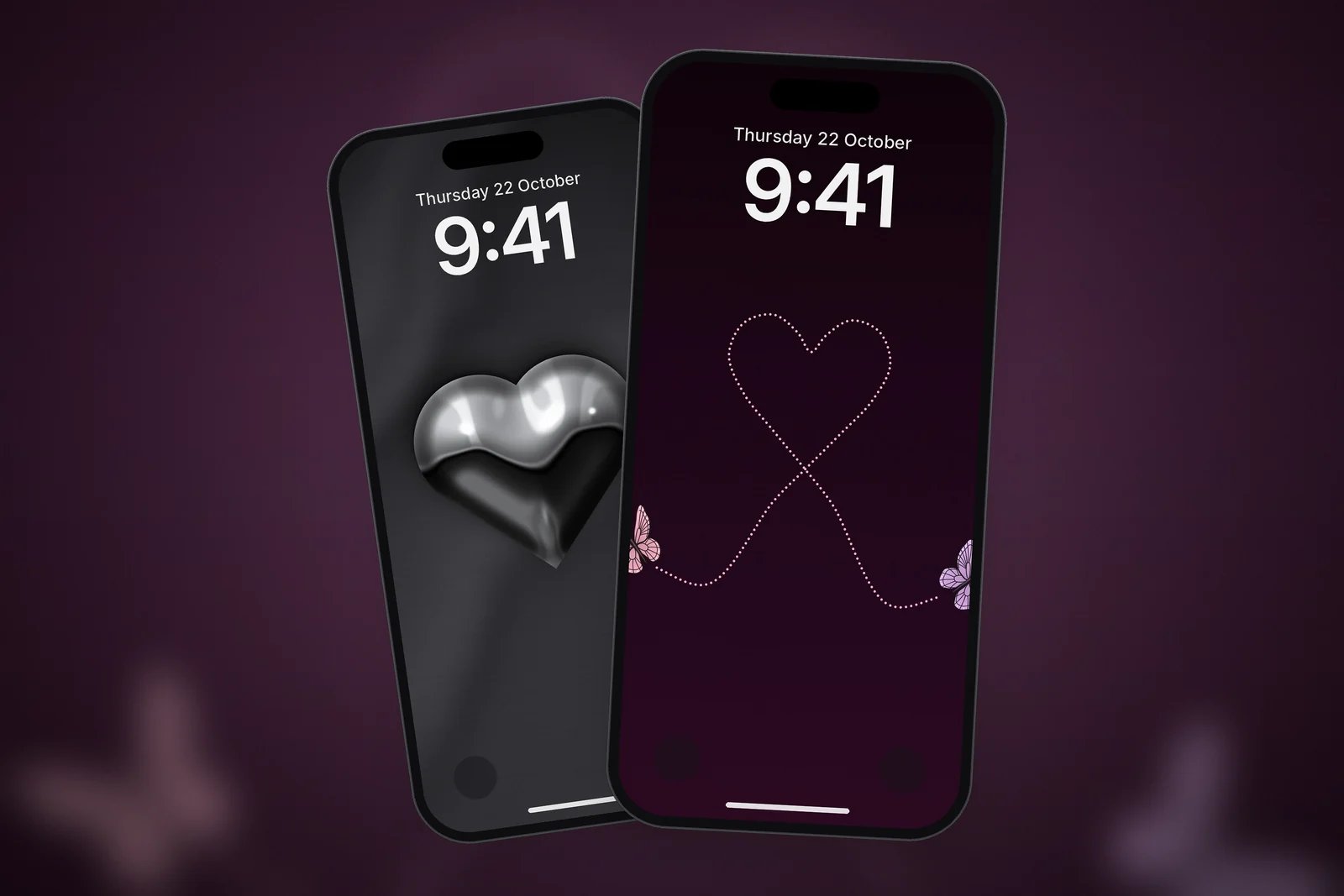
Here are the main kinds of heart wallpaper, which ones suit the Lock Screen best, and free heart wallpapers you can download in 4K and your exact iPhone size, all drawn for this site.
In short
- A single heart below the clock is the cleanest heart wallpaper; patterns of many hearts suit the Home Screen less well.
- For a minimal look, try a dotted or outlined heart on black; for a cute look, a teddy or kitten holding a heart.
- Chrome and gold hearts on dark satin look like jewellery and suit Dark Mode.
- Hearts made of something else, such as clovers, leaves, flowers or butterflies, feel fresh and less obvious.
Minimal heart wallpapers
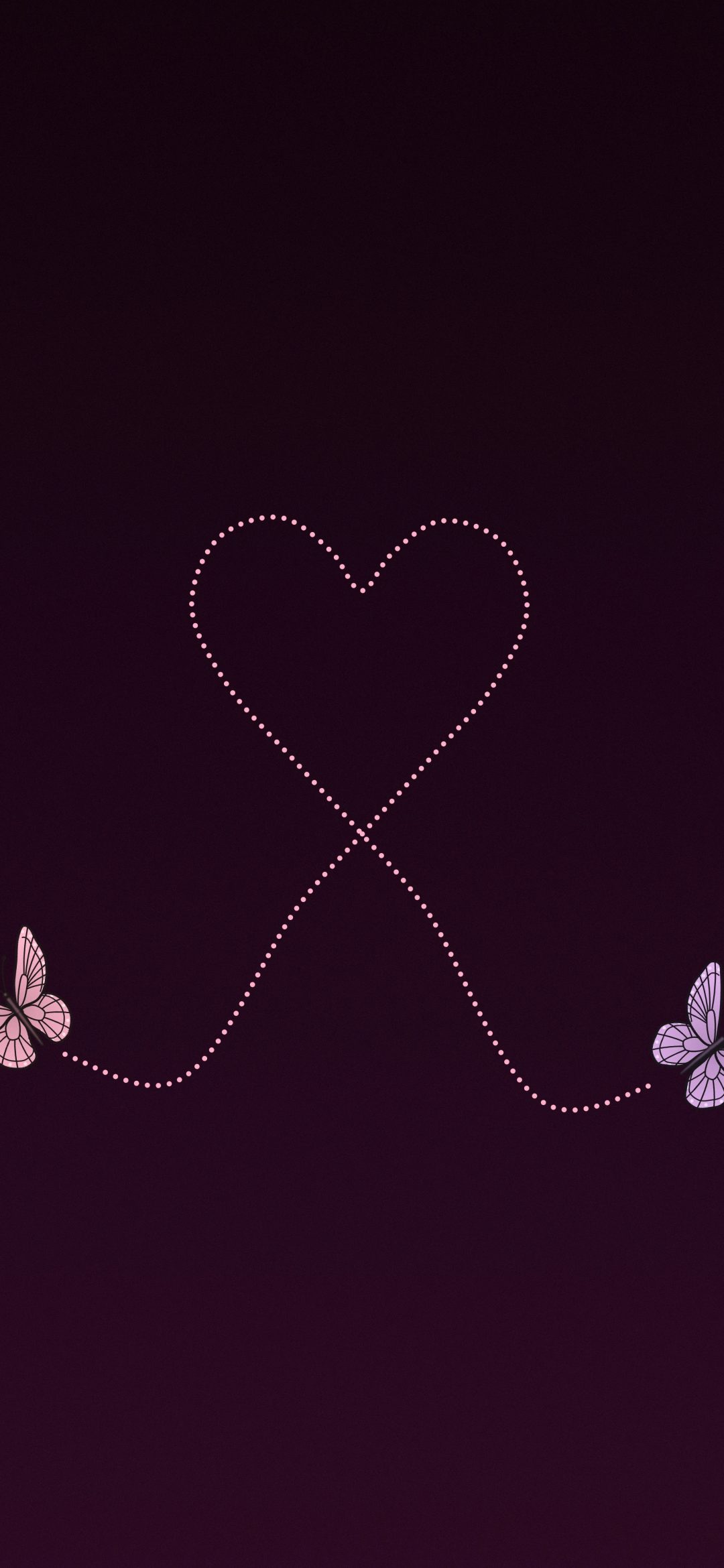
Minimal heart wallpapers use one small heart and a lot of empty space. A dotted heart traced by a butterfly, a charcoal heart in a pool of light or a chalk outline inside a glowing ring all leave the Lock Screen calm.
Chrome and gold hearts
Polished hearts on draped satin look like a charm on a necklace. They are a good choice if you want something romantic that still feels grown-up.
Cute heart wallpapers
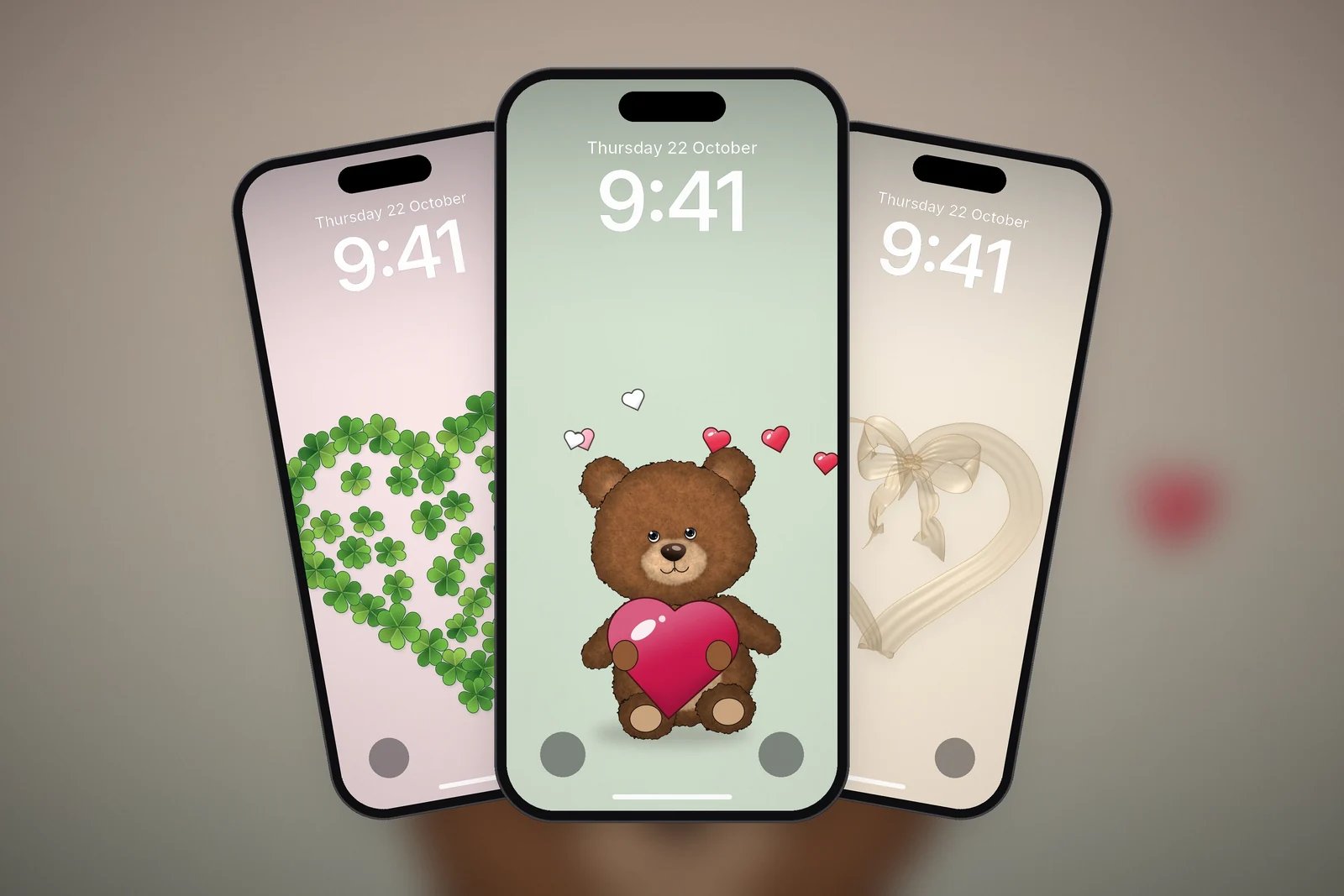
Hearts are at their sweetest with a character holding them. These keep a pastel background and a single cuddly subject.
Hearts made of something else
A heart shape built from other things reads as a heart from across the room and as a pattern up close. They are a nice change from the classic red heart.
| Style | Example | Best for |
|---|---|---|
| Minimal | Charcoal Heart Glow | A calm Lock Screen, Dark Mode |
| Chrome | Liquid Chrome Heart | A jewellery look, dark icons |
| Cute | Teddy Hugging a Heart | Light Mode, pastel themes |
| Made of things | Clover Heart | Something less obvious than a red heart |
Placing a heart wallpaper on the Lock Screen
A heart works best when it sits in the middle of the screen, below the date, clock and widgets.
- Touch and hold the Lock Screen, tap Customise, then choose the Lock Screen.
- Pinch to move the picture so the heart sits just below the clock.
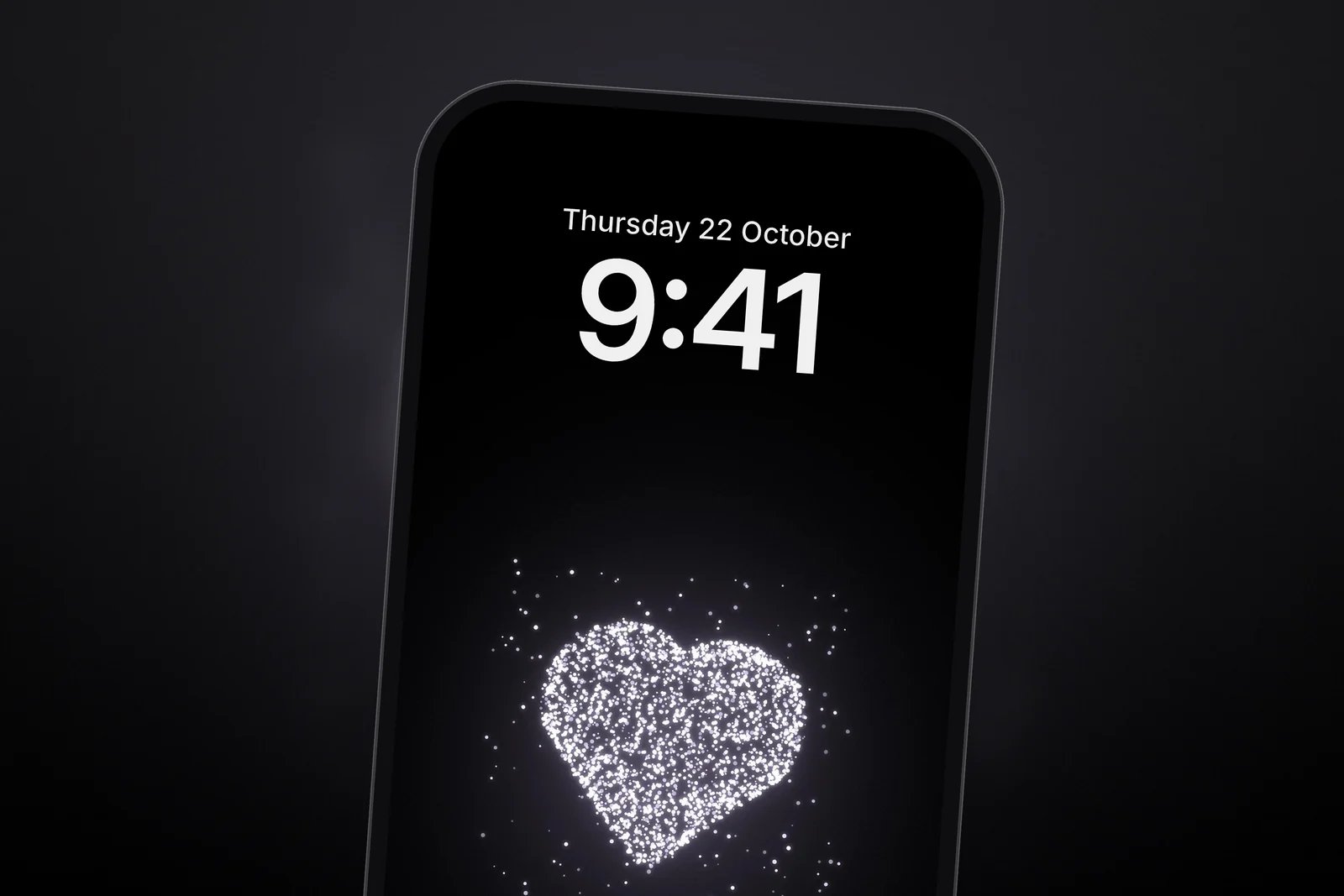
- Tap the time and choose a colour from the heart itself, such as soft pink for a pink trail or pale violet for a stardust heart.
- Tap Done. If the heart would sit behind your apps, tap Customise Home Screen and pick a plain colour or blur for the Home Screen.
For more couple ideas, see matching wallpapers for couples, or make your own with our free couple wallpaper maker.
Browse the full Love & Hearts category for more. Every heart wallpaper is free and comes in 4K and your exact iPhone size.
Read next: Pink Wallpaper for iPhone: Blush, Rose and Hot Pink Ideas and Cute iPhone Wallpapers: Cats, Teddies and Pastel Lock Screens.
Quick answers
What is the best heart wallpaper for iPhone?
One with a single heart placed below the clock, such as a dotted butterfly trail on black or a glowing charcoal heart. It keeps the time readable and the heart in view.
Are there heart wallpapers that aren't too cute?
Yes. Chrome and gold hearts on dark satin, or a small charcoal heart in a soft glow, give a romantic touch without cartoon characters.
Can I use a heart wallpaper with Dark Mode?
Yes. Hearts on black or deep satin, such as glowing dust hearts or chrome hearts, suit Dark Mode best.
What heart wallpapers work for couples?
Pick two designs from the same style, for example two teddy wallpapers or two chrome hearts, so the phones match without being identical.
Are these heart wallpapers free?
Yes. They are free for personal use and download in 4K and in your iPhone's exact screen size.
Sources
- Create a custom iPhone Lock Screen, Apple Support (iOS 27).
- Change the wallpaper on iPhone, Apple Support (iOS 27).