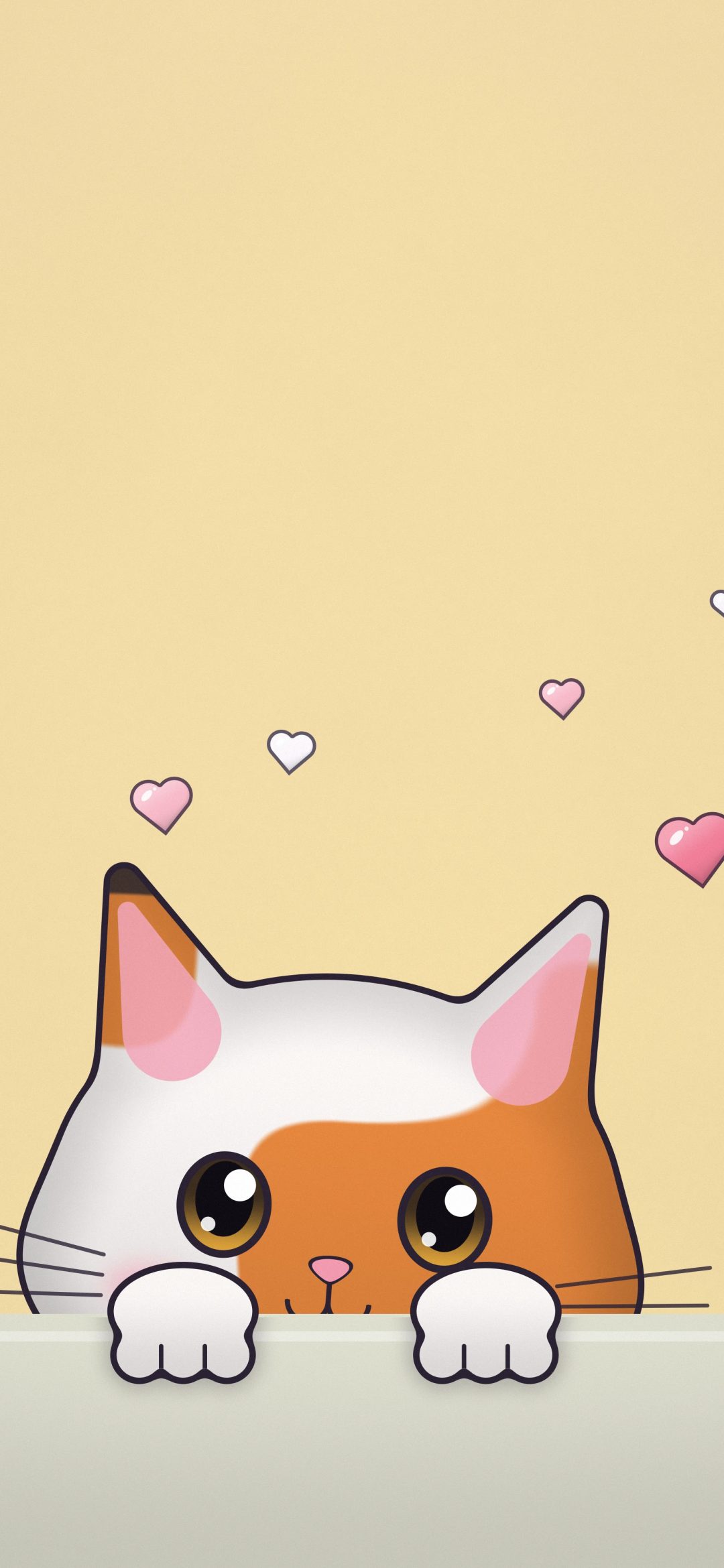
A cute iPhone wallpaper is one that makes you smile every time the screen lights up: a kitten peeking over a ledge, a row of cat paws reaching for hearts, a sleepy teddy bear on the moon. The trick is to pick one that is sweet without being cluttered, so the clock, your notifications and your apps still read clearly on top of it.
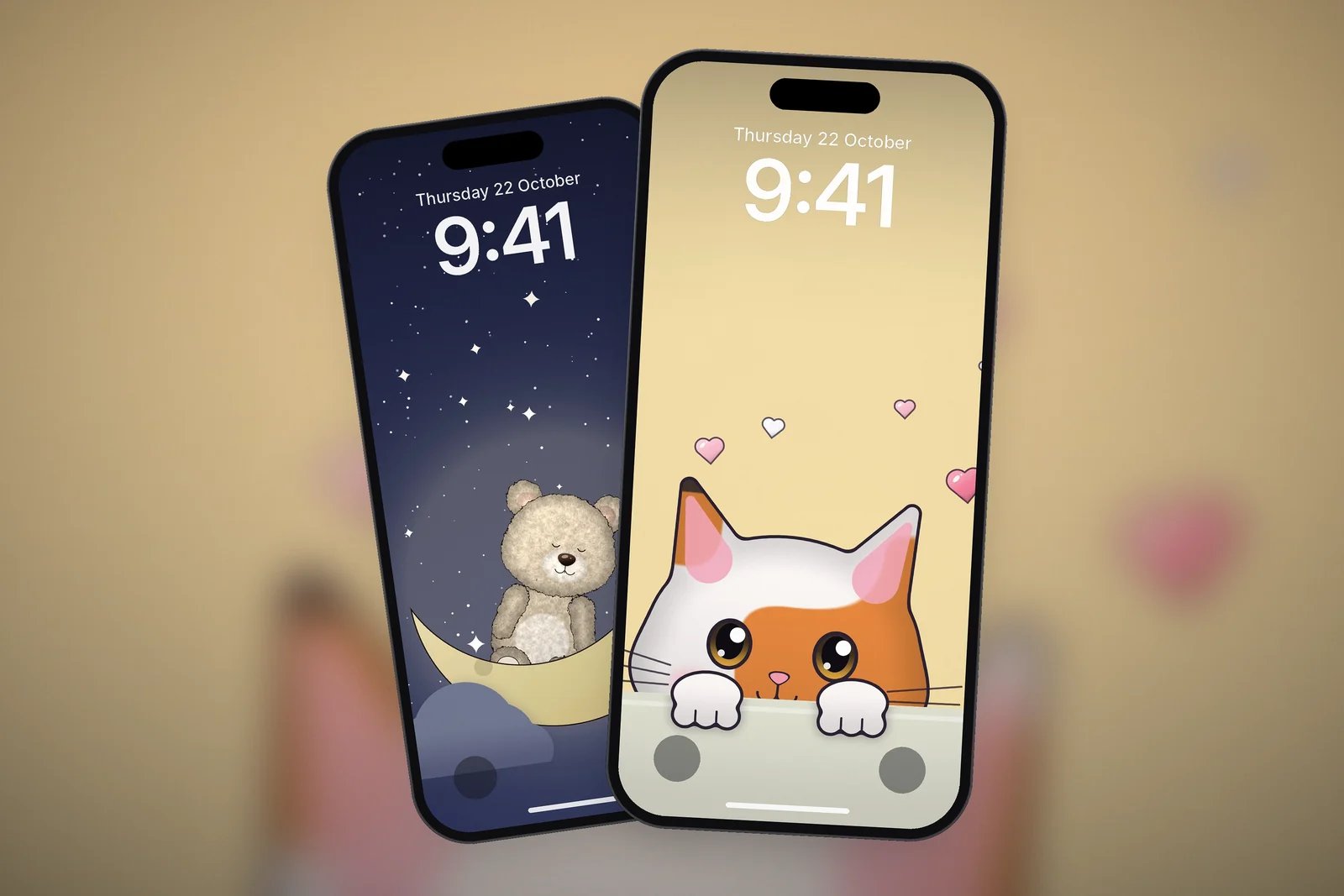
This guide covers the cute styles that work best on a phone, how to place them around the Lock Screen clock, and a set of free cute wallpapers, all drawn for this site and ready in 4K and your exact iPhone size.
In short
- Pick a cute wallpaper with its character in the lower half, so the date and clock at the top stay easy to read.
- Soft pastel backgrounds (lavender, blush, mint, butter yellow) suit Light Mode; a navy night sky with stars suits Dark Mode.
- Peeking characters are made for the Lock Screen: they look up at the clock and leave the middle free for notifications.
- Download the wallpaper in your iPhone's exact size so round shapes like heads, paws and hearts stay round and sharp.
What makes a cute wallpaper work on iPhone
Cute art is usually busy by nature: big eyes, little hearts, sparkles. On a phone, that detail competes with the clock, widgets and app icons. These four things keep a cute wallpaper looking tidy.
One character, one idea
A single kitten, one teddy or a short row of paws reads instantly, even at a glance. Scenes packed with many characters quickly turn into noise behind your icons. Our picks keep to one idea per picture: a kitten peeking, a teddy holding balloons, two paws holding a heart.
A quiet top quarter
The Lock Screen puts the date, the large clock and up to four widgets in the top part of the screen. Cute wallpapers that keep this area as plain colour, with the character lower down, let you see both the time and the art.
Soft, flat backgrounds
A flat pastel background behind a clean, outlined character is easier on the eye than a patterned one, and app icons stand out on it. Lavender, blush pink, mint and butter yellow all give that soft look without washing out white text.
Clean outlines at the right size
Cartoon art relies on crisp outlines. A wallpaper made for a different screen and then stretched loses that crispness. Every wallpaper here comes in a universal 4K file (2160 × 3840) and in your iPhone's exact resolution.
Cute cat wallpapers
Cats are the most searched cute wallpaper theme, and they suit the Lock Screen especially well when the cat is peeking up from the bottom of the screen, as if watching the clock.
- Peeking kittens rest their paws on a ledge at the bottom and look up, leaving the top of the screen free.
- Paws reaching up for glossy hearts, balloons or stars fill the lower third with colour and keep the middle open for notifications.
- Paw-print trails are the most minimal option: a line of little prints walking up a plain pastel background.
Teddy bear wallpapers
A plush teddy brings a softer, cosier mood than a cartoon cat. The fluffy fur texture looks best in your exact iPhone size, where each fine stroke stays sharp.
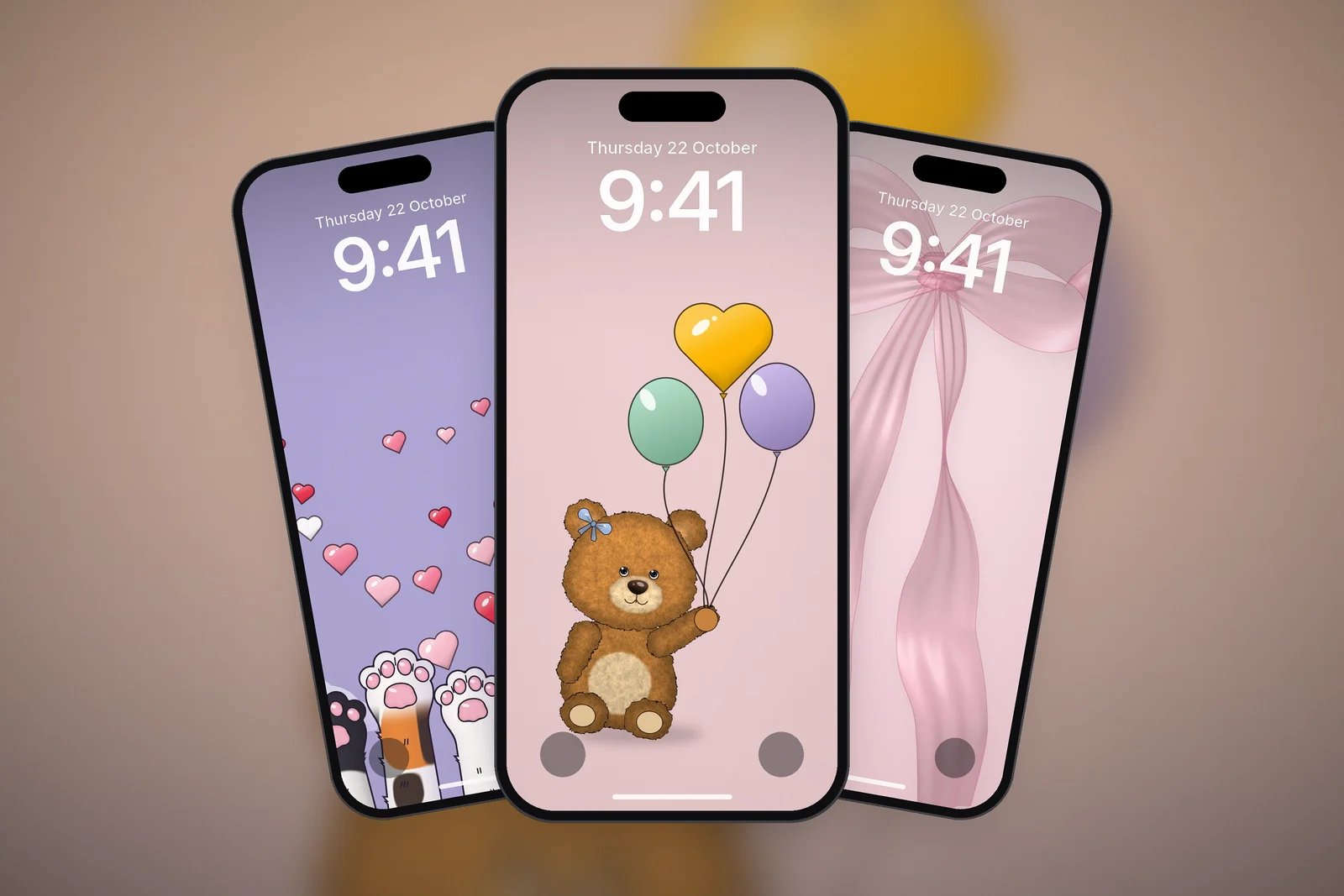
The sleepy teddy on a crescent moon is a good pick for Dark Mode and night-time charging, because most of the screen is deep navy with only a few small stars.
More cute and pastel picks
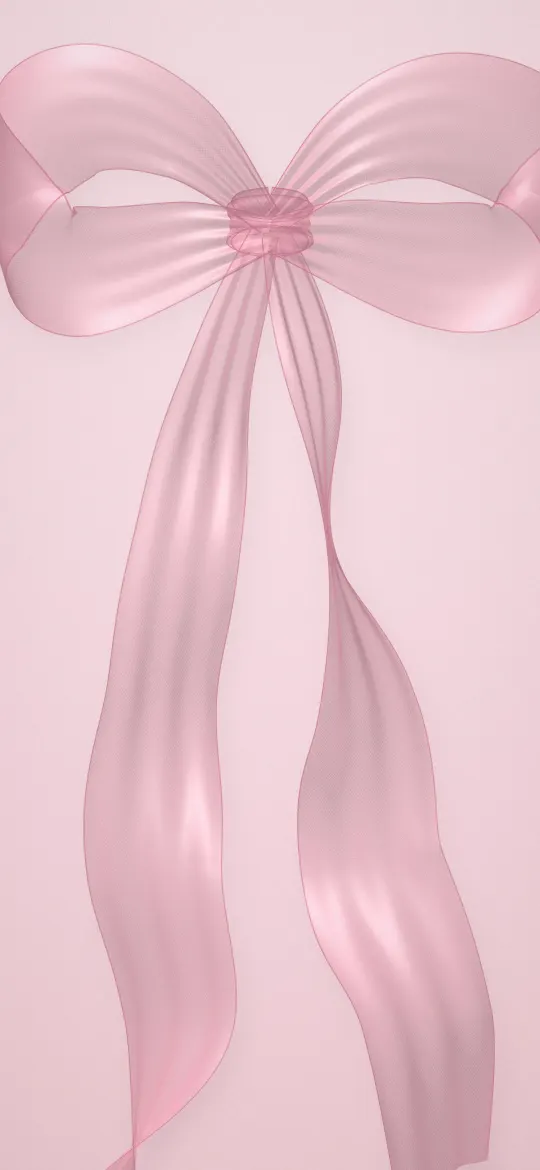
Not every cute wallpaper needs a character. Lucky clovers, line-art flowers and sheer ribbon bows give the same gentle, happy mood with even more empty space.
| Style | Example | Best for |
|---|---|---|
| Peeking character | Peekaboo Calico Kitten | Lock Screen with the clock above the character |
| Character with props | Teddy with Balloons | Lock Screen or both screens |
| Line-art flowers | Blue Bouquet with a Bow | Home Screen, behind a few icons |
| Soft glow | Rose Glow Flower | Home Screen with large or tinted icons |
How to set a cute wallpaper so it stays cute
A cute wallpaper can end up hidden behind widgets and notifications. These steps keep the character in view:
- Touch and hold the Lock Screen, tap Customise, then choose the Lock Screen.
- Pinch to adjust the framing so the character sits below the clock, not behind it.
- Tap the time and pick a clock colour taken from the wallpaper, such as a soft lilac on a lavender background.
- Keep widgets to one row, or leave them out if the character sits high on the screen.
- Tap Done, then Set as Wallpaper Pair, or tap Customise Home Screen to use a plain colour or a flower design behind your apps.
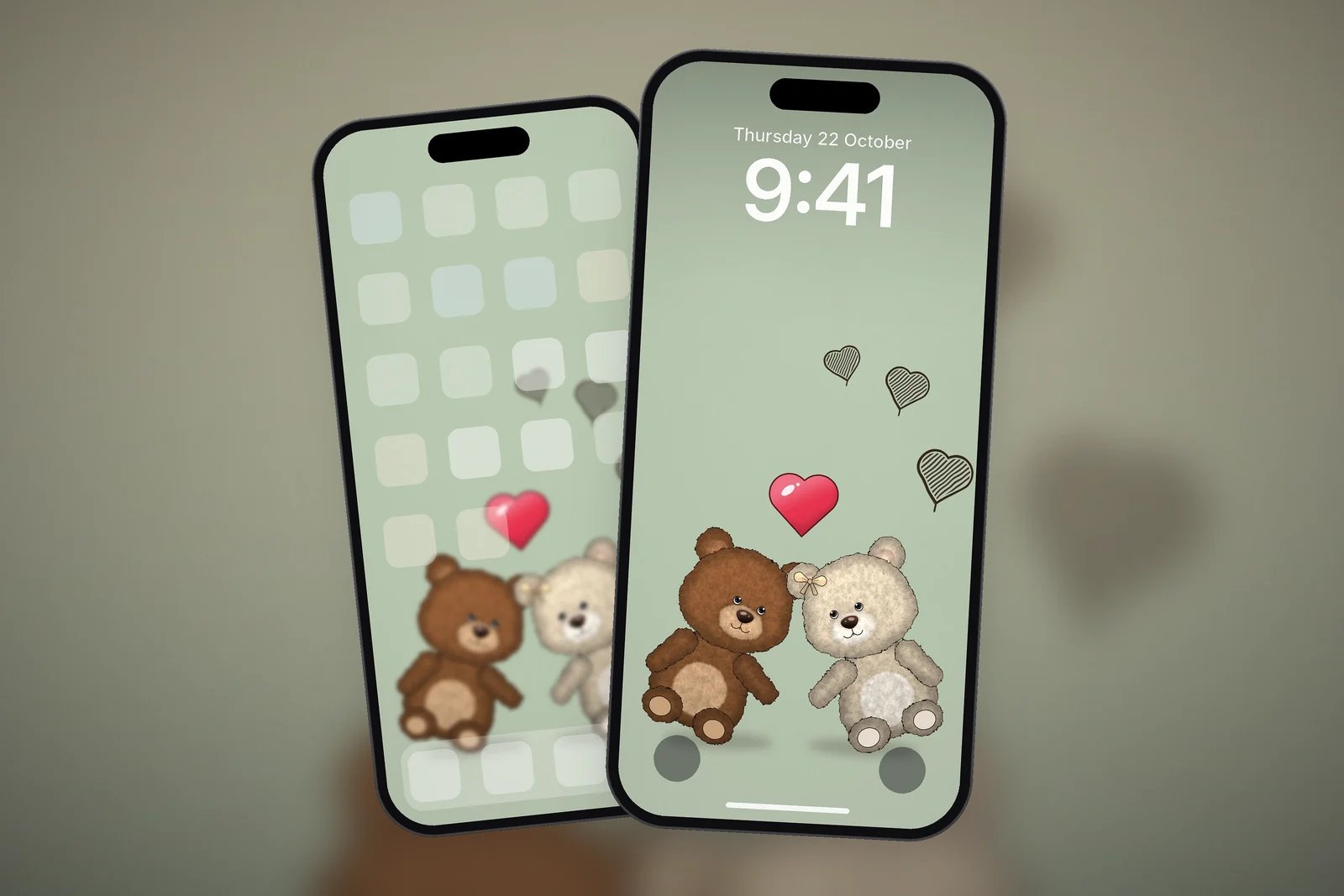
Our guide on how to set a wallpaper on iPhone covers framing, Perspective Zoom and Depth Effect step by step, and Lock Screen wallpapers that keep the clock readable explains how to choose a clock colour.
Browse the full Cute & Aesthetic category for more, or the Love & Hearts category if you like your cute wallpapers with hearts. Every wallpaper is free, made for this site, and downloads in your exact iPhone size.
Read next: 10 Aesthetic iPhone Wallpaper Ideas That Work on a Lock Screen and Home Screen Wallpaper Ideas That Keep Your Apps Readable.
Quick answers
What is the cutest wallpaper for iPhone?
That depends on your taste, but peeking characters work best on a phone: a kitten or teddy at the bottom of the screen, looking up at the clock, keeps the time readable and the picture in view.
Where can I get cute wallpapers for iPhone for free?
All the cute wallpapers on this page are free to download for personal use. Each one is drawn for this site and comes in a 4K file and in your iPhone's exact screen size.
Do cute wallpapers work with Dark Mode?
Yes, if you pick one with a darker background. A teddy asleep on the moon or cat paws reaching for stars on navy suit Dark Mode; pastel backgrounds look best in Light Mode.
Why does my cute wallpaper look blurry on iPhone?
Usually because it was made for a smaller or different screen and iOS has enlarged it. Download the version made for your iPhone model so outlines stay crisp.
Can I use one cute wallpaper for the Lock Screen and another for the Home Screen?
Yes. When you add the wallpaper, tap Customise Home Screen instead of Set as Wallpaper Pair and choose a different picture, a colour or a gradient for the Home Screen.
Sources
- Create a custom iPhone Lock Screen, Apple Support (iOS 27).
- Change the wallpaper on iPhone, Apple Support (iOS 27).