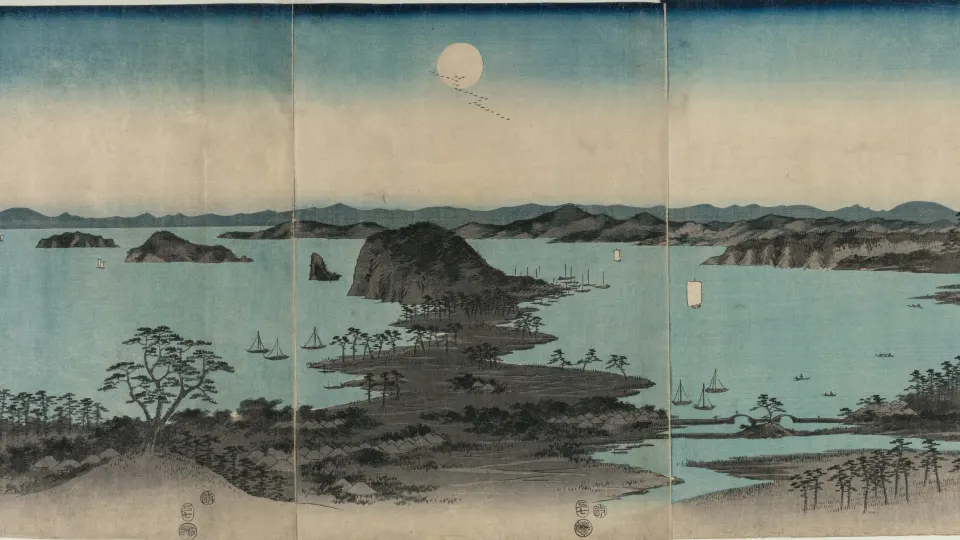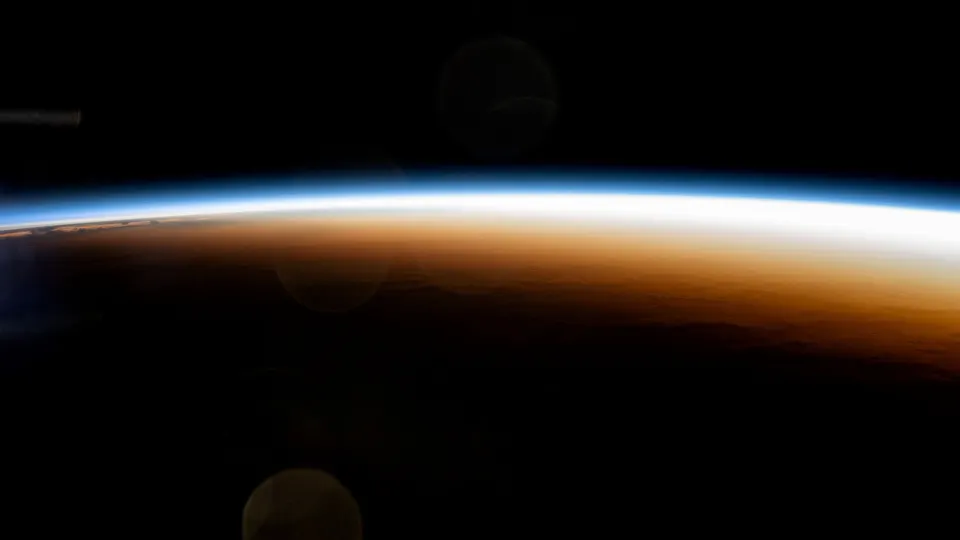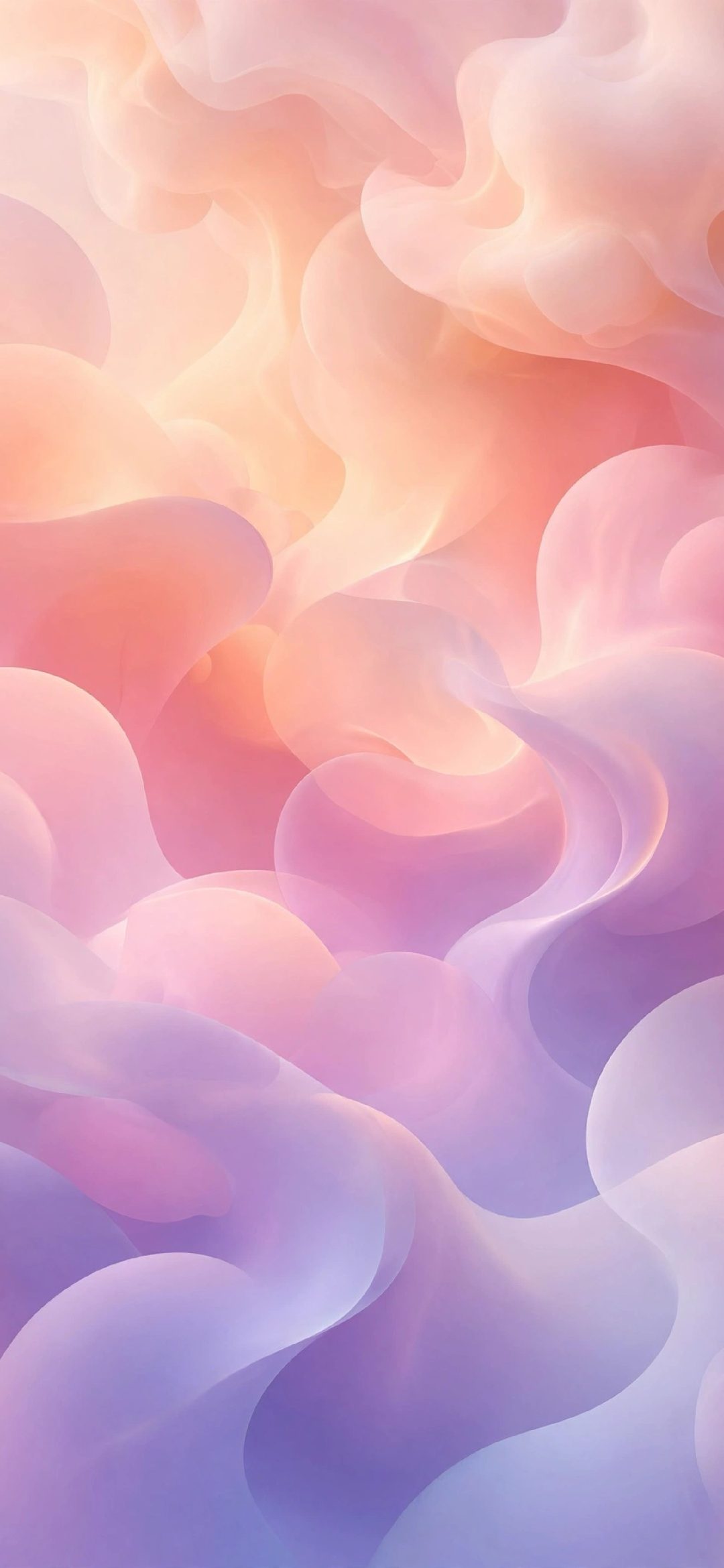
The aesthetic iPhone wallpaper ideas that work best are soft gradients, liquid chrome, minimal line art, warm neutrals, dark moody scenes, pastel florals, calm nature, retro shapes, quiet textures and optical waves. What they share is simple: a limited colour palette, one clear mood and enough calm space at the top for the clock to stay readable.

Below are ten styles, why each one suits a Lock Screen, and real 4K wallpapers you can use for every one of them. Every wallpaper here is cut to your iPhone's exact size, so the look stays sharp rather than stretched.
In short
- Pick a style with a tight palette of two or three colours: gradients, chrome, line art, warm neutrals, dark moody scenes, pastel florals, calm nature, retro shapes, textures or optical waves.
- Keep the top third quiet, because the date, clock and widgets sit there.
- Set the clock to a colour from the wallpaper: touch and hold the Lock Screen, tap Customise, then tap the time.
- Use the same picture, or its blurred version, on the Home Screen so both screens feel matched.
What makes a wallpaper look aesthetic on a Lock Screen?
An aesthetic wallpaper is less about a trend and more about restraint. On a phone, the picture shares space with a big clock, widgets, notifications and, on the Home Screen, rows of app icons. Busy images fight with all of that. Calm ones frame it.

- Two or three colours at most. A tight palette is what makes a screen feel designed.
- A quiet top third. The date, clock and widgets sit there, so sky, fog, gradient or plain paper works best.
- One idea. A single curve, flower or ripple reads instantly; ten small subjects don't.
- Full resolution. Soft gradients and fine lines show compression and upscaling straight away, so a 4K or exact-size file matters more here than with busy photos.
10 aesthetic iPhone wallpaper ideas
1. Soft gradients
A smooth fade between two or three colours is the easiest aesthetic wallpaper to live with. It works under any clock font and colour, and app icons sit on it cleanly. Minimal Zen Gray Gradient is the calm, neutral version; Pastel Gradient Blobs adds soft colour without any hard edges. Browse the gradient wallpapers for more.
2. Liquid chrome
Glossy, melted-metal shapes give a screen a polished, modern feel, and the reflections show off a sharp display. They look best when the chrome sits in the middle or lower half and the background is plain black or white. The original Liquid Chrome wallpaper and the Blue Purple Liquid Chrome Swirl both leave the clock area dark and clear. There is a full set under the chrome tag.
3. Minimal line art
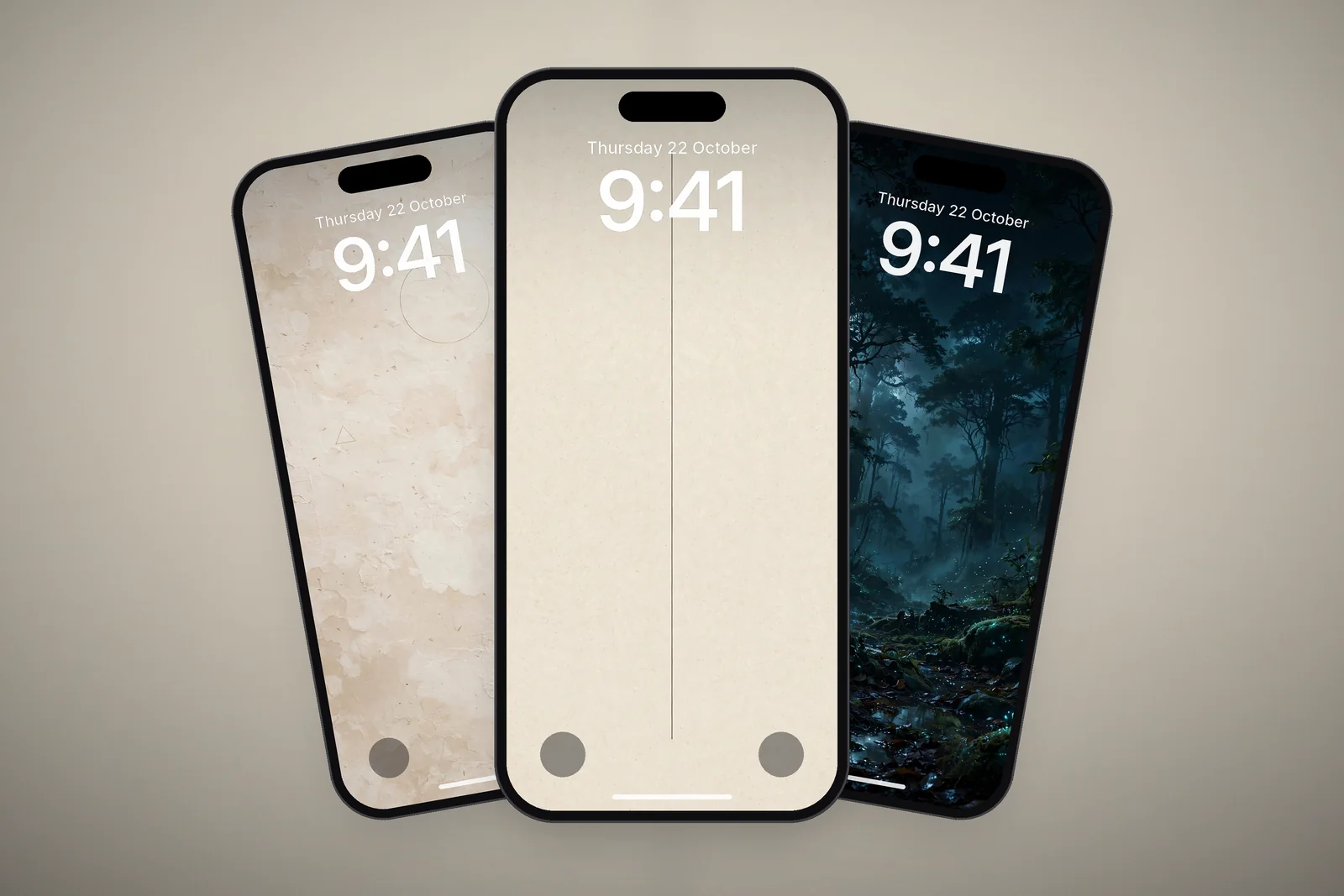
One thin line on paper or black is about as quiet as a wallpaper gets, and that is the point. Minimalist Vertical Fine Line on Cream Paper and the Zen Enso Brush Circle let your widgets do the talking while still giving the screen a hand-made feel.
4. Warm neutrals and wabi-sabi
Beige, cream, clay and soft brown with a bit of paper texture give an earthy, calm look that pairs well with white clock text. Wabi Sabi Beige Textured Minimal and Minimalist Arch Curve on Beige Textured Paper are good starting points.
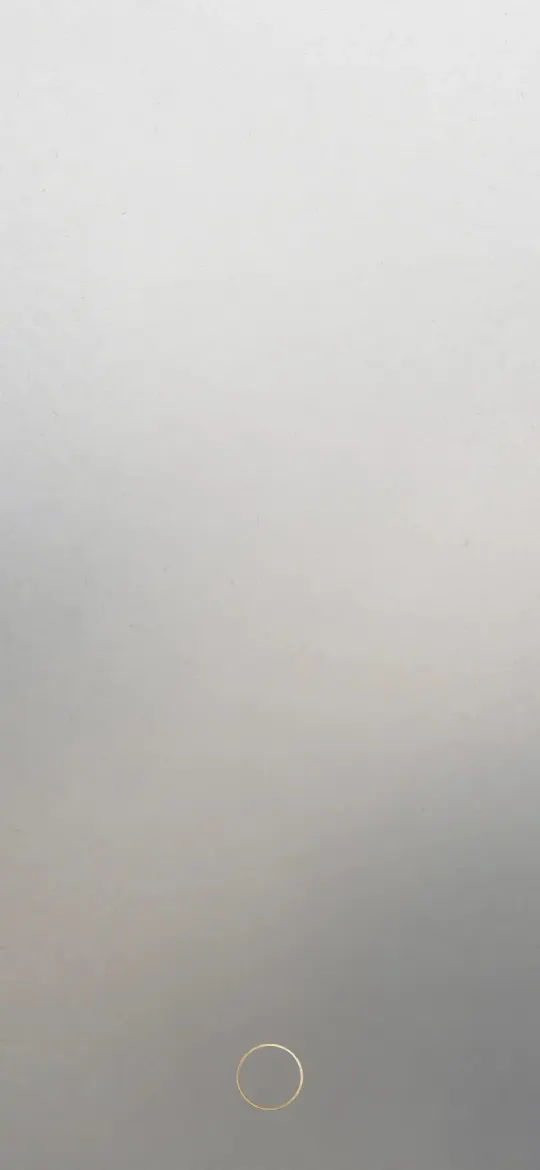 Minimal Zen Gray Gradient 4K Wallpaper
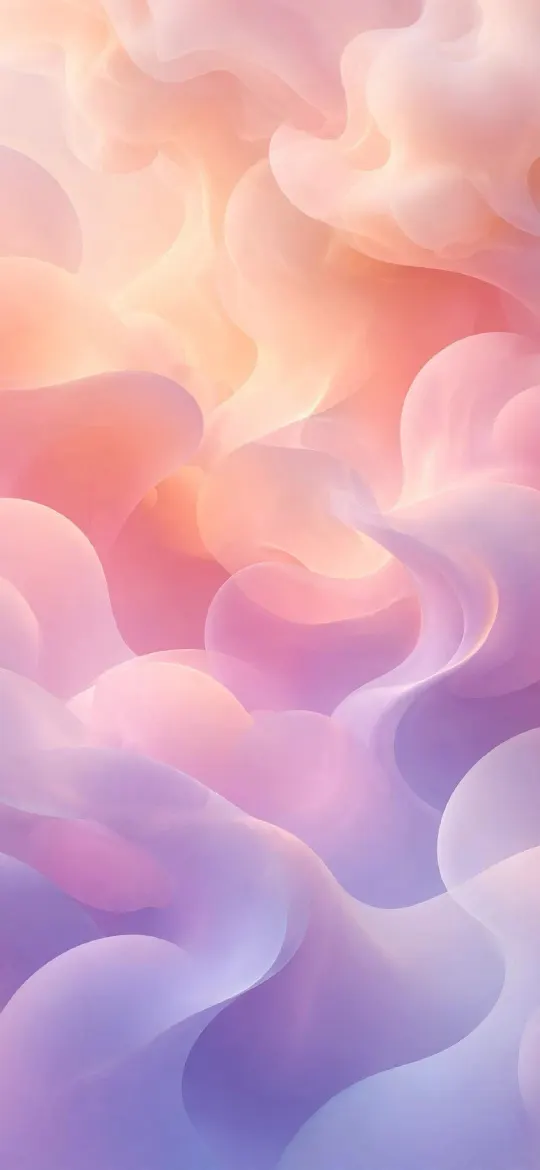 Pastel Gradient Blobs 4K Wallpaper
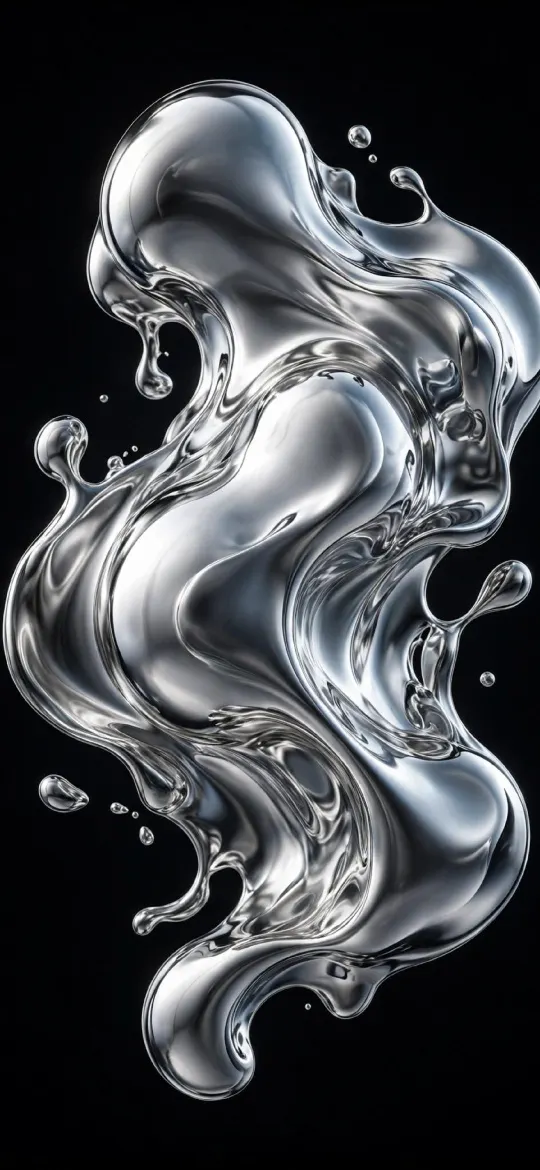 Liquid Chrome 4K Wallpaper
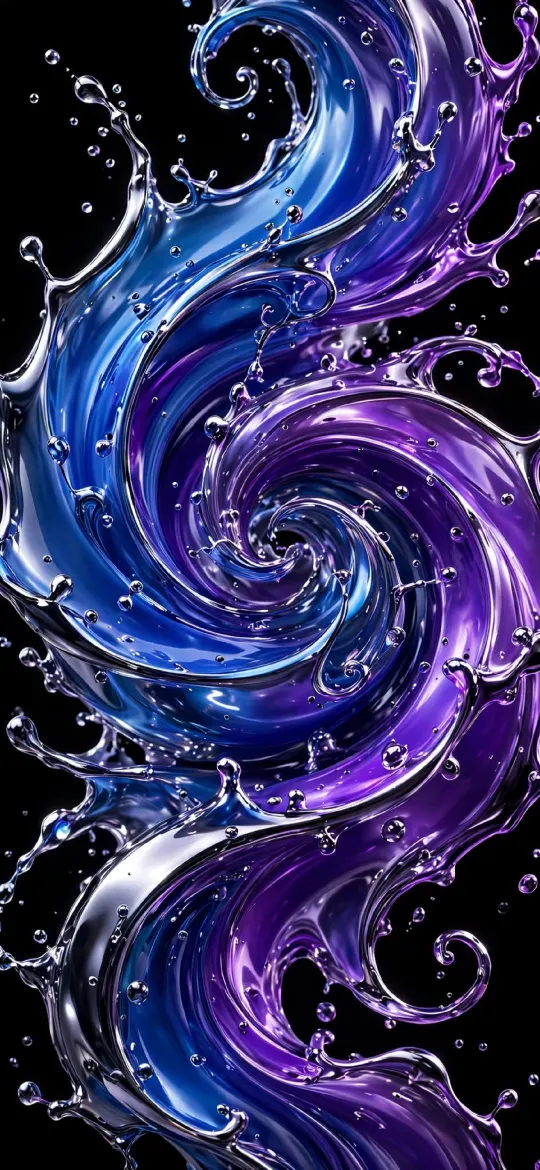 Blue Purple Liquid Chrome Swirl 4K Wallpaper
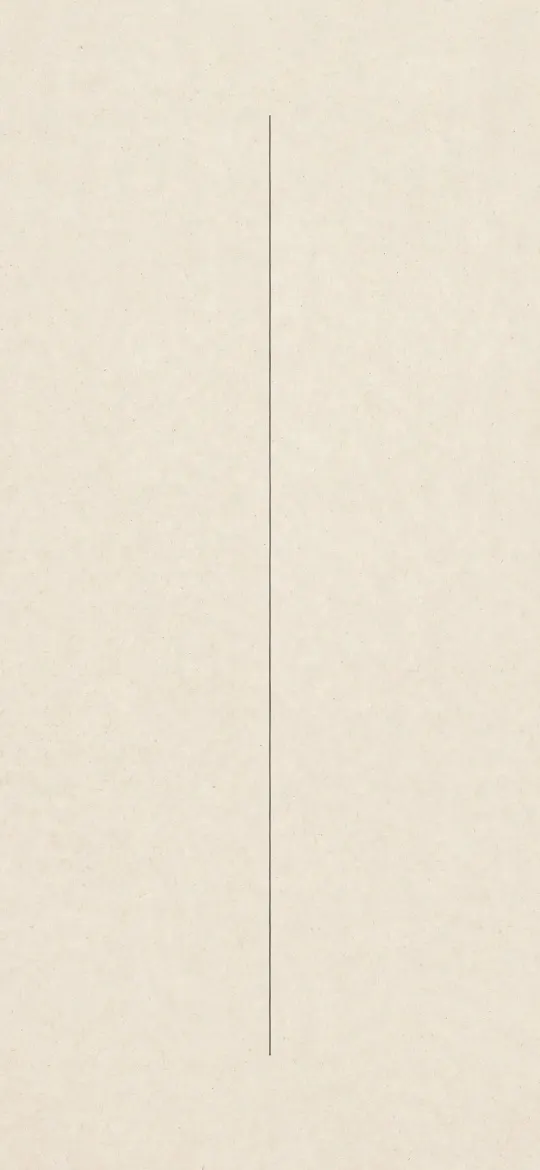 Minimalist Vertical Fine Line on Cream Paper 4K Wallpaper
 Wabi Sabi Beige Textured Minimal Wallpaper 4K
5. Dark and moody
Deep shadows, fog and a single glow make a Lock Screen feel cinematic, and white clock text stands out clearly. Bioluminescent Ancient Forest Night and Abstract Monochrome Smoke Swirls both keep most of the frame dark. On OLED iPhones, the black areas also stay switched off.
6. Pastel florals
Soft pinks, creams and peach tones are a classic for a reason. Choose a flower picture where the blooms sit in the lower half and the top is pale and blurred. Soft Pastel Peonies & Ranunculus fits that well, and it suits Depth Effect when the flowers have clean outlines.
7. Calm nature
A still lake, a meadow or a sand dune at golden hour gives a sense of space without clutter. The horizon line does a lot of work here: keep it in the lower half so the sky holds the clock. Alpine Mountain Lake Reflection and Golden Hour Desert Dunes both do this. The nature category has many more.
8. Retro shapes
Chunky paper cut-outs, painted wood and clay pebbles in warm oranges and teals give a mid-century, slightly playful look. Colorful Folded Paper Mosaic and Painted Wooden Shapes are bold, so they suit the Home Screen best when you blur them or use few icons.
9. Quiet textures
Stone, frosted glass, pebbles and silk add depth without a subject, which makes them very easy behind app icons. Graphite Pebble and Frosted Glass Tiles are subtle enough to use on both screens. See the textures and patterns category for more.
10. Optical waves
Fine moiré lines and ripples give movement while staying almost monochrome. Minimalist Moiré Line Flow and Chrome Ripple look especially sharp on high-resolution screens, where every line stays crisp.
 Bioluminescent Ancient Forest Night 4K Wallpaper
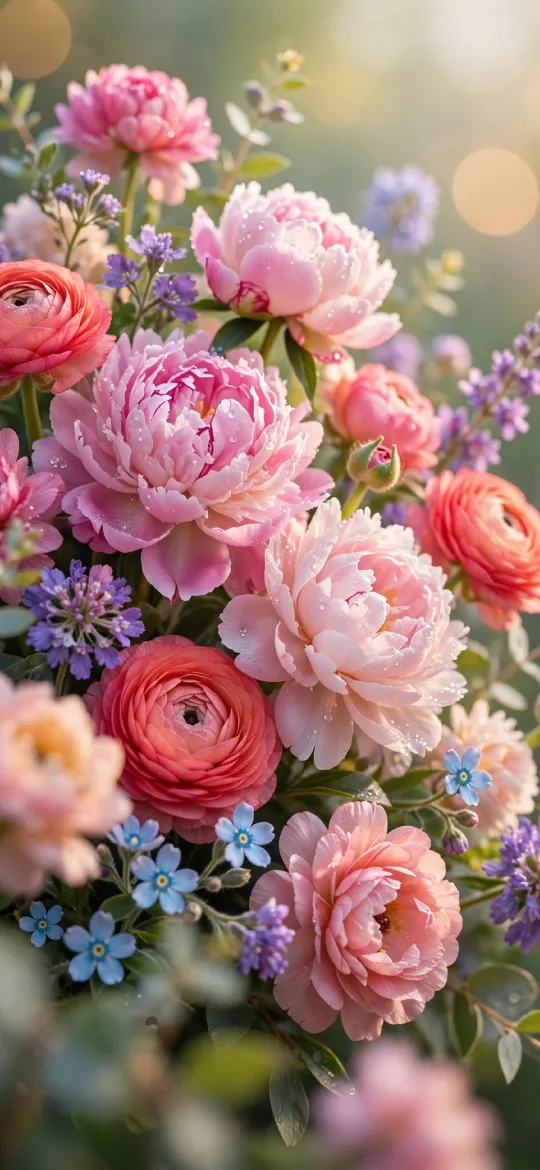 Soft Pastel Peonies & Ranunculus Floral Wallpaper 4K
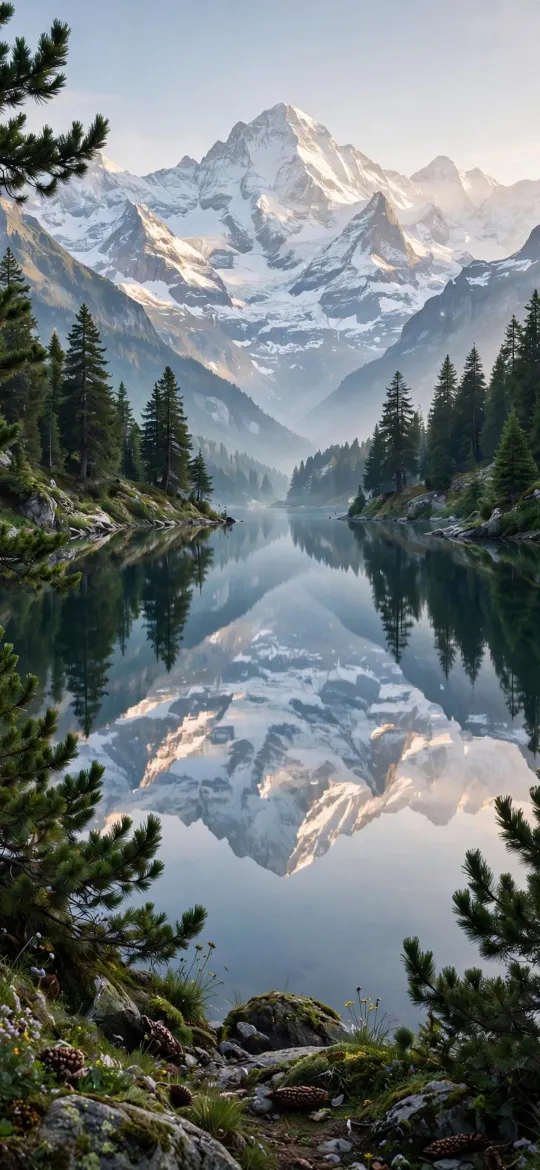 Alpine Mountain Lake Reflection & Pine Forest 4K Wallpaper
 Colorful Folded Paper Mosaic Wallpaper 4K
 Graphite Pebble 4K iPhone Wallpaper
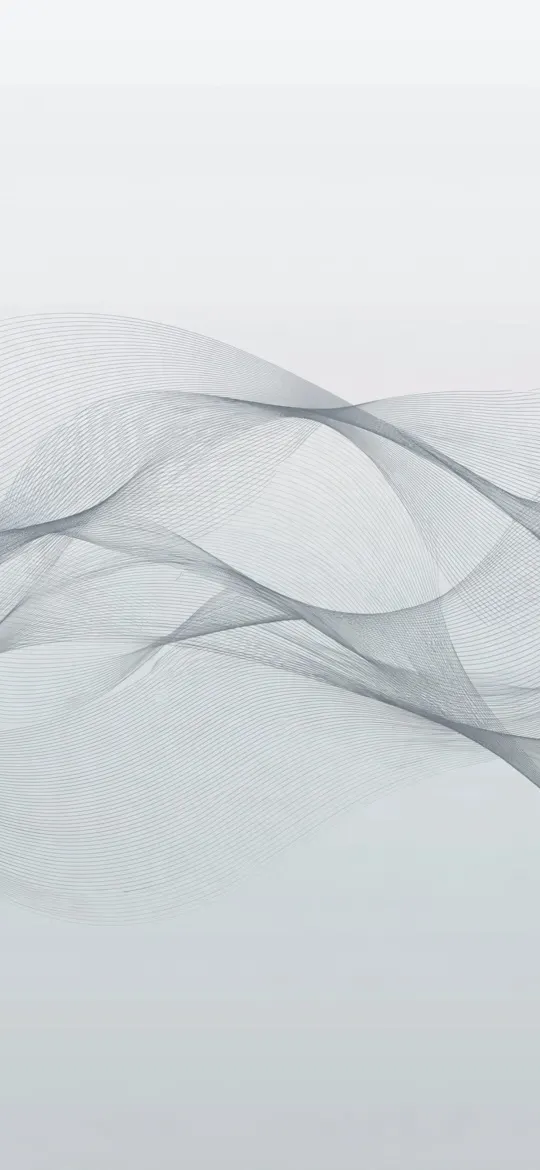 Minimalist Moiré Line Flow 4K Wallpaper
How to match the style to your Lock Screen
Once you have a wallpaper, a few minutes in the Lock Screen editor make it look intentional. Long-press the Lock Screen, tap Customise, then choose the Lock Screen.
| Style | Clock colour that works | Home Screen tip |
|---|---|---|
| Soft gradients, pastel | White or a deeper shade of the gradient | Use the same image |
| Liquid chrome, dark moody | White | Use the same image; icons stand out on black |
| Warm neutrals, line art | Dark brown or soft black | Use the same image |
| Retro shapes, nature | White, bold weight | Turn on blur so icons stay readable |
| Textures, optical waves | Match the lightest tone | Use the same image |
If the clock still gets lost, our guide to a readable Lock Screen clock covers the fixes in detail.
Read next: Minimalist Wallpaper for iPhone: What Works With Widgets and Matching Wallpapers for Couples: 5 iPhone Pairing Ideas.
Quick answers
Where can I get aesthetic iPhone wallpapers in 4K?
Every wallpaper on this site comes as a 2160 × 3840 file and in your iPhone's exact screen size. The minimal, abstract, nature and textures categories hold most of the aesthetic styles.
What colours look most aesthetic on an iPhone wallpaper?
Muted, limited palettes: beige and cream, soft grey, dusty pink, sage and black with one metallic accent. Two or three related colours usually look better than a full rainbow.
How do I make my iPhone look aesthetic?
Pick a calm wallpaper with a quiet top third, set the clock colour to match it, keep widgets to one row and use a blurred or plain version of the wallpaper on the Home Screen.
How do I change the clock colour and size on my iPhone Lock Screen?
Touch and hold the Lock Screen, swipe to the one you want and tap Customise. Tap the time to change its font and colour, and drag the bottom-right corner of the clock to make it taller.
Do aesthetic wallpapers work with Dark Mode?
Yes, especially dark and moody ones. Turn on Dark Mode in Settings → Appearance (Display & Brightness in iOS 26 and earlier), then set the Home Screen icons to Dark from the Customise menu so they sit quietly on a dark wallpaper.
Sources
- Create a custom iPhone Lock Screen, Apple Support
- Customize apps and widgets on the iPhone Home Screen, Apple Support
- Use Dark Mode on your iPhone and iPad, Apple Support