A minimalist wallpaper for iPhone is one with lots of empty space, a small number of colours and a single focal point. It works because your iPhone already puts a lot on screen: a large clock, widgets, notifications and rows of app icons. A quiet background lets all of that stay readable, while a busy photo turns the Home Screen into clutter.
This guide explains what to look for in a minimal wallpaper, how to place it around widgets and icons, and which 4K minimal wallpapers work best on a phone.
In short
- Look for one focal point, two or three colours and empty space where the clock (top quarter) and app icons (middle) sit.
- Warm paper textures suit Light Mode; true black designs suit Dark Mode and OLED iPhones.
- Keep it minimal on the phone too: one widget row at most, a clock tint taken from the picture, and the same image on the Home Screen rather than Blur.
- In iOS 27 you can tint or clear the app icons and even pick the tint from your wallpaper with an eyedropper.
Why minimal wallpapers work better on iPhone
On a computer, the wallpaper is often hidden behind windows. On an iPhone, it is on show every time you pick the phone up, and it always sits under something else. That changes what makes a good picture.
- Widgets and icons need contrast. App labels are small white text. On a plain background they are easy to read; on a detailed photo they disappear.
- The clock is huge. Since iOS 16 the Lock Screen clock has been large and customisable, and in iOS 27 you can even drag its corner to make it taller. A calm area behind it lets you use any font weight or colour.
- Depth Effect needs space. The effect that puts a subject in front of the clock works best with one clear subject on a plain background.
- It ages well. A busy wallpaper you love on day one often feels noisy by week three. Simple ones are easier to keep.
What to look for in a minimalist wallpaper
Not every simple picture works on a phone. These four qualities separate a good minimal iPhone wallpaper from a merely empty one.
Negative space in the right places
Empty space is useful only where something sits on top of it. The top quarter of the Lock Screen holds the date, clock and widgets; the middle of the Home Screen holds your icons. A minimal wallpaper with its subject in the lower third, or exactly centred, usually gives both screens room to breathe.
Low contrast behind the icons
Strong edges, bright highlights and text in the wallpaper compete with app icons. Look for soft tonal changes in the areas icons will cover. A single fine line or curve is fine; a high-contrast pattern across the whole screen is not.
One focal point
A sun, an arch, a ripple or a brush circle gives the eye somewhere to land. Two or three subjects split attention, and on a 6-inch screen they quickly read as clutter.
A tight palette
Two or three colours is plenty. Neutral backgrounds such as beige, grey, cream or black let colourful app icons stand out, which is part of why minimal wallpapers look so tidy.
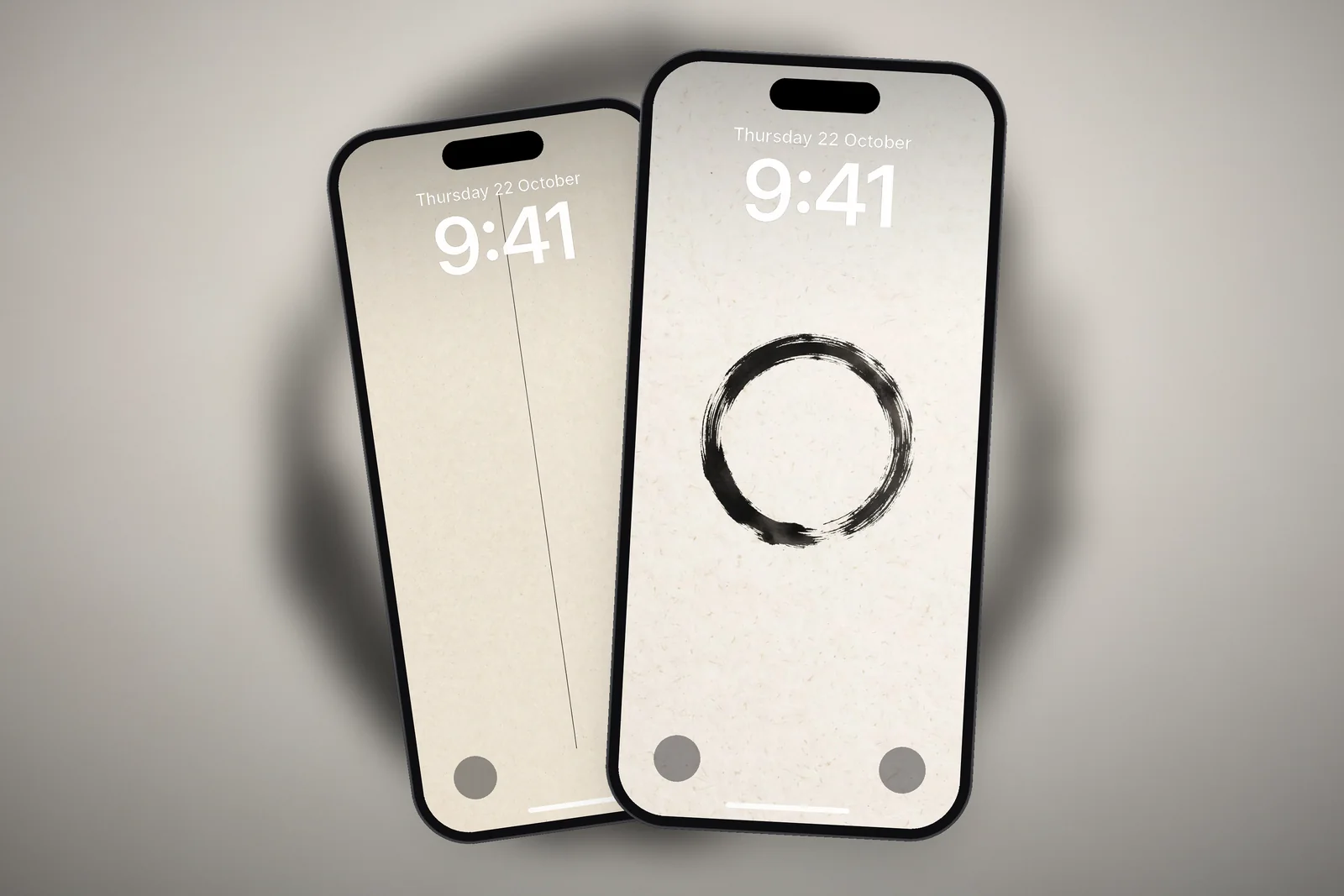
 Minimalist Arch Curve on Beige Textured Paper 4K Wallpaper
 Zen Enso Brush Circle on Textured Rice Paper 4K Wallpaper
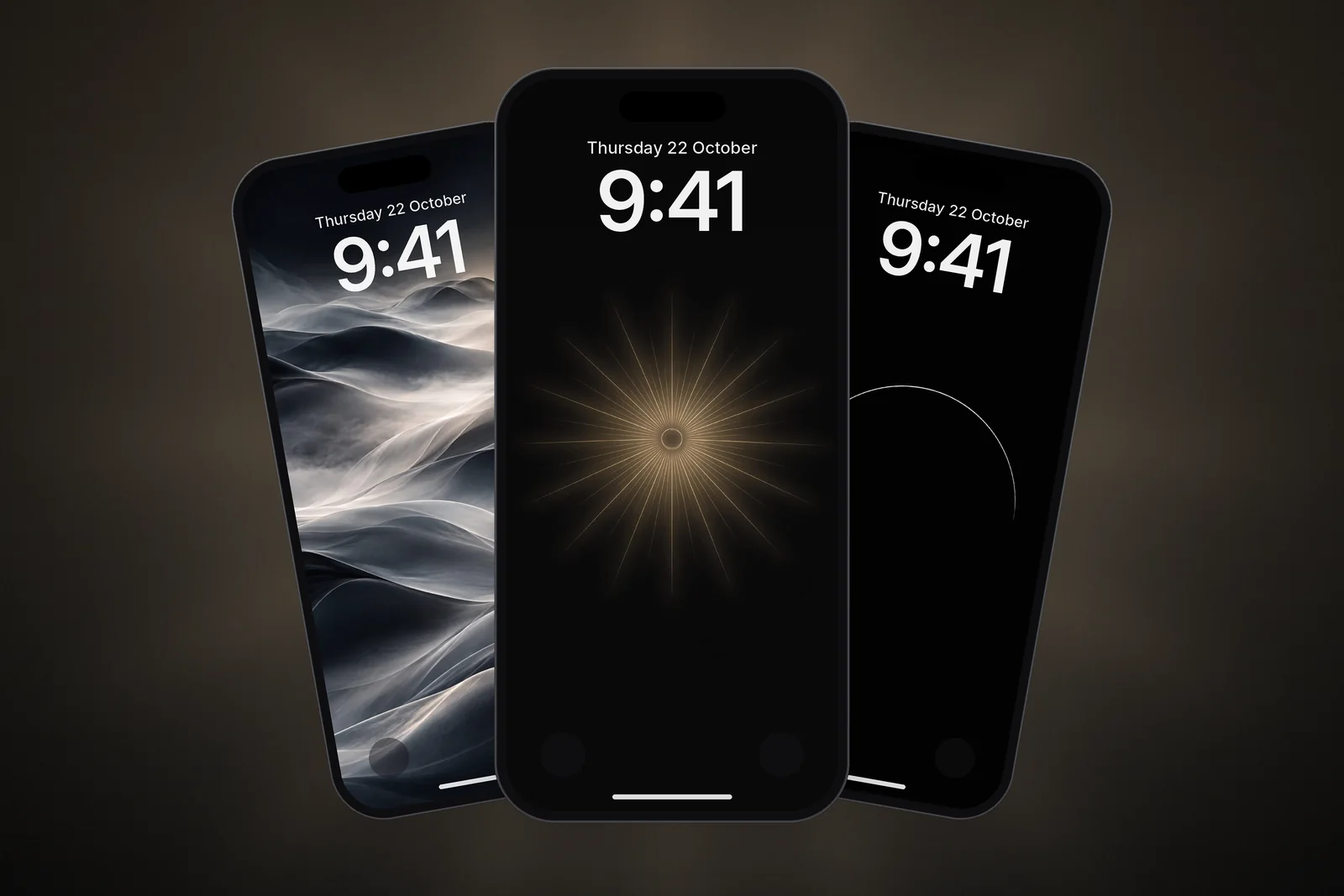
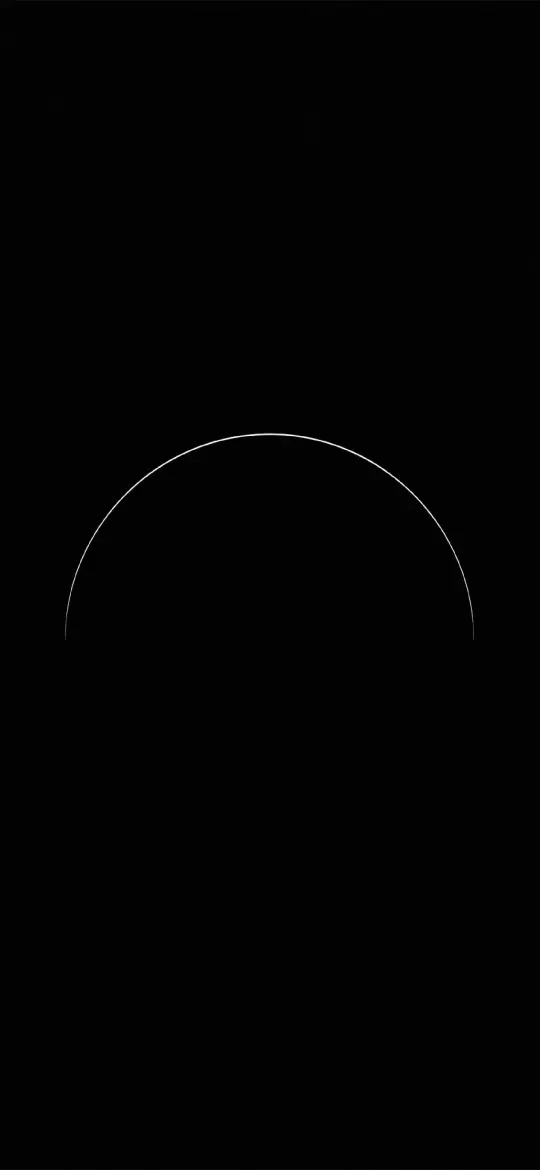 Pure Black OLED Minimal Arch Wallpaper 4K
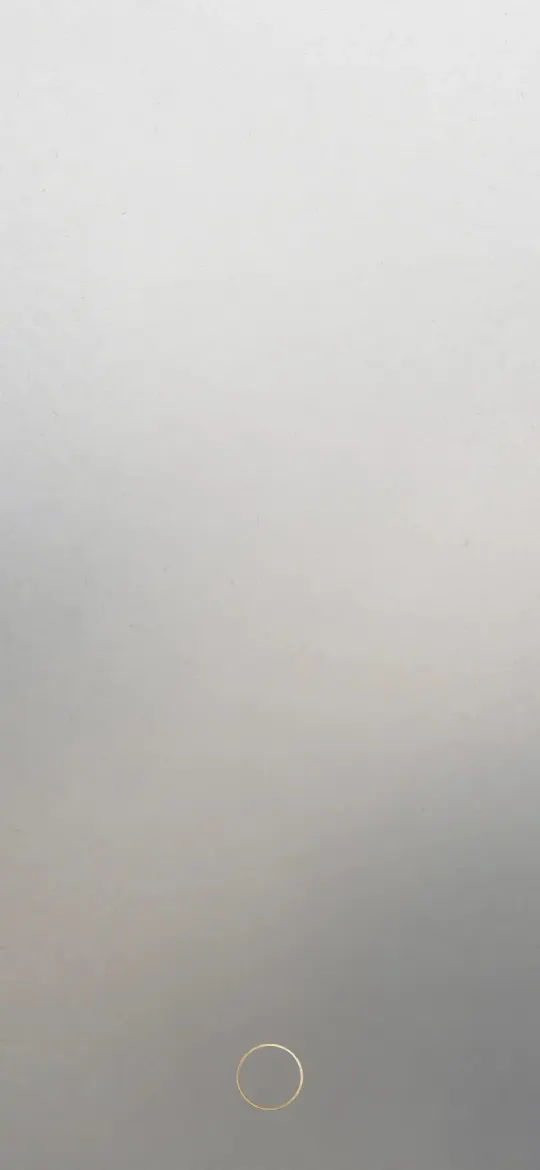 Minimal Zen Gray Gradient 4K Wallpaper
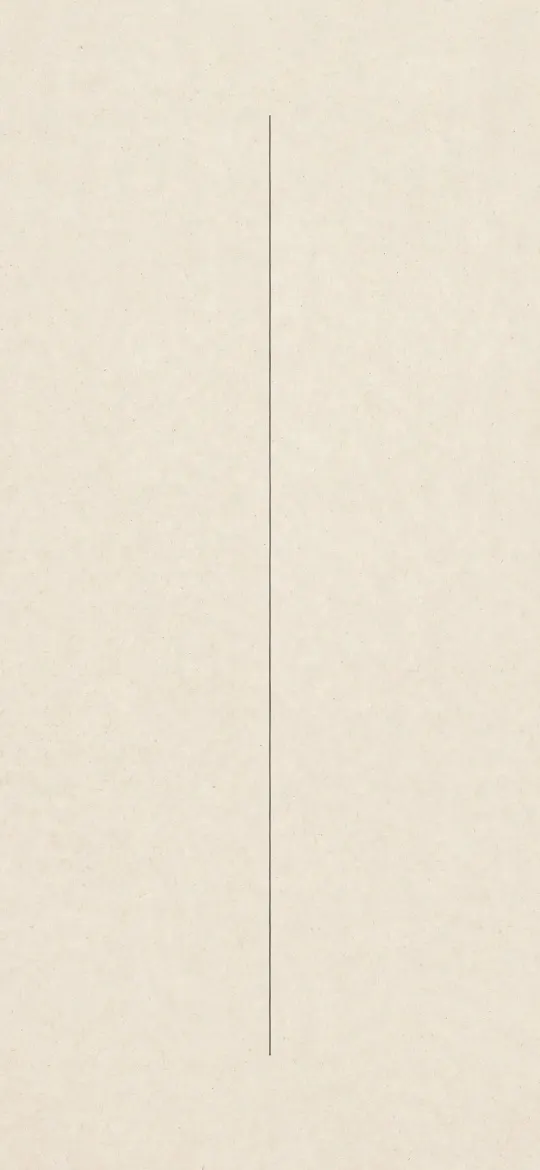 Minimalist Vertical Fine Line on Cream Paper 4K Wallpaper
 Wabi Sabi Beige Textured Minimal Wallpaper 4K
Light, dark or colour: picking a minimal style
Minimal does not have to mean beige. The style you choose should match how you use your phone and how your icons look.

| Style | Example | Best for |
|---|---|---|
| Warm paper | Minimalist Arch Curve on Beige Textured Paper | Light Mode, dark clock text, a calm look |
| True black | Pure Black OLED Minimal Arch | Dark Mode, OLED screens, night use |
| Soft gradient | Minimal Zen Gray Gradient | Any icon set, works on both screens |
| Single line art | Zen Enso Brush Circle | Lock Screens with a row of widgets |
| Colour accent | Pastel Gradient Blobs | Adding colour without adding detail |
If you use Dark Mode, a true black minimal wallpaper looks especially clean on OLED iPhones, where black pixels are switched off and the screen edges seem to vanish. There are more in our AMOLED true black wallpapers collection.
Setting a minimal wallpaper so it stays minimal
A simple wallpaper can still end up looking busy if the Lock Screen is overloaded. These steps keep it clean:
- Touch and hold the Lock Screen, tap Customise, then pick the Lock Screen side.
- Tap the time and choose a colour close to the wallpaper's own tones, rather than bright white, for a softer look. The more transparent clock style also suits a plain background.
- Keep widgets to one row, or leave them out if the wallpaper has a centred subject.
- Tap Add or Done and choose Set as Wallpaper Pair; a minimal wallpaper rarely needs the Home Screen Blur option.
- Remove or group apps you don't use daily so the background still shows.
Our guide on how to set a wallpaper on iPhone covers framing, Perspective Zoom and Depth Effect step by step.
How do I match app icons to a minimal wallpaper?
Colourful app icons are often the busiest thing on a minimal Home Screen. iOS 27 can quieten them: touch and hold the Home Screen background until the icons jiggle, tap Edit, then Customise.
- Tinted: use the sliders to choose a colour and saturation, or the eyedropper to take a colour straight from your wallpaper, so every icon shares one tone.
- Clear: makes the icons translucent, which lets a soft gradient or paper texture show through.
- Dark or Auto: darker icons suit true black wallpapers, and Auto switches to dark at night.
- Large icons: hide the app names, which removes a row of small text from every screen.
A beige paper wallpaper with icons tinted the same beige, or a black wallpaper with dark icons, is about as calm as an iPhone gets.
More minimal wallpapers worth trying
Beyond the paper and line-art styles above, these minimal designs bring a little more colour or shine while keeping plenty of open space:
 Minimal Zen Sun Wallpaper 4K
 Pastel Gradient Blobs 4K Wallpaper
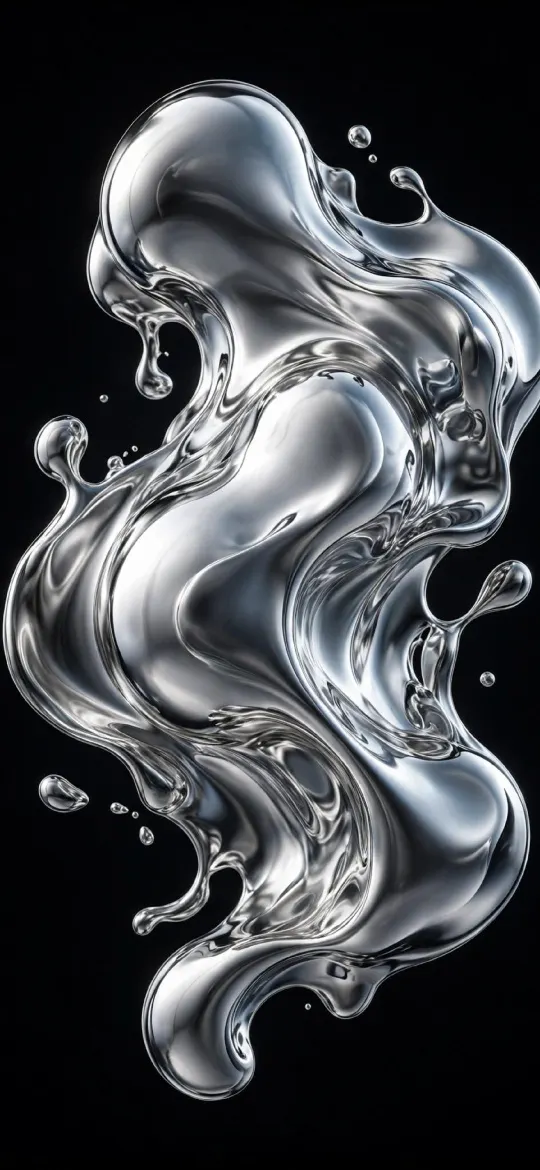 Liquid Chrome 4K Wallpaper
 Minimal Fog iPhone Wallpaper 4K
Browse the full minimal wallpapers category or the minimal tag, which also collects simple designs from other categories. Each one downloads in 4K and in your exact iPhone size.
Read next: 10 Aesthetic iPhone Wallpaper Ideas That Work on a Lock Screen and Home Screen Wallpaper Ideas That Keep Your Apps Readable.
Quick answers
What is the best minimalist wallpaper for iPhone?
One with a single subject in the lower half or centre, a quiet top quarter for the clock and two or three colours. Warm paper textures and true black designs are the easiest to live with.
Are minimalist wallpapers available in 4K for phones?
Yes. Every minimal wallpaper here comes as a 2160 × 3840 file plus your iPhone's exact resolution, which keeps fine lines and smooth gradients sharp.
Do minimal wallpapers work with widgets?
They work better than busy ones. Widgets and app labels need contrast, and a plain background gives them that. Keep the subject away from the areas your widgets cover.
How do I make my iPhone app icons match my wallpaper?
Touch and hold the Home Screen background, tap Edit, then Customise and choose Tinted. Use the eyedropper to pick a colour from your wallpaper, then choose Light, Dark or Auto.
Should I use the Home Screen Blur option with a minimal wallpaper?
Usually not. Blur helps icons stand out on busy photos, but a minimal wallpaper is already quiet, so setting it as a Wallpaper Pair keeps its shape and texture visible.
Sources
- Customize apps and widgets on the iPhone Home Screen (iOS 27), Apple Support
- Create a custom iPhone Lock Screen (iOS 27), Apple Support
- Change the wallpaper on iPhone (iOS 27), Apple Support