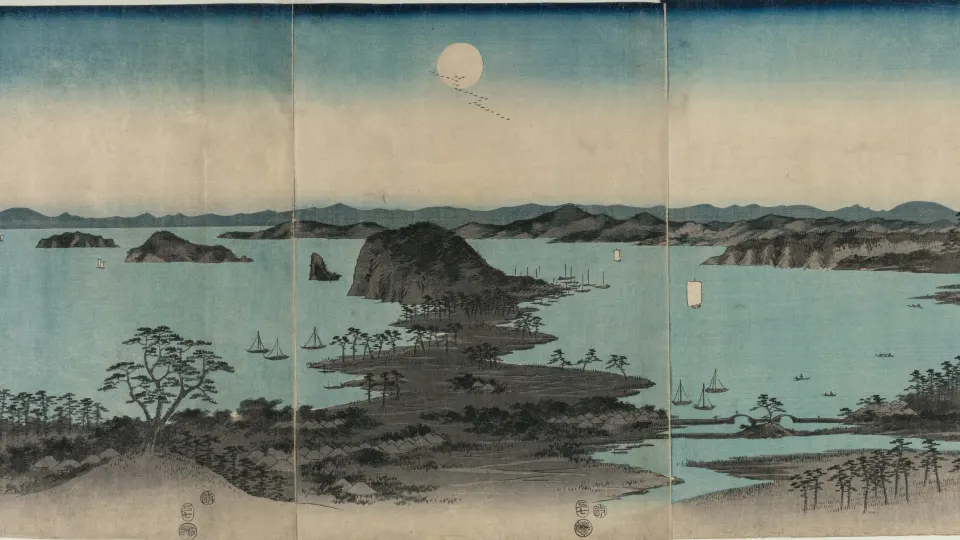
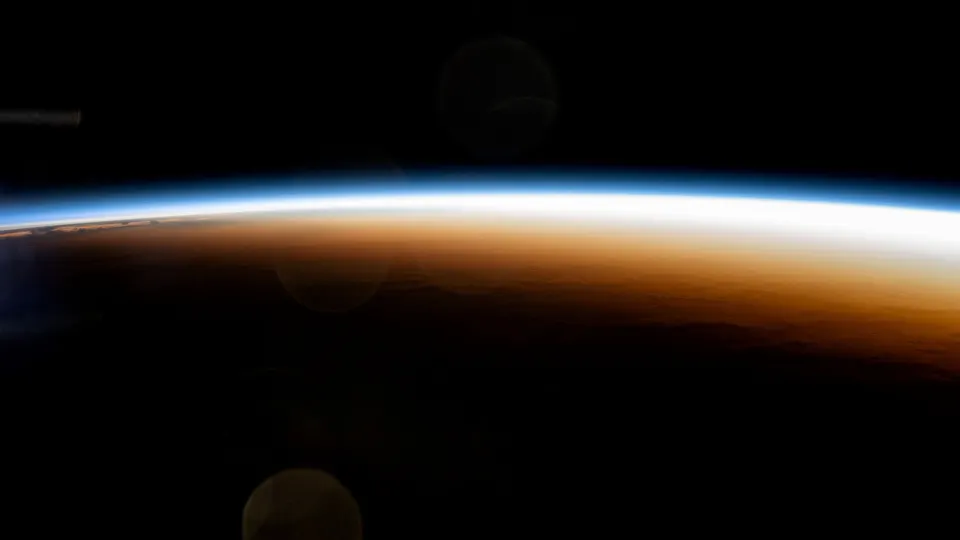
Matching wallpapers for couples are two wallpapers that belong together: the same design in two colours, a day and night version of one scene, a sun and a moon, or a picture that one person uses on the Lock Screen and the other on the Home Screen. Each phone looks complete on its own, and side by side they clearly make a pair.
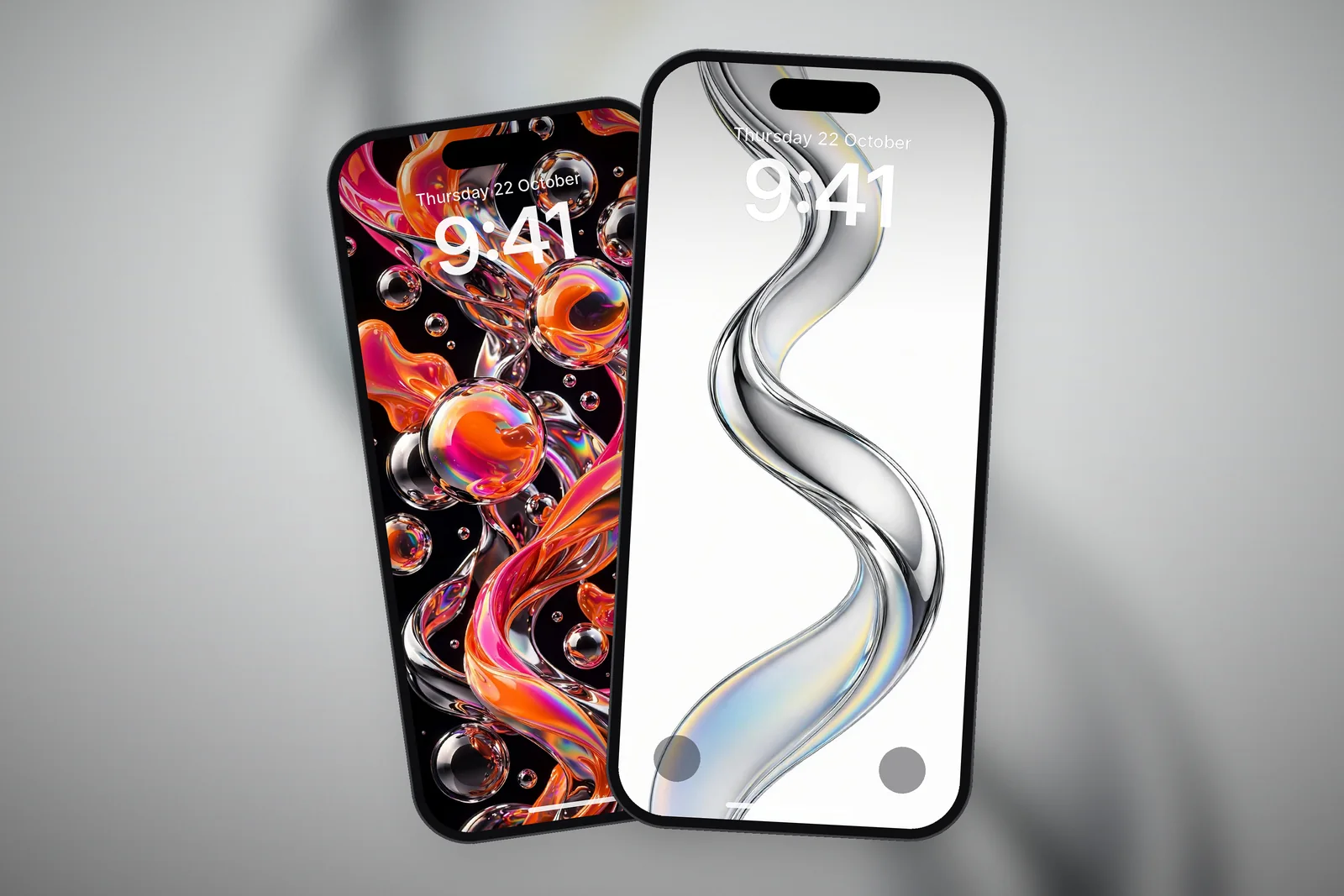
The same ideas work for matching wallpapers for best friends, siblings or a group. Below are five pairing ideas with real 4K wallpapers for each, and how to set them so they look right on two different iPhones.
In short
The easiest couple wallpapers are one design in two colours or a sun and moon pair; the boldest is one picture split across two phones. Each of you should download the file in your own iPhone's size, set it from Photos → Share → Use as Wallpaper, and match the clock font and colour so the pair reads as a set.
Idea 1: the same design in two colours
This is the simplest pairing and often the most stylish. You each use the same shape or composition, but one is light and one is dark, or one is warm and one is cool. Nobody has to compromise on a single colour, and the link between the two is obvious.
- Black and white chrome: Minimalist Chrome Twist on black for one phone, the white-background version for the other.
- Two moiré waves: Minimalist Moiré Line Flow and Moiré Flow V2 share the same fine-line style with a different rhythm.
- Two chrome bubble sets: the dark glossy and the holographic versions of the Orange Pink Chrome Bubbles.
 Minimalist Chrome Twist 4K Wallpaper
 Minimalist Chrome Twist White Background 4K Wallpaper
 Orange Pink Dark OLED Glossy Chrome Bubbles 4K Wallpaper
 Orange Pink Holographic Chrome Bubbles 4K Wallpaper
Colour-swap pairs also work with the liquid chrome splashes: Blue Red Liquid Chrome Splash on one phone and Yellow Pink Liquid Chrome Splash on the other share the same glossy style in opposite palettes. The chrome wallpapers have several more combinations.
Idea 2: day and night, sun and moon
Pairs built on opposites are the classic couple wallpaper. One of you gets the daylight version of a scene, the other gets the night. It suits partners who are, quite literally, a morning person and a night owl.
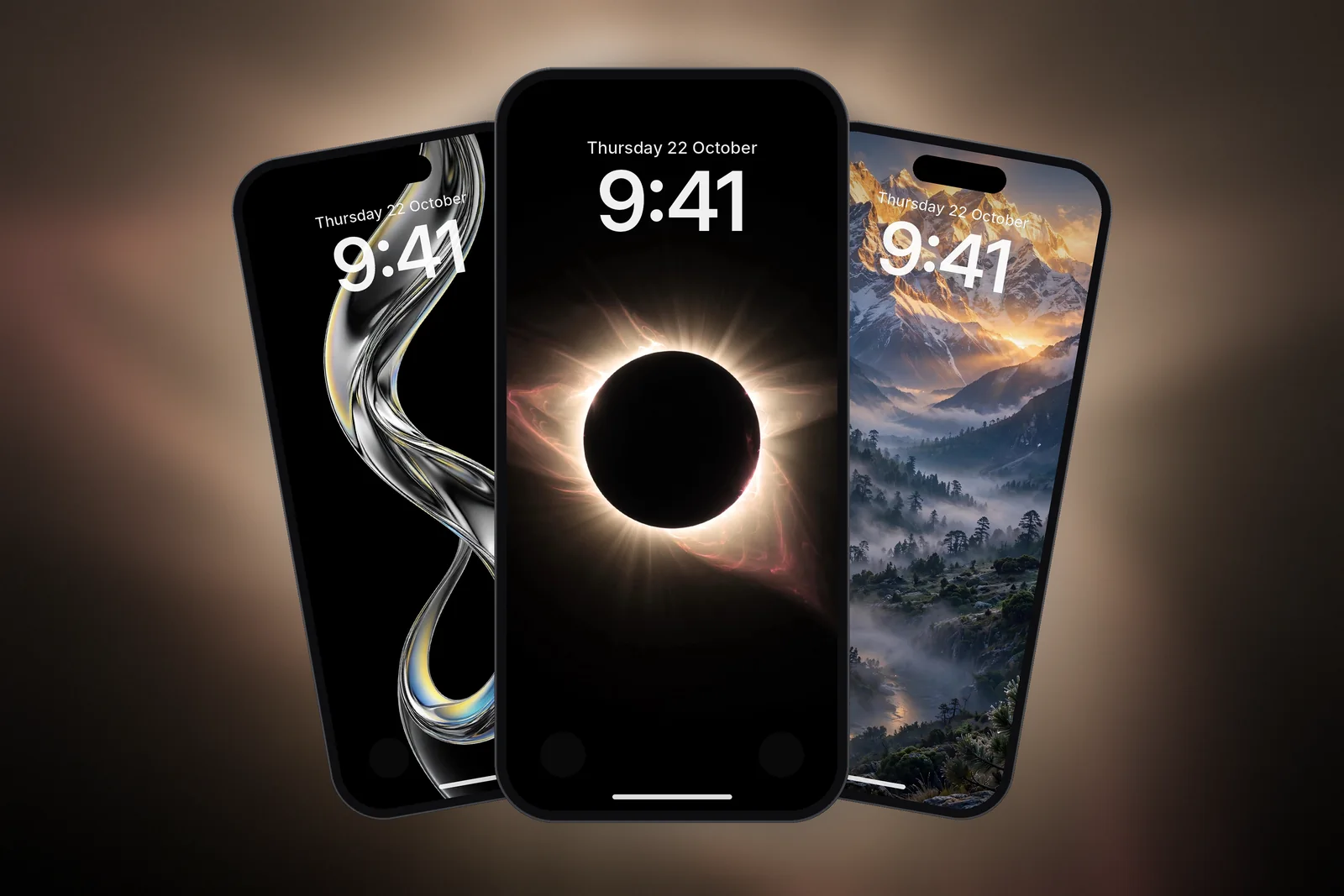
- Sun and moon: Golden Sun Rays with Dark Night Sky Crescent Moon. Both are simple, centred and mostly dark, so they look balanced side by side.
- Cherry blossom by day and night: Cherry Blossom Sakura Forest Stone Path with Moonlit Cherry Blossom Night Garden.
- Mountains at sunrise and moonrise: Himalayan Snow Peaks Sunrise Valley with Full Moon Over Misty Pine Forest Mountain.
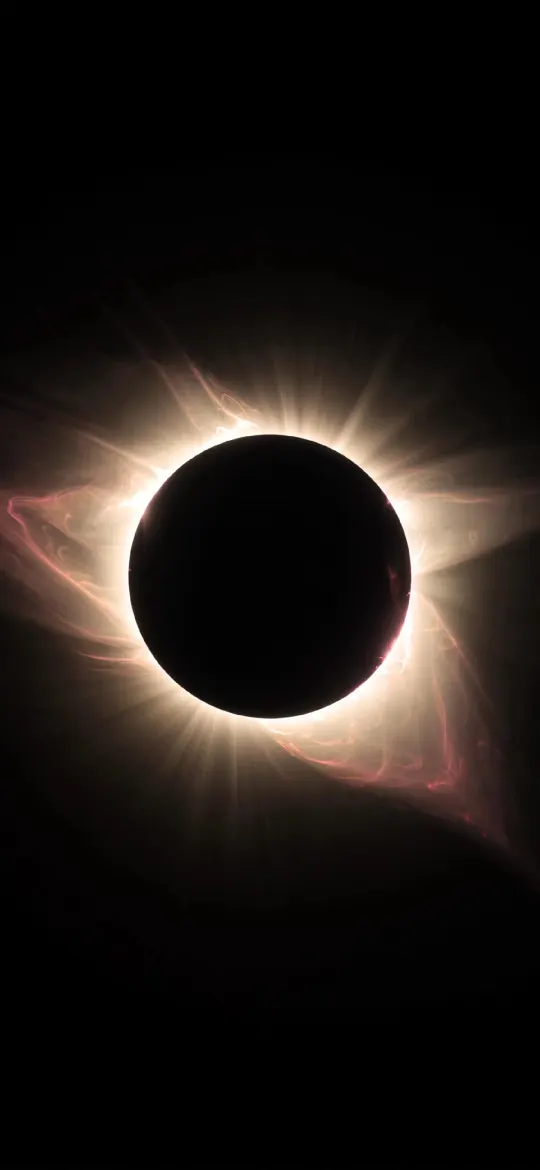 Total Solar Eclipse Corona 4K Wallpaper
 Dark Night Sky Crescent Moon & Tiny Stars 4K Wallpaper
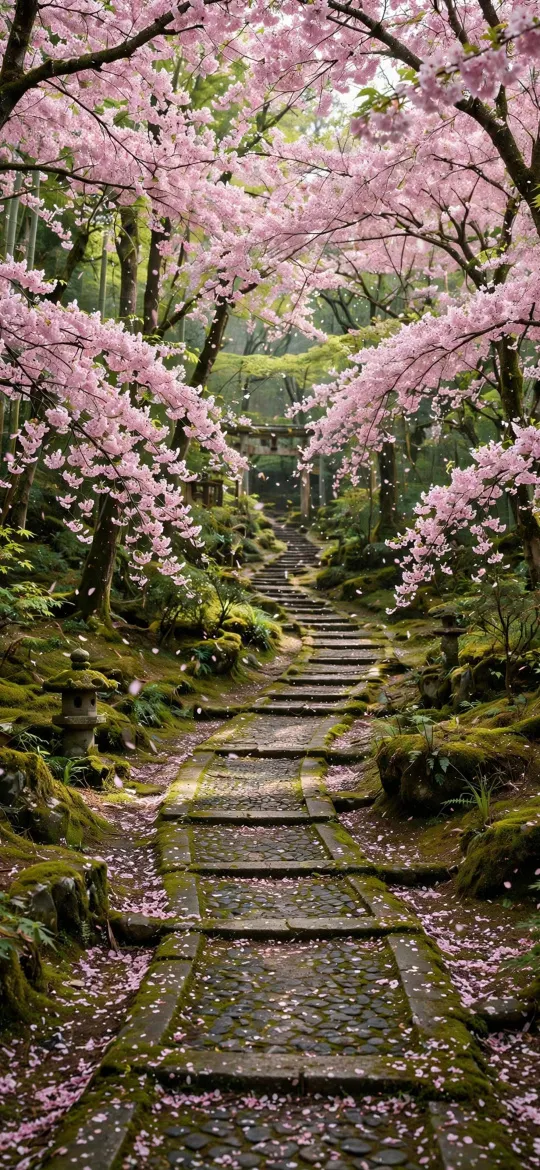 Cherry Blossom Sakura Forest Stone Path 4K Wallpaper
 Moonlit Cherry Blossom Night Garden 4K Wallpaper
 Himalayan Snow Peaks Sunrise Valley 4K Wallpaper
 Full Moon Over Misty Pine Forest Mountain 4K Wallpaper
For more options, browse the sun wallpapers and the moon wallpapers and pick one from each.
Idea 3: two halves of one picture
Split wallpapers show one image across two phones, so the full picture appears only when you hold them together. You can make a simple version from any wide scene:
- Both of you download the same wallpaper, each in your own iPhone's size.
- When setting it, one person pinches open to zoom in and drags the image with two fingers so the left half fills the screen.
- The other zooms in by the same amount and drags to the right half.
- Hold the phones side by side and adjust until the horizon or main shape lines up.
Choose a picture with a strong horizontal line, such as a lake or ring, because it is easier to line up. It won't match to the pixel, since the phones have bezels and may be different models, but the effect is clear. If your editor's … menu offers Perspective Zoom, turn it off so the framing doesn't shift when you tilt the phone.
Idea 4: swap the Lock Screen and Home Screen
This one is subtle, which many couples prefer. Pick two wallpapers that go together. Person A sets wallpaper 1 on the Lock Screen and wallpaper 2 on the Home Screen; person B does the reverse. Each phone uses both pictures, just in a different order.
| Pair | Phone A: Lock / Home | Phone B: Lock / Home |
|---|---|---|
| Red flowers | Red and Black Rose / Red and Black Flower | Red and Black Flower / Red and Black Rose |
| Burgundy and blue | Burgundy Ice Blue Minimalist / Burgundy Light Blue | Burgundy Light Blue / Burgundy Ice Blue Minimalist |
| Sun and moon | Golden Sun Rays / Crescent Moon | Crescent Moon / Golden Sun Rays |
To set a different Home Screen picture, touch and hold the Lock Screen, tap Customise, choose the Home Screen side and tap the photo button to pick a custom photo, instead of the paired picture, a colour or Blur.
Idea 5: best friend and group sets
Matching wallpapers for best friends usually work best as a set rather than a strict pair, so each person can choose their own. A few ways to do it:
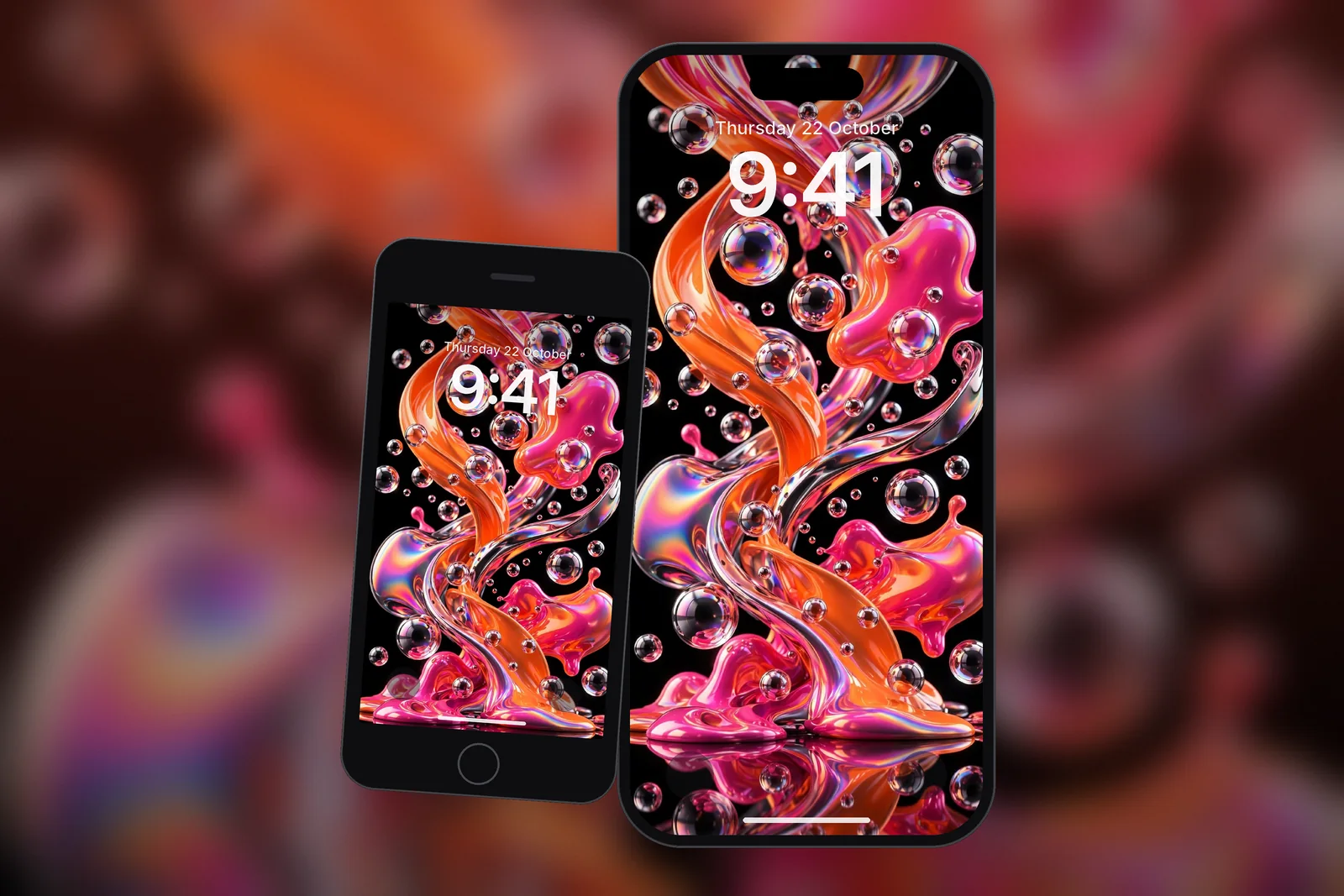
- A shared style in different colours, such as the colourful liquid chrome splashes, where everyone takes a different palette.
- A shared theme, such as one flower each from the flower wallpapers.
- A shared mood, such as everyone picking a true-black space wallpaper for the same night-sky look.
How to set matching wallpapers on two iPhones
If you have different iPhone models, each of you should download the wallpaper in your own model's size from the wallpaper page. Pairs stay aligned and sharp that way, instead of one phone cropping the image differently. If you are unsure of your model, the 4K universal size fits every iPhone.
Then open the image in Photos, tap Share, choose Use as Wallpaper, frame it and tap Add. If you like several pairs, you can each put your set into Photo Shuffle with the same frequency (On Tap, On Lock, Hourly or Daily). Your screens will change on the same rhythm, though not in step with each other. Our guide to setting a wallpaper on iPhone covers every option.
Read next: 10 Aesthetic iPhone Wallpaper Ideas That Work on a Lock Screen and Photo Shuffle Wallpaper on iPhone: Setup, Frequency and Fixes.
Quick answers
What are good matching wallpapers for couples?
Sun and moon, day and night versions of one scene, the same design in light and dark, or two halves of one picture. Pairs with a simple, shared shape look best side by side.
How do you make matching wallpapers for two phones?
Download the same wallpaper or a pair, set each in your own iPhone's size, and for a split effect zoom in so one phone shows the left side and the other the right.
Can best friends use the same matching wallpapers?
Yes. Any pair here works for friends. For three or more people, choose one style in different colours so everyone gets their own.
Can a split couple wallpaper work on two different iPhone models?
Yes, but each of you should download the picture in your own model's size, then zoom by a similar amount and line up the horizon by eye. The bezels mean it will never match to the pixel.
How do I set my partner's wallpaper as my Home Screen only?
Touch and hold the Lock Screen, tap Customise, choose the Home Screen and tap the photo button to pick their picture. Your Lock Screen keeps its own wallpaper.
Sources
- Change the wallpaper on iPhone (iOS 27), Apple Support
- Create a custom iPhone Lock Screen (iOS 27), Apple Support
- Change your iPhone wallpaper, Apple Support