A motivational wallpaper puts a small nudge on a screen you look at dozens of times a day. Done well, it is a short line or a simple picture that reminds you what you are working towards. Done badly, it is a wall of text you stop noticing after a week. The difference is mostly in how few words it uses and where they sit.
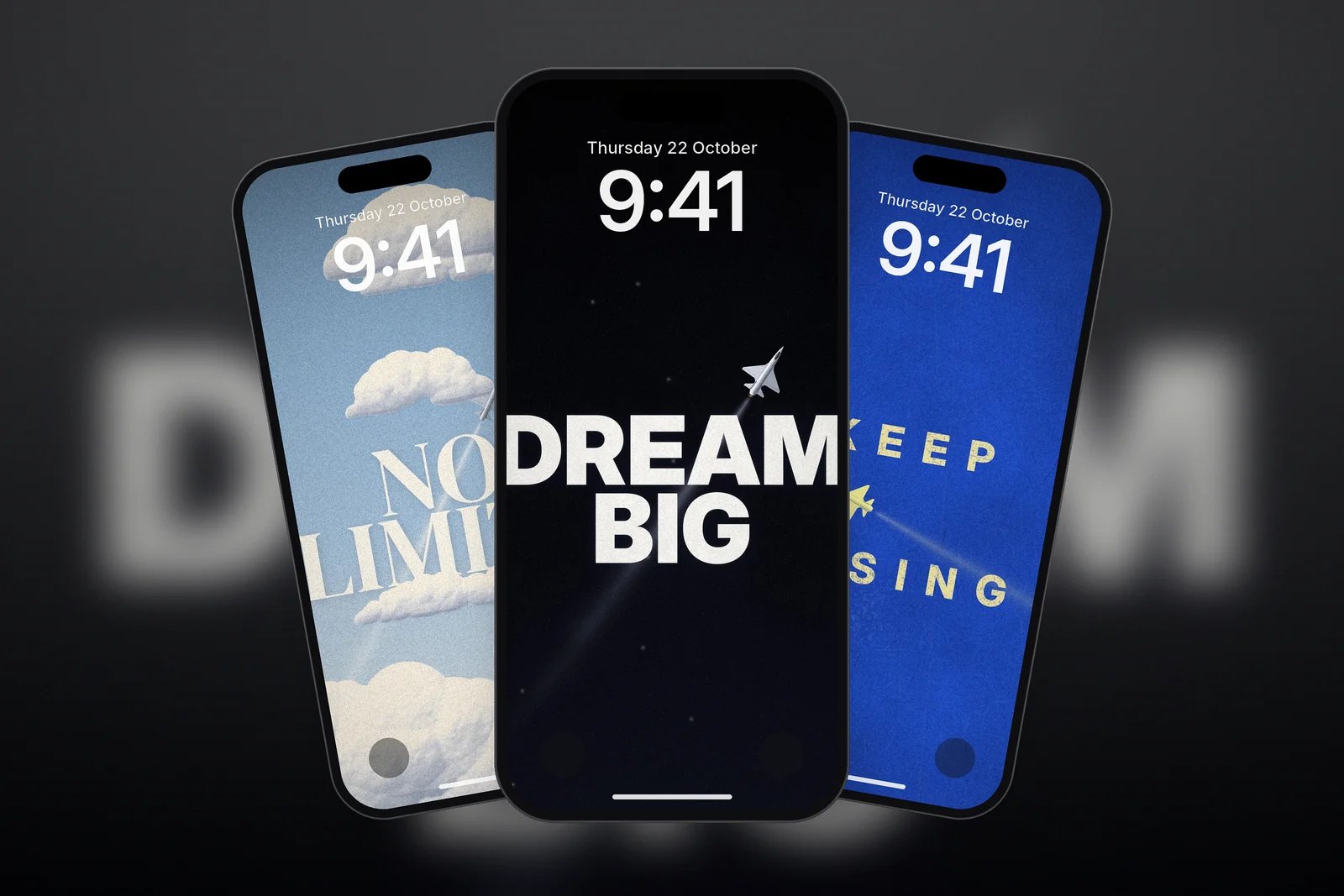
This guide shows the three kinds of motivational wallpaper that work best on a phone, how to keep the words readable under the Lock Screen clock, and a set of free motivational wallpapers in 4K and every iPhone size.
In short
- Keep it short: two to four words read at a glance; long quotes turn into background noise.
- Put the words in the middle of the screen, below the clock, so neither covers the other.
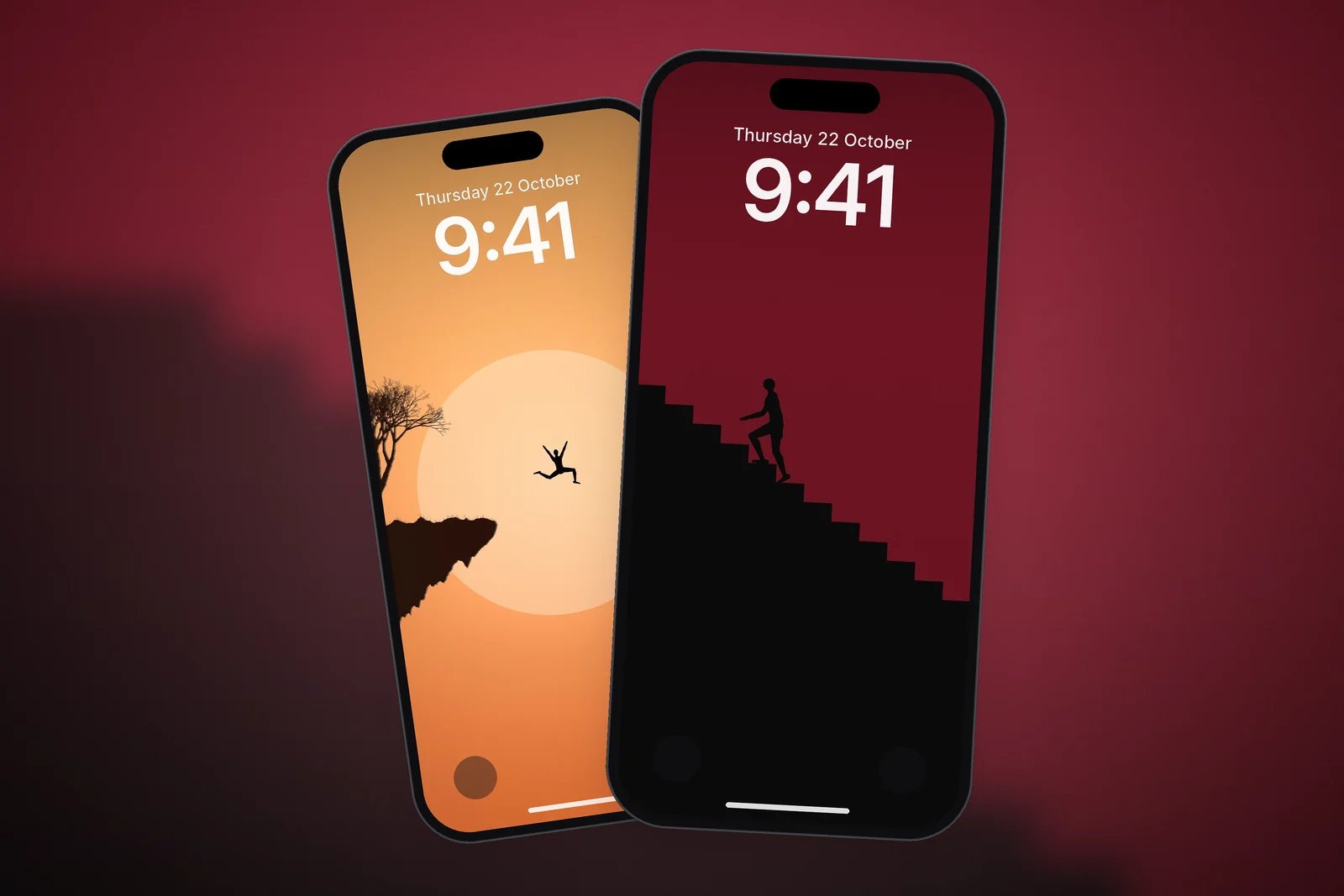
- Pictures can motivate without words: a figure climbing stairs or leaping a gap says "keep going" just as clearly.
- Change your motivational wallpaper every few weeks so it keeps catching your eye.
Three kinds of motivational wallpaper
Bold one-line posters
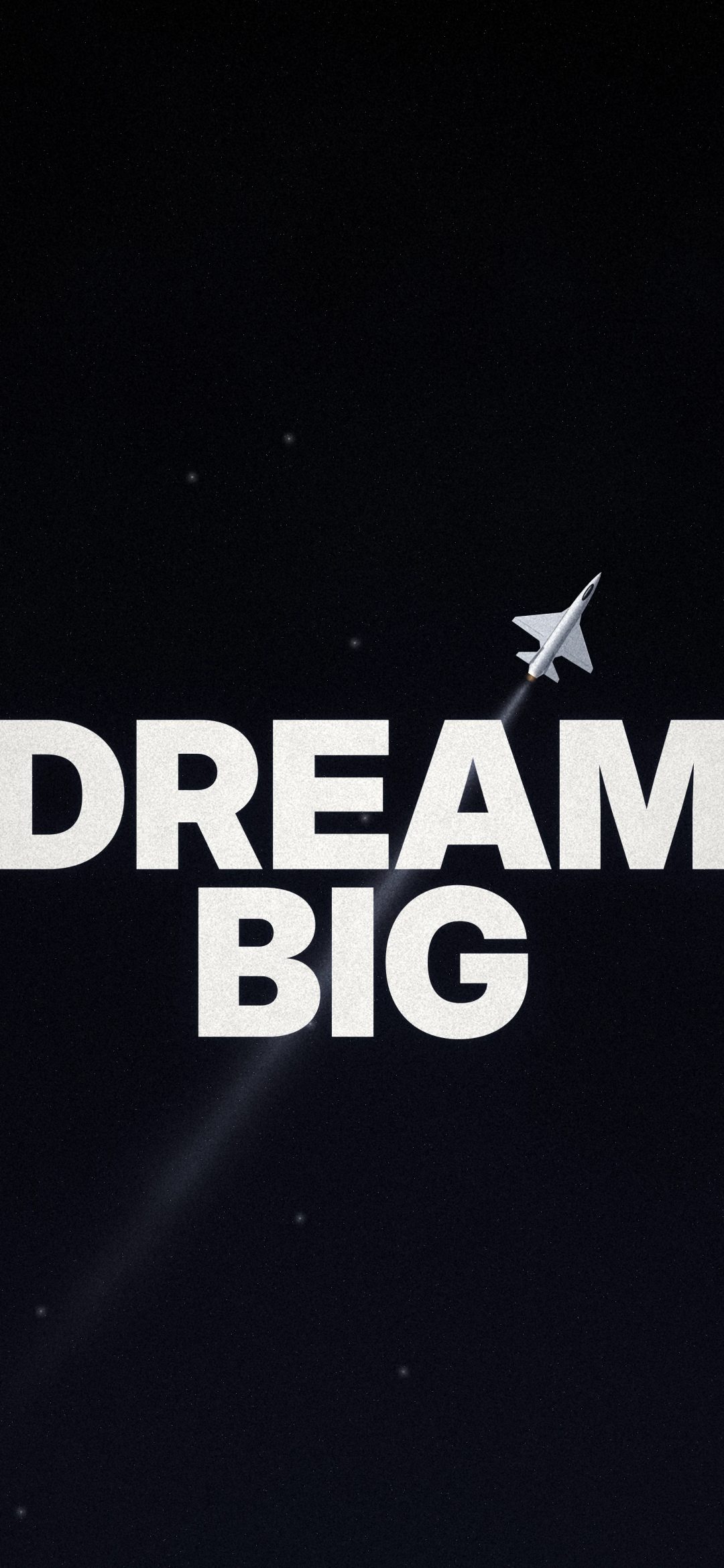
Big words such as DREAM BIG, NO LIMITS or ONLY UP in heavy type, set on a simple background: a starfield, a cloudy sky, worn blue paper or a flat red. A small jet climbing through the scene adds a sense of lift without extra text. These are the most direct option.
Silhouettes on the way up
A tiny figure climbing a staircase towards a door, a ladder reaching for a star, or someone leaping off a cliff into open sky. There are no words at all, so these wallpapers never feel preachy, and the flat, minimal style keeps the Lock Screen calm.
Calm quote cards
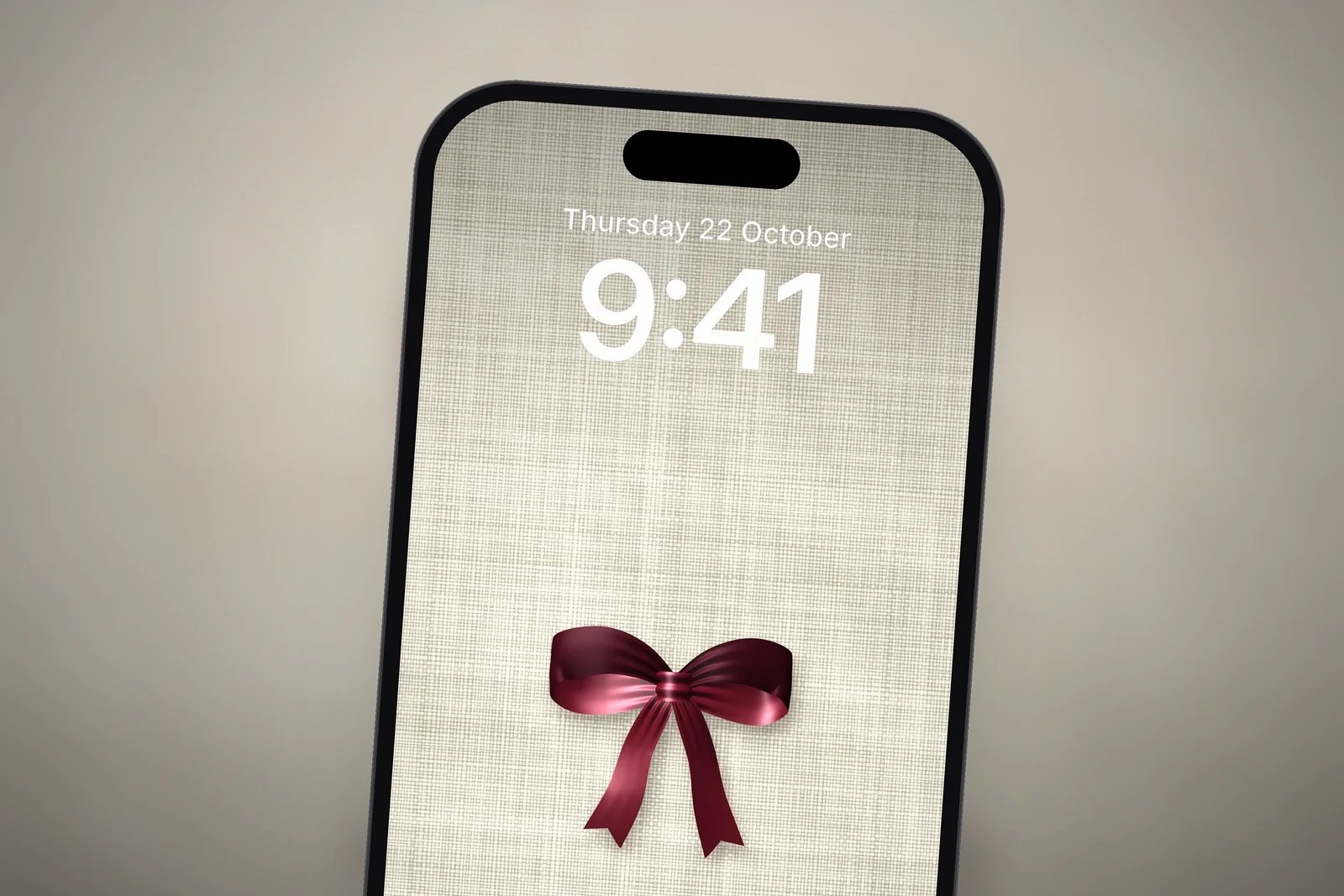
Not every motivation has to shout. A short, kind line in a small serif font on linen or a dark backdrop, such as "Quietly, I rise" or "Enough, just as I am", works as a gentle reminder rather than a pep talk.
| Type | Example | Best for |
|---|---|---|
| Bold poster | Dream Big Starfield | A daily push, gym and study goals |
| Silhouette | Ladder to a Star | Motivation without words |
| Quote card | Pearl Heart Quietly I Rise | Calm, self-kindness reminders |
Keeping the words readable on the Lock Screen
The Lock Screen clock is large, and you can drag its corner to make it even taller. Words in a wallpaper need room to sit clear of it.
- Touch and hold the Lock Screen, tap Customise, then choose the Lock Screen.
- Check that the words sit below the clock. If they don't, pinch to move the picture down a little.
- Keep widgets to a single row or leave them out, so they don't cover the words.
- Pick a clock colour that is quieter than the words, such as a pale tone from the background, so the message stays the focus.
- Tap Done. For the Home Screen, choose a plain colour or blur, because app icons would cover the words anyway.
Our guide to Focus mode wallpapers shows how to link a Lock Screen to a Focus, and Lock Screen wallpapers that keep the clock readable has more on clock colours and placement.
Find more in the Quotes category and the Minimal category. Every wallpaper is free and made for this site; the words are our own short lines.
Read next: Different Wallpapers for the Lock Screen and Home Screen and Dark Aesthetic iPhone Wallpapers.
Quick answers
What is a good motivational wallpaper for iPhone?
A short line of two to four words, or a simple picture such as a figure climbing stairs, placed below the Lock Screen clock. Short messages stay noticeable; long quotes fade into the background.
Where should text sit on a Lock Screen wallpaper?
In the middle of the screen, below the date, clock and widgets. That way the clock never covers the words and notifications appear underneath them.
Can I have a motivational wallpaper only on the Lock Screen?
Yes. When you add it, tap Customise Home Screen and choose a colour, a gradient or the blurred version for the Home Screen instead of the same picture.
How often should I change my motivational wallpaper?
Every few weeks works well. When a wallpaper becomes familiar, you stop reading it, so a new line or picture brings the reminder back.
Can I switch to a motivational wallpaper automatically?
Yes. Link the Lock Screen to a Focus such as Work or Fitness. When that Focus turns on, your iPhone changes to the linked Lock Screen.
Sources
- Create a custom iPhone Lock Screen, Apple Support (iOS 27).
- Change the wallpaper on iPhone, Apple Support (iOS 27).
- Set up a Focus on iPhone, Apple Support.