Pink is one of the most popular wallpaper colours for iPhone, and it covers a huge range: pale blush that feels calm and airy, dusty rose that feels grown-up, and hot pink that looks electric on a black background. The right shade depends on whether you use Light or Dark Mode and how much colour you want behind your apps.
Below you'll find the main kinds of pink wallpaper, how to make each one look good with the Lock Screen clock and your app icons, and free pink wallpapers in 4K and every iPhone size.
In short
- Pale blush and soft pink backgrounds suit Light Mode and make a calm, airy Lock Screen.
- Hot pink on black is the boldest look and suits Dark Mode and OLED iPhones.
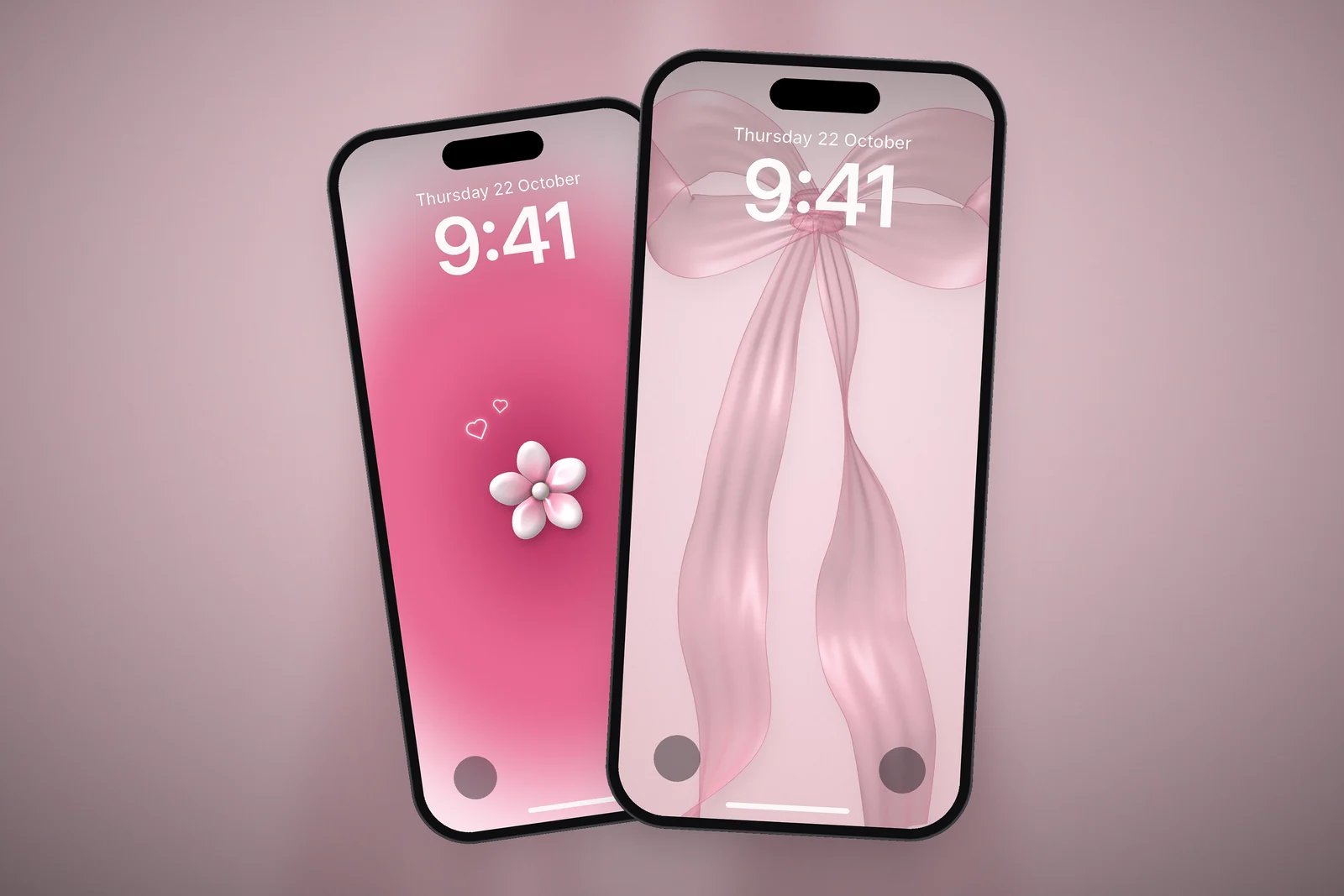
- Pick a clock colour from the wallpaper itself, such as a light rose on blush or a pale pink on black, rather than plain white.
- Keep pink wallpapers simple behind your apps: one subject and a soft gradient look better than a busy pattern.
Which pink is right for you?
Pink wallpapers fall into three broad groups. Each one works best with a different screen setup.
Soft blush and pastel pink
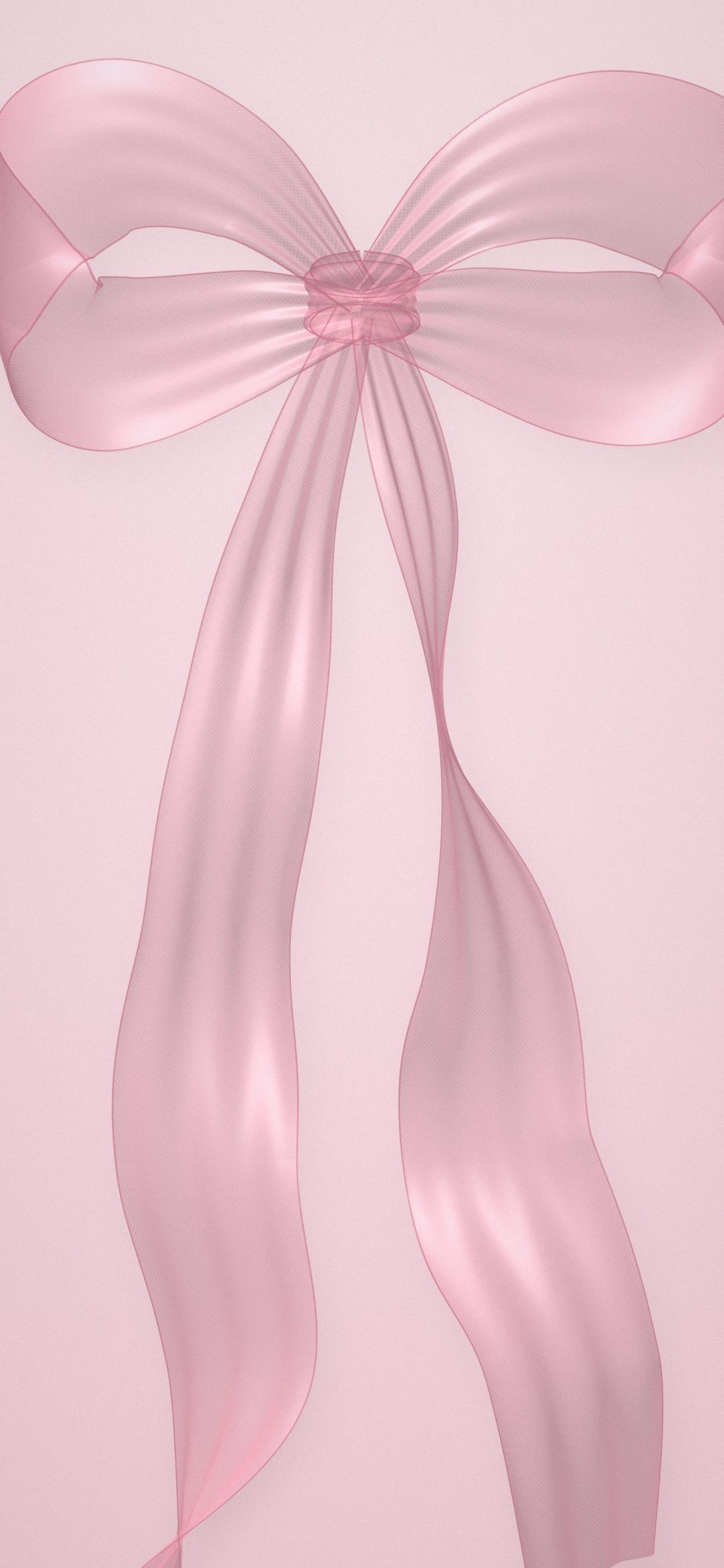
Blush and pastel pink feel light and calm. They look best in Light Mode, with dark or tinted app icons, and they make white clock digits look soft rather than stark. Sheer chiffon bows, blush linen and pastel palm silhouettes all sit in this group.
Rose and dusty pink
Rose and dusty pink are a little deeper and warmer. They suit a cosy, romantic Lock Screen and work in both Light and Dark Mode. A rose glow behind a small flower, or a blush rose on mauve, gives colour without shouting.
Hot pink and magenta on dark
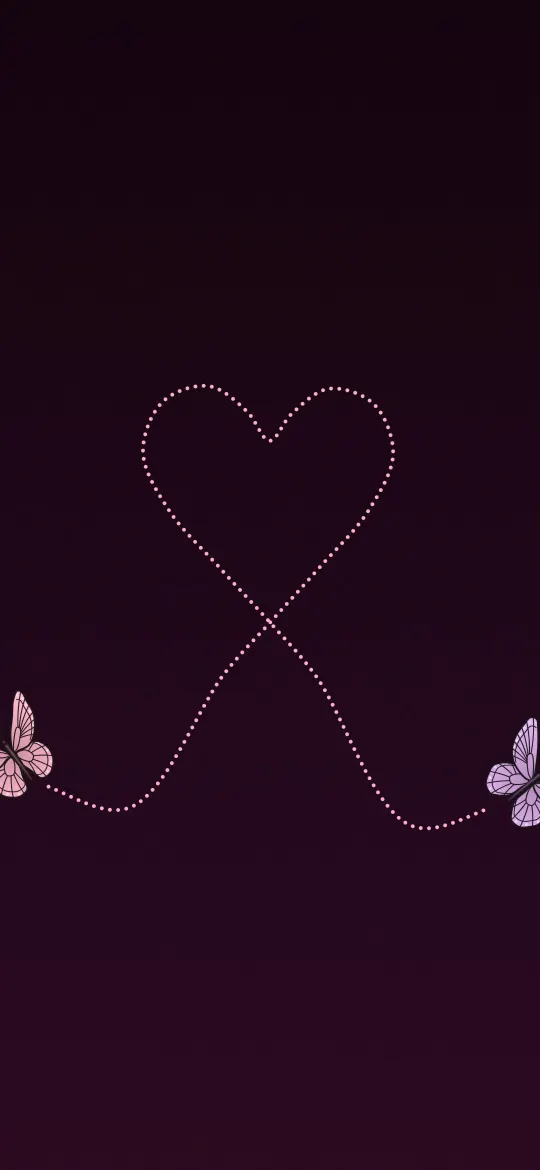
Bright pink against black or deep violet is the most striking choice. On an iPhone with an OLED display, the dark areas stay deep while the pink appears to glow. Dotted butterfly trails, neon city lights and glowing hearts are good examples.
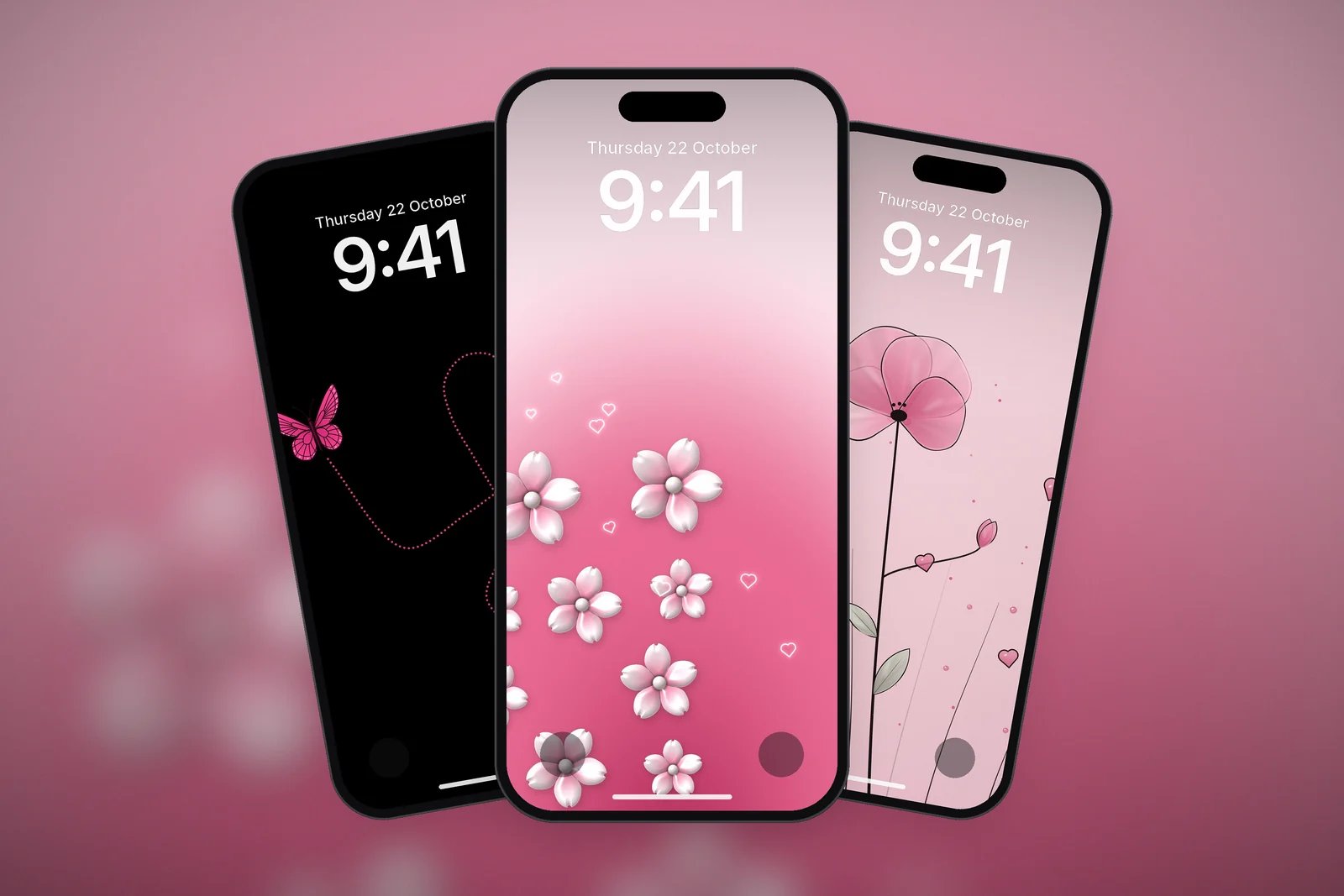
Soft pink wallpapers
These designs keep most of the screen as a soft pink gradient or texture, with the subject placed in the middle or lower half. They are easy to read over and easy to match with tinted icons.
Bold and dark pink wallpapers
Dark backgrounds make pink look brighter. If you use Dark Mode all the time, these are the pink wallpapers that will look the most vivid.
Cute pink picks
Pink is also the colour of many of our cute designs. These keep a pastel pink background with a playful character or object.
| Shade | Example | Best with |
|---|---|---|
| Blush | Pink Chiffon Bow | Light Mode, dark or tinted icons |
| Rose | Rose Glow Flower | Light or Dark Mode, a soft pink clock |
| Pastel | Pastel Pink Palms | Light Mode, a dark clock |
| Hot pink on black | Pink Butterfly Heart Trail | Dark Mode, OLED iPhones |
Matching the clock and icons to a pink wallpaper
A pink wallpaper looks most polished when the rest of the screen follows its colour.
- Touch and hold the Lock Screen, tap Customise, then choose the Lock Screen.
- Tap the time, then pick a colour from the row or use the colour wheel to choose a pink close to the wallpaper's.
- Tap Done, then choose Set as Wallpaper Pair to use the same pink picture on the Home Screen.
- To match the app icons, touch and hold the Home Screen background, tap Edit, then Customise, and choose Tinted. Use the eyedropper to take the pink straight from your wallpaper.
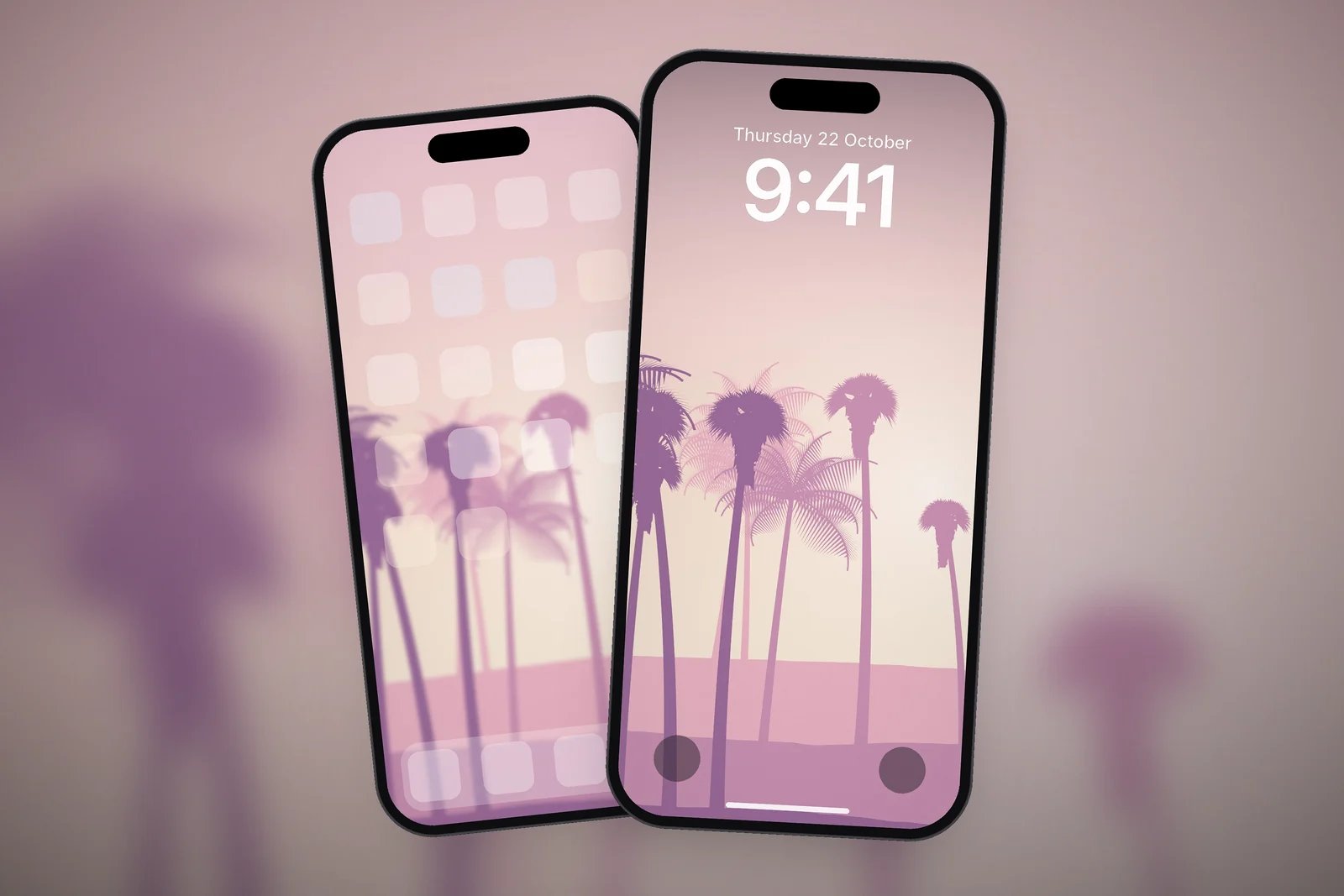
There are more ideas in 10 Aesthetic iPhone Wallpaper Ideas That Work on a Lock Screen, and our pink colour page collects every wallpaper on the site where pink is the main colour.
Read next: Cute iPhone Wallpapers: Cats, Teddies and Pastel Lock Screens and Heart Wallpapers for iPhone.
Quick answers
What is the best pink wallpaper for iPhone?
For a calm look, a soft blush or rose gradient with one small subject, such as a chiffon bow or a glossy flower. For a bold look, hot pink on a black background.
Does a pink wallpaper work with Dark Mode?
Yes. Dark pink and hot pink designs on black or deep violet look best in Dark Mode. Pale blush wallpapers can look washed out at night, so they suit Light Mode better.
How do I make my iPhone app icons pink?
Touch and hold the Home Screen background, tap Edit, then Customise, and choose Tinted. Use the eyedropper to pick the pink from your wallpaper.
How do I change the clock colour to match a pink wallpaper?
Touch and hold the Lock Screen, tap Customise, select the Lock Screen, tap the time, and pick a colour or use the colour wheel to choose a matching pink.
Are these pink wallpapers free?
Yes. Every pink wallpaper here is free for personal use and comes in 4K and in your iPhone's exact screen size.
Sources
- Create a custom iPhone Lock Screen, Apple Support (iOS 27).
- Customize apps and widgets on the Home Screen, Apple Support.
- Change the wallpaper on iPhone, Apple Support (iOS 27).