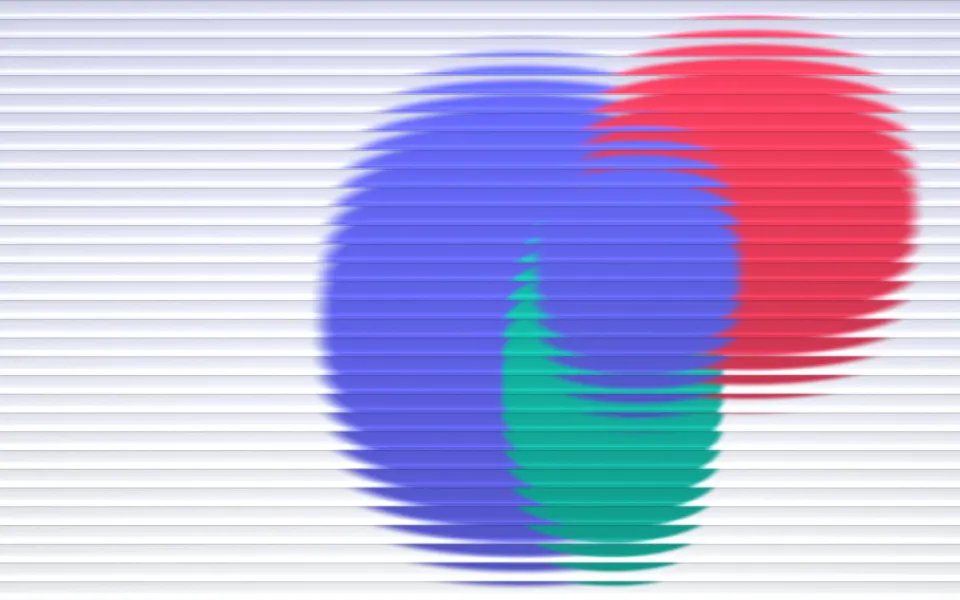
 Indigo Coral Glass Ribs

Peach Paper Waves Mac Wallpaper
MacBook & iMac · 0 downloads
Layers of peach, coral and dusty rose flow across the screen like waves of cut paper, each with a soft shadow.
Download
JPEG, 2560 × 1664 pixels
Download wallpaper
Preparing your download
Report a problem
How to set it as your wallpaper
- Download the size for your Mac.
- Open System Settings › Wallpaper and click Add Photo, or right-click the file in Finder and choose Set Desktop Picture.
- Choose Fill Screen so the picture covers the whole display.
About this wallpaper
Layers of peach, coral and dusty rose flow across the screen like waves of cut paper, each with a soft shadow.
Peach Paper Waves is a free abstract wallpaper for MacBook & iMac with mostly red tones, available in 9 sizes, each cut from the full-resolution original to an exact screen resolution, so nothing is stretched.
Download by screen
| Mac | Size (pixels) | File | Download |
|---|---|---|---|
| MacBook Air 13-inch (M2 and later) | 2560 × 1664 | 0.3 MB | Download for MacBook Air 13-inch (M2 and later) |
| MacBook Air 15-inch | 2880 × 1864 | 0.4 MB | Download for MacBook Air 15-inch |
| MacBook Pro 14-inch | 3024 × 1964 | 0.5 MB | Download for MacBook Pro 14-inch |
| MacBook Pro 16-inch | 3456 × 2234 | 0.7 MB | Download for MacBook Pro 16-inch |
| MacBook Air 13-inch (M1) / older MacBook Pro 13-inch | 2560 × 1600 | 0.3 MB | Download for MacBook Air 13-inch (M1) / older MacBook Pro 13-inch |
| MacBook Neo | 2408 × 1506 | 0.3 MB | Download for MacBook Neo |
| iMac 24-inch | 4480 × 2520 | 1.0 MB | Download for iMac 24-inch |
| Studio Display / iMac 27-inch 5K | 5120 × 2880 | 1.4 MB | Download for Studio Display / iMac 27-inch 5K |
| Pro Display XDR 6K | 6016 × 3384 | 1.8 MB | Download for Pro Display XDR 6K |
More MacBook & iMac wallpapers
See all
Indigo Coral Glass Ribs
 Deep Lagoon Gradient
 Glossy Orbs
 Candy Glow Gradient
 Champagne Rose Threads
 Cyan Shoreline Layers