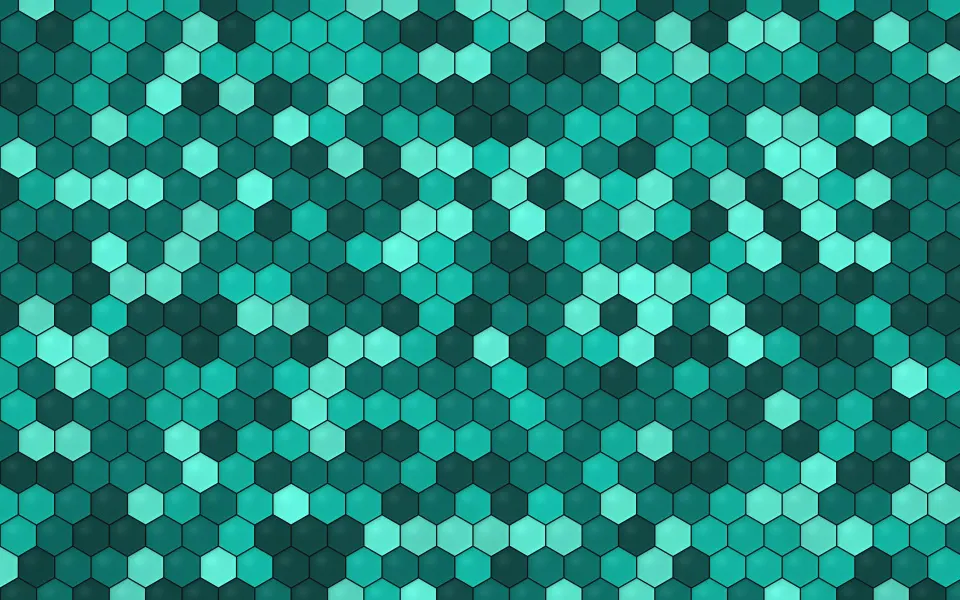
 Deep Teal Honeycomb
MacBook Air M1 & 13-inch MacBook Pro wallpapers
Free wallpapers at exactly 2560 × 1600 pixels for the 13.3-inch Retina screen of the MacBook Air with M1 and the 13-inch MacBook Pro. A true 16:10 shape, so each picture fills the screen without cropping.
MacBook Air 13-inch (M1) and 13-inch MacBook Pro · 2560 × 1600 · 115 wallpapers
- 2560 × 1600native pixels
- 13.3-inchRetina display, no notch
- 227 ppipixel density
- 1440 × 900the default "looks like" size in Displays settings
Deep Teal Honeycomb






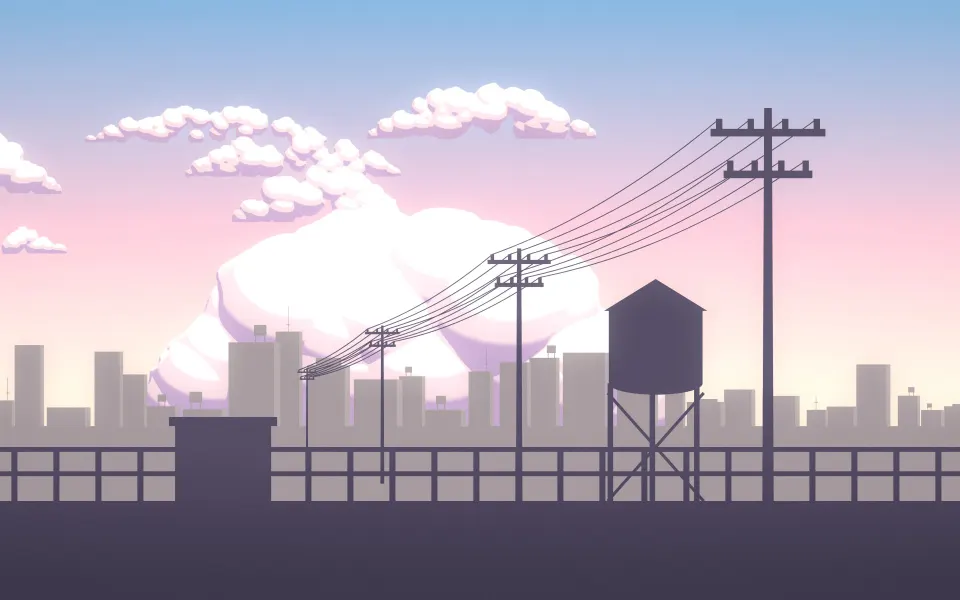



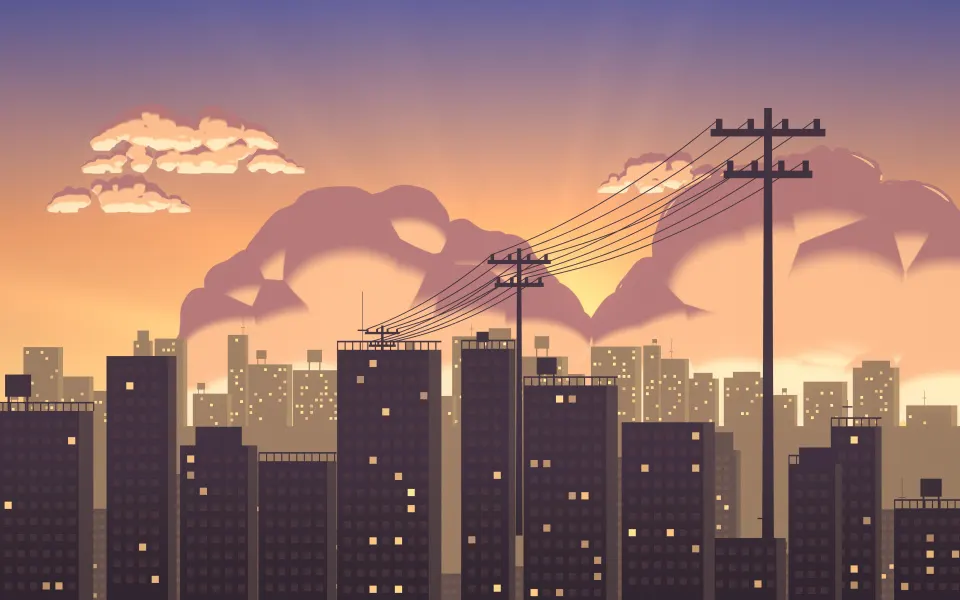




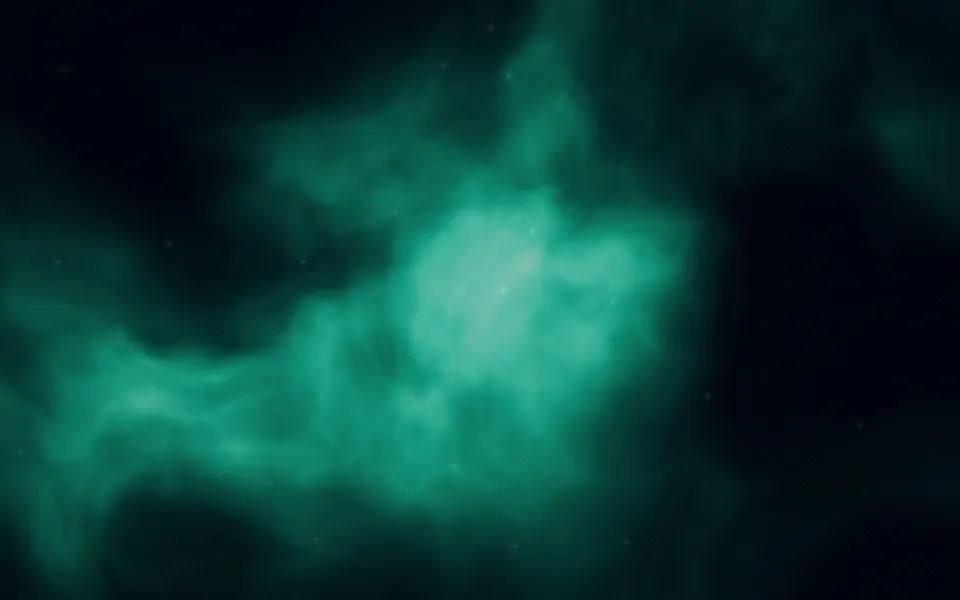
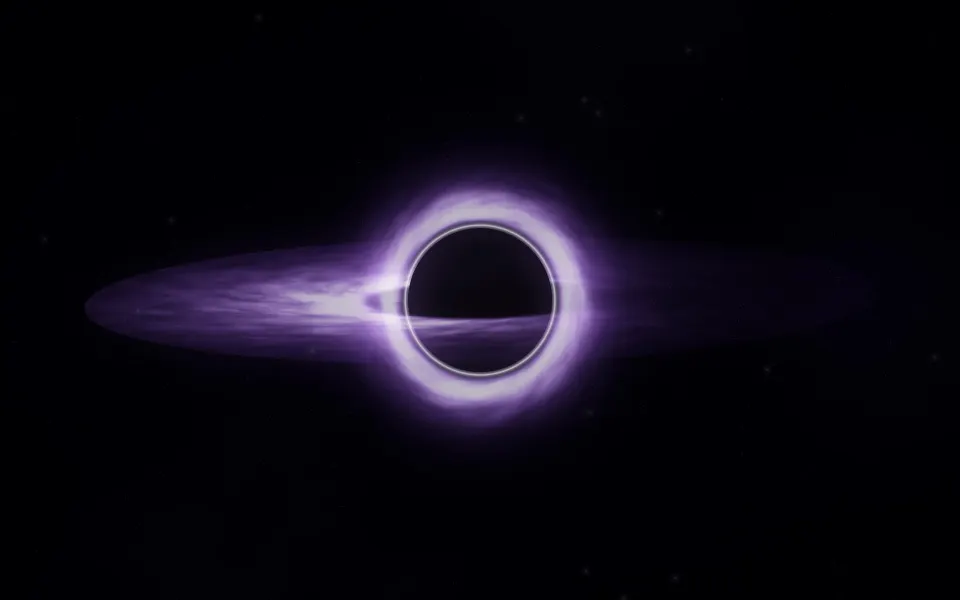





Which Macs are 2560 × 1600?
The 13-inch MacBook Air with M1 and the 13-inch MacBook Pro (including the M1 and M2 models) share this screen. Newer MacBook Air models are 2560 × 1664 and have their own page. Apple menu › About This Mac shows which one you have.
The screen is an exact 16:10 with no notch. MacBook Neo (2408 × 1506) has the same shape, so these files scale down to it with nothing cropped, though it also has its own page with files at its exact size.
Other sizes: MacBook Air 13-inch wallpapers, MacBook Air 15-inch wallpapers, MacBook Pro 14-inch wallpapers, MacBook Pro 16-inch wallpapers, MacBook Neo wallpapers, iMac 24-inch wallpapers, 5K wallpapers for Studio Display, 6K wallpapers for Pro Display XDR. Every wallpaper's page lists all MacBook & iMac sizes; browse them in MacBook & iMac wallpapers. Every model and its size: Mac wallpaper sizes: MacBook Air, MacBook Pro, iMac and displays.
MacBook Air M1 wallpaper questions
What size wallpaper fits the MacBook Air M1?
2560 × 1600 pixels, the native resolution of its 13.3-inch Retina screen.
Can I use these on MacBook Neo?
Yes. MacBook Neo is 2408 × 1506, also 16:10, so a 2560 × 1600 wallpaper scales down to it with nothing cropped. The MacBook Neo page has files at its exact size.
Why does Displays show 1440 × 900?
That is the default scaled size. The Retina screen has twice the pixels each way, so the wallpaper should be the full 2560 × 1600.
How do I set a wallpaper on a Mac?
Open System Settings › Wallpaper and add the picture, or right-click the downloaded file in Finder and choose Set Desktop Picture. Choose Fill Screen so it covers the display.
Are these wallpapers free?
Yes. Every wallpaper is free to download and use on your own devices. The license page explains the details.