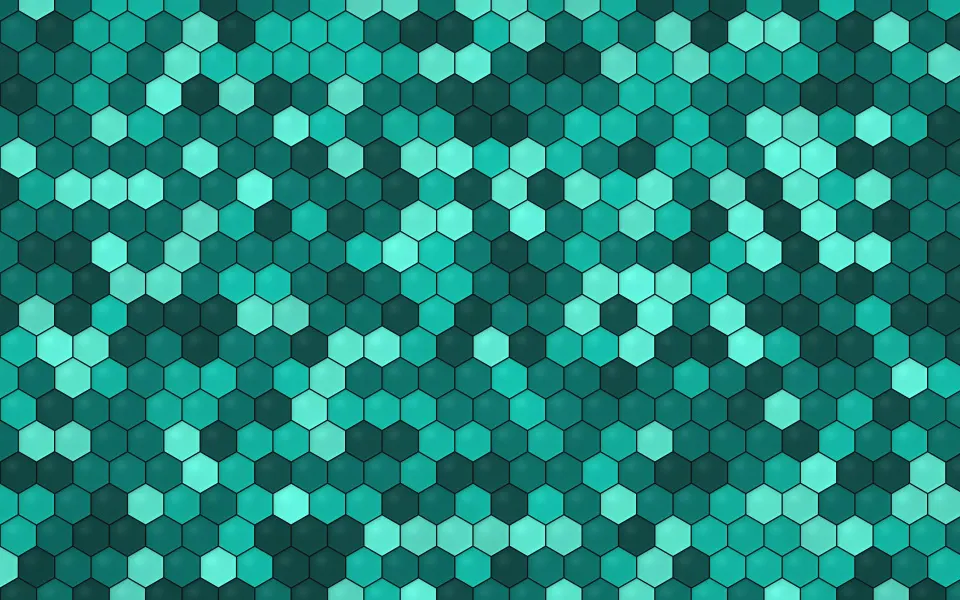
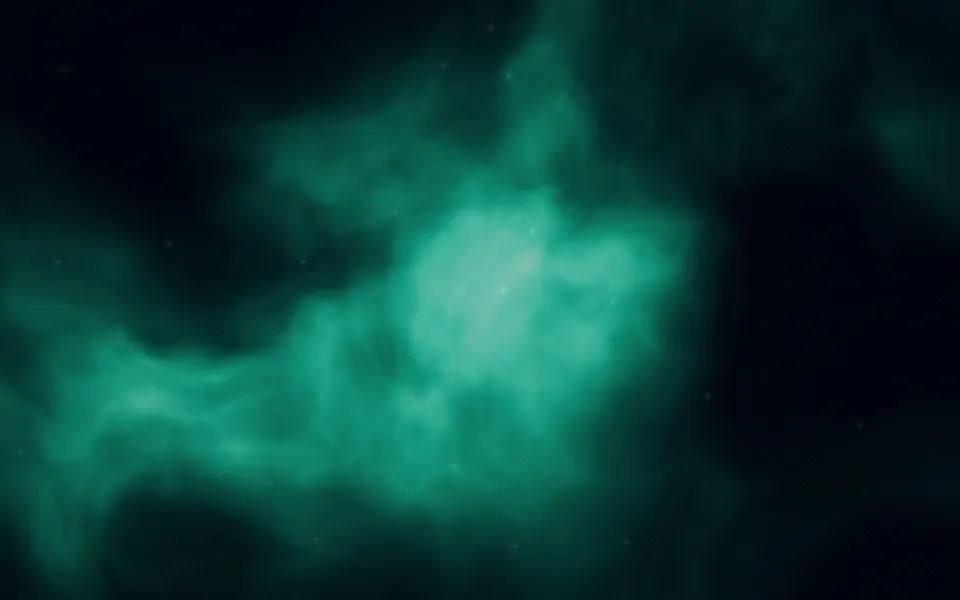
 Deep Teal Honeycomb
MacBook Pro 14-inch wallpapers
Free wallpapers at exactly 3024 × 1964 pixels, the native resolution of the 14-inch MacBook Pro from 2021 on. Its Liquid Retina XDR screen shows every pixel, so these files are cut to the exact size instead of scaled.
MacBook Pro 14-inch (2021 and later) · 3024 × 1964 · 115 wallpapers
- 3024 × 1964native pixels
- 14.2-inchLiquid Retina XDR display
- 254 ppipixel density
- 1512 × 982the default "looks like" size in Displays settings
Deep Teal Honeycomb












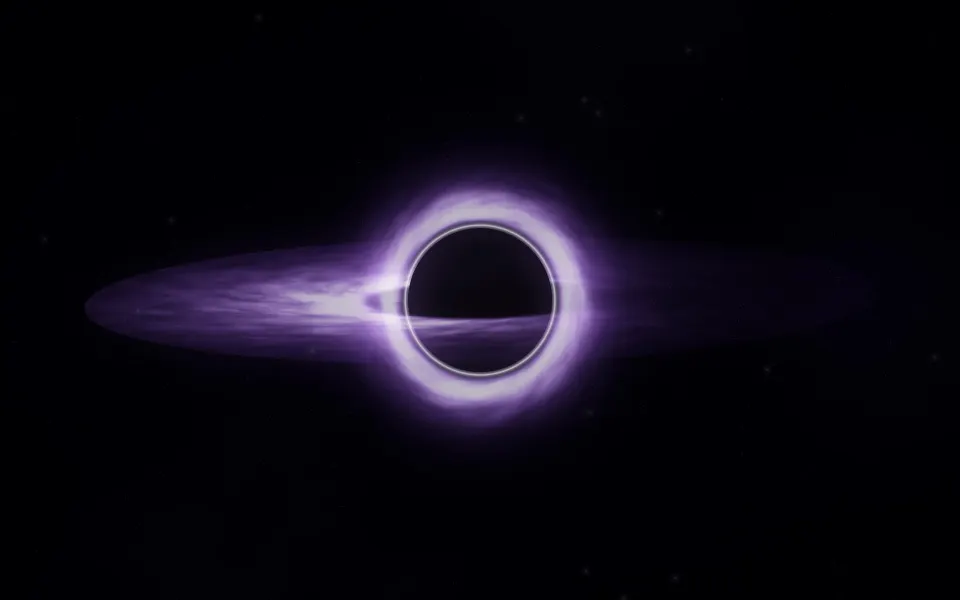
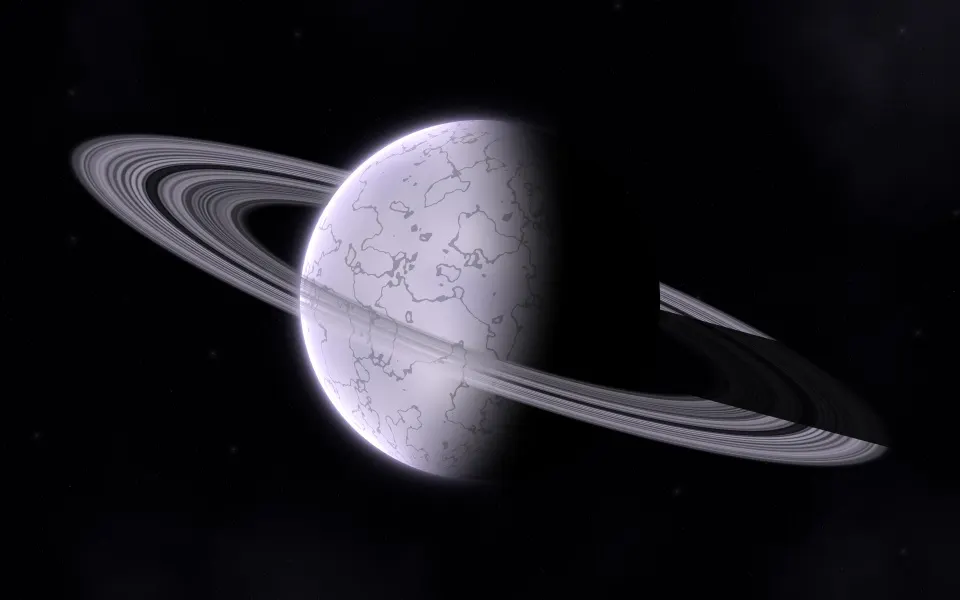
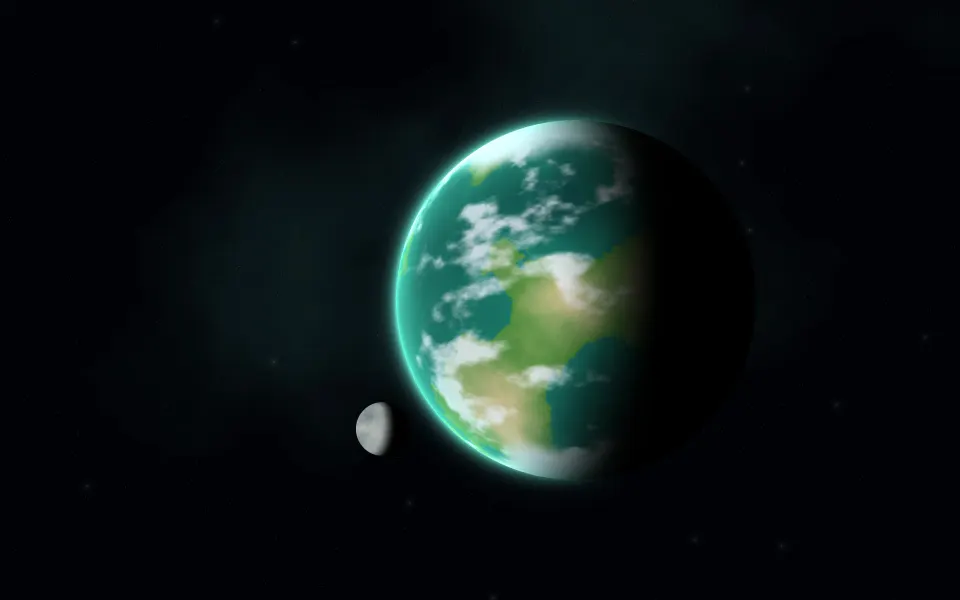
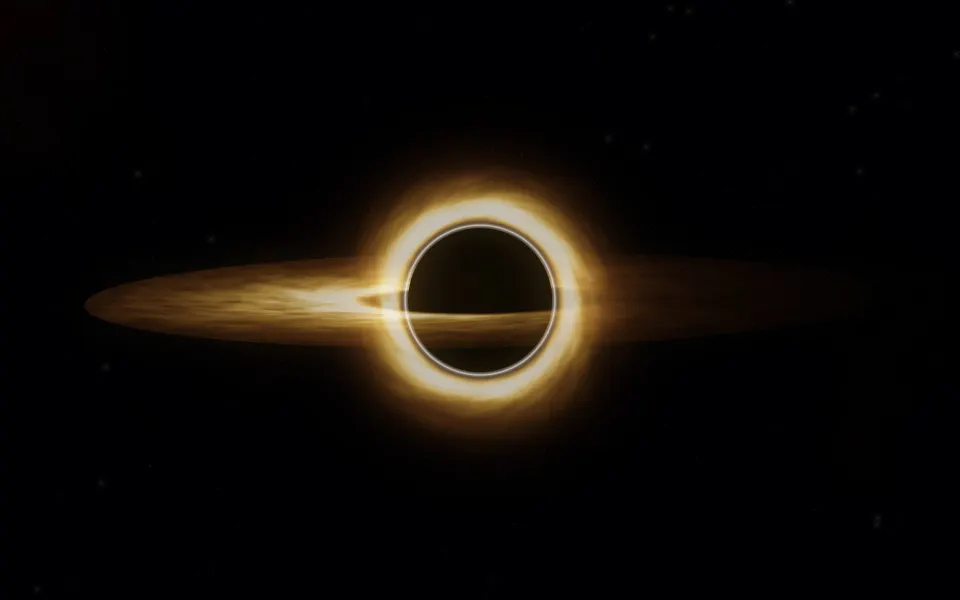
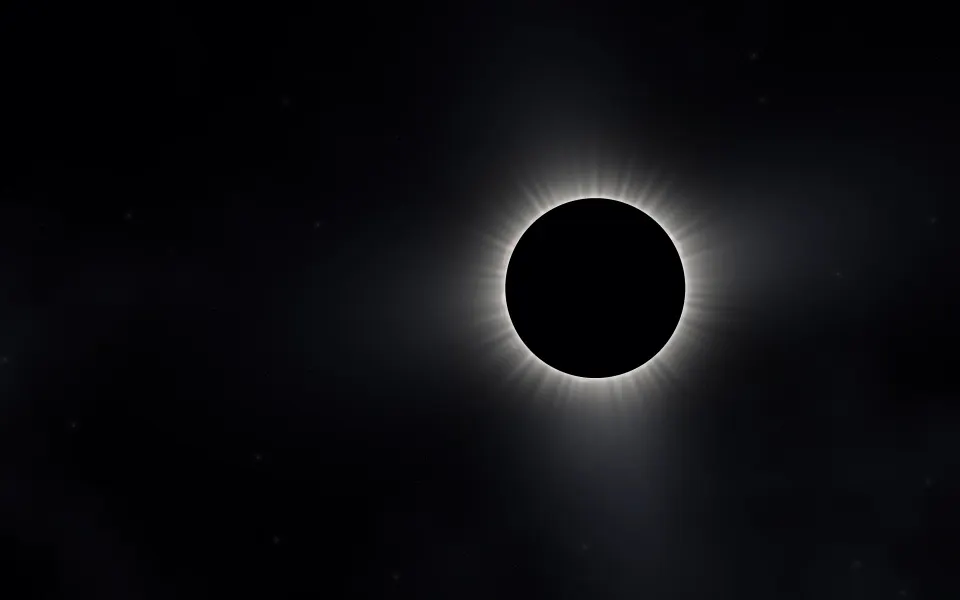


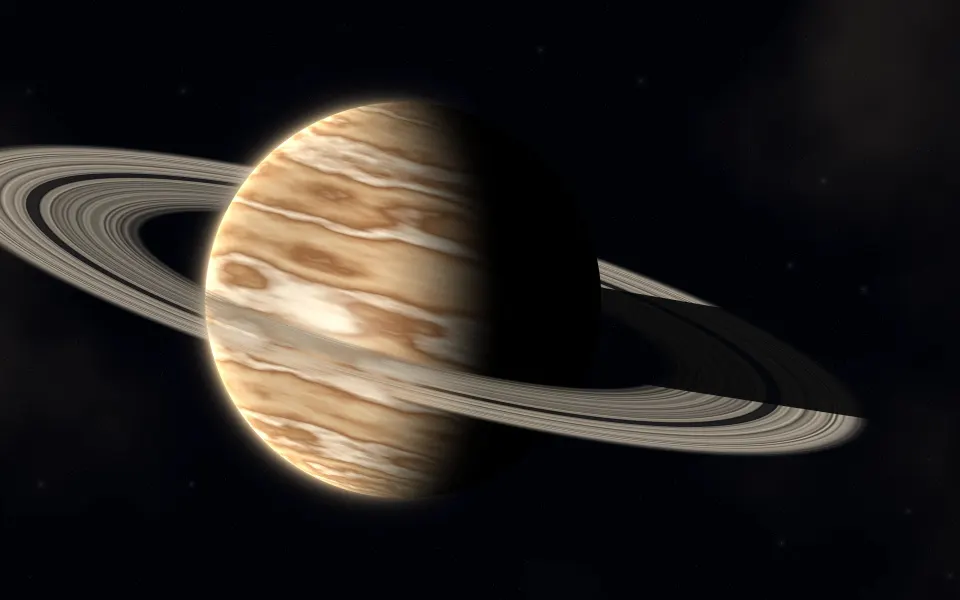


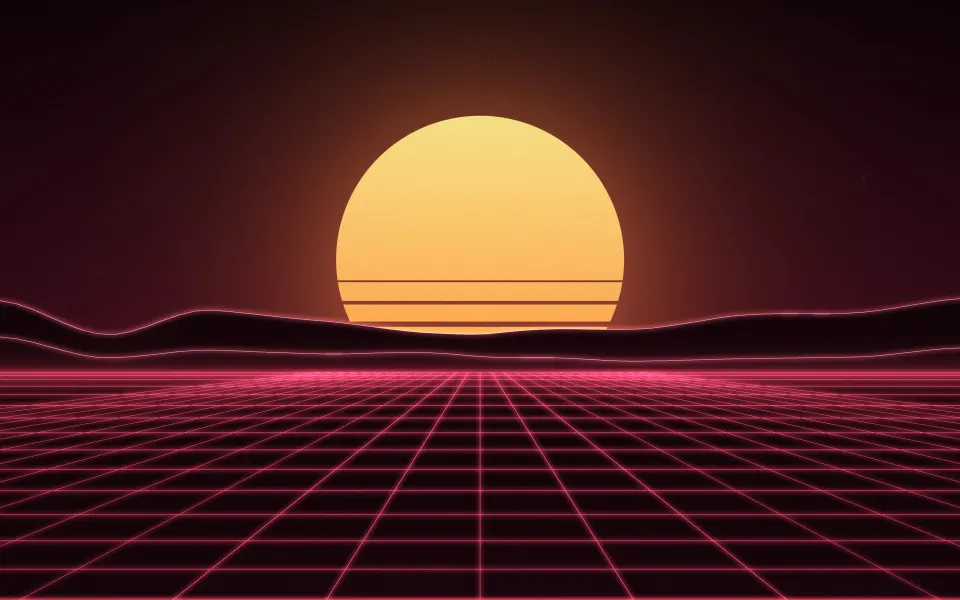

Which MacBook Pro is 3024 × 1964?
Every 14-inch MacBook Pro since the 2021 redesign has this screen, whatever the chip. Older 13-inch MacBook Pro models are 2560 × 1600 and have their own page. Apple menu › About This Mac shows your model and year.
The XDR screen has very deep blacks and bright highlights, so dark wallpapers with points of light look especially good on it. The display reaches up around the notch, making it a little taller than 16:10; these files match that shape exactly.
Other sizes: MacBook Air 13-inch wallpapers, MacBook Air 15-inch wallpapers, MacBook Pro 16-inch wallpapers, MacBook Air M1 & 13-inch MacBook Pro wallpapers, MacBook Neo wallpapers, iMac 24-inch wallpapers, 5K wallpapers for Studio Display, 6K wallpapers for Pro Display XDR. Every wallpaper's page lists all MacBook & iMac sizes; browse them in MacBook & iMac wallpapers. Every model and its size: Mac wallpaper sizes: MacBook Air, MacBook Pro, iMac and displays.
MacBook Pro 14″ wallpaper questions
What size wallpaper fits the 14-inch MacBook Pro?
3024 × 1964 pixels, the native resolution of the 14-inch MacBook Pro from 2021 on.
Is the 14-inch MacBook Pro screen 16:10?
Almost. It extends up around the camera notch, which makes it slightly taller than 16:10.
Do dark wallpapers look better on MacBook Pro?
The XDR screen dims its backlight in very dark areas, so true-black wallpapers look deep and highlights stand out.
How do I set a wallpaper on a Mac?
Open System Settings › Wallpaper and add the picture, or right-click the downloaded file in Finder and choose Set Desktop Picture. Choose Fill Screen so it covers the display.
Are these wallpapers free?
Yes. Every wallpaper is free to download and use on your own devices. The license page explains the details.