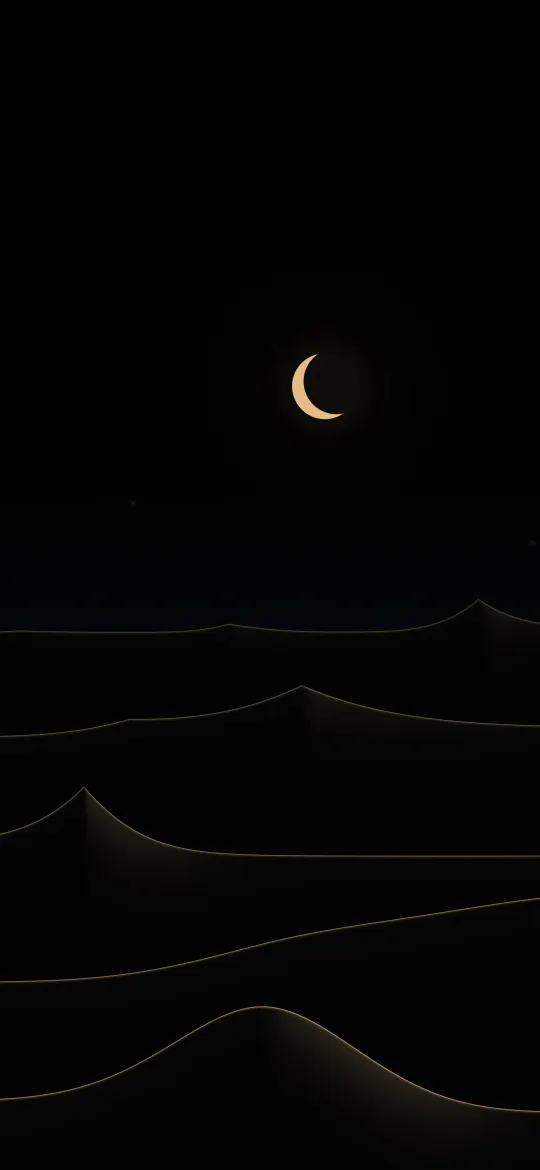
 Crescent Dune Edges
iPhone 16, 15, 15 Pro and 14 Pro wallpapers page 2
286 free wallpapers cut to 1179 × 2556 pixels, the exact resolution of the 6.1-inch screen on the iPhone 16, 15, 15 Pro and 14 Pro.
Crescent Dune Edges
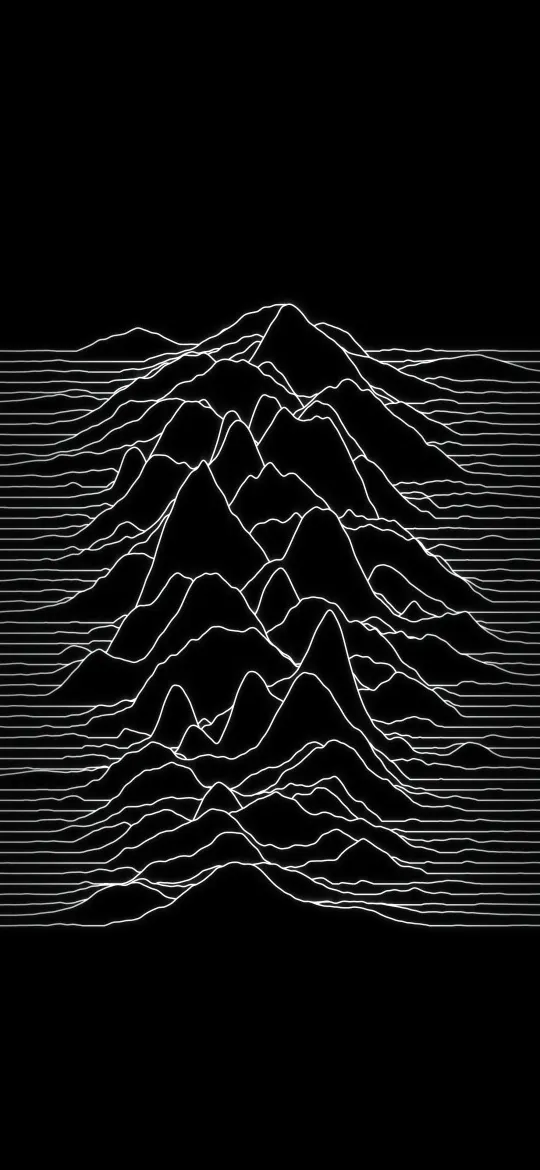 Silent Peak Lines
 Turquoise Open Sea
 Amber Summit Haze
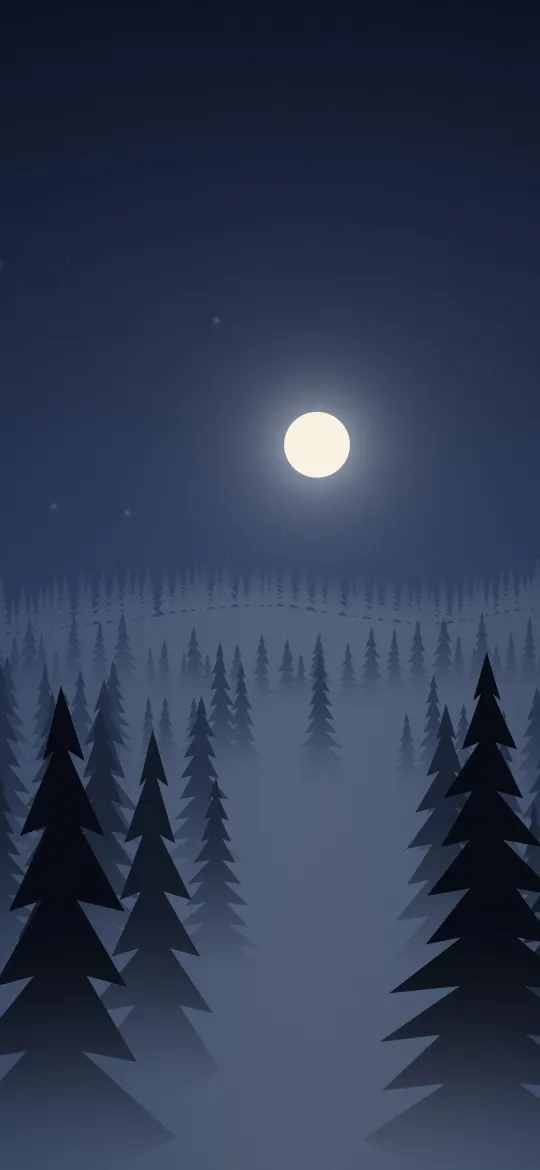 Moonlit Pine Hollow
 Misty Fir Clearing
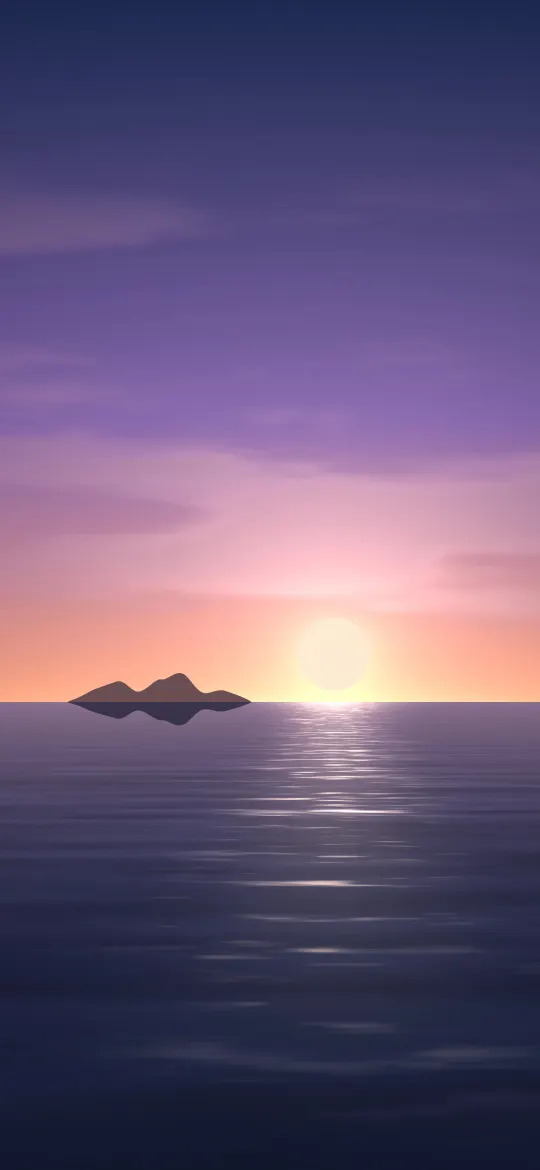 Coral Island Sundown
 Golden Morning Hills
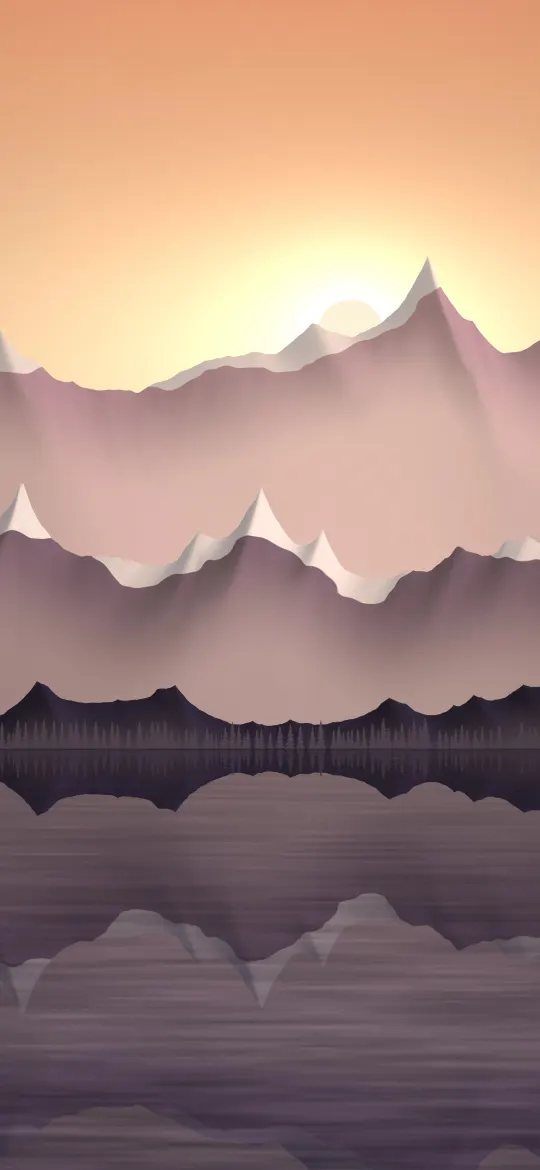 Rose Dusk Reflection
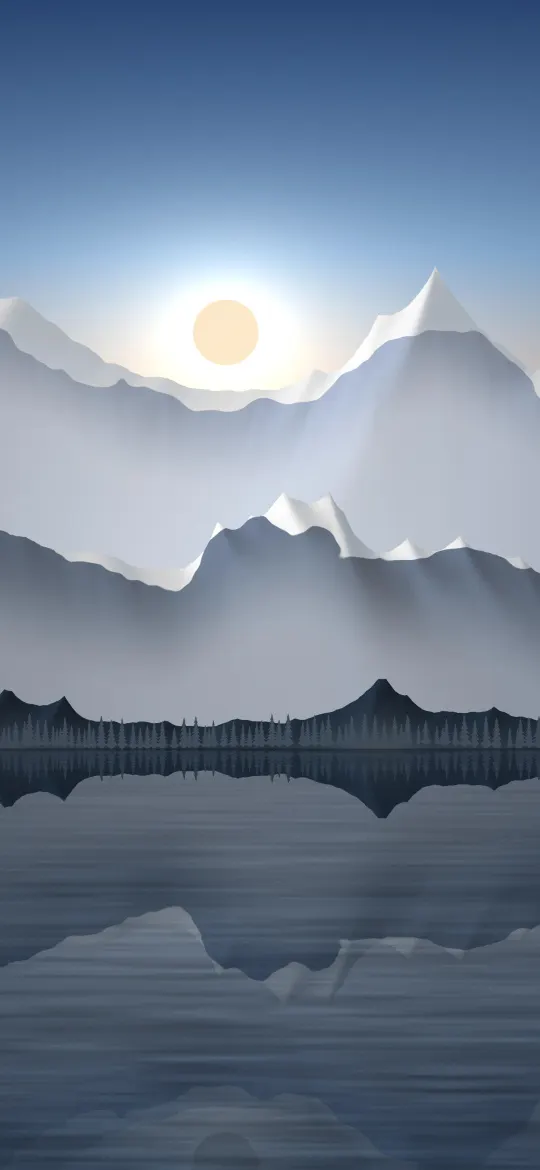 Glacier Lake Mirror
 Alpine Snowfield Peaks
 Lavender Ridge Mist
 Blush Petal Gradient
 Sage Hills Print
 Harbour Peach Sunset
 Rust Arch Moonrise
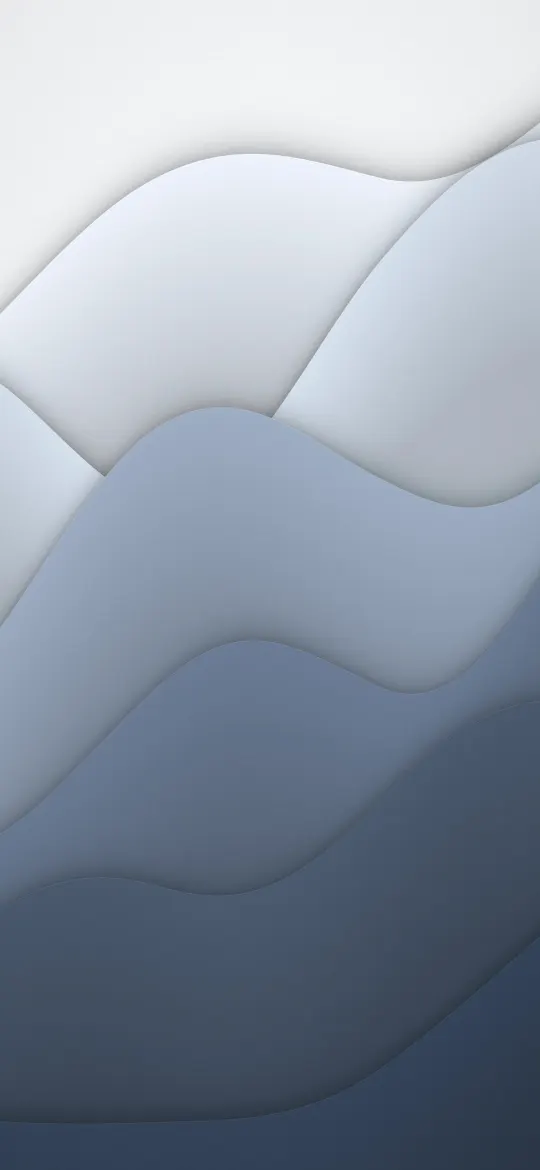 Silver Fog Layers
 Bold Bauhaus Blocks
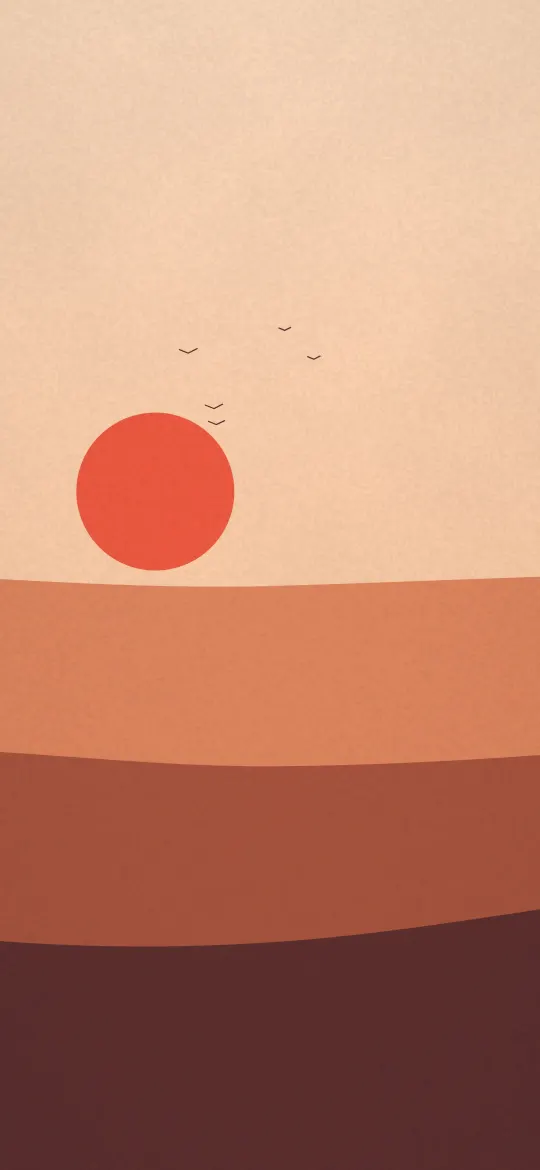 Red Sun Print
 Sandstone Dune Layers
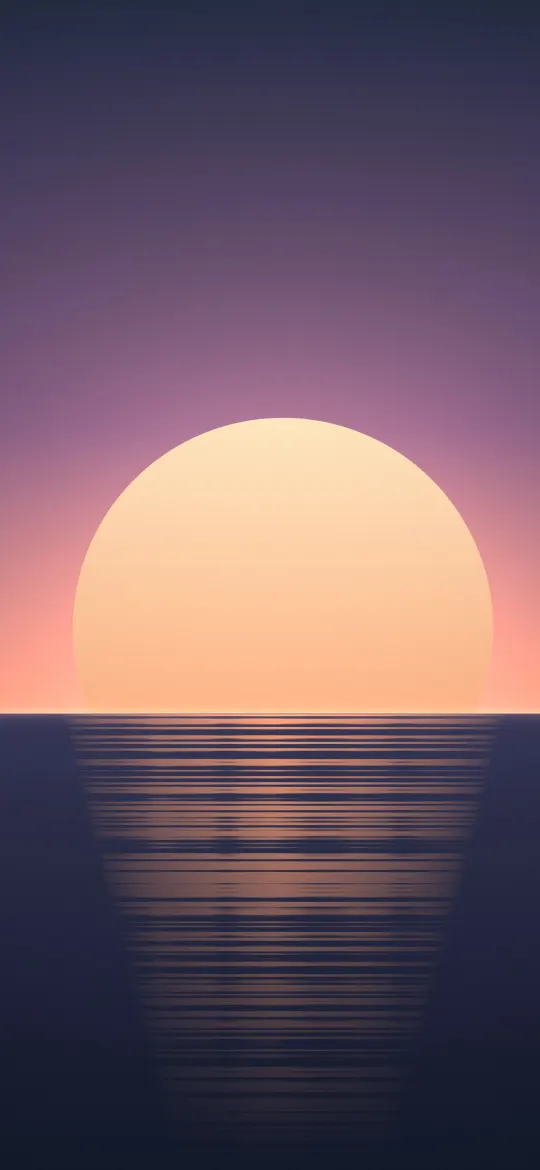 Mauve Sea Sundown
 Terracotta Rainbow Arch
 Indigo Ember Pour
 Peach Sorbet Gradient
 Ruby Shard Facets
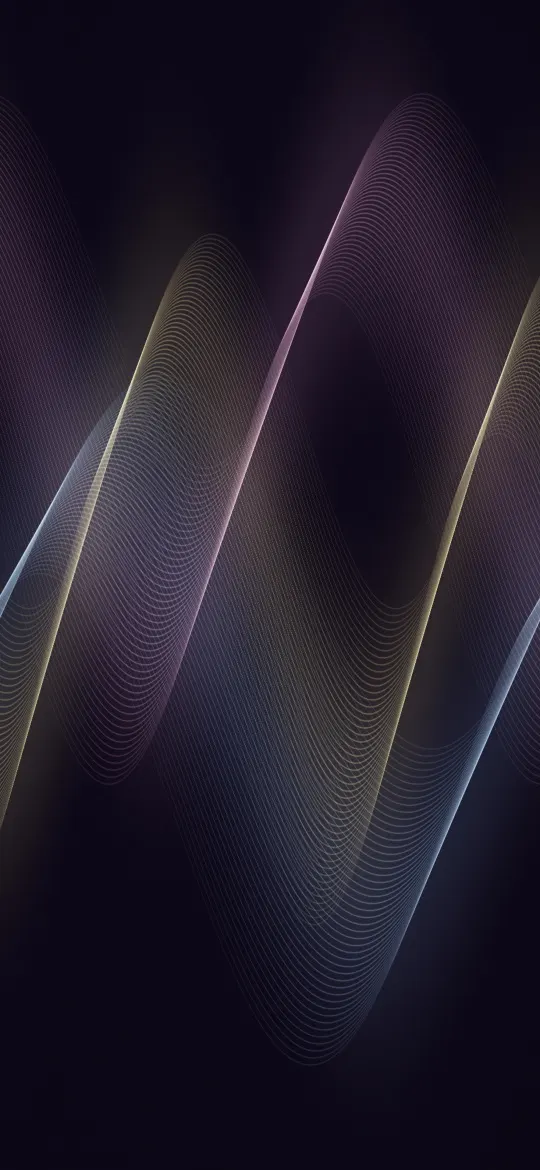 Sorbet Thread Waves
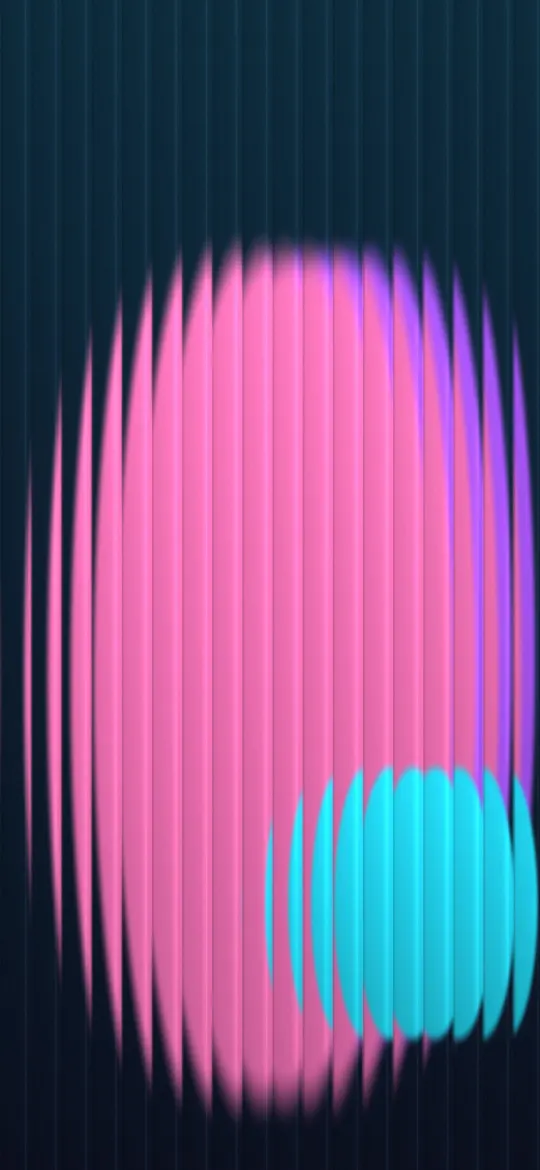 Night Glass Glow
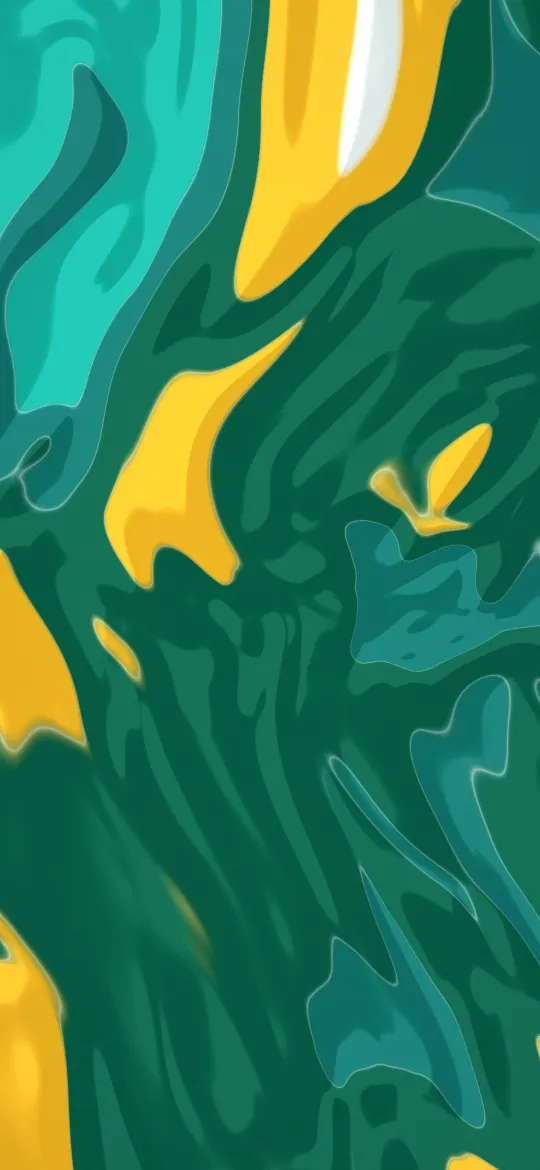 Jade Ink Swirl
 Aqua Tide Layers
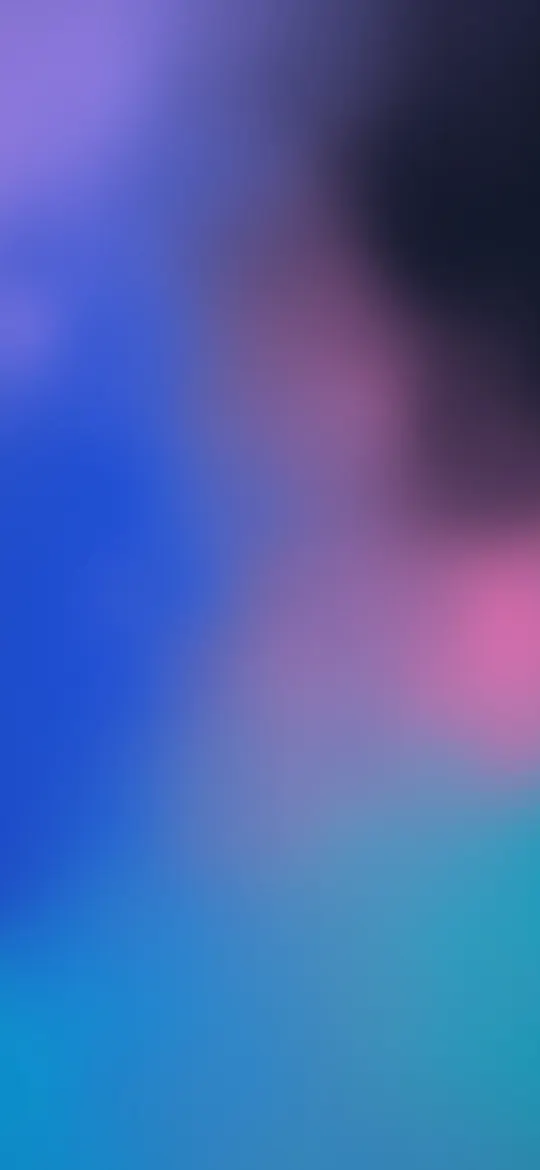 Cobalt Haze Gradient
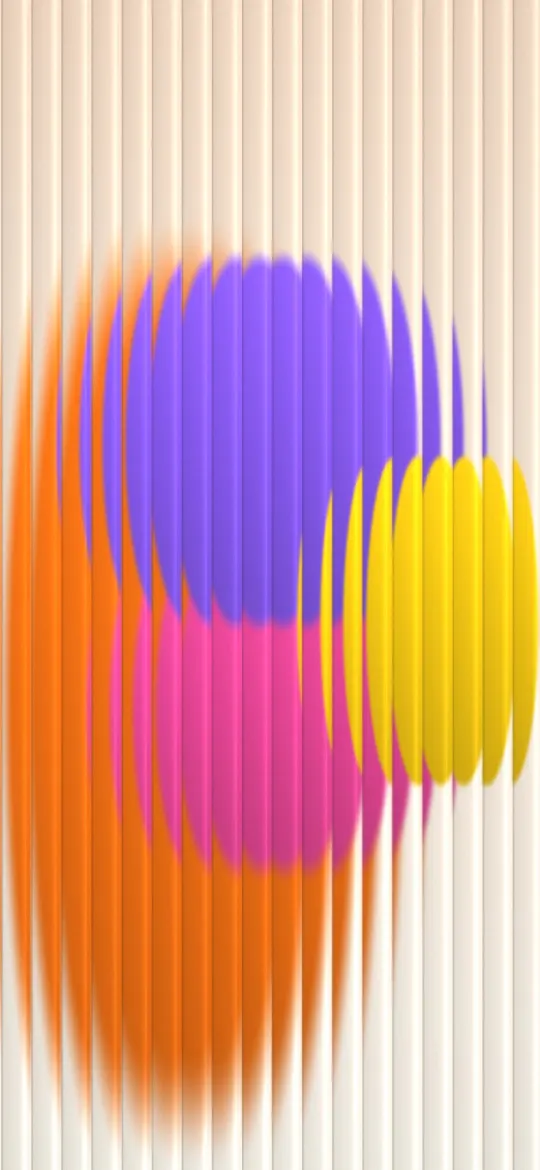 Reeded Glass Bloom
 Candy Paint Pour
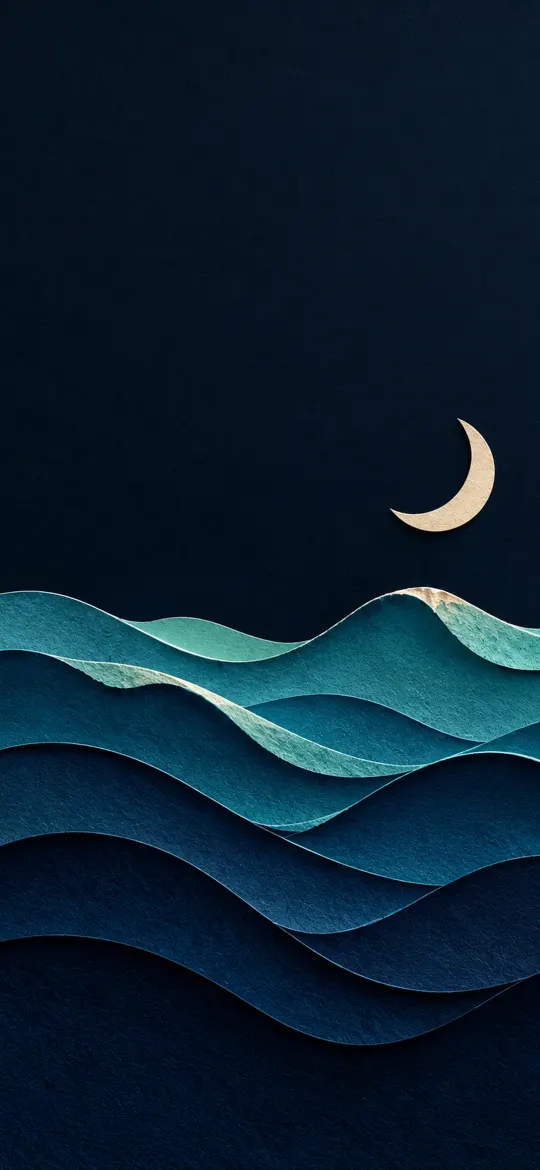 Paper-Cut Ocean Waves with Moon 4K Wallpaper
 Paper-Cut Northern Lights Hills 4K Wallpaper
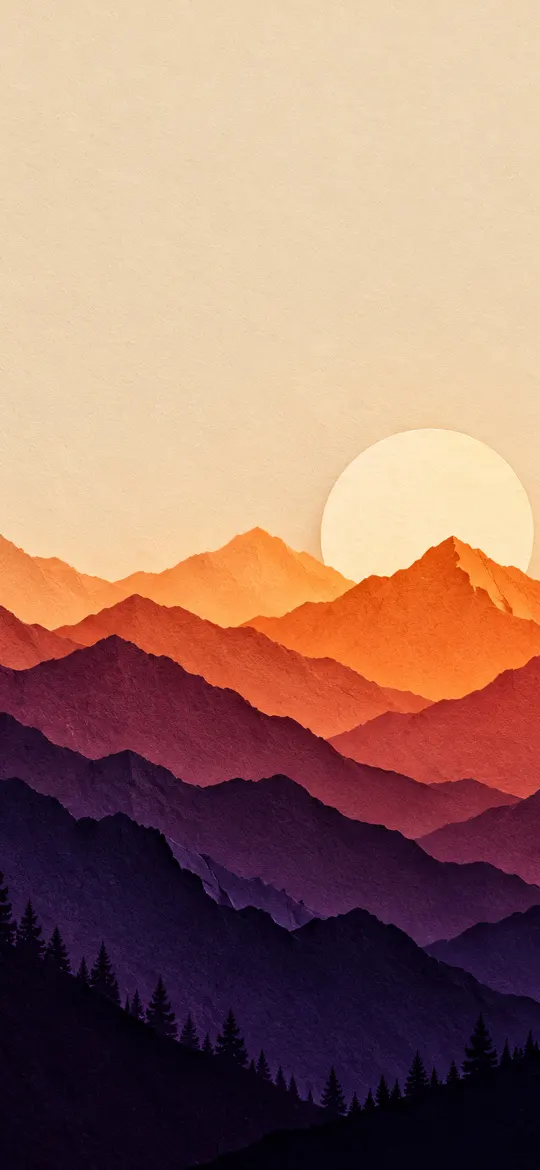
 Paper-Cut Mountains at Sunset 4K Wallpaper
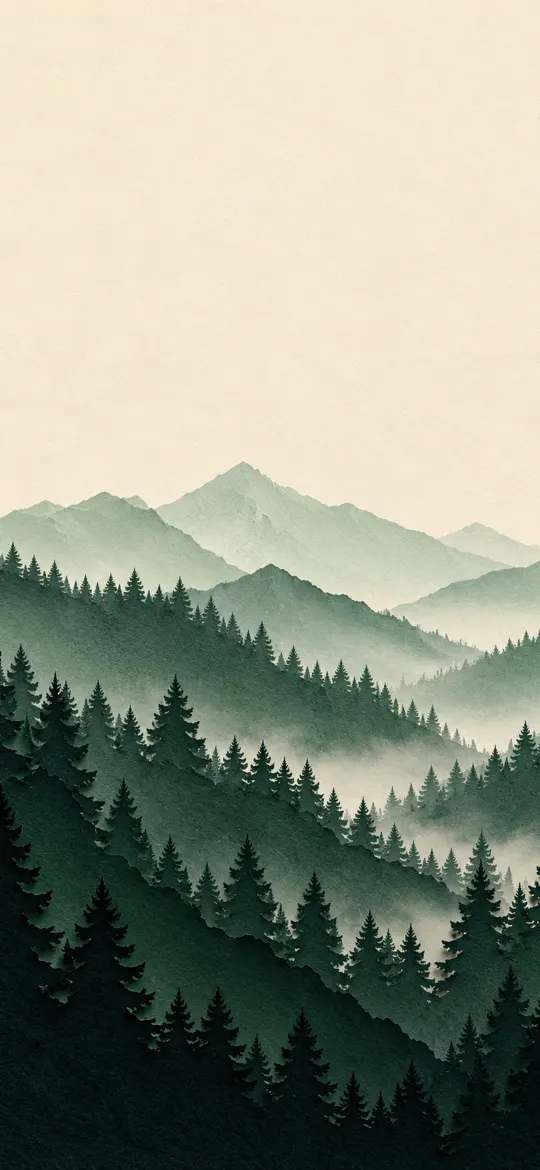
 Paper-Cut Forest Layers 4K Wallpaper
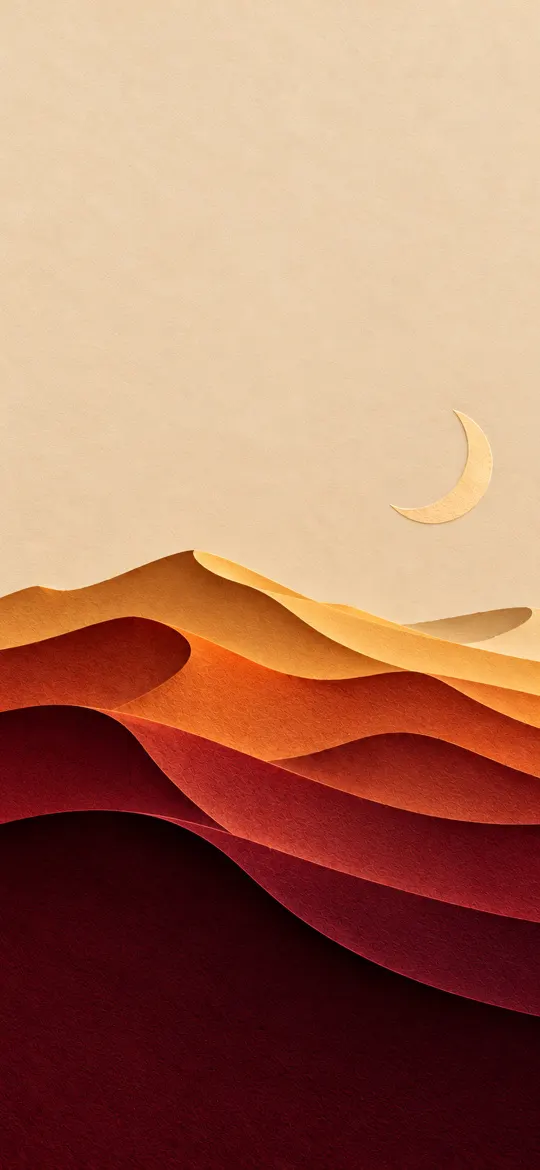 Paper-Cut Desert Dunes 4K Wallpaper
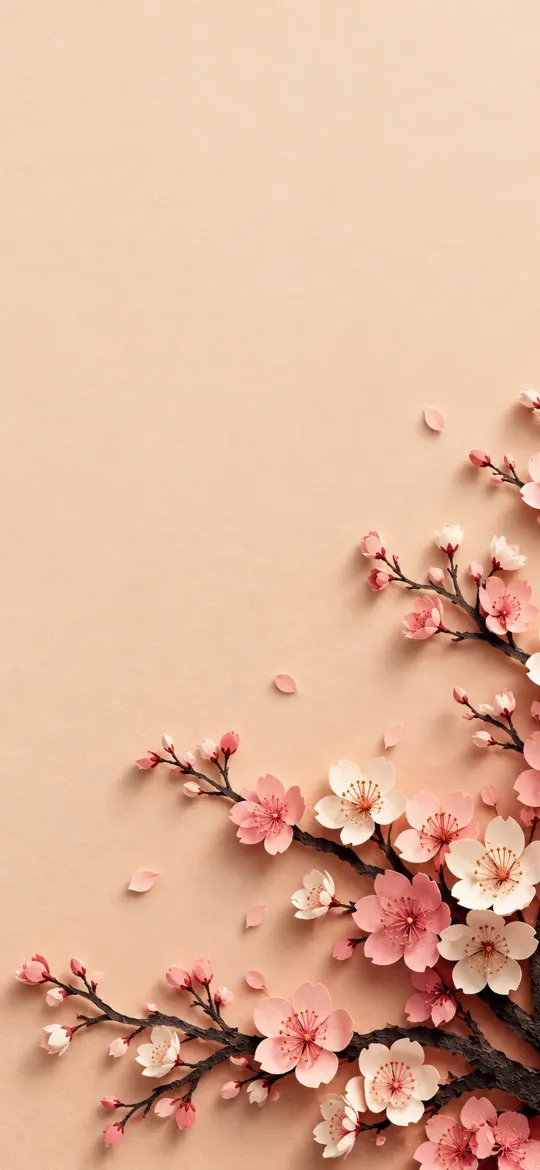 Paper-Cut Cherry Blossom 4K Wallpaper
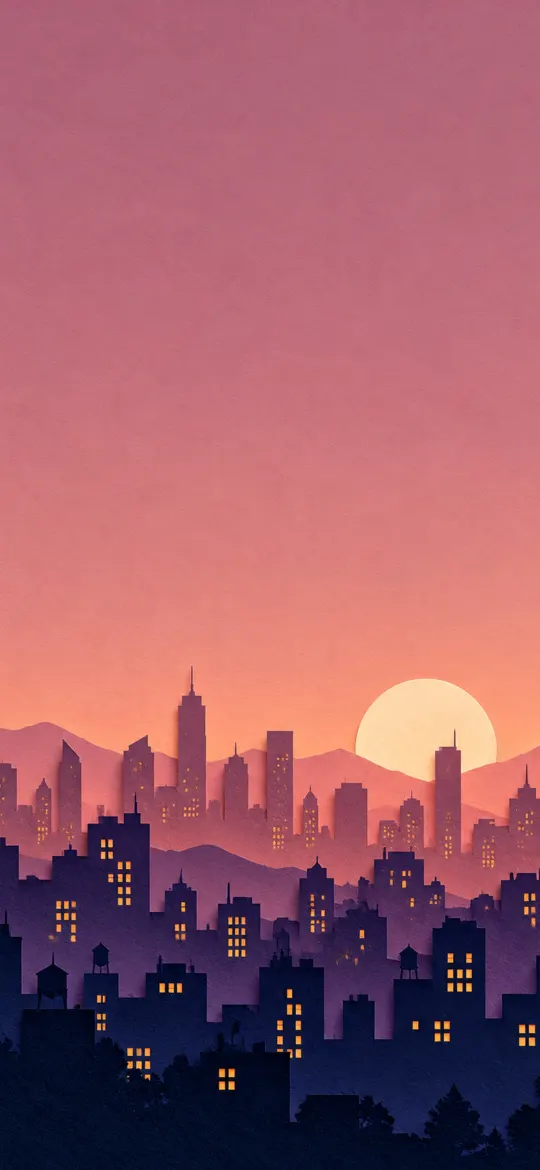 Paper-Cut Night City Skyline 4K Wallpaper
 Paper-Cut Lavender Fields 4K Wallpaper
 Paper-Cut Black and Gold Waves 4K Wallpaper
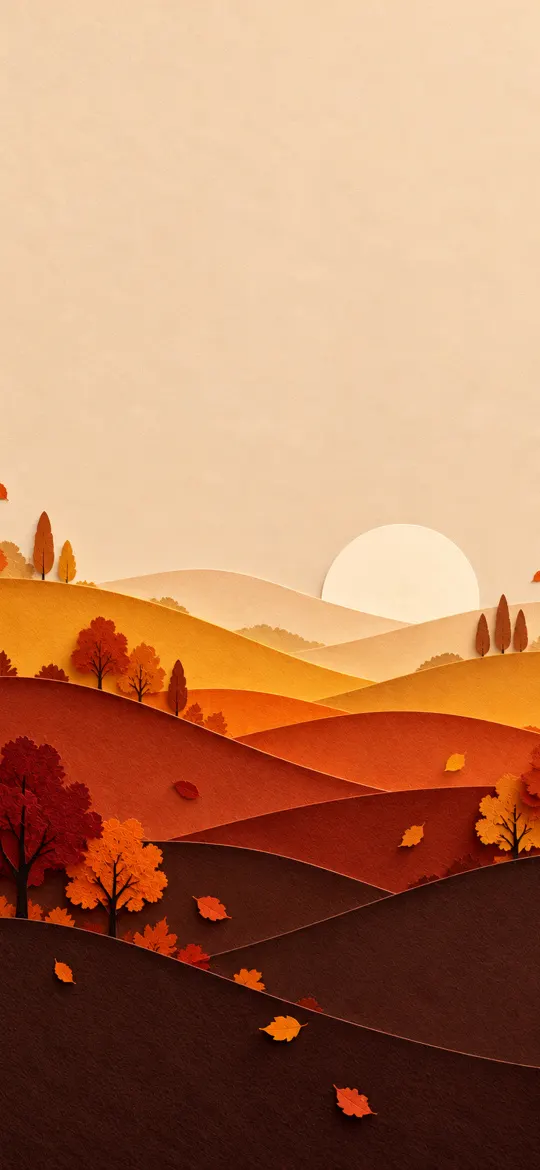 Paper-Cut Autumn Hills 4K Wallpaper
 Glowing Topographic Map Lines 4K iPhone Wallpaper
 Rain on Glass with City Bokeh 4K Wallpaper
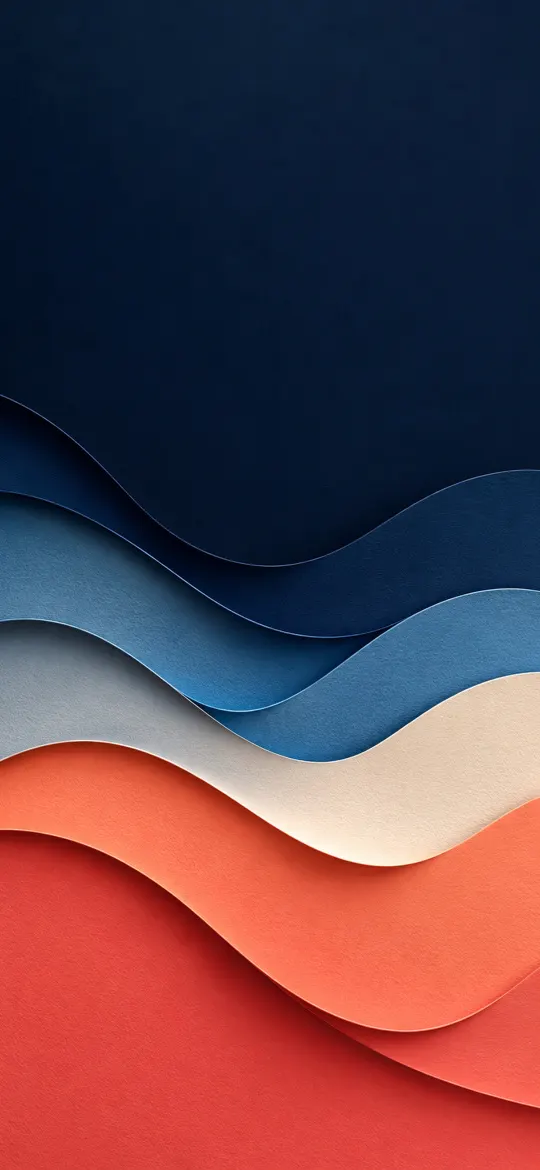 Layered Paper Cut Waves 4K iPhone Wallpaper
 Isometric 3D Glossy Sphere 4K Wallpaper
 Continuous Line Art Mountains 4K Wallpaper
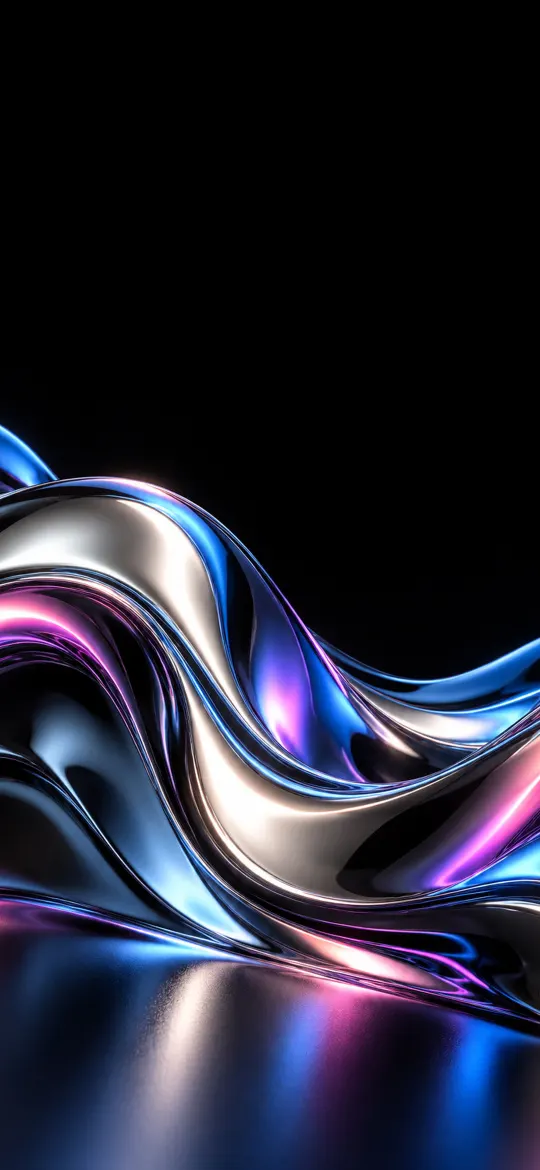 Chrome Liquid Metal Wave 4K iPhone Wallpaper
Why the exact 1179 × 2556 size matters
The iPhone 16 screen is 1179 × 2556 pixels, an aspect ratio of about 19.5:9. A generic wallpaper at a different shape gets zoomed by iOS to fill the screen, which softens detail and can push the subject under the clock. Every wallpaper on this page has been cropped from its full-resolution original to exactly 1179 × 2556, so what you see in the preview is what lands on your lock screen.
How to set a wallpaper on the iPhone 16
- Open a wallpaper above and tap Download wallpaper. Your model is selected for you.
- Open the image in Photos, tap the share button, then Use as Wallpaper.
- Adjust the clock style or depth effect if you like, tap Add, then choose lock screen, home screen or both.
More detail, including Files and Safari downloads, is in our guide to setting a wallpaper on iPhone.
iPhone 16 wallpaper questions
What wallpaper size does the iPhone 16 need?
The iPhone 16 has a 6.1-inch screen at 1179 × 2556 pixels. Every wallpaper on this page is cropped to exactly that size, so it fills the screen without stretching.
Which iPhones use 1179 × 2556 wallpapers?
The iPhone 16, 15, 15 Pro and 14 Pro all share this 1179 × 2556 screen, so the same file fits each of them.
Will iOS zoom or move the wallpaper?
A wallpaper at your screen's exact resolution is shown as-is. If iOS still zooms it, turn off "Perspective Zoom" (on older iOS) or pinch to fit while adjusting the wallpaper.
Are these wallpapers free?
Yes. Every wallpaper is free to download and use on your own iPhone. See the license page for details.
Wallpapers for other iPhones
- iPhone Duo — inner screen (unfolded)
- iPhone Duo — cover screen
- iPhone 18 Pro Max / 17 Pro Max / 16 Pro Max
- iPhone 18 Pro / 17 Pro / 17 / 16 Pro
- iPhone Air
- iPhone 16 Plus / 15 Plus / 15 Pro Max / 14 Pro Max
- iPhone 14 Plus / 13 Pro Max / 12 Pro Max
- iPhone 17e / 16e / 14 / 13 / 13 Pro / 12 / 12 Pro
- iPhone 13 mini / 12 mini
- iPhone 11 Pro Max / XS Max
- iPhone 11 Pro / XS / X
- iPhone 11 / XR
- iPhone 8 Plus / 7 Plus
- iPhone SE (2nd & 3rd gen) / 8 / 7
- 4K Universal (any phone)