 Retro Wave Dots
iPhone 17e, 16e, 14, 13, 13 Pro, 12 and 12 Pro wallpapers
286 free wallpapers cut to 1170 × 2532 pixels, the exact resolution of the 6.1-inch screen on the iPhone 17e, 16e, 14, 13, 13 Pro, 12 and 12 Pro.
Retro Wave Dots
 Golden Loop Tubes
 Sapphire Prism Facets
 Parchment Contour Map
 Gold Vein Marble
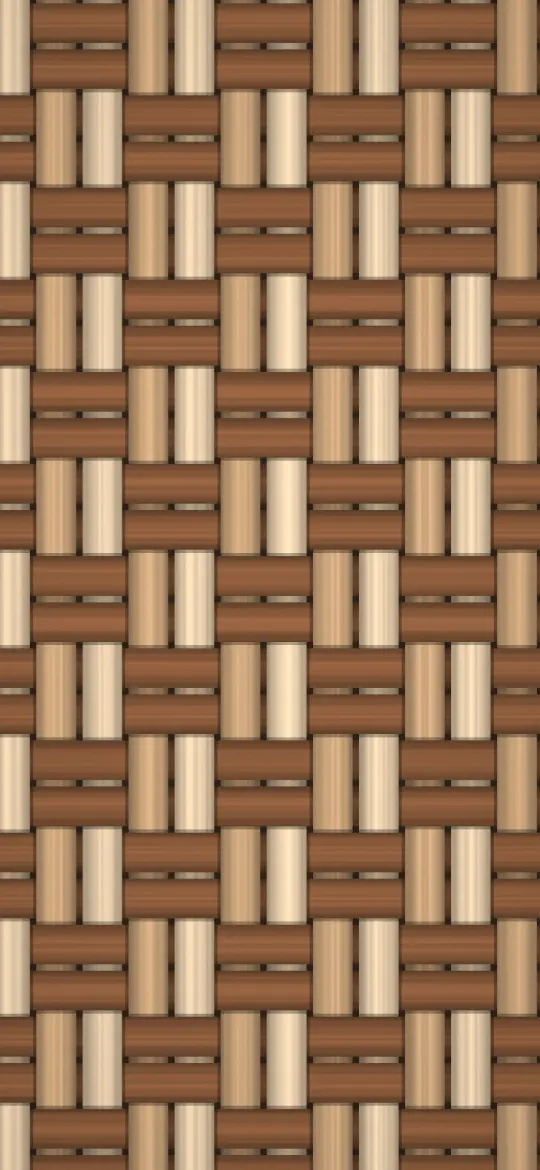 Rattan Basket Weave
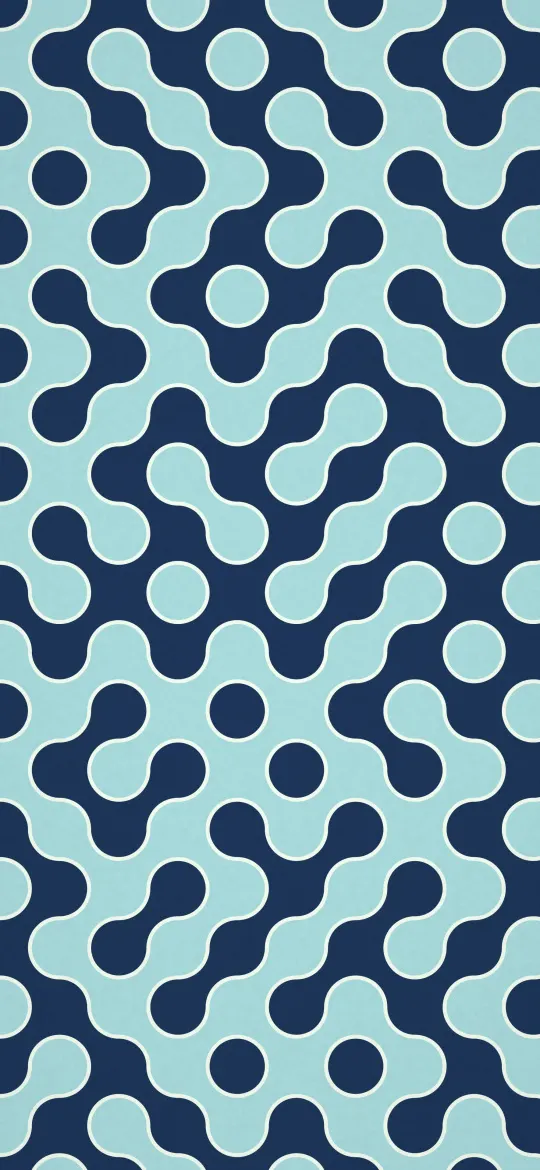 Navy Maze Curves
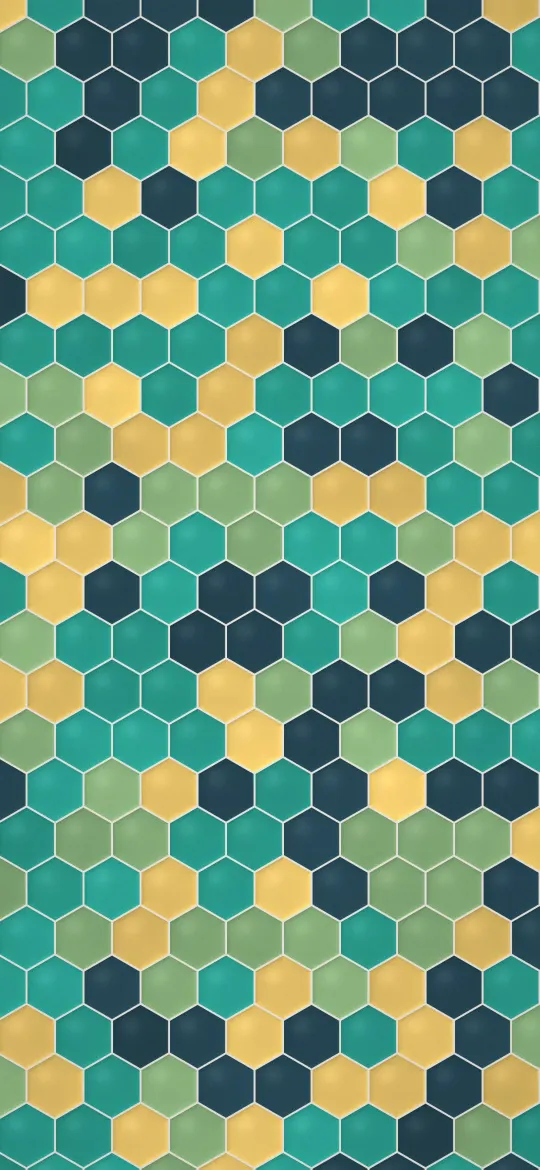 Glazed Hexagon Tiles
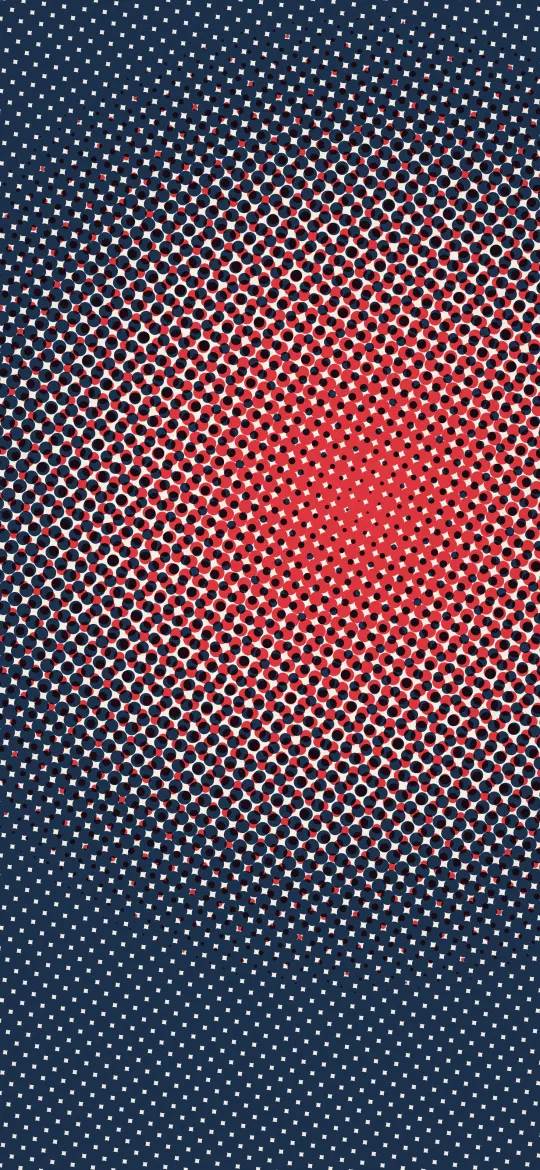 Pop Art Dot Burst
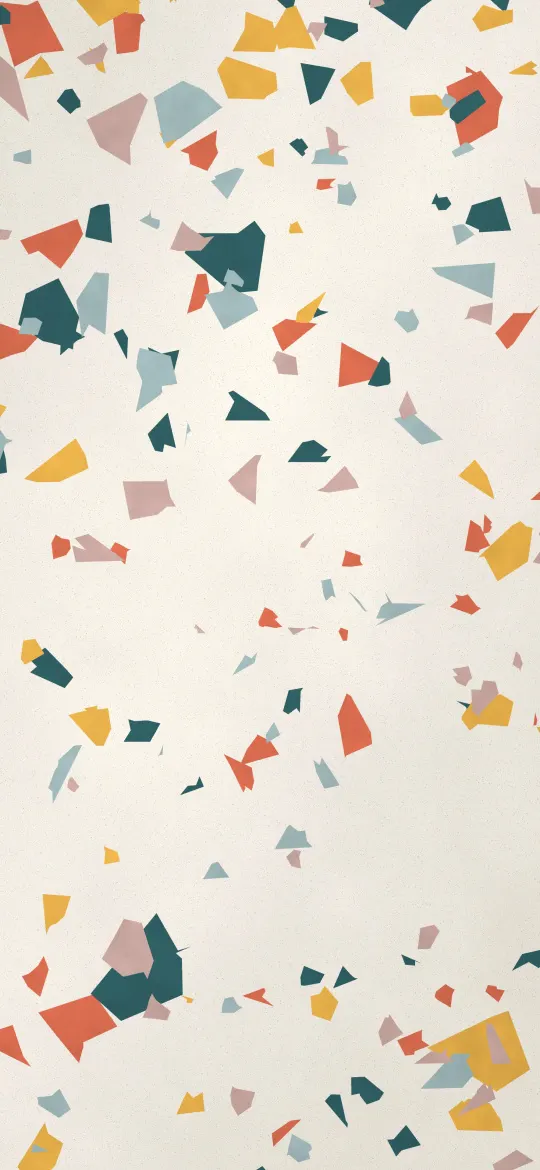 Confetti Terrazzo
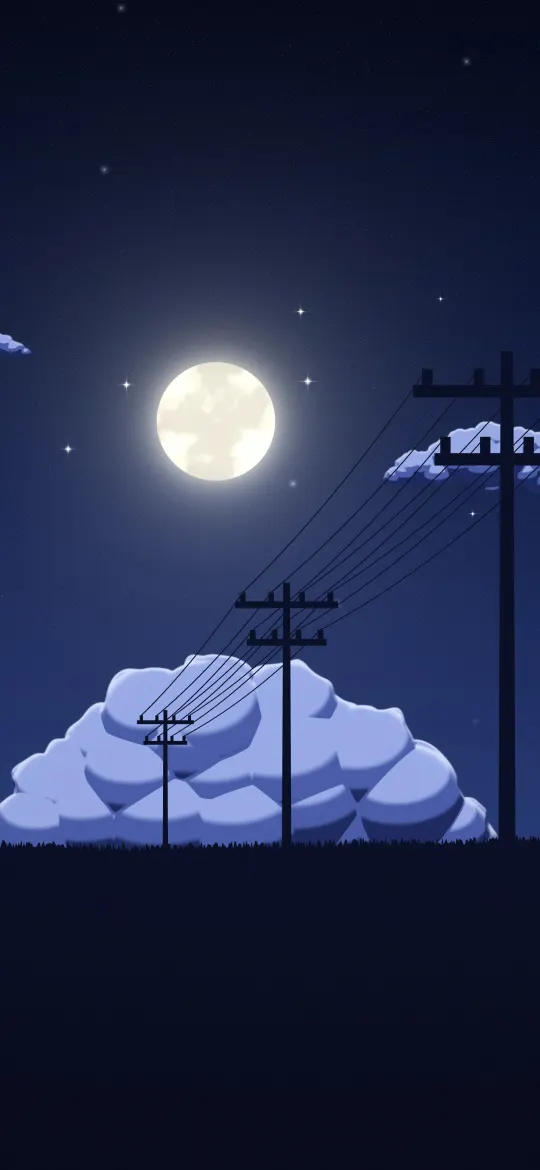 Starry Meadow Moonrise
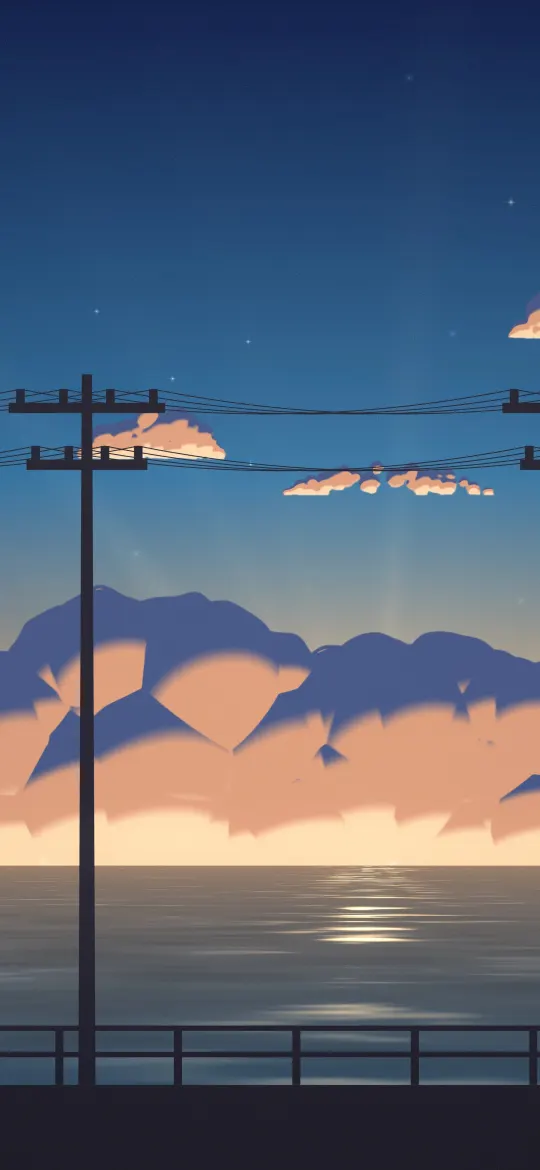 Coastal Road Twilight
 Pastel Morning Rooftop
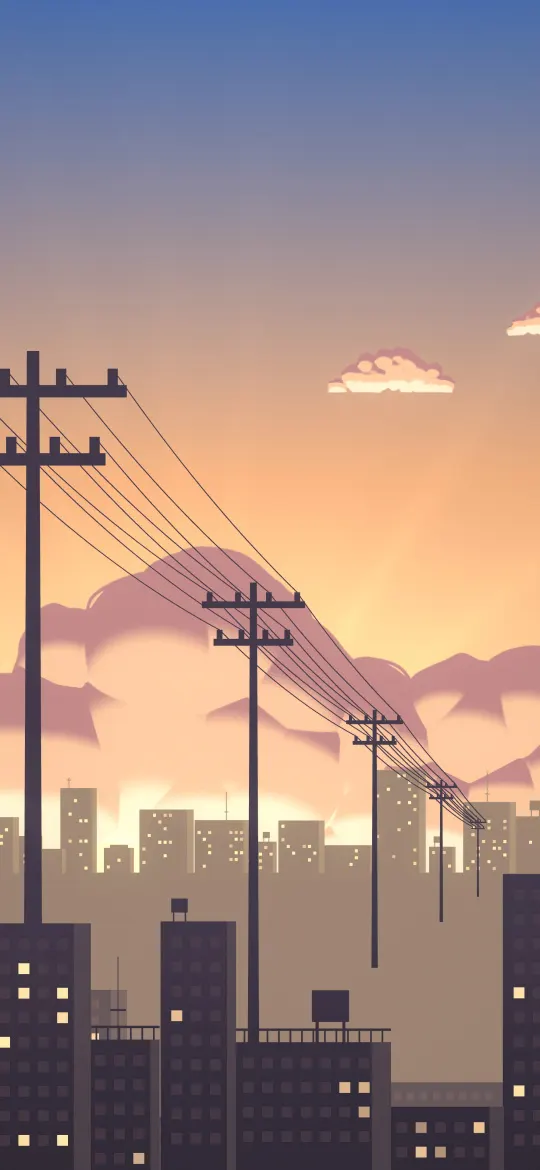 Golden Hour Skyline
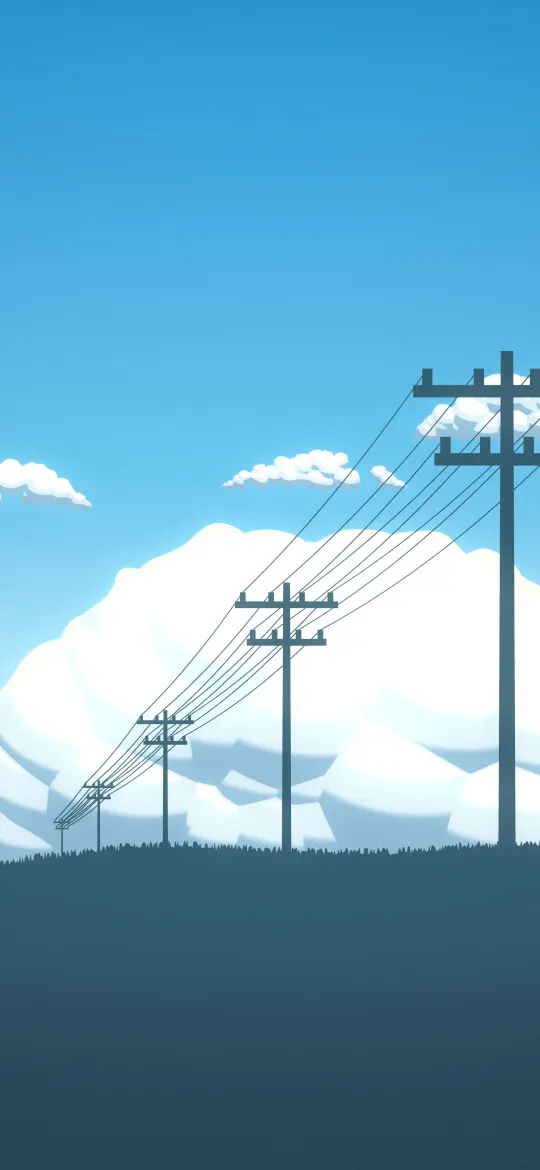 Cumulus Field Afternoon
 Seaside Cloud Tower
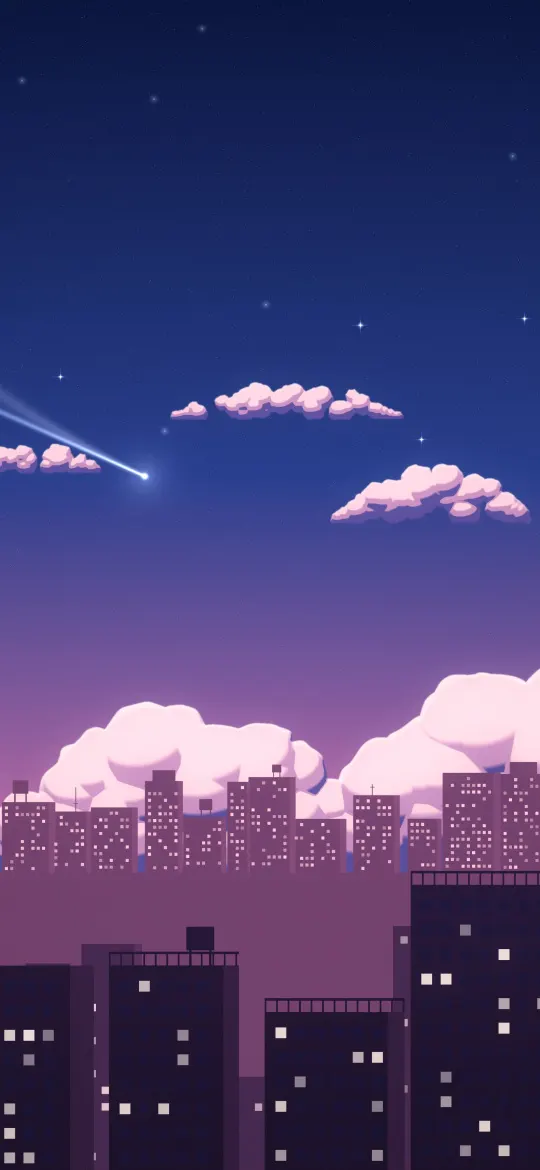 Comet Over The City
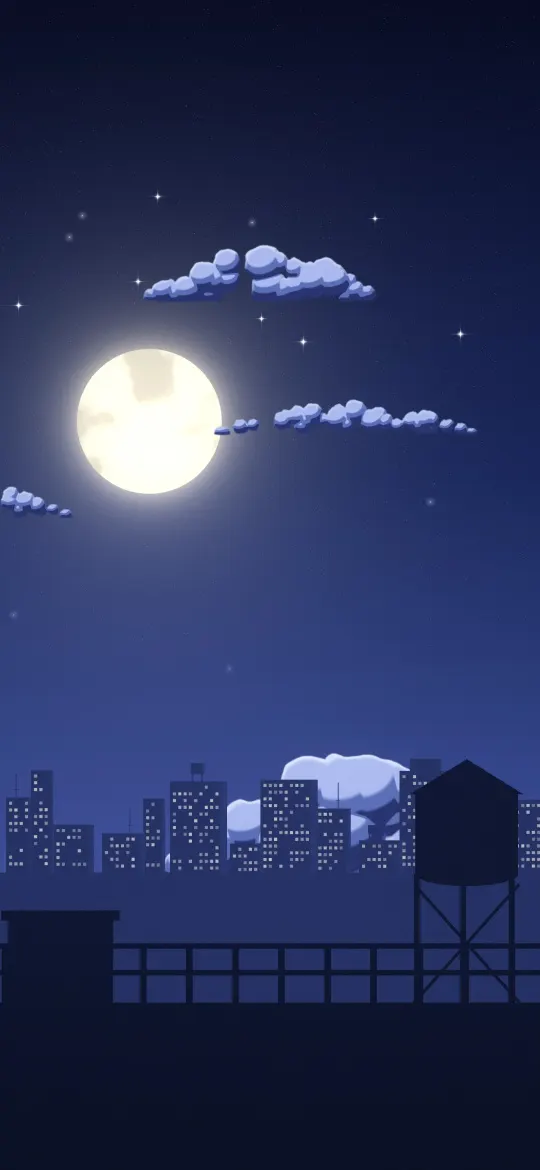 Rooftop Moon Night
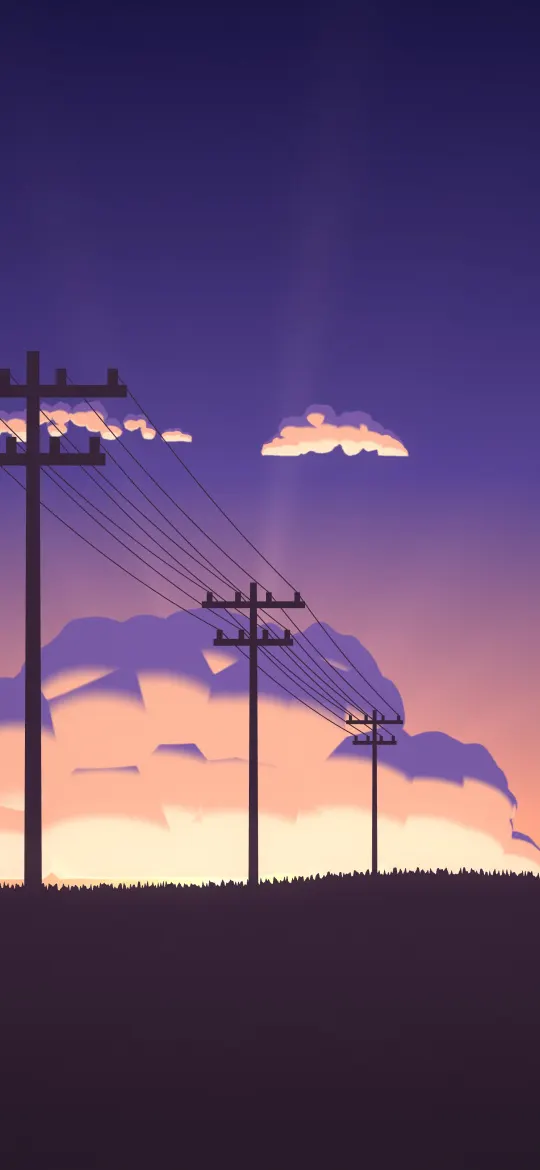 Pylon Field Sunset
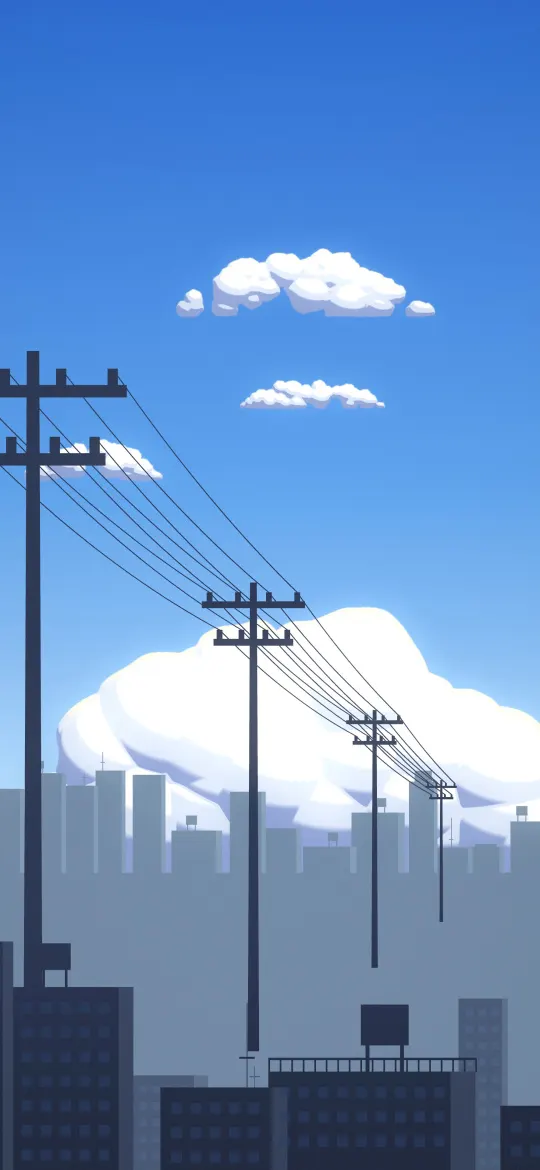 Midsummer Town Sky
 Magenta Pinwheel Galaxy
 Golden Corona Eclipse
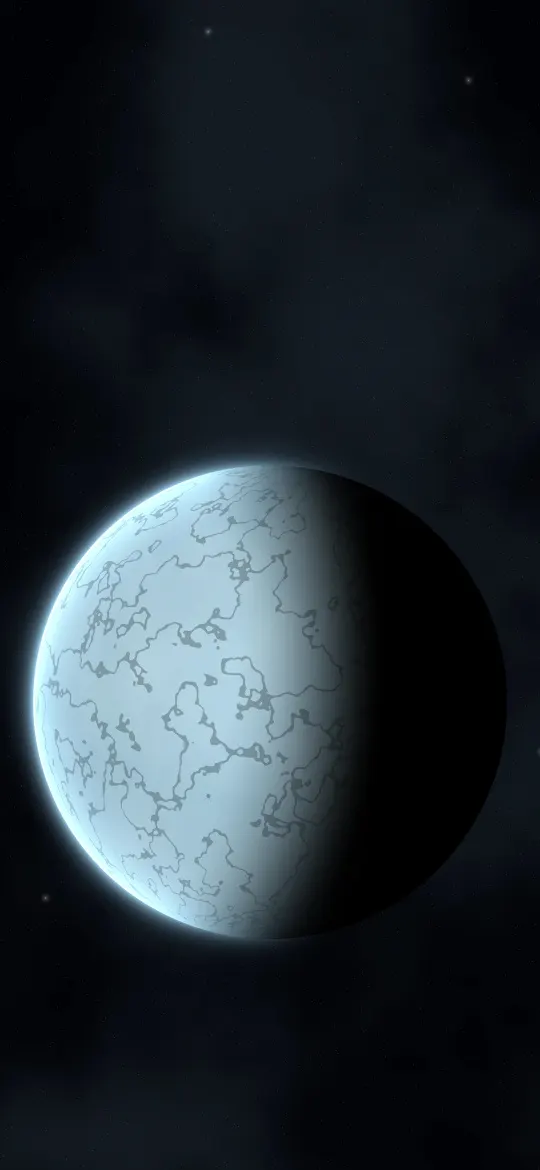 Frozen Moon World
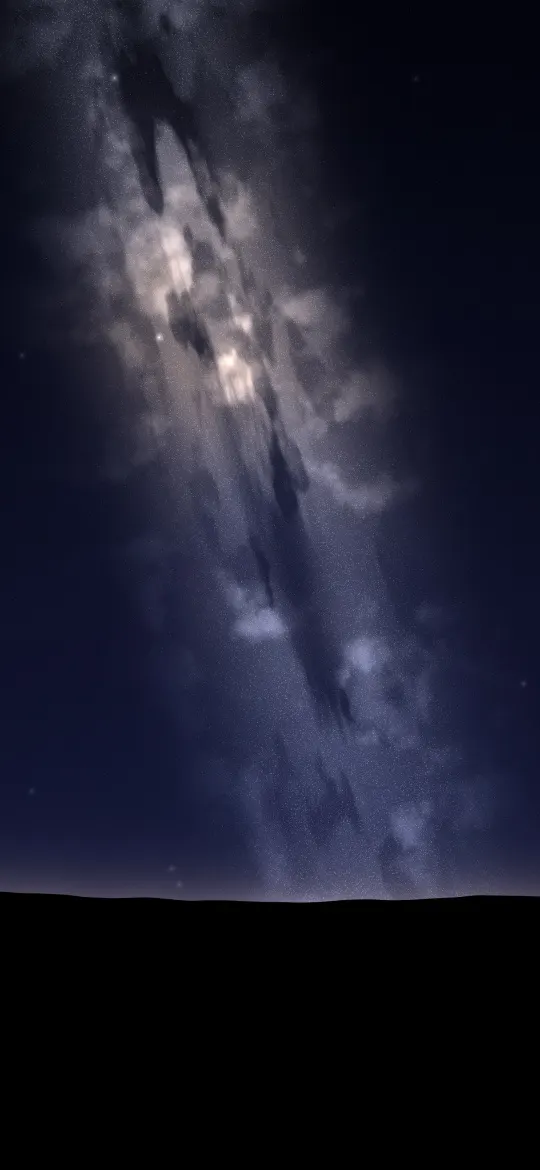 Milky Way Rising
 Teal Ghost Nebula
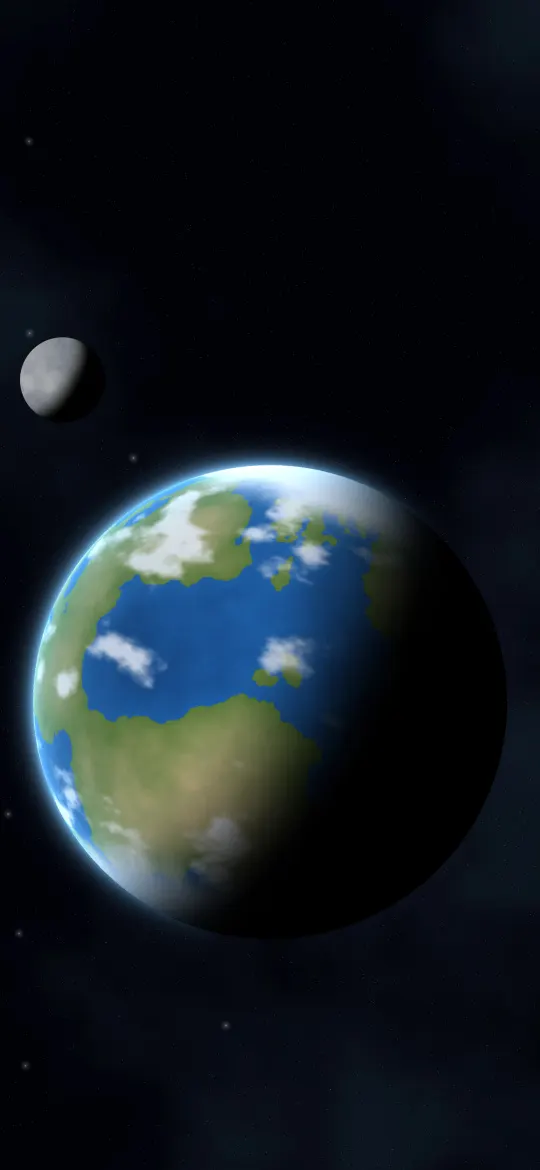 Blue Ocean World
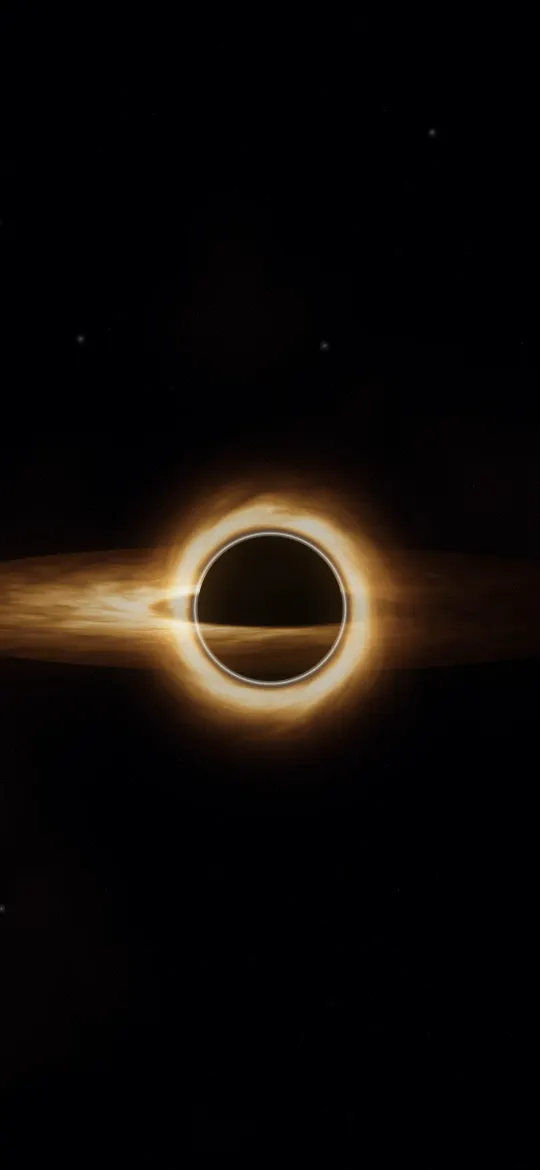 Event Horizon Glow
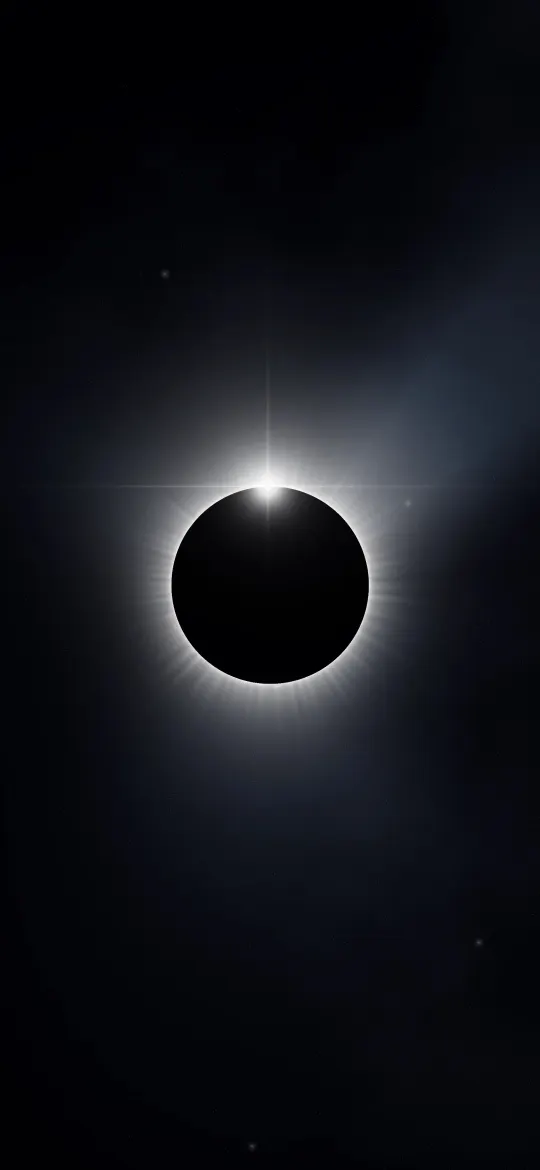 Diamond Ring Eclipse
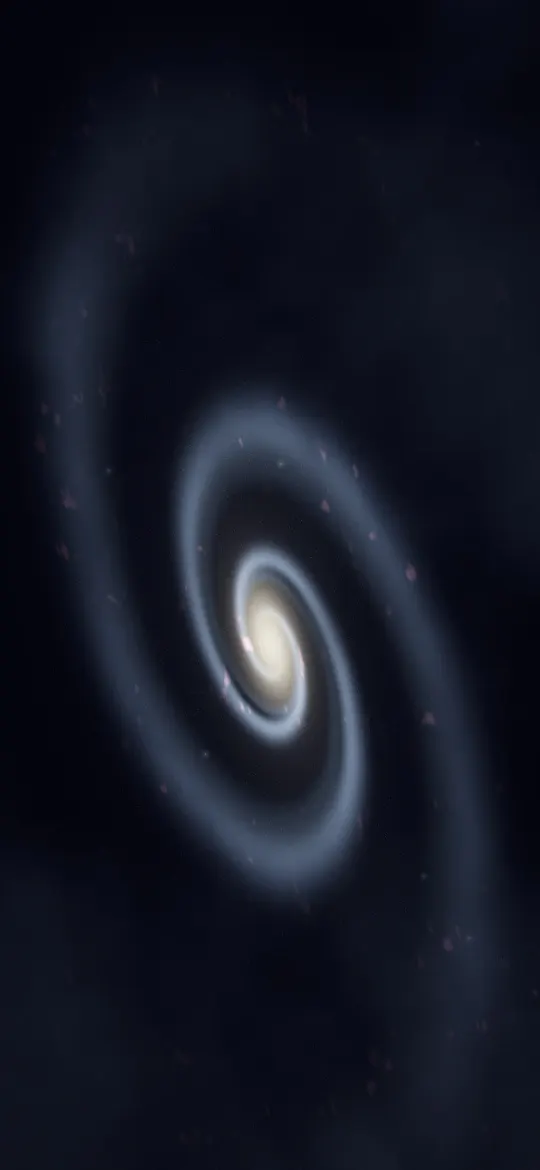 Spiral Arm Galaxy
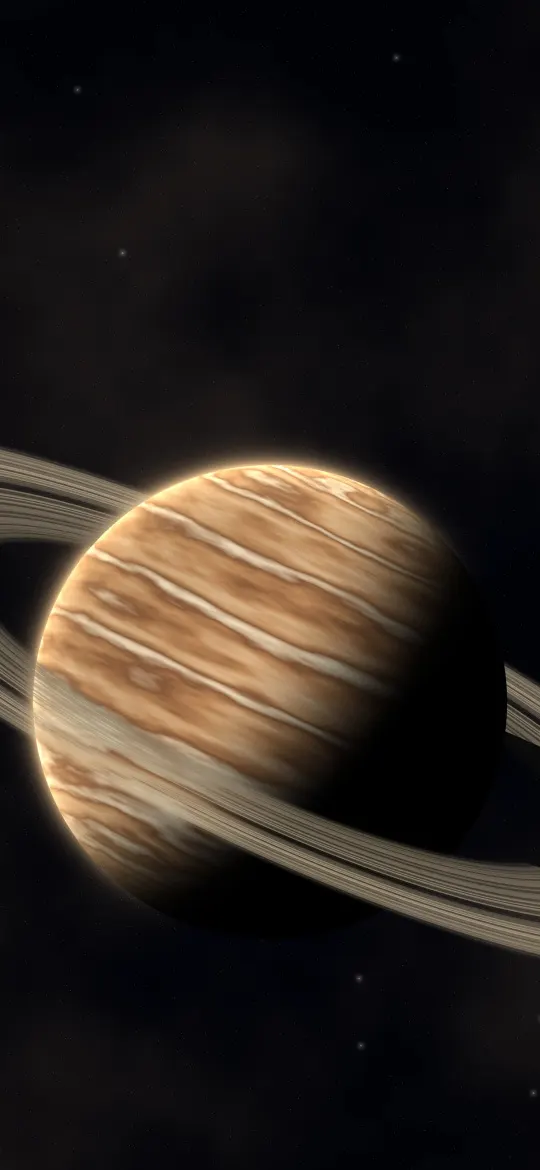 Banded Ringed Giant
 Mint Grid Horizon
 Emerald Hex Tunnel
 Cyan Magenta Pulses
 Neon Bloom Spiral
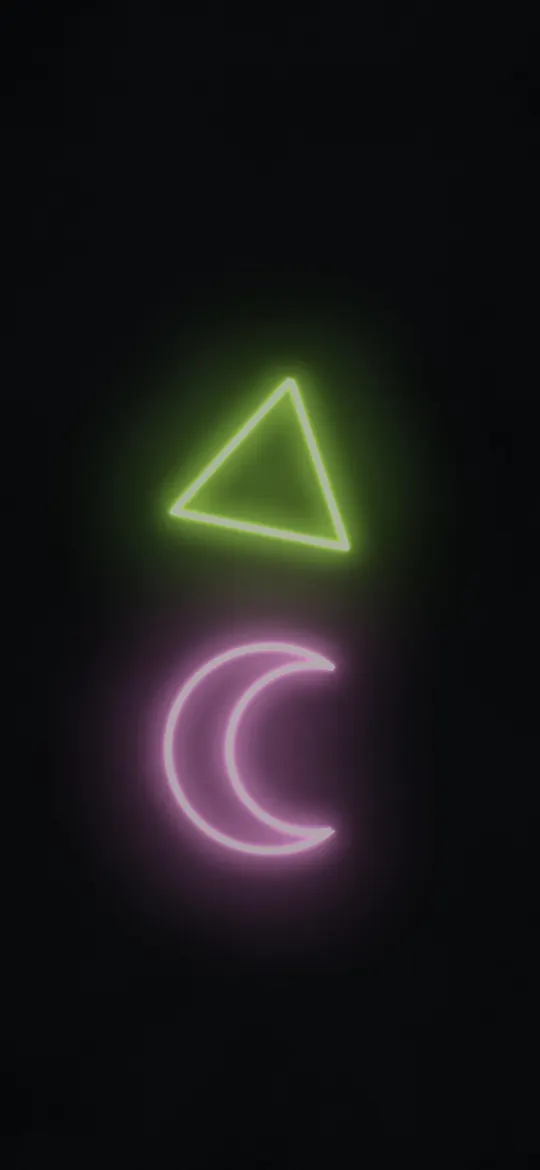 Lime Moon Signs
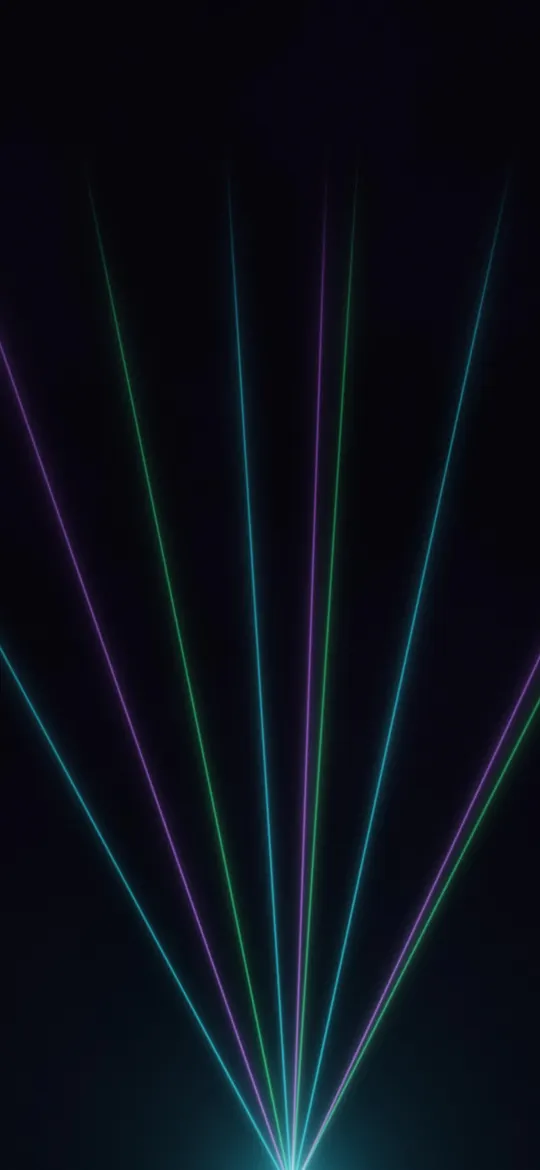 Laser Fan Haze
 Infinite Neon Corridor
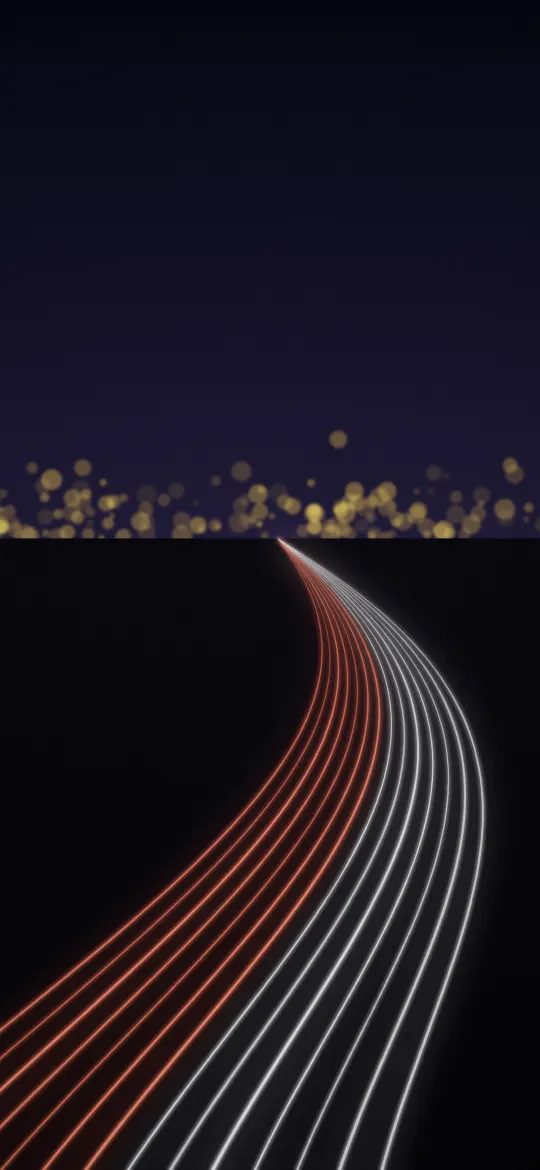 Night Highway Trails
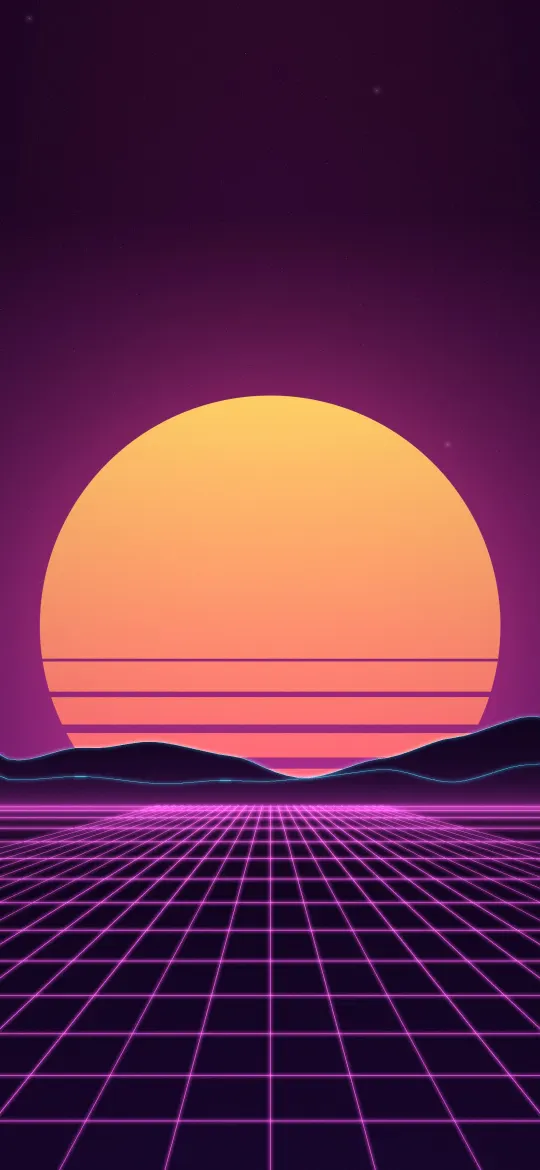 Sunset Arcade Grid
 Pink Neon Halo
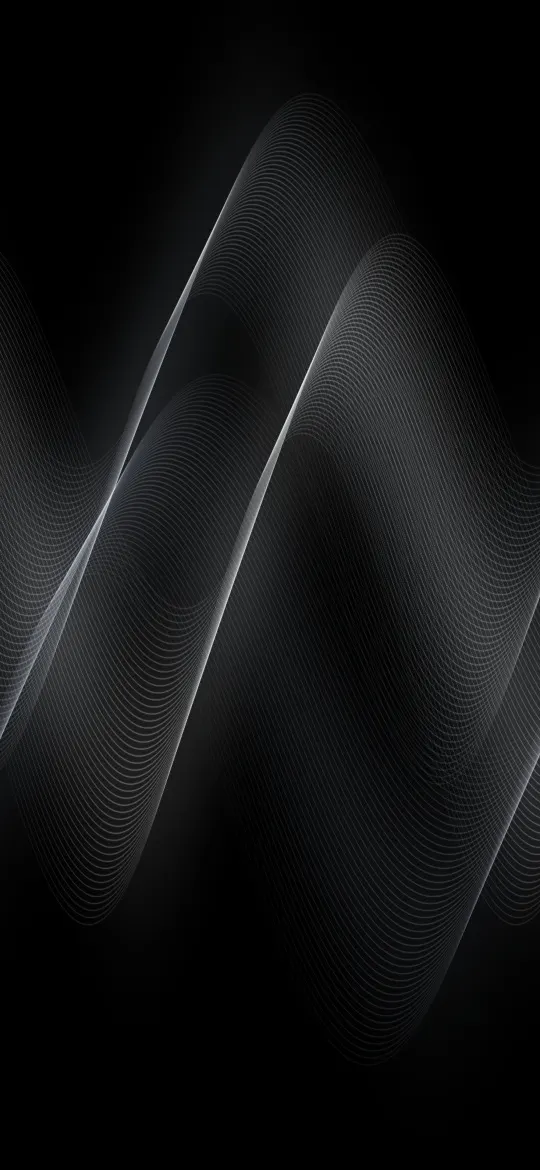 Graphite Silk Flow
 Black Pine Silhouettes
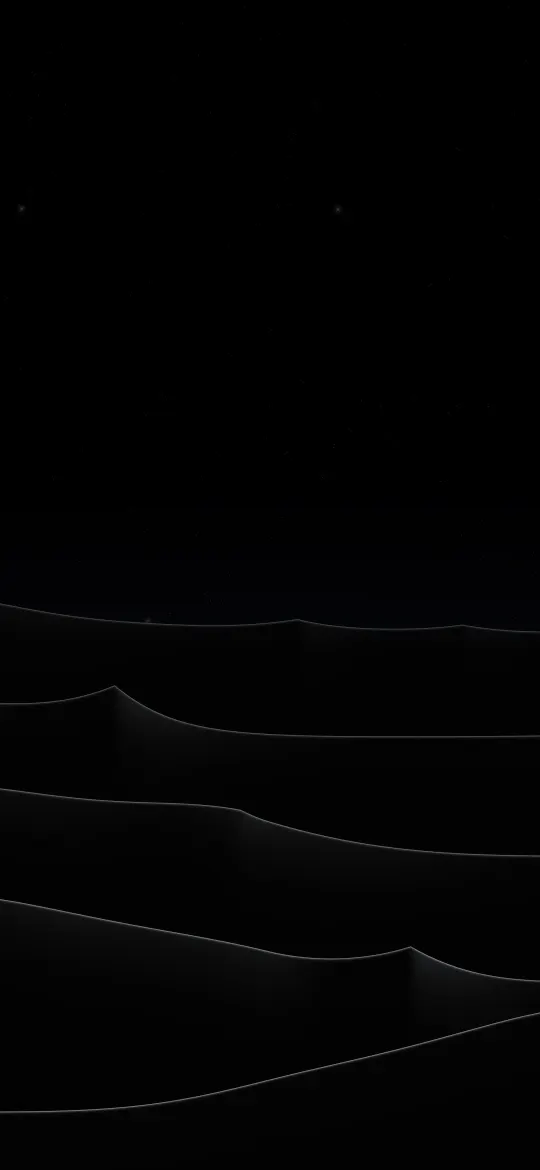 Silver Dune Crests
 Ember Light Leak
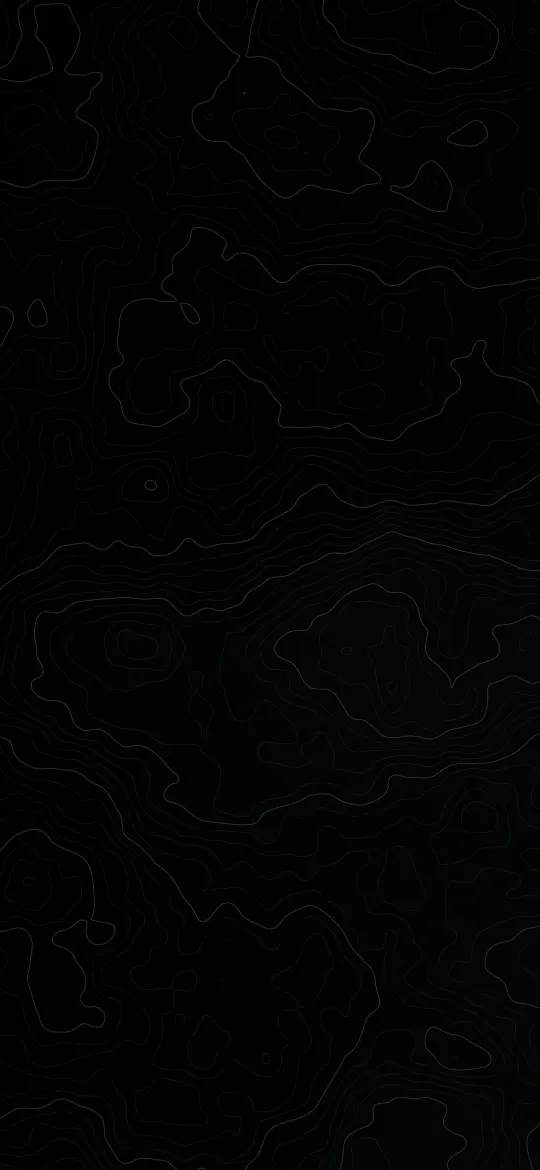 Obsidian Elevation Lines
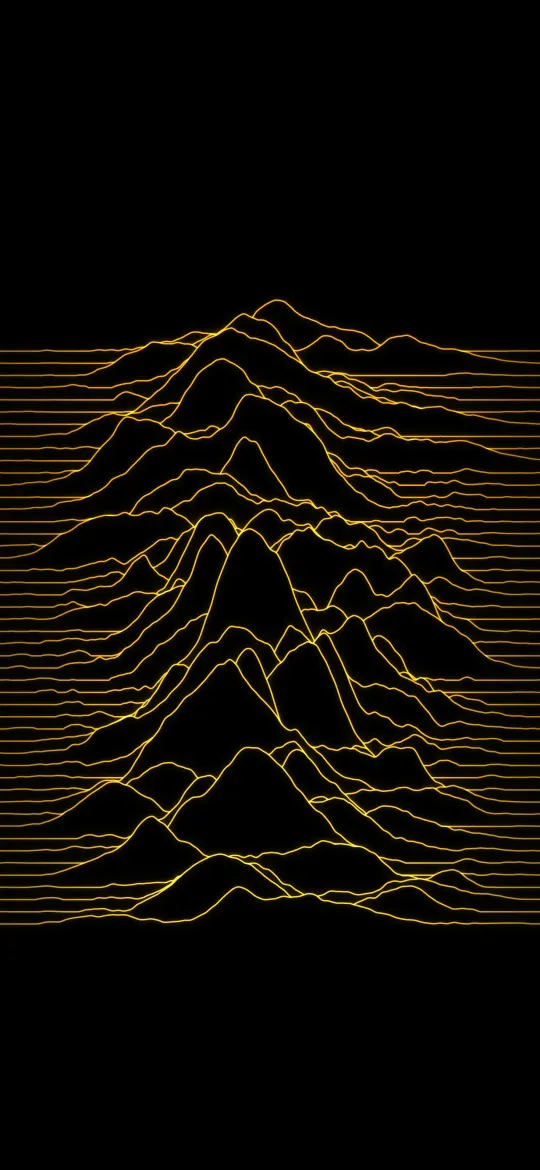 Amber Signal Ridges
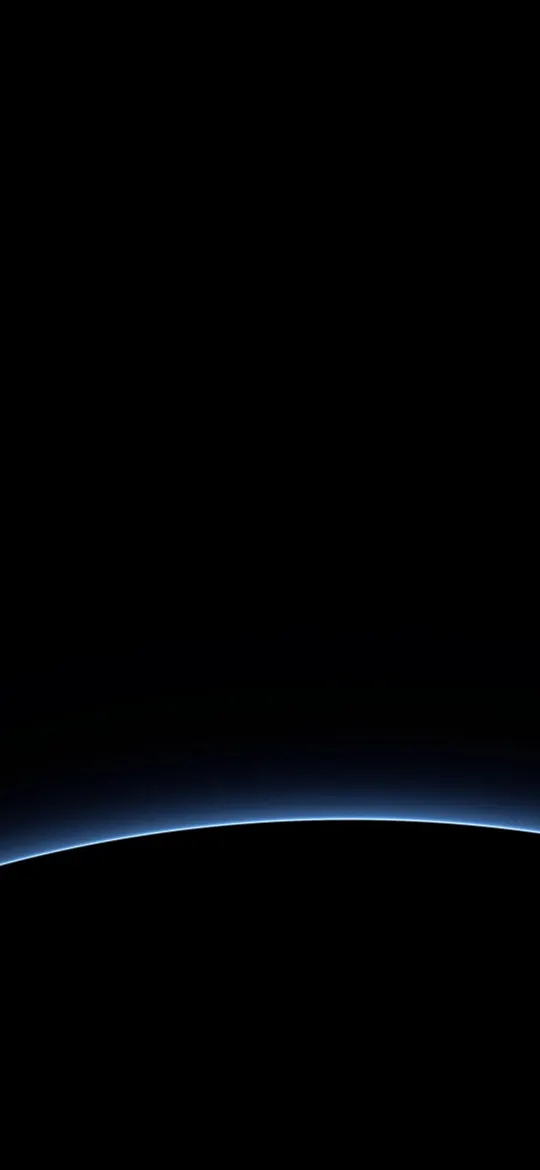 Blue Planet Edge
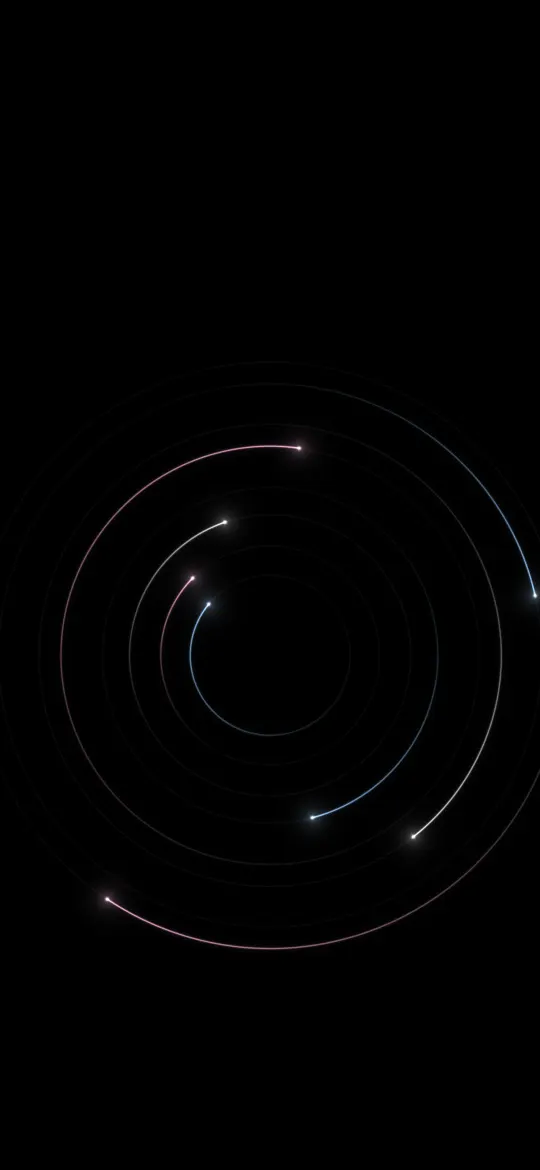 Pastel Orbit Trails
Why the exact 1170 × 2532 size matters
The iPhone 17e screen is 1170 × 2532 pixels, an aspect ratio of about 19.5:9. A generic wallpaper at a different shape gets zoomed by iOS to fill the screen, which softens detail and can push the subject under the clock. Every wallpaper on this page has been cropped from its full-resolution original to exactly 1170 × 2532, so what you see in the preview is what lands on your lock screen.
How to set a wallpaper on the iPhone 17e
- Open a wallpaper above and tap Download wallpaper. Your model is selected for you.
- Open the image in Photos, tap the share button, then Use as Wallpaper.
- Adjust the clock style or depth effect if you like, tap Add, then choose lock screen, home screen or both.
More detail, including Files and Safari downloads, is in our guide to setting a wallpaper on iPhone.
iPhone 17e wallpaper questions
What wallpaper size does the iPhone 17e need?
The iPhone 17e has a 6.1-inch screen at 1170 × 2532 pixels. Every wallpaper on this page is cropped to exactly that size, so it fills the screen without stretching.
Which iPhones use 1170 × 2532 wallpapers?
The iPhone 17e, 16e, 14, 13, 13 Pro, 12 and 12 Pro all share this 1170 × 2532 screen, so the same file fits each of them.
Will iOS zoom or move the wallpaper?
A wallpaper at your screen's exact resolution is shown as-is. If iOS still zooms it, turn off "Perspective Zoom" (on older iOS) or pinch to fit while adjusting the wallpaper.
Are these wallpapers free?
Yes. Every wallpaper is free to download and use on your own iPhone. See the license page for details.
Wallpapers for other iPhones
- iPhone Duo — inner screen (unfolded)
- iPhone Duo — cover screen
- iPhone 18 Pro Max / 17 Pro Max / 16 Pro Max
- iPhone 18 Pro / 17 Pro / 17 / 16 Pro
- iPhone Air
- iPhone 16 Plus / 15 Plus / 15 Pro Max / 14 Pro Max
- iPhone 16 / 15 / 15 Pro / 14 Pro
- iPhone 14 Plus / 13 Pro Max / 12 Pro Max
- iPhone 13 mini / 12 mini
- iPhone 11 Pro Max / XS Max
- iPhone 11 Pro / XS / X
- iPhone 11 / XR
- iPhone 8 Plus / 7 Plus
- iPhone SE (2nd & 3rd gen) / 8 / 7
- 4K Universal (any phone)