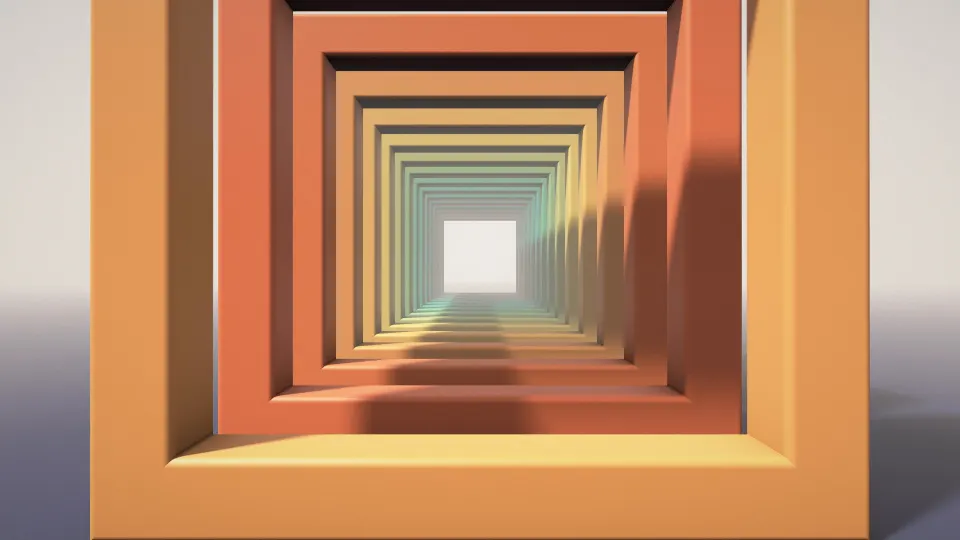
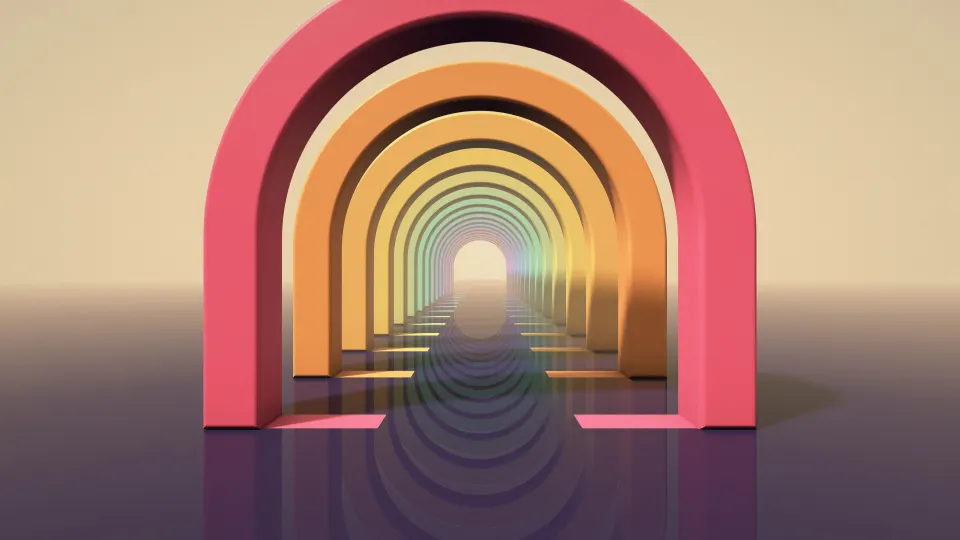
 Ember Paper Layers
1920x1080 wallpapers
Free desktop wallpapers ready at exactly 1920 × 1080 pixels, the Full HD resolution of most 21.5- to 24-inch monitors and many 15.6-inch laptops. Each one is cut from a 4K original, so it fills a 1080p screen pixel for pixel with nothing stretched or blurred.
Full HD (1080p) · 1920 × 1080 · 95 wallpapers
- 1920 × 1080pixels, about 2.1 megapixels
- 16:9aspect ratio, the shape of most monitors and TVs
- 1080p · FHDother names for the same size
- 92 ppion a 24-inch monitor (141 ppi on a 15.6-inch laptop)
Ember Paper Layers







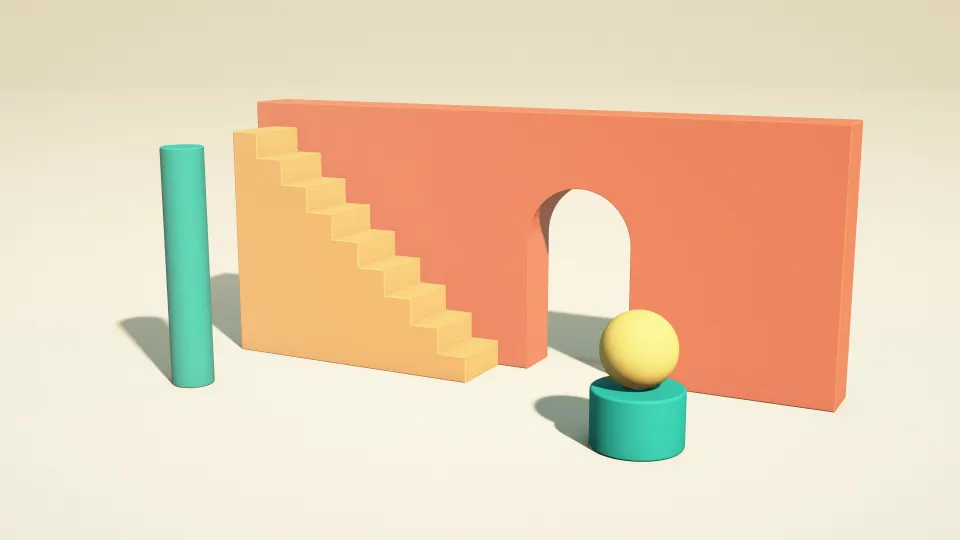
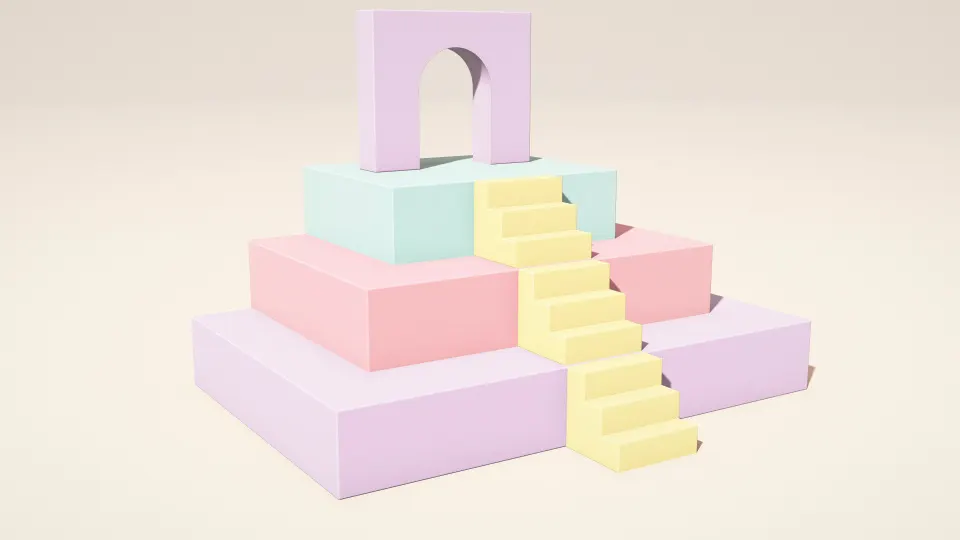
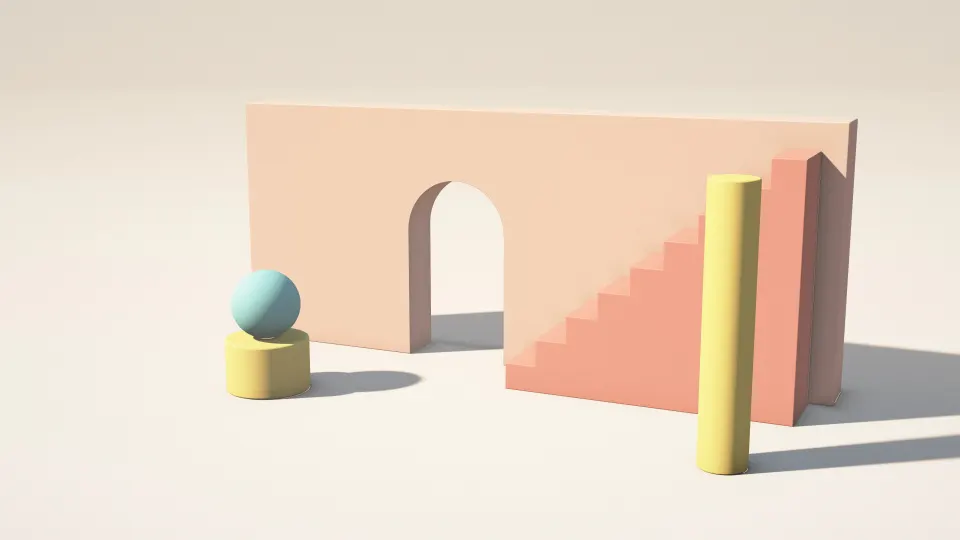


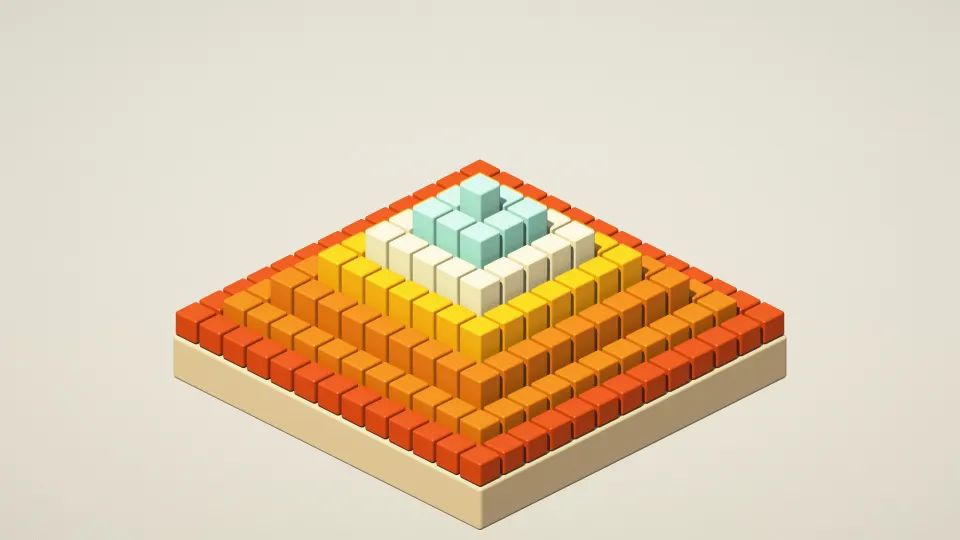







Which screens are 1920 × 1080?
Full HD is still the most common desktop resolution. You will find it on most 21.5-, 23.8- and 24-inch office and gaming monitors, on many 15.6- and 17.3-inch Windows laptops, and on 1080p TVs used as a PC screen. All of them are 16:9, so a 1920 × 1080 wallpaper fits edge to edge.
If your laptop is 16:10 (1920 × 1200, common on newer thin laptops), a 1080p picture gets cropped or stretched to fit: download the 1920 × 1200 size instead. On a 1440p or 4K monitor a 1080p file is scaled up and looks soft, so pick the size that matches your screen.
How do I check my resolution?
On Windows 11, open Settings › System › Display: Display resolution shows your screen's size, usually marked (Recommended). Display scaling such as 125% or 150% does not change which wallpaper you need; the wallpaper is drawn at the screen's full resolution.
Other sizes: 2560x1440 wallpapers, 3840x2160 wallpapers, 1920x1200 wallpapers, 2560x1600 wallpapers, 3440x1440 wallpapers, 1366x768 wallpapers. Every wallpaper's page lists all Windows PC & Laptop sizes; browse them in Windows PC & Laptop wallpapers. More on this size: 1920x1080 Wallpaper: Full HD Sizes for Laptops and Monitors.
1920x1080 wallpaper questions
What size is a 1920x1080 wallpaper?
It is 1920 pixels wide and 1080 pixels tall, a 16:9 image of about 2.1 megapixels. The size is also called Full HD, FHD or 1080p.
Will a 1920x1080 wallpaper look sharp on a 4K screen?
Not quite. A 4K screen has twice as many pixels across and down, so Windows scales the picture up and fine detail turns soft. Every wallpaper here also comes in 3840 × 2160 for 4K screens.
Can I use a 1920x1080 wallpaper on two monitors?
Yes. Set the same 1920 × 1080 file on each Full HD screen, or a different one per screen. Our dual monitor guide shows both ways on Windows 11.
Is 1920x1080 the same as 1080p?
Yes. 1080p, Full HD and FHD all mean a 1920 × 1080 picture. "p" stands for progressive scan, a term from TV.
Are these wallpapers free?
Yes. Every wallpaper is free to download and use on your own devices. The license page explains the details.