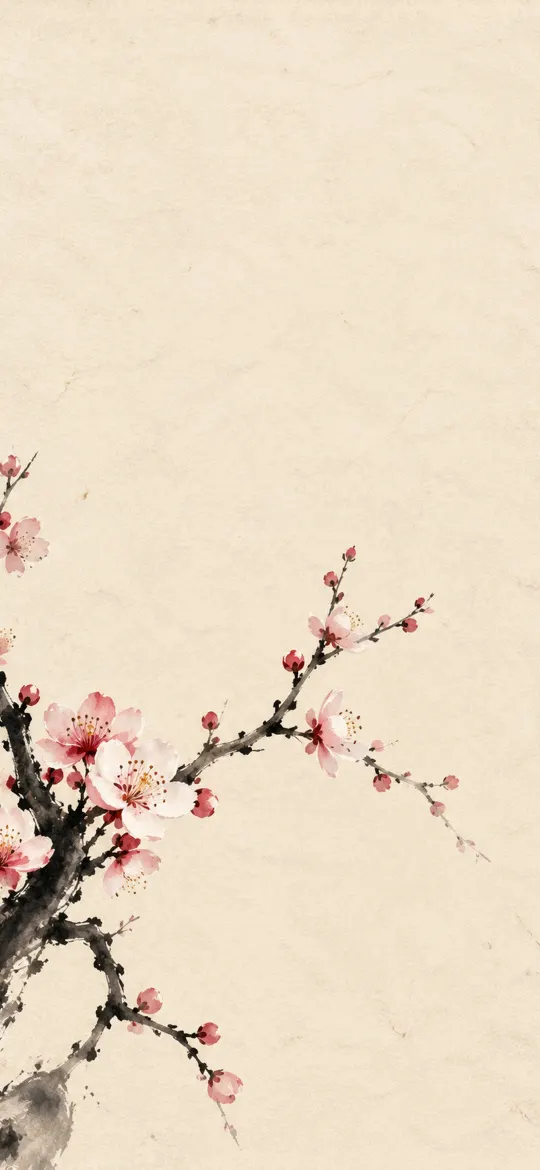
 Japanese Plum Blossom
iPhone Duo — cover screen wallpapers page 4
306 free wallpapers cut to 1398 × 2034 pixels, the exact resolution of the 5.4-inch screen on the iPhone Duo — cover screen.
Japanese Plum Blossom
 Japanese Glass Wind Chime
 Floating Lanterns on Dark Water
 Minimalist Origami Crane
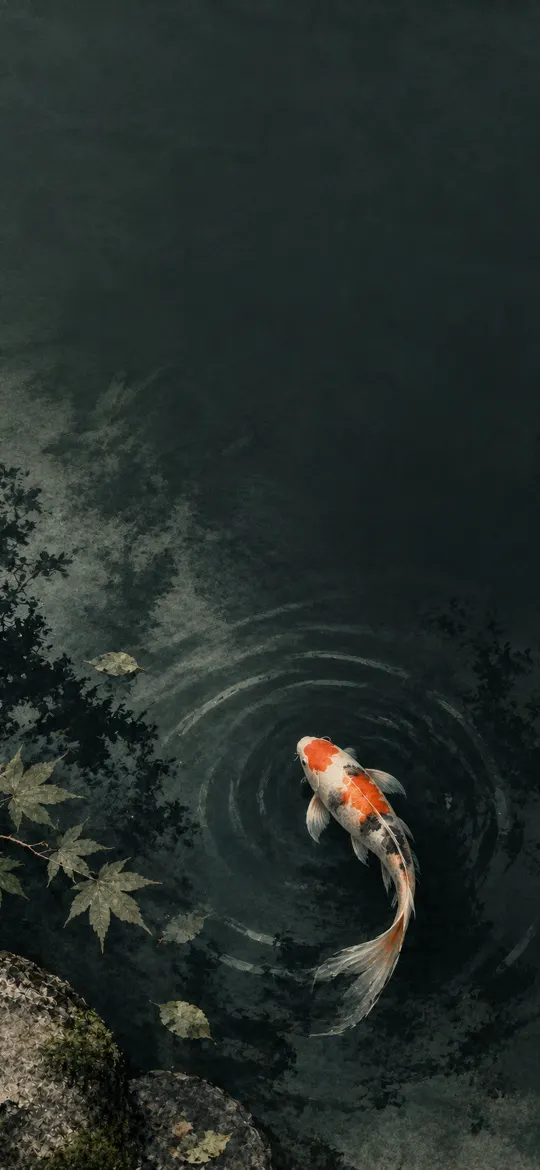 Koi Fish in a Dark Zen Pond
 Sakura Petals on Washi Paper
 Traditional Japanese Misty Mountains
 Red Torii Gate on a Misty Lake
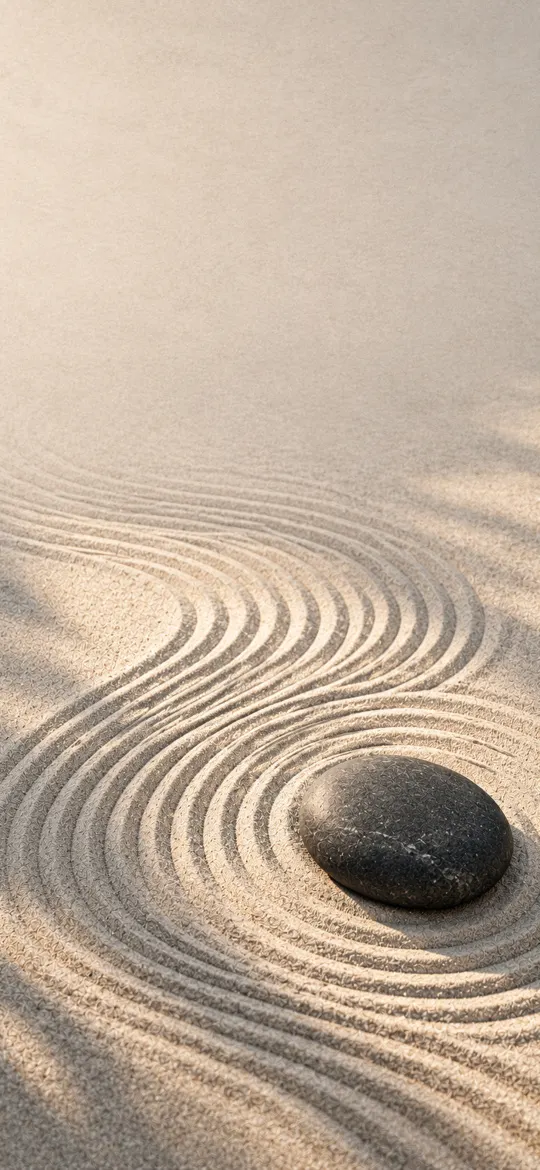 Zen Garden Stone Ripples
 Japanese Sumi-e Bamboo Branch
 Soft Brown Enso on Beige
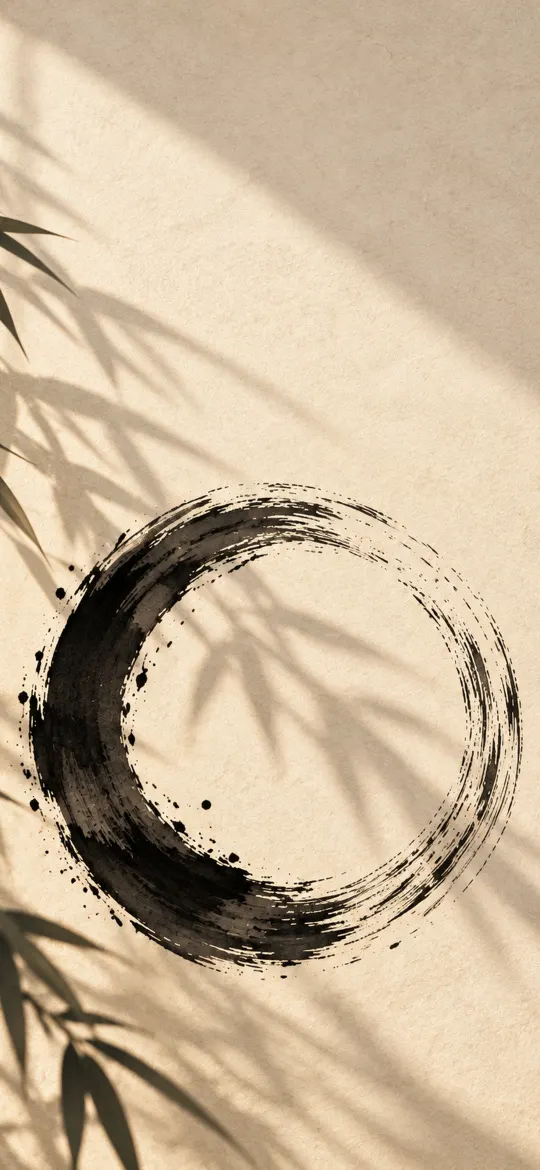 Black Enso with Bamboo Shadows
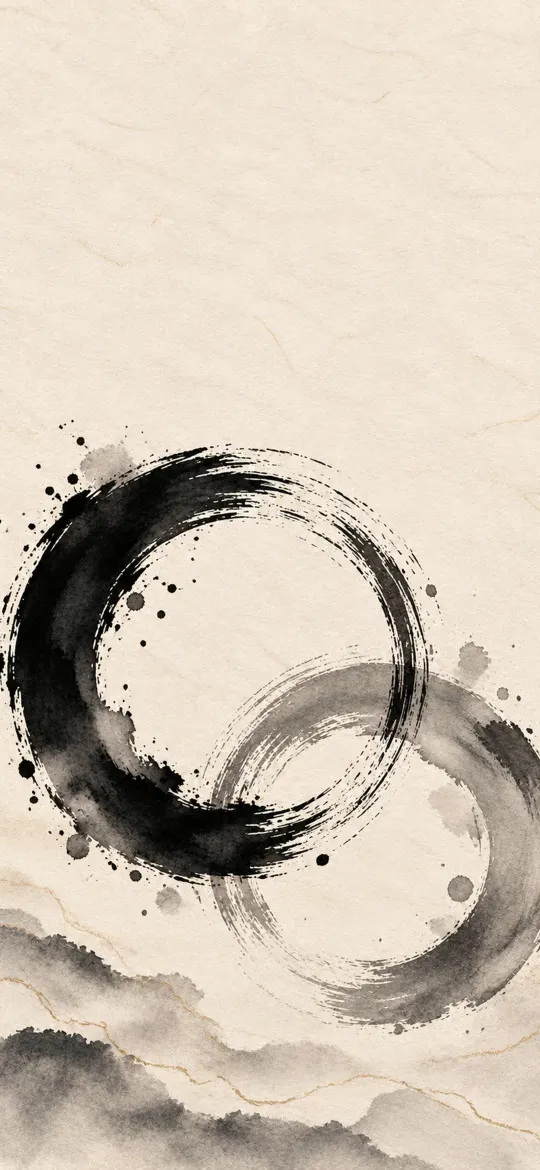 Overlapping Black and Grey Enso
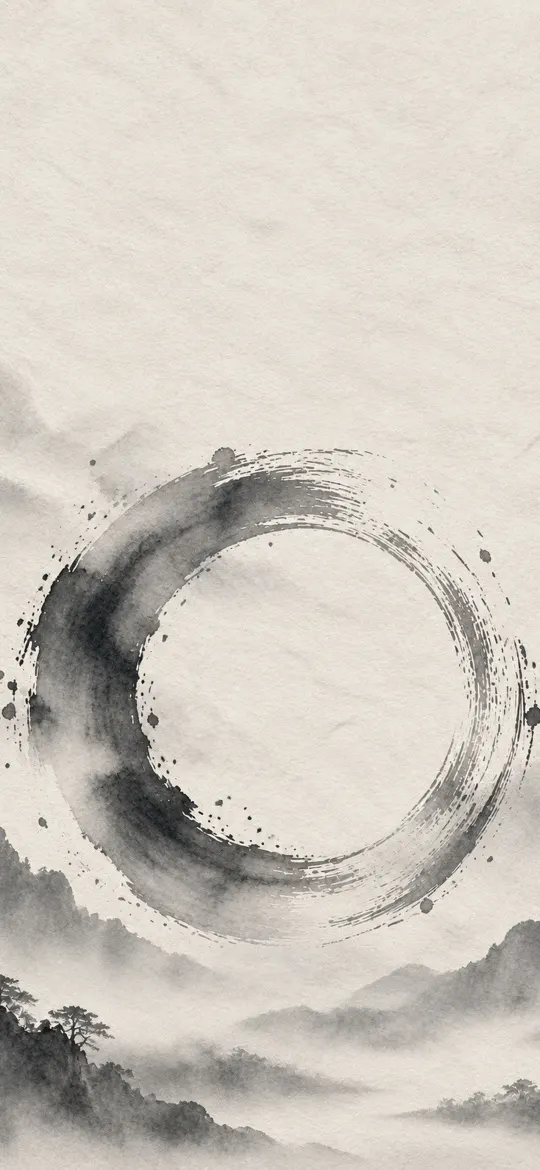 Grey Sumi-e Enso
 Indigo Blue Enso
 Moonlit Zen Night Enso
 Black Enso on Warm Washi Paper
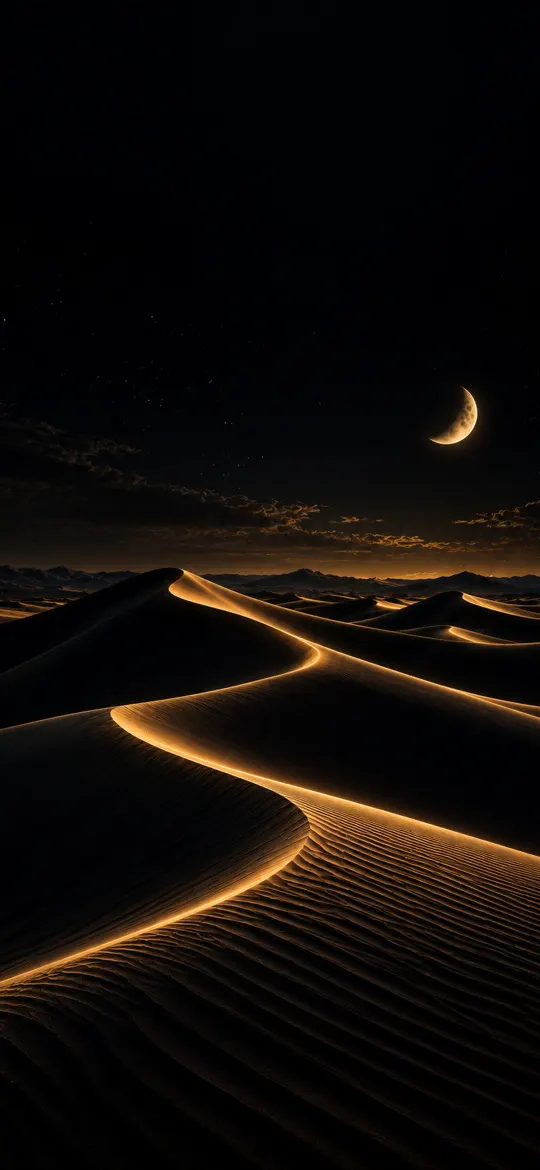 Black and Gold Desert Dunes
 White Enso on Black Paper
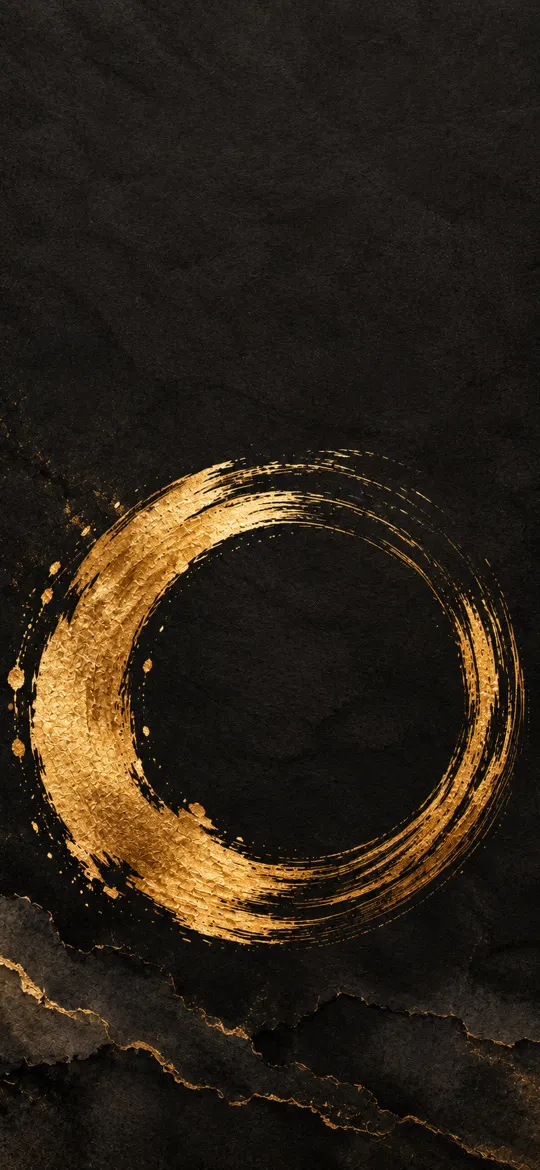 Charcoal and Gold Enso
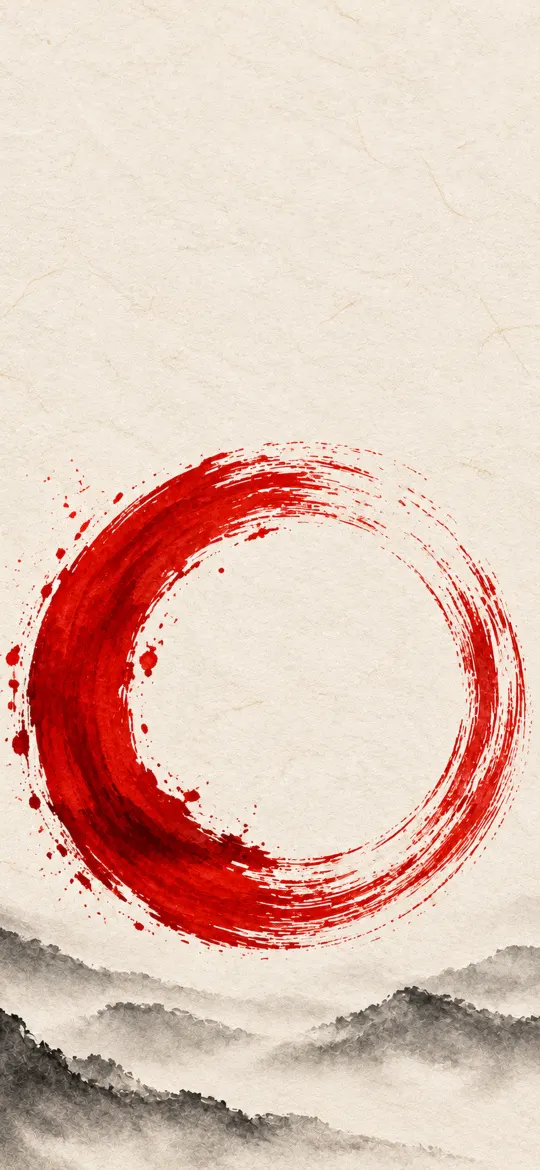 Vermilion Red Enso
 Black and Gold Silk Waves
 Blue and Gold Marble Swirl
 Teal Silk Waves
 Crimson Red Silk Waves
 Pearl White Silk Waves
 Red and Orange Silk Waves
 Blue and Pink Silk Waves
 Emerald Green Silk Waves
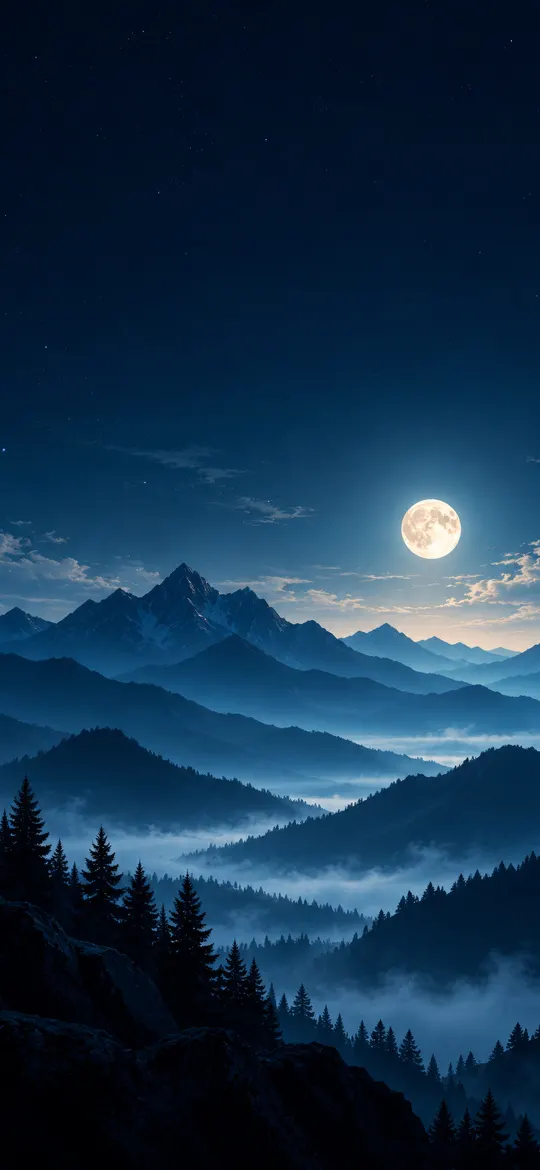 Full Moon Over Misty Blue Mountains
 Colorful Bokeh Lights on Navy
 Rose Gold Silk Waves
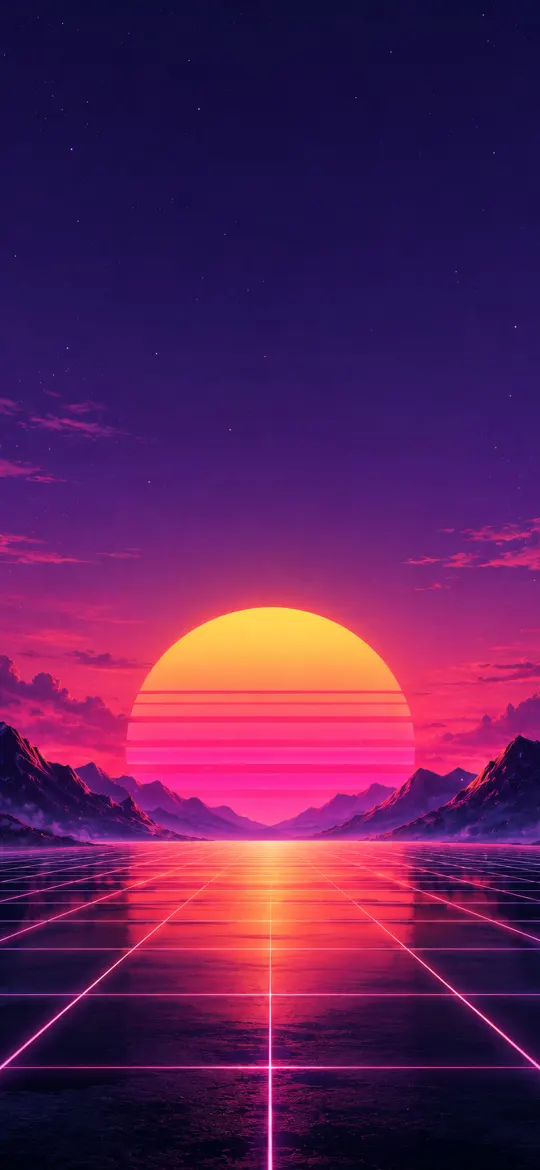 Synthwave Sunset Grid
 Retro Vaporwave iPhone Wallpaper 4K
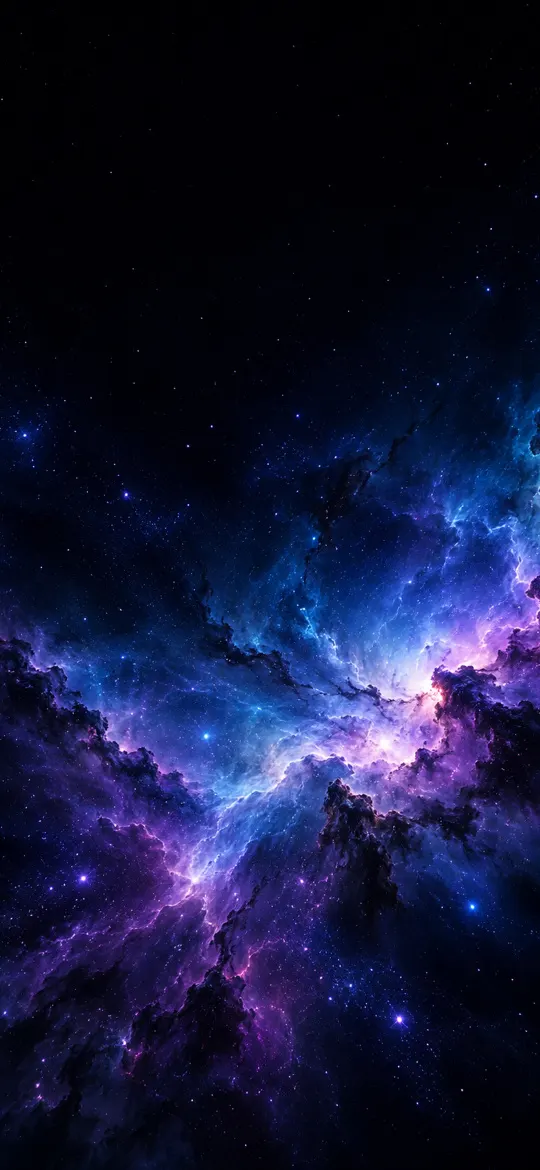
 Blue Purple Nebula iPhone Wallpaper 4K
 Moody Forest iPhone Wallpaper 4K
 Pastel Gradient iPhone Wallpaper 4K
 Minimal Crescent Moon iPhone Wallpaper 4K
 Aurora iPhone Wallpaper 4K – Teal & Purple
 Midnight Blue Silk Waves
 Black and Silver Silk Waves
 Glass Spheres in Soft Sunlight Wallpaper
 Cherry Blossom Terrace Pool at Sunset
 Blossom Branches by a Moon Gate
 Pink Butterfly in Leaf Shadows
 Pastel Leaves on a Cream Wall
 Sunlit Leaves and Shadows on Cream
 Floating Pastel Blossoms Wallpaper
Why the exact 1398 × 2034 size matters
The iPhone Duo — cover screen screen is 1398 × 2034 pixels, an aspect ratio of about 13:9. A generic wallpaper at a different shape gets zoomed by iOS to fill the screen, which softens detail and can push the subject under the clock. Every wallpaper on this page has been cropped from its full-resolution original to exactly 1398 × 2034, so what you see in the preview is what lands on your lock screen.
How to set a wallpaper on the iPhone Duo — cover screen
- Open a wallpaper above and tap Download wallpaper. Your model is selected for you.
- Open the image in Photos, tap the share button, then Use as Wallpaper.
- Adjust the clock style or depth effect if you like, tap Add, then choose lock screen, home screen or both.
More detail, including Files and Safari downloads, is in our guide to setting a wallpaper on iPhone.
iPhone Duo — cover screen wallpaper questions
What wallpaper size does the iPhone Duo — cover screen need?
The iPhone Duo — cover screen has a 5.4-inch screen at 1398 × 2034 pixels. Every wallpaper on this page is cropped to exactly that size, so it fills the screen without stretching.
Which iPhones use 1398 × 2034 wallpapers?
The iPhone Duo — cover screen all share this 1398 × 2034 screen, so the same file fits each of them.
Will iOS zoom or move the wallpaper?
A wallpaper at your screen's exact resolution is shown as-is. If iOS still zooms it, turn off "Perspective Zoom" (on older iOS) or pinch to fit while adjusting the wallpaper.
Are these wallpapers free?
Yes. Every wallpaper is free to download and use on your own iPhone. See the license page for details.
Wallpapers for other iPhones
- iPhone Duo — inner screen (upright)
- iPhone 18 Pro Max / 17 Pro Max / 16 Pro Max
- iPhone 18 Pro / 17 Pro / 17 / 16 Pro
- iPhone Air
- iPhone 16 Plus / 15 Plus / 15 Pro Max / 14 Pro Max
- iPhone 16 / 15 / 15 Pro / 14 Pro
- iPhone 14 Plus / 13 Pro Max / 12 Pro Max
- iPhone 17e / 16e / 14 / 13 / 13 Pro / 12 / 12 Pro
- iPhone 13 mini / 12 mini
- iPhone 11 Pro Max / XS Max
- iPhone 11 Pro / XS / X
- iPhone 11 / XR
- iPhone 8 Plus / 7 Plus
- iPhone SE (2nd & 3rd gen) / 8 / 7
- 4K Universal (any phone)