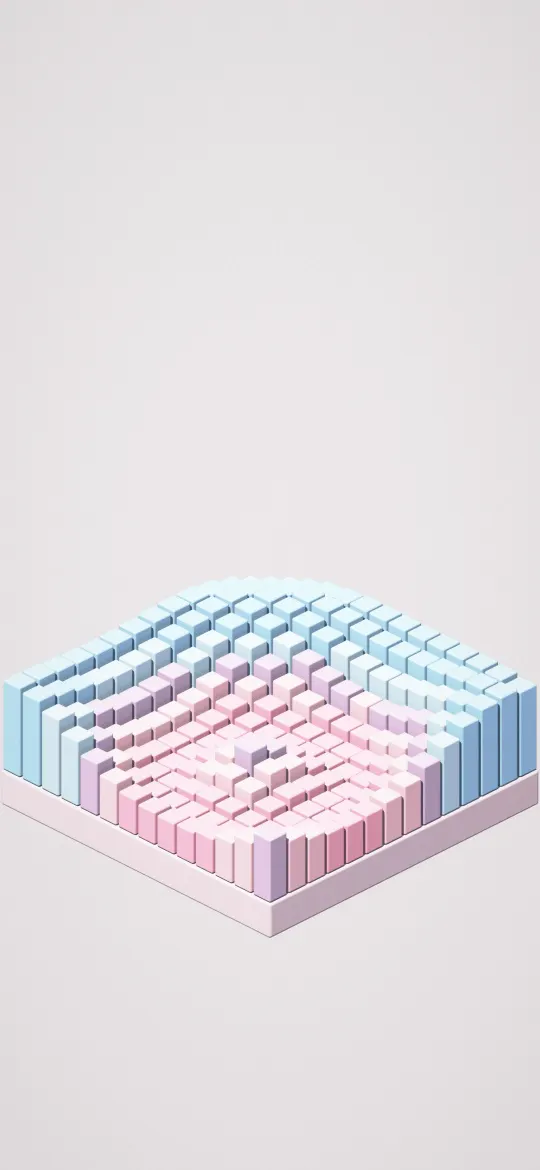
 Sugar Cube Swell
White iPhone wallpapers
Clean white, cream and marble wallpapers: bright, minimal backgrounds that make a screen feel fresh and uncluttered.
19 wallpapers
Shaped like your iPhone Duo — inner screen (upright) screen
Sugar Cube Swell
 Little Block Isle
 Rainbow Pipes Rising
 Candy Pipe Zigzag
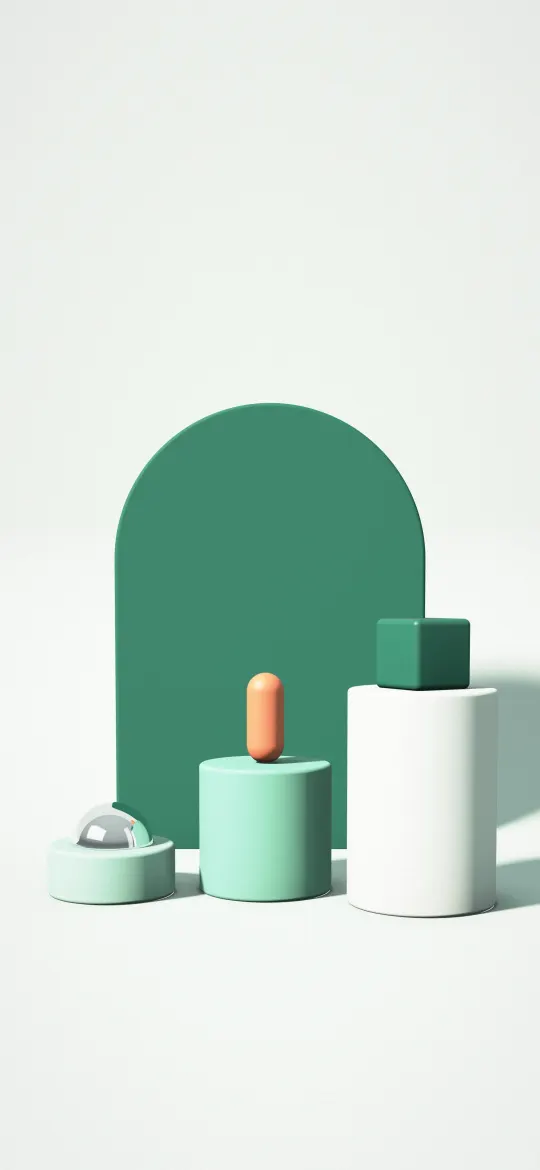 Mint Arch Display
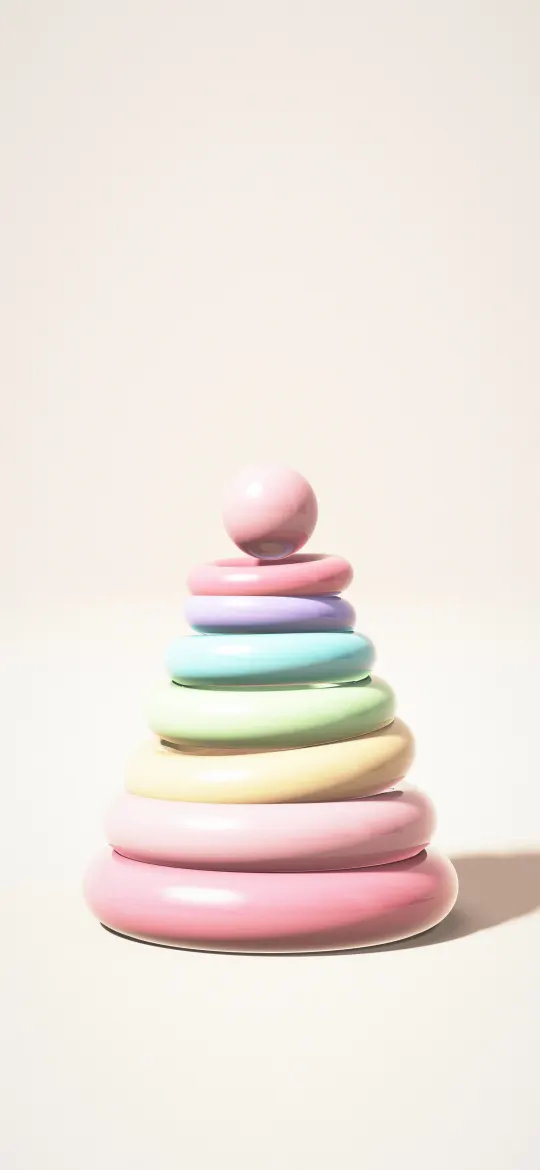 Sorbet Stacking Rings
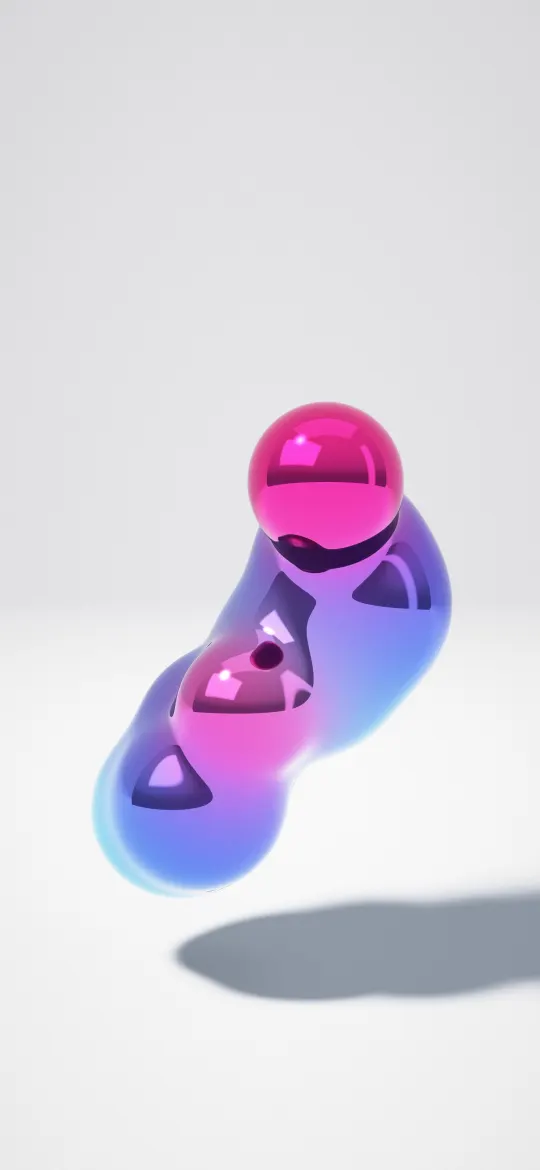 Cobalt Liquid Chrome
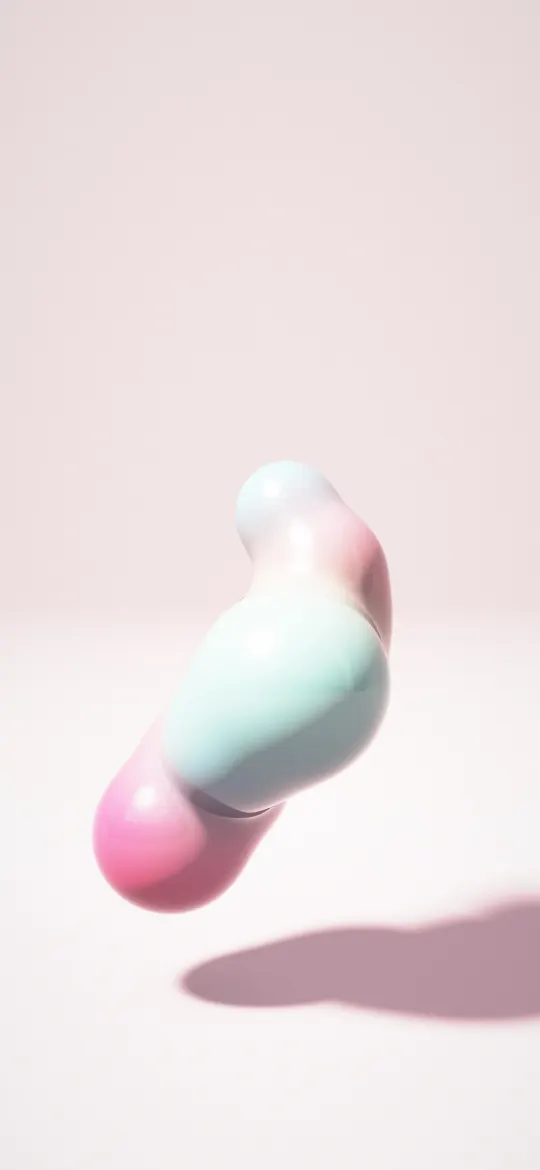 Bubblegum Blob Tower
 Lilac Bauble Cluster
 Gold Vein Marble
 Misty Fir Clearing
 Abstract Sumi Ink Zen Wallpaper 4K
 Japanese Winter Zen iPhone Wallpaper 4K
 Red Camellia Snow iPhone Wallpaper 4K
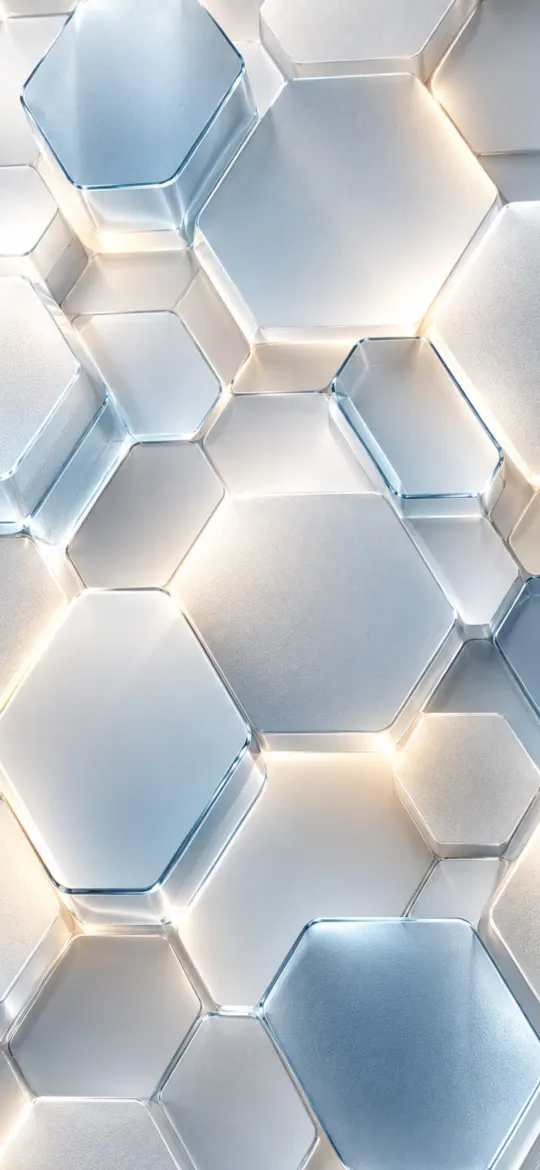 Minimal Hexagonal 4K iPhone Wallpaper
 Minimalist Moiré Flow V2 4K Wallpaper
 Minimalist Moiré Line Flow 4K Wallpaper
 Minimalist Chrome Twist White Background 4K Wallpaper
 Minimal Zen Gray Gradient 4K Wallpaper
Choosing a white wallpaper
A white or cream wallpaper makes the screen look bright and tidy, and it suits a light appearance perfectly. Because the Lock Screen clock and widgets are often white, pick a wallpaper with a soft shadow or a little texture at the top, or change the clock to a darker colour when you customize the Lock Screen.
If you use Dark Mode, iOS can dim the wallpaper so a bright picture isn't glaring at night; our article on Dark Appearance Dims Wallpaper explains the setting. The wallpapers on this page were sorted by their main colour, measured from the picture itself, so each one is white or cream across most of the screen. For more clean designs, browse the Minimal category.
White wallpaper questions
How do I keep the clock readable on a white wallpaper?
Touch and hold the Lock Screen, tap Customize, then tap the time and pick a darker colour. A wallpaper with a little shading at the top also helps.
Is a white wallpaper bad for battery?
On an OLED iPhone, bright pixels use more power than black ones, so a white wallpaper uses a little more than a black one. The difference is small at everyday brightness, because the wallpaper is only part of what you look at.
Are these white wallpapers free?
Yes. Every wallpaper here is free to download and use on your own iPhone, with no sign-up.
Which size should I download?
Pick your iPhone model on the wallpaper's page and download that file. It matches your screen pixel for pixel, so iOS doesn't zoom or crop it. The 4K file works on any other phone.