 Neon Tori Scatter
Black iPhone wallpapers
Mostly-black wallpapers that make an OLED iPhone look edge to edge, keep the Lock Screen clock easy to read and stay easy on the eyes at night.
96 wallpapers
Shaped like your iPhone 18 Pro Max / 17 Pro Max / 16 Pro Max screen
Neon Tori Scatter
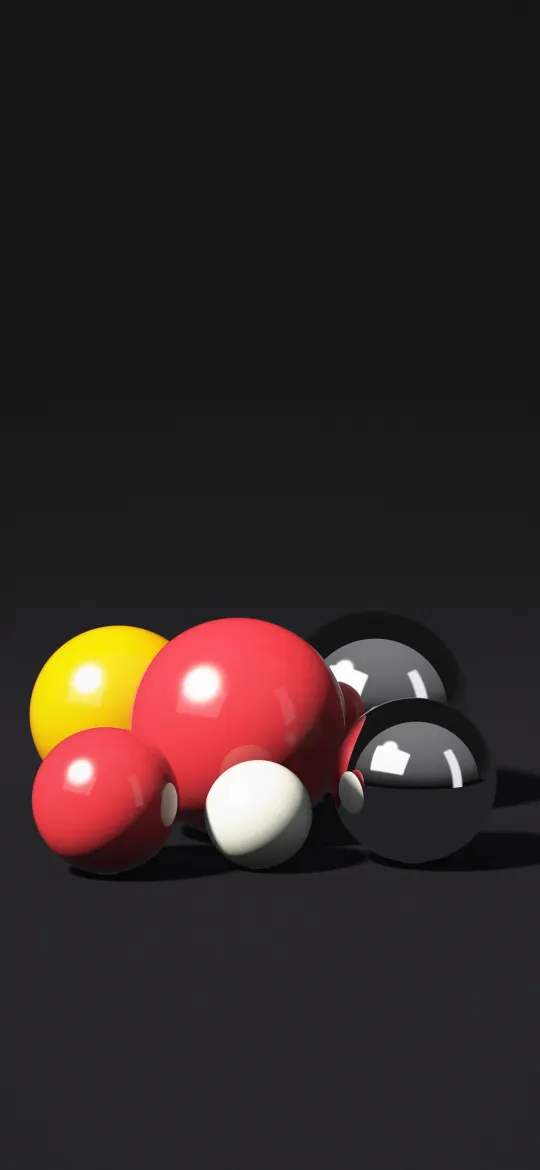 Noir Gloss Spheres
 Magenta Pinwheel Galaxy
 Golden Corona Eclipse
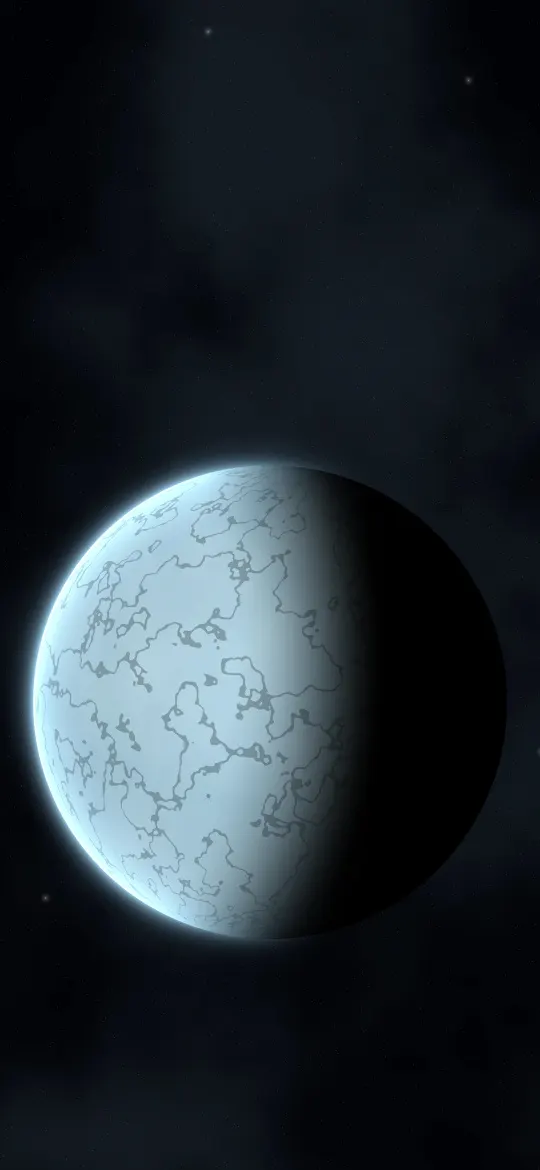 Frozen Moon World
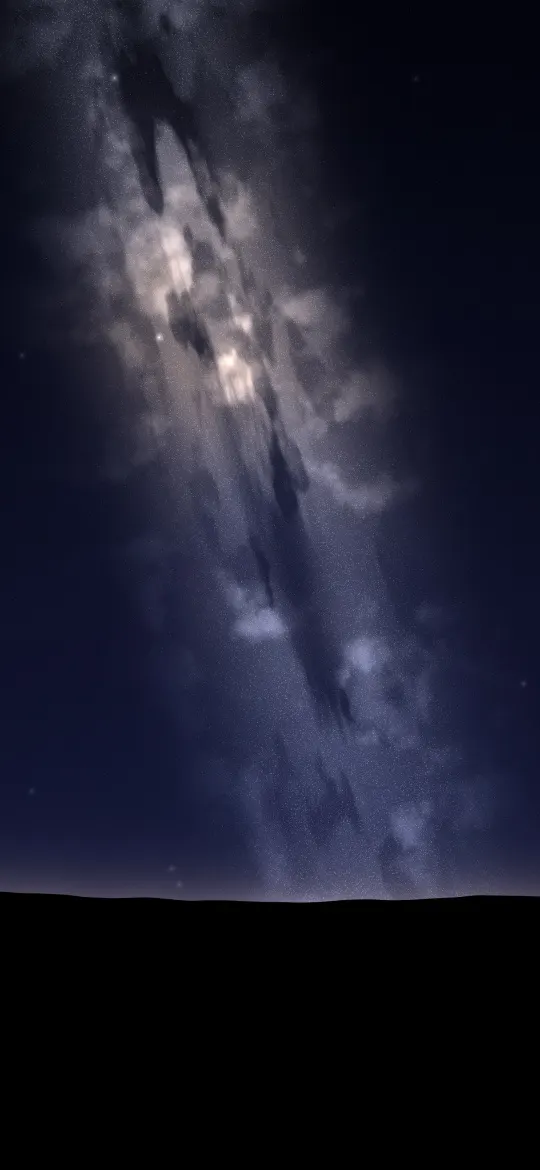 Milky Way Rising
 Teal Ghost Nebula
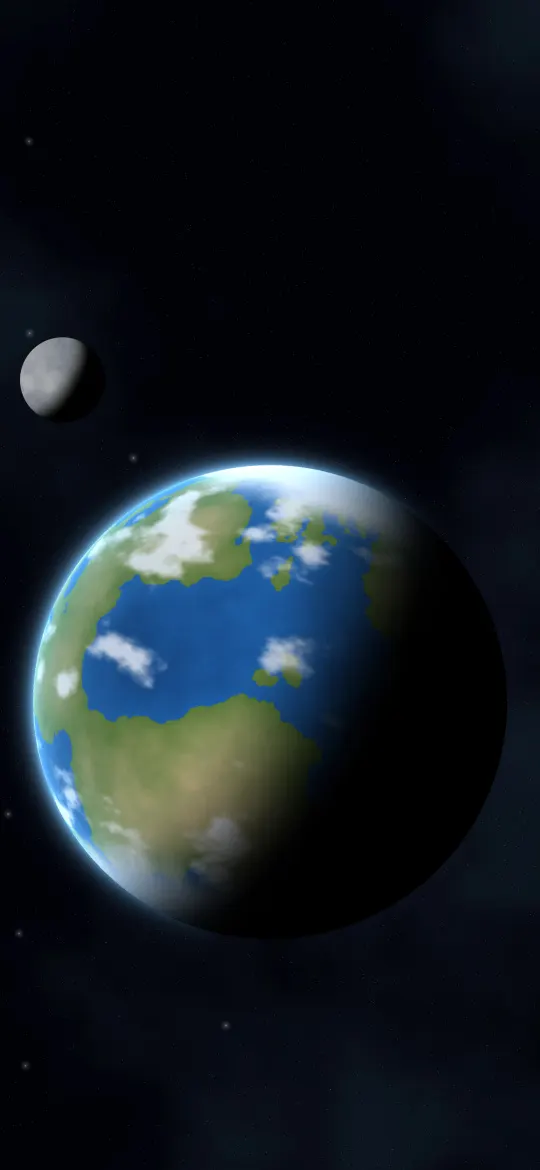 Blue Ocean World
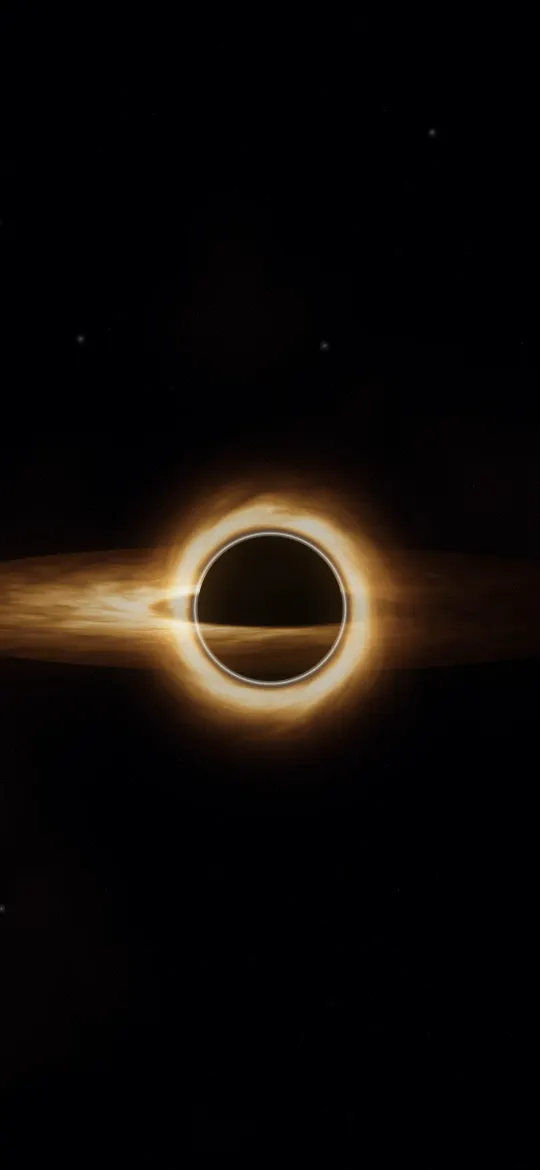 Event Horizon Glow
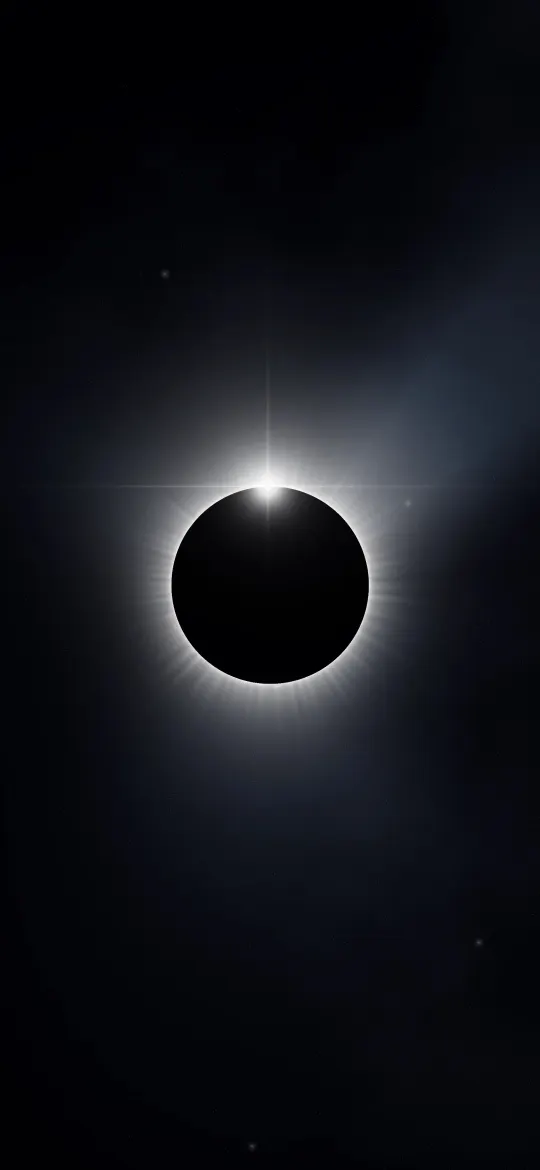 Diamond Ring Eclipse
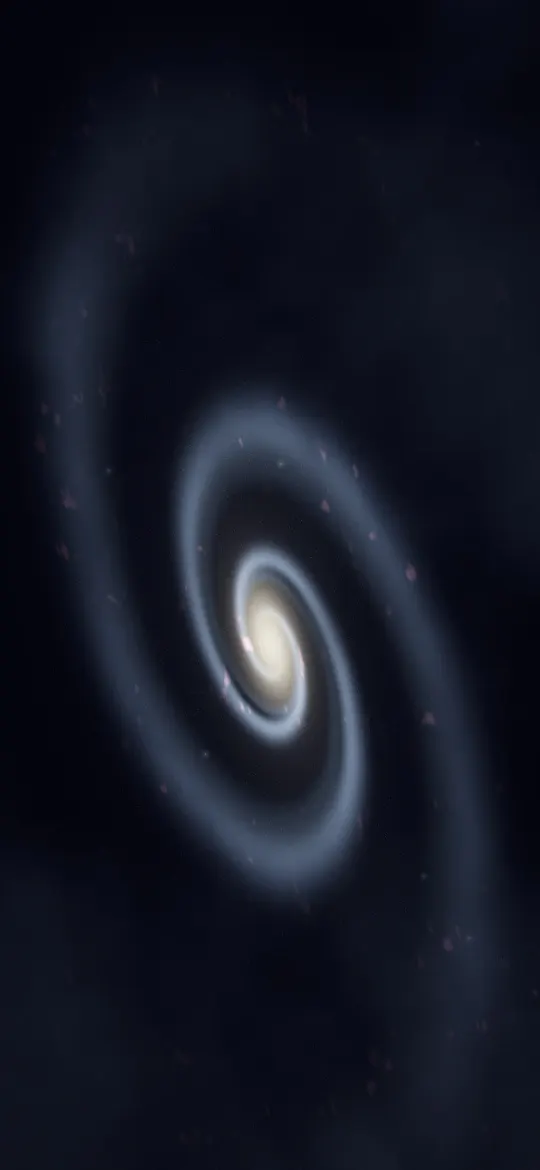 Spiral Arm Galaxy
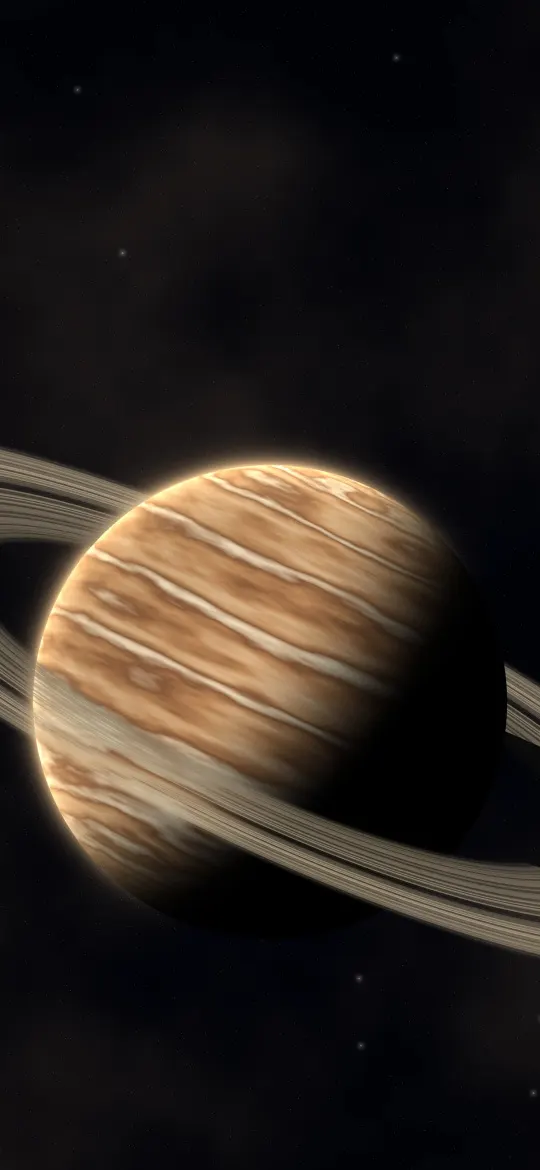 Banded Ringed Giant
 Emerald Hex Tunnel
 Cyan Magenta Pulses
 Neon Bloom Spiral
 Lime Moon Signs
 Laser Fan Haze
 Infinite Neon Corridor
 Night Highway Trails
 Pink Neon Halo
 Graphite Silk Flow
 Black Pine Silhouettes
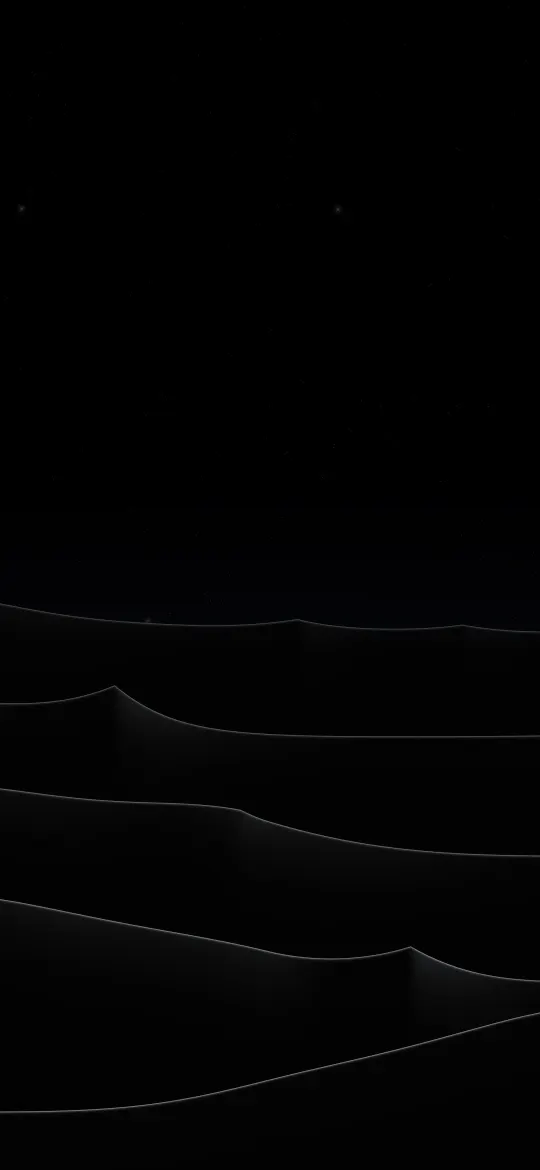 Silver Dune Crests
 Ember Light Leak
 Obsidian Elevation Lines
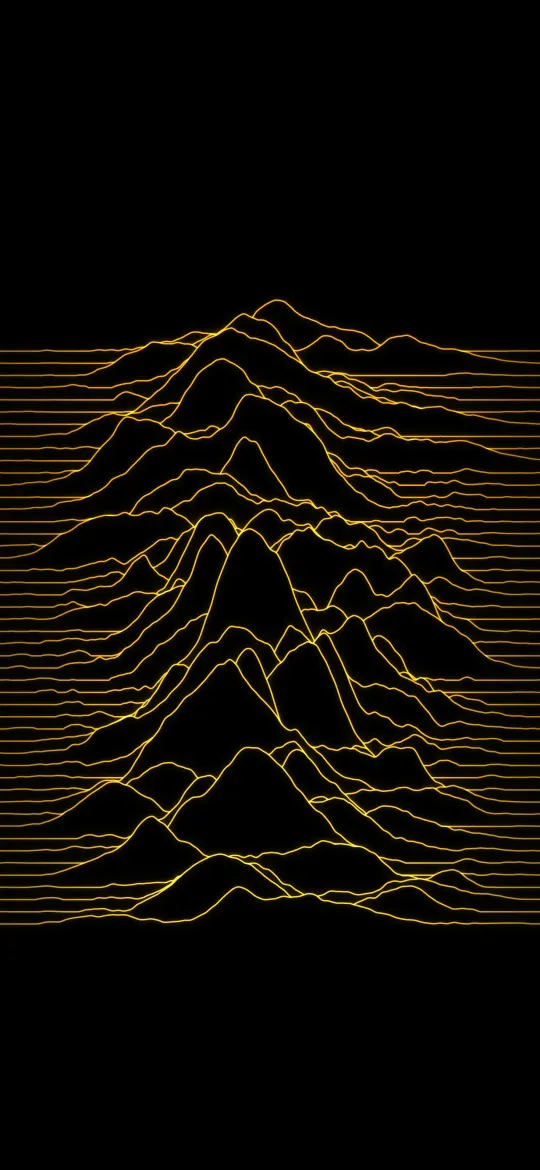 Amber Signal Ridges
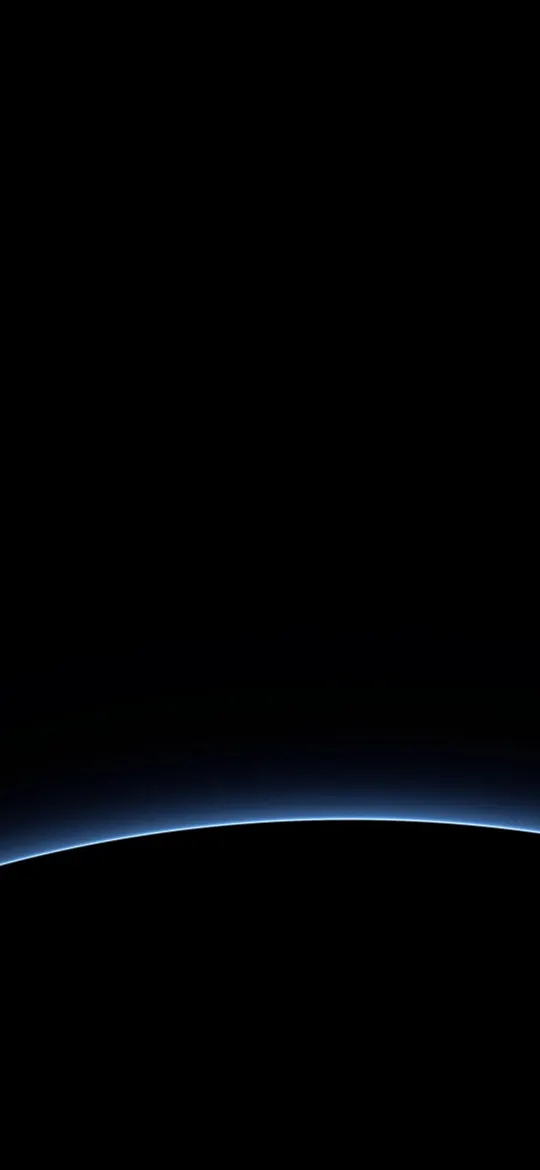 Blue Planet Edge
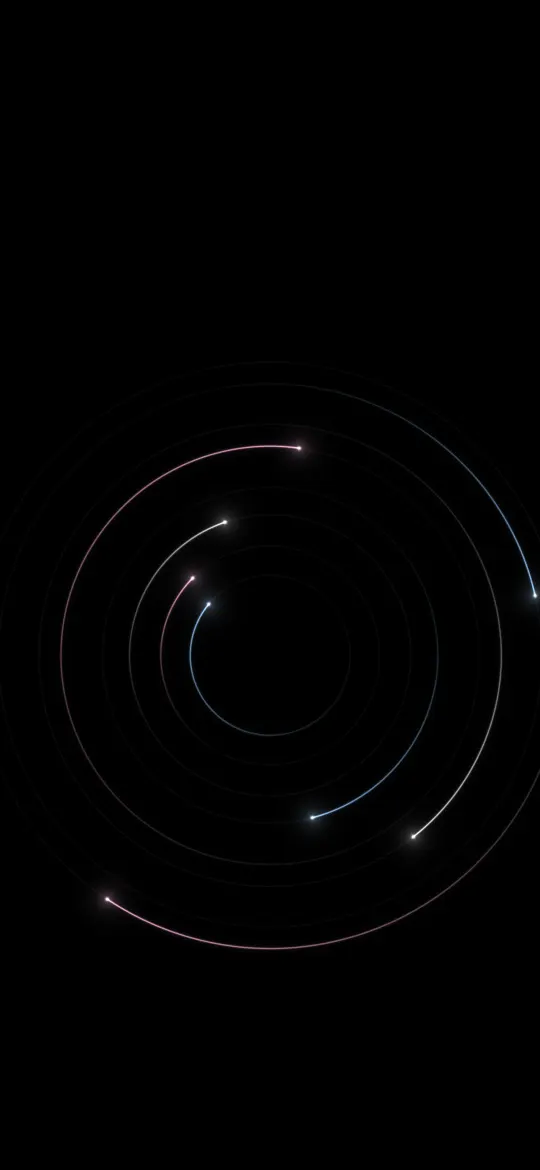 Pastel Orbit Trails
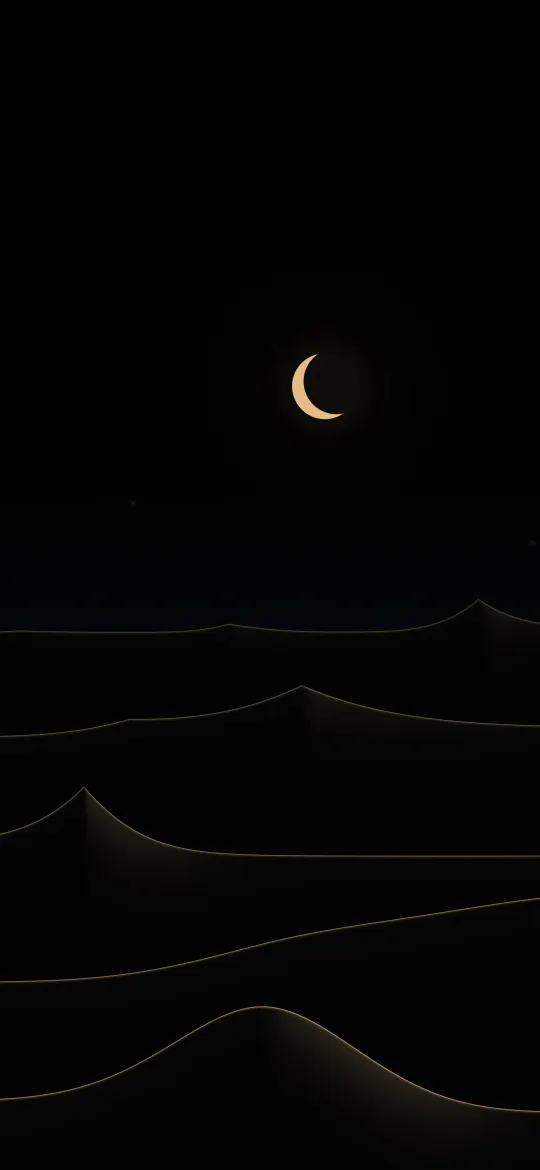 Crescent Dune Edges
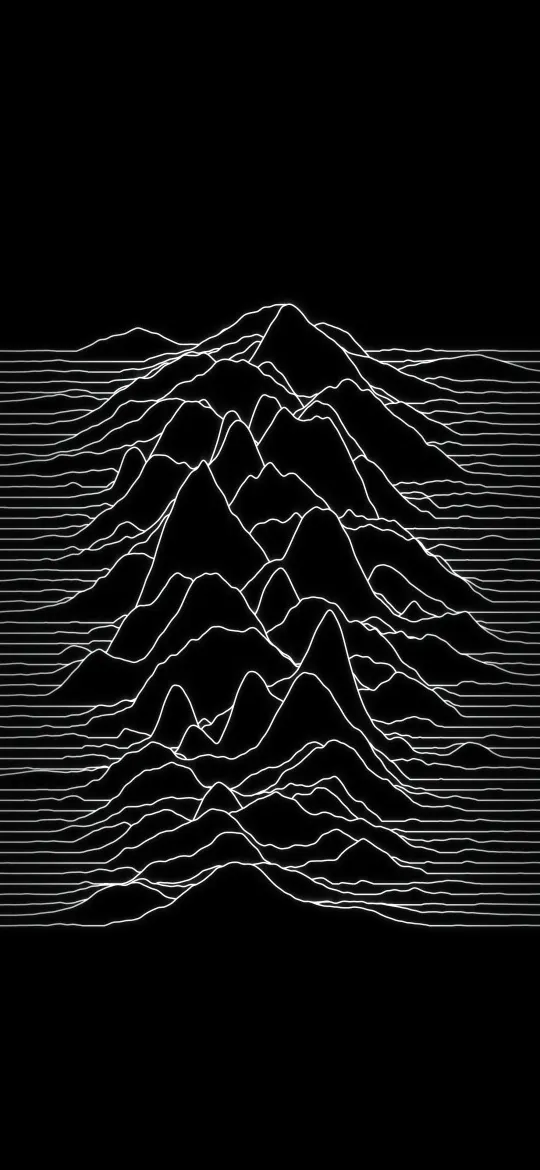 Silent Peak Lines
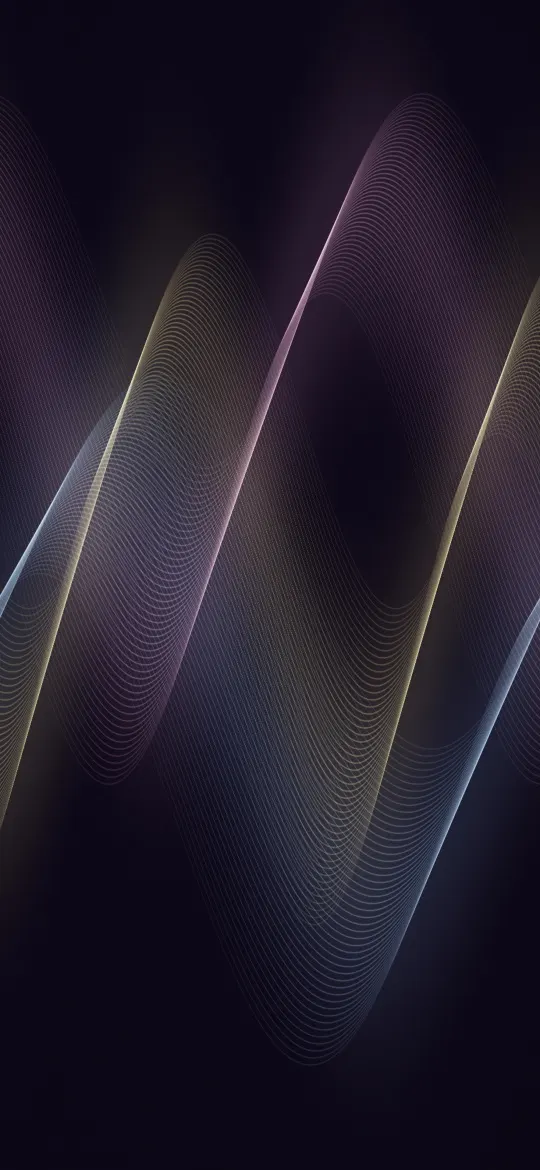 Sorbet Thread Waves
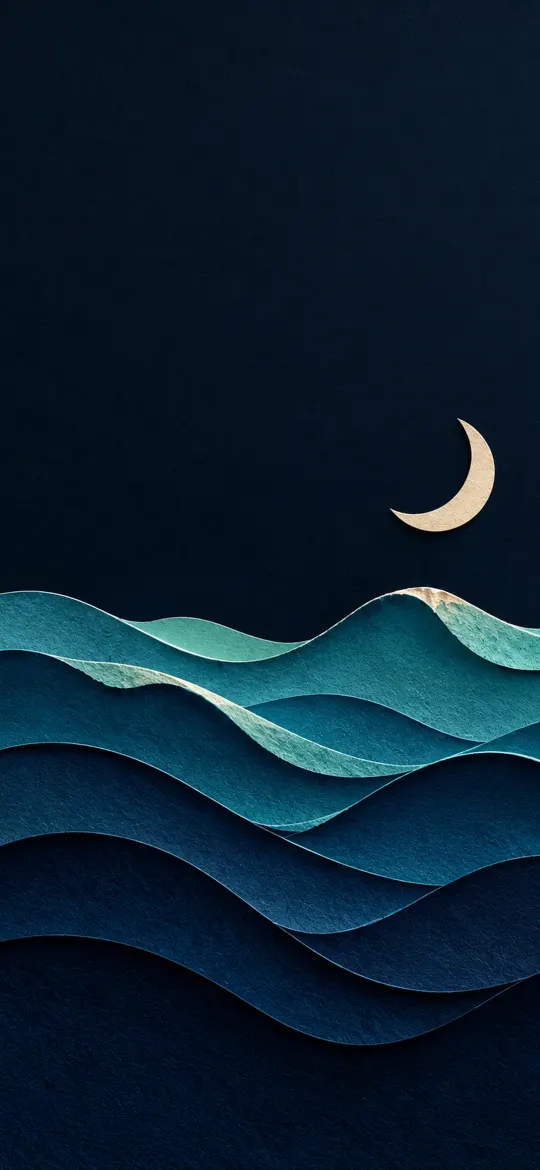 Paper-Cut Ocean Waves with Moon 4K Wallpaper
 Paper-Cut Northern Lights Hills 4K Wallpaper
 Paper-Cut Black and Gold Waves 4K Wallpaper
 Glowing Topographic Map Lines 4K iPhone Wallpaper
 Rain on Glass with City Bokeh 4K Wallpaper
 Continuous Line Art Mountains 4K Wallpaper
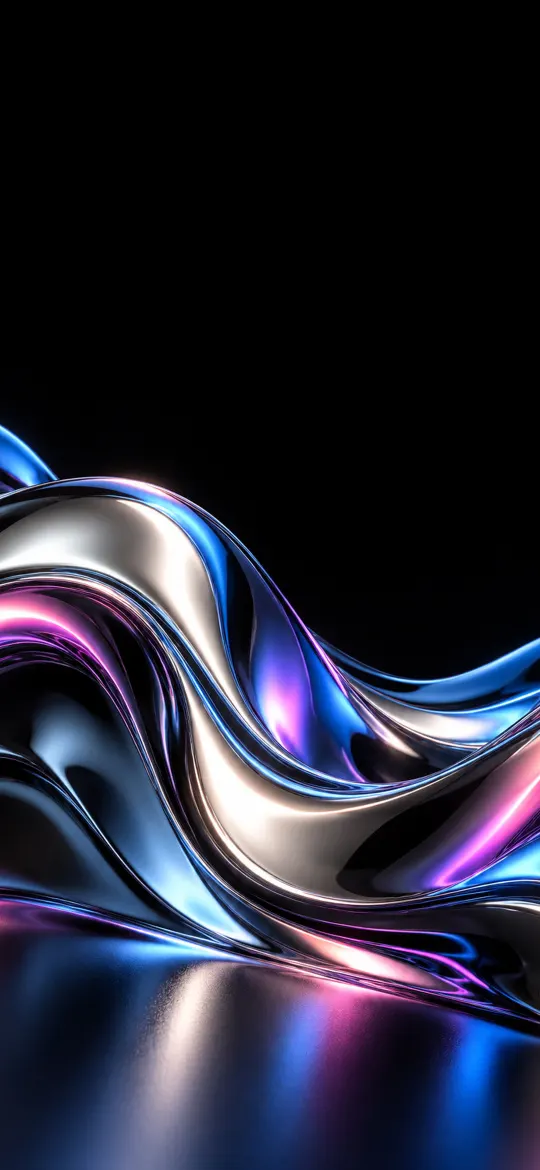 Chrome Liquid Metal Wave 4K iPhone Wallpaper
 Vertical Milky Way 4K iPhone Wallpaper
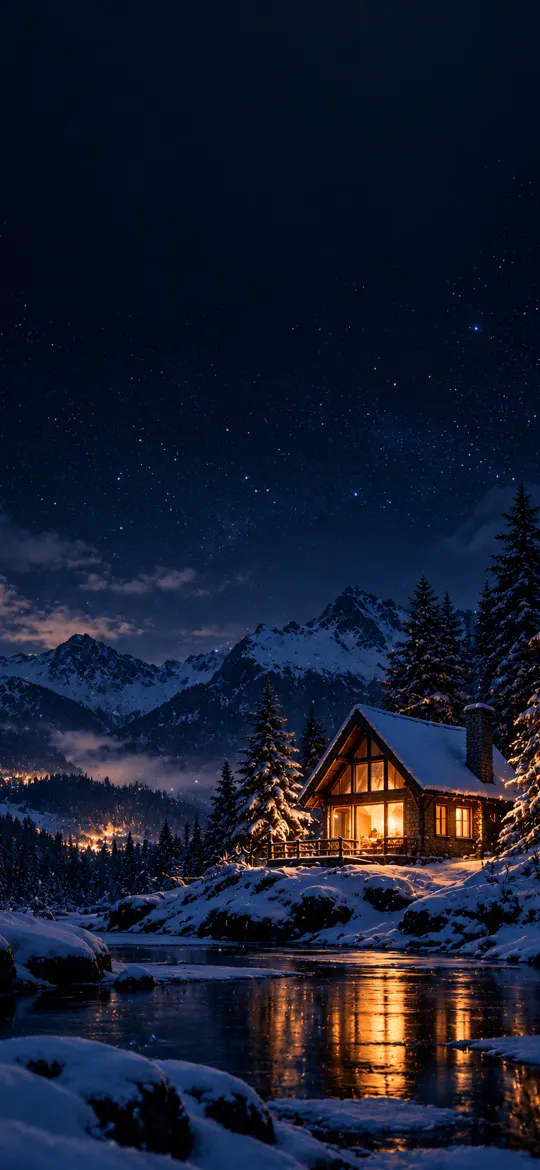 Cozy Window Light at Night
 Crescent Moon Over a Sea of Clouds
 Kintsugi Bowl Wabi-Sabi iPhone Wallpaper 4K
 Japanese Full Moon Bamboo iPhone Wallpaper 4K
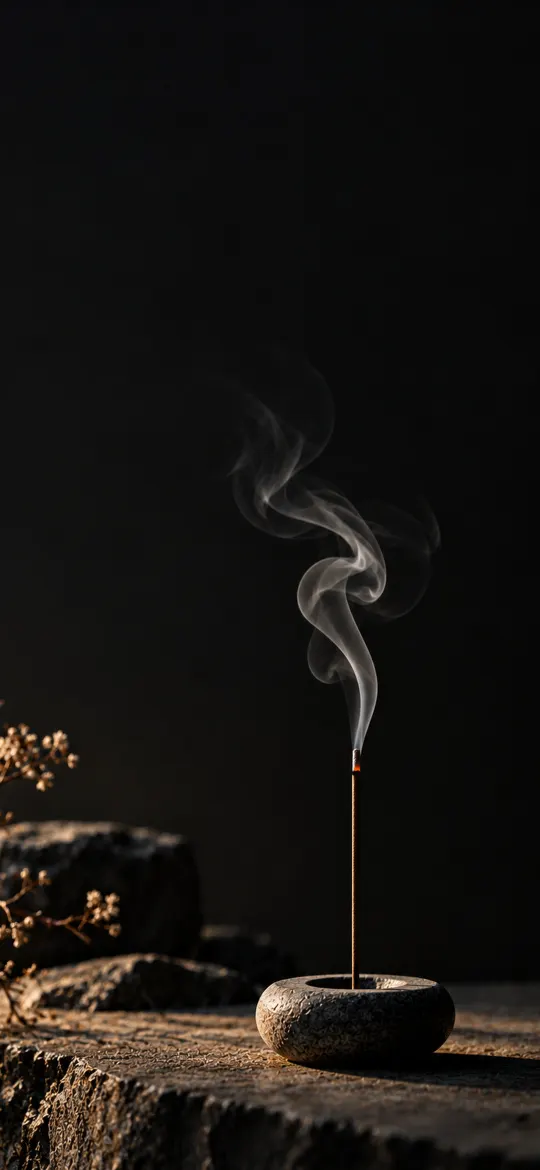 Minimal Zen Incense Smoke iPhone Wallpaper 4K
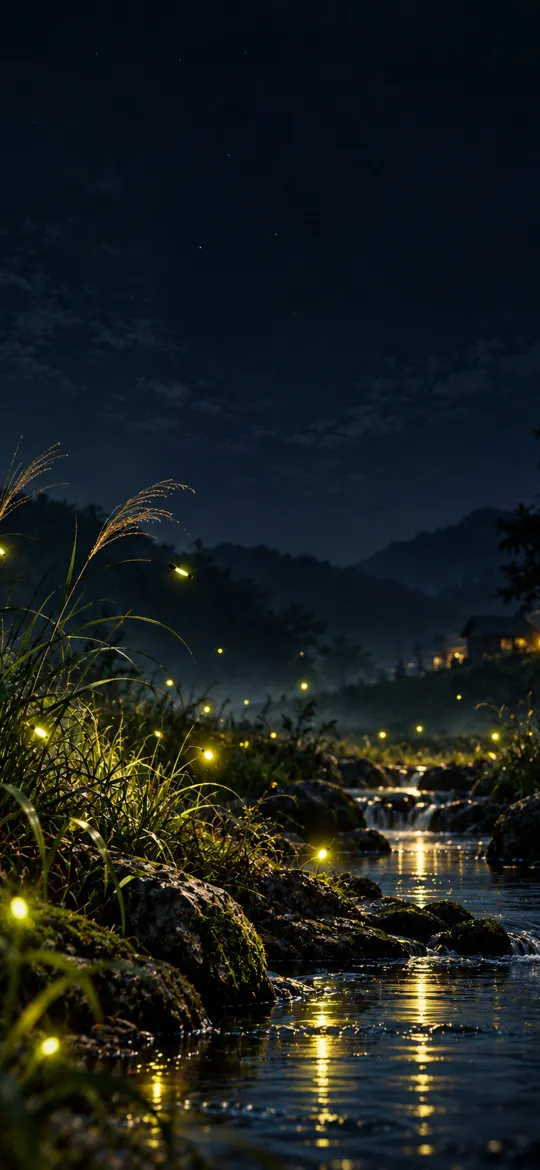 Fireflies Stream iPhone Wallpaper 4K
 Floating Lanterns on Dark Water
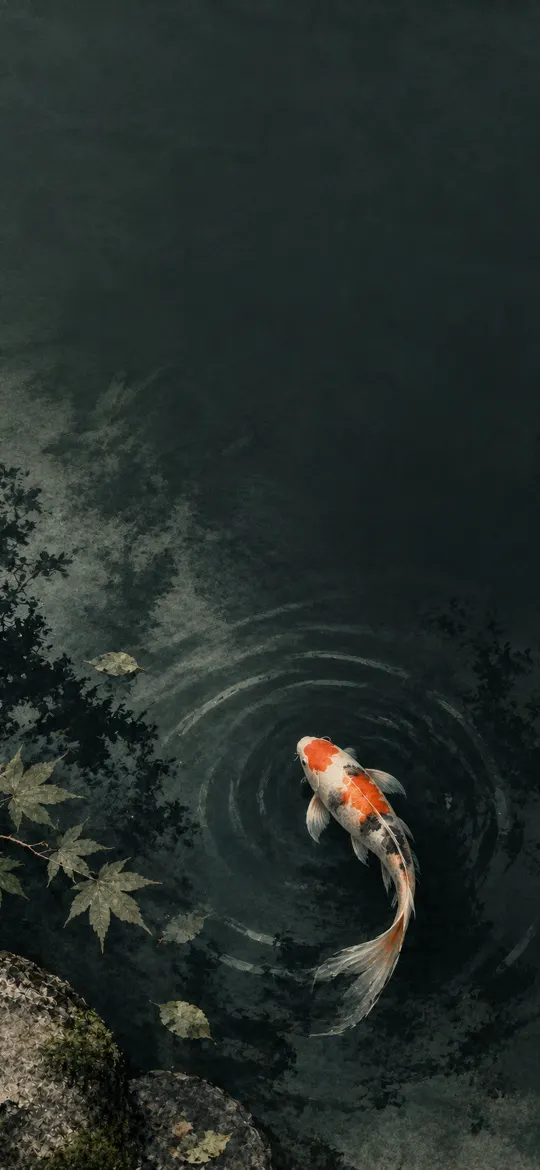 Koi Fish in a Dark Zen Pond
 Moonlit Zen Night Enso
Why pick a black wallpaper?
Every iPhone since iPhone X has an OLED screen, apart from iPhone XR, iPhone 11 and iPhone SE. OLED pixels make their own light, so a black pixel is simply switched off. A black wallpaper therefore blends into the phone's bezel, makes widgets and the Lock Screen clock stand out, and is easier on the eyes in a dark room.
Battery life improves a little too, though less than people expect. Purdue University researchers found that switching apps from light to dark mode on OLED phones saved 39–47% of display power at full brightness but only 3–9% at the 30–50% brightness most people use (Purdue University, 2021). A wallpaper covers less of your screen time than apps do, so treat any saving as a bonus.
The wallpapers on this page were sorted by their main colour, measured from the picture itself. For pure-black designs made for OLED, see the AMOLED tag; for moody photography and night scenes, browse the Dark category, and our pick of the best true-black wallpapers explains what makes one work. Every file is cut to your model's exact resolution: find yours in the iPhone wallpaper size chart.
Black wallpaper questions
Do black wallpapers save battery on iPhone?
A little, on iPhones with an OLED screen (iPhone X and later, apart from iPhone XR, iPhone 11 and iPhone SE). Black pixels are switched off on OLED, so a dark Home and Lock Screen uses less power than a bright one. The saving is largest at high brightness and small at everyday brightness, because the wallpaper is only part of what you look at.
Does a black wallpaper help on iPhone SE, iPhone 11 or iPhone XR?
Those models have LCD screens with a backlight that stays on, so black shows as a very dark grey and there is no battery saving. A black wallpaper still looks calm and keeps icons readable.
What is the difference between black and AMOLED wallpapers?
AMOLED wallpapers use pure black (#000000) for most of the picture so it merges with the phone's frame on an OLED screen. This page lists every wallpaper whose main colour is black, which also includes dark photos and soft dark gradients.
Which size should I download?
Pick your iPhone model on the wallpaper's page and download that file. It matches your screen pixel for pixel, so iOS doesn't zoom or crop it. The 4K file works on any other phone.