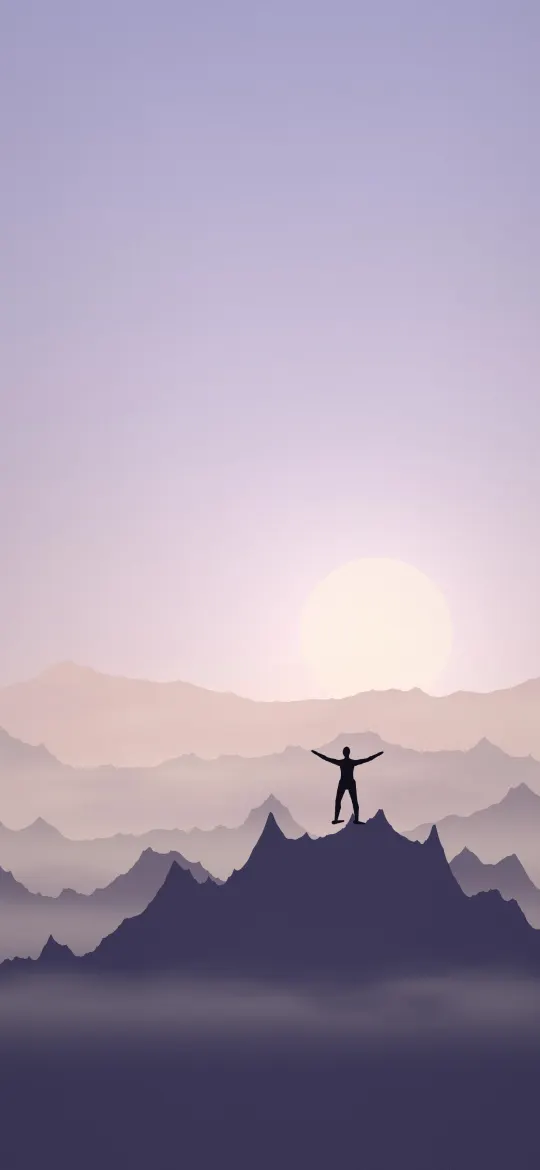
 Summit Arms Wide Open
iPhone SE (2nd & 3rd gen), 8 and 7 wallpapers page 4
568 free wallpapers cut to 750 × 1334 pixels, the exact resolution of the 4.7-inch screen on the iPhone SE (2nd & 3rd gen), 8 and 7.
Summit Arms Wide Open
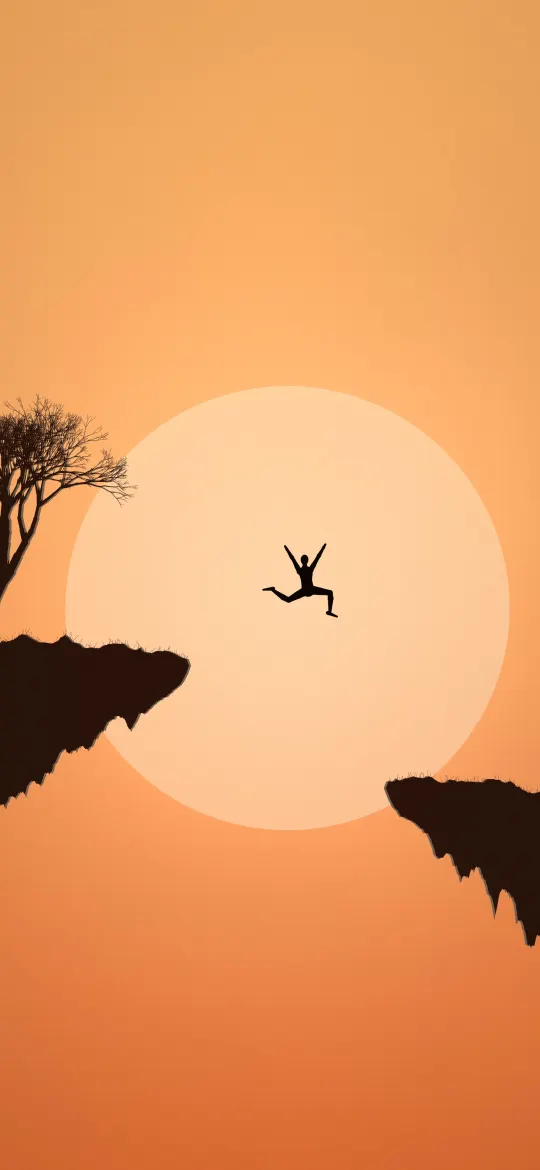 Jump the Gap at Sunset
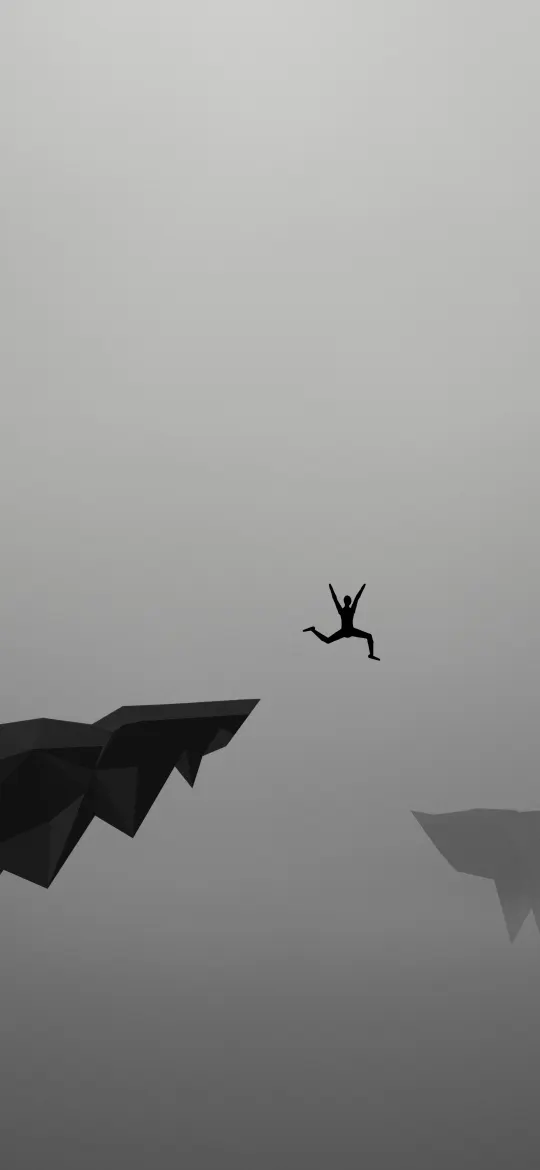 Leap of Faith in Grey
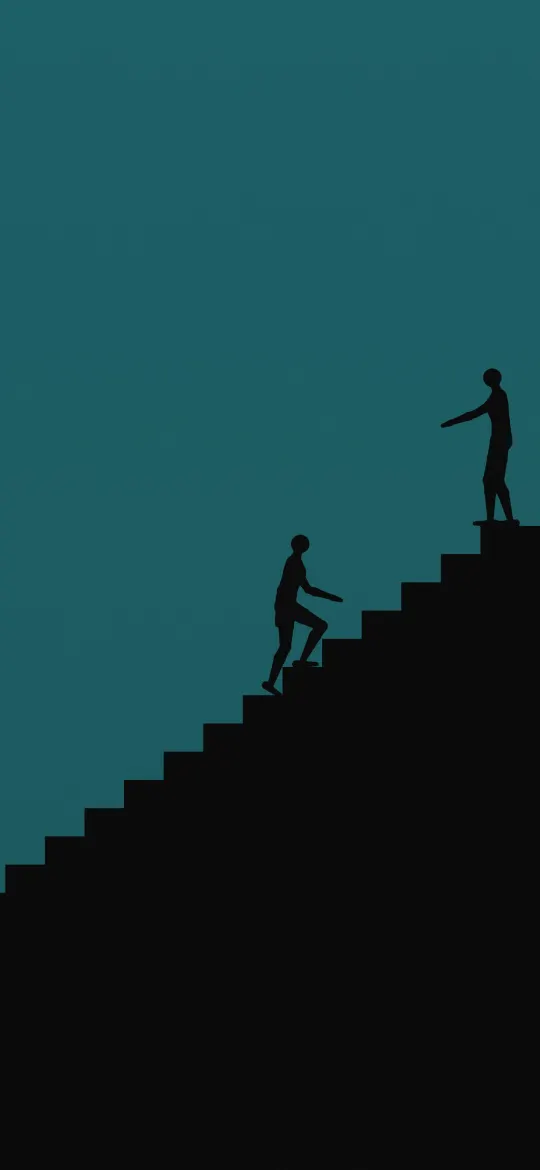 Helping Hand on the Stairs
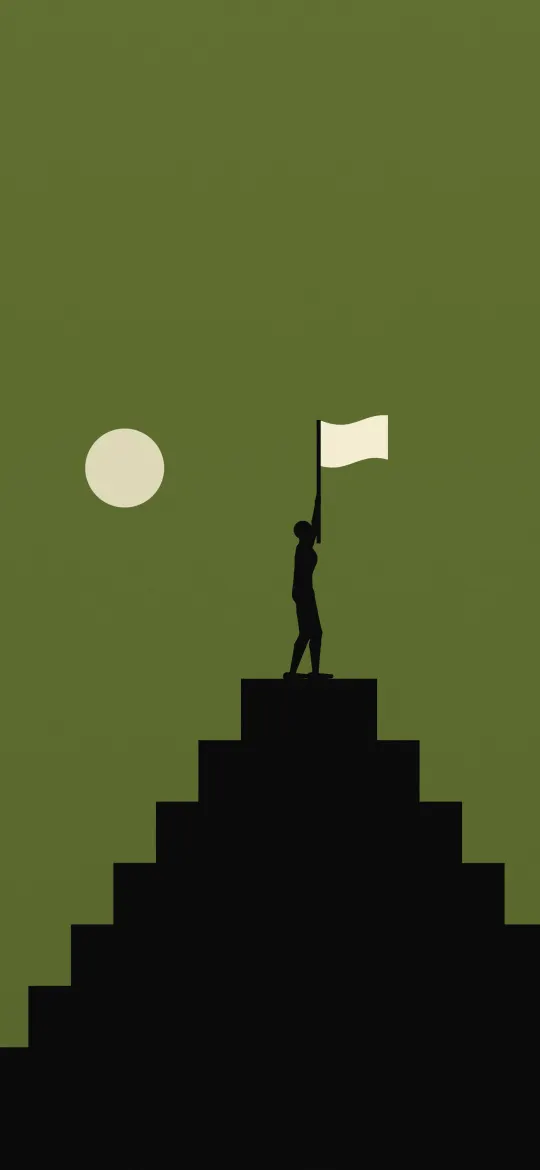 Flag at the Top
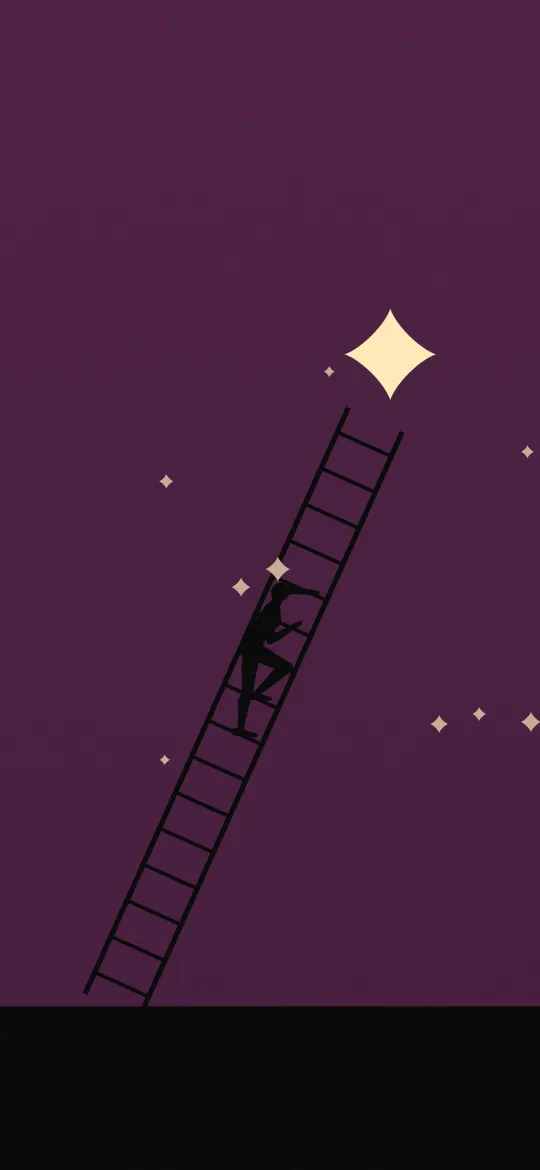 Ladder to a Star
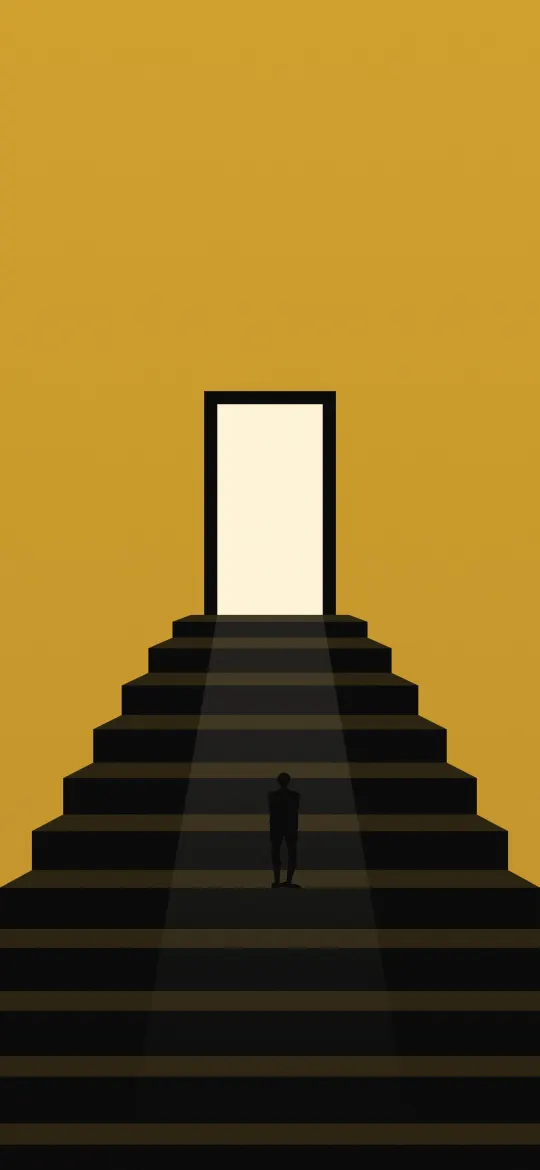 Stairway to the Open Door
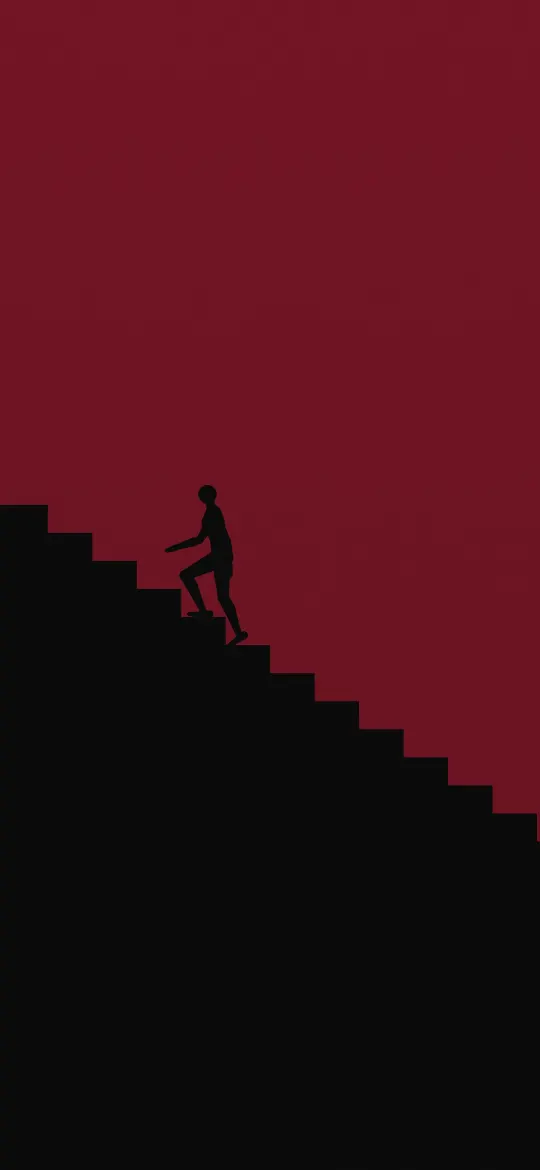 Keep Climbing Maroon
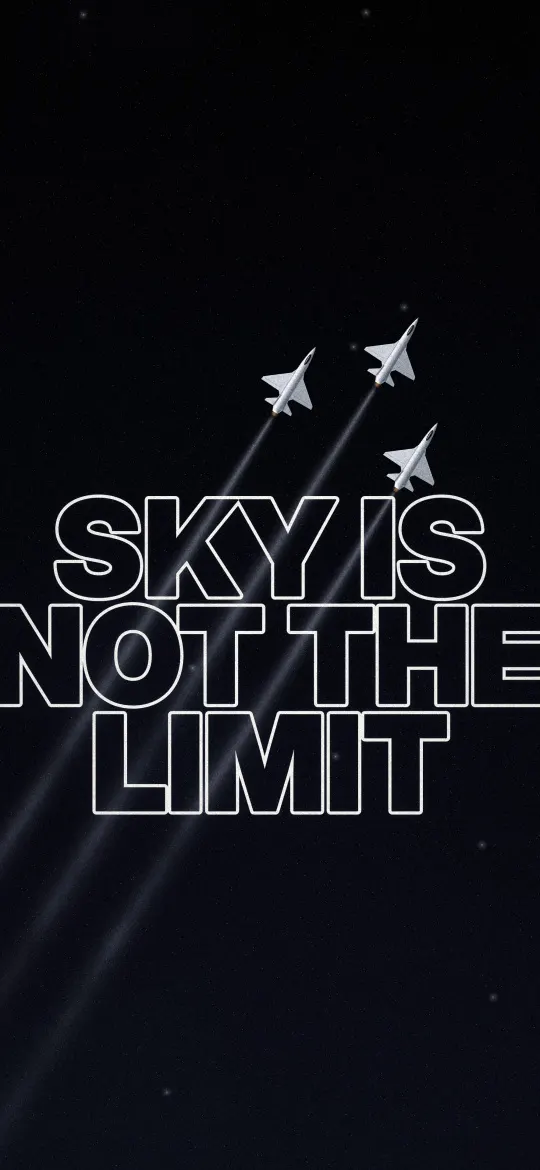 Sky Is Not the Limit
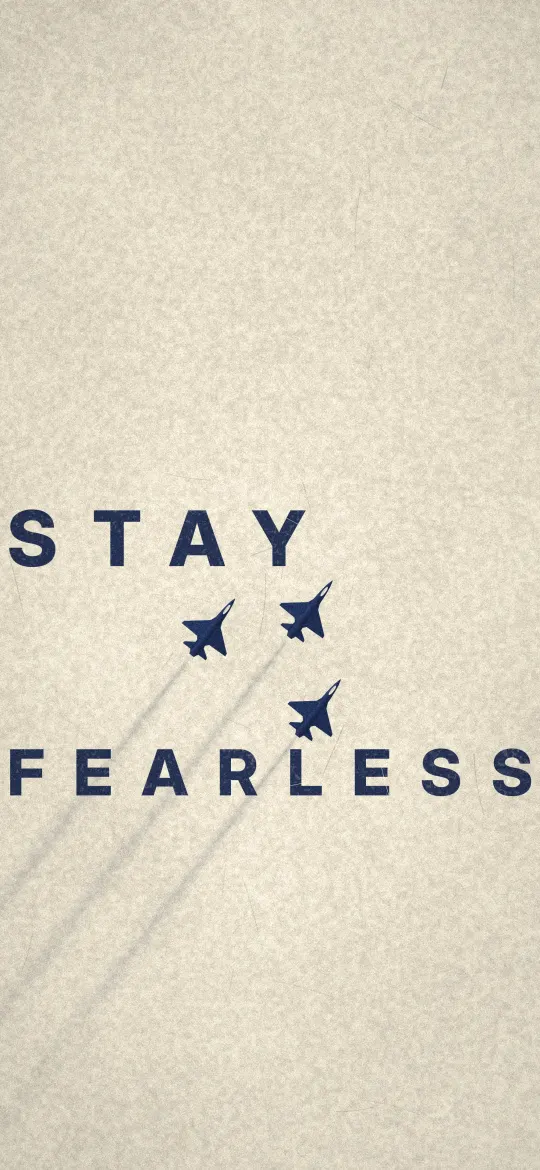 Stay Fearless Paper Poster
 Break the Sky Clouds
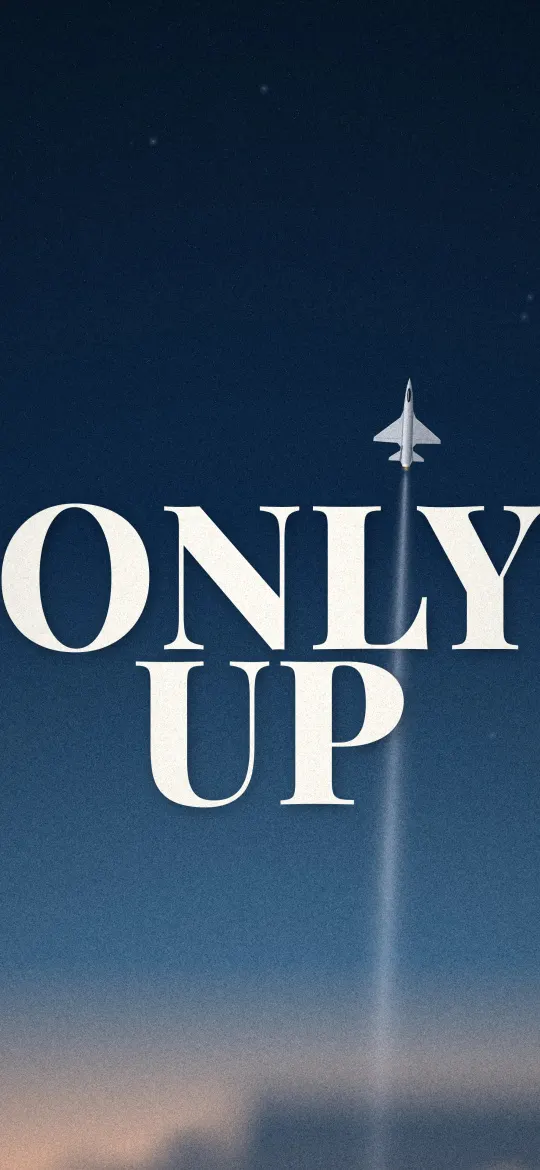 Only Up Dusk Climb
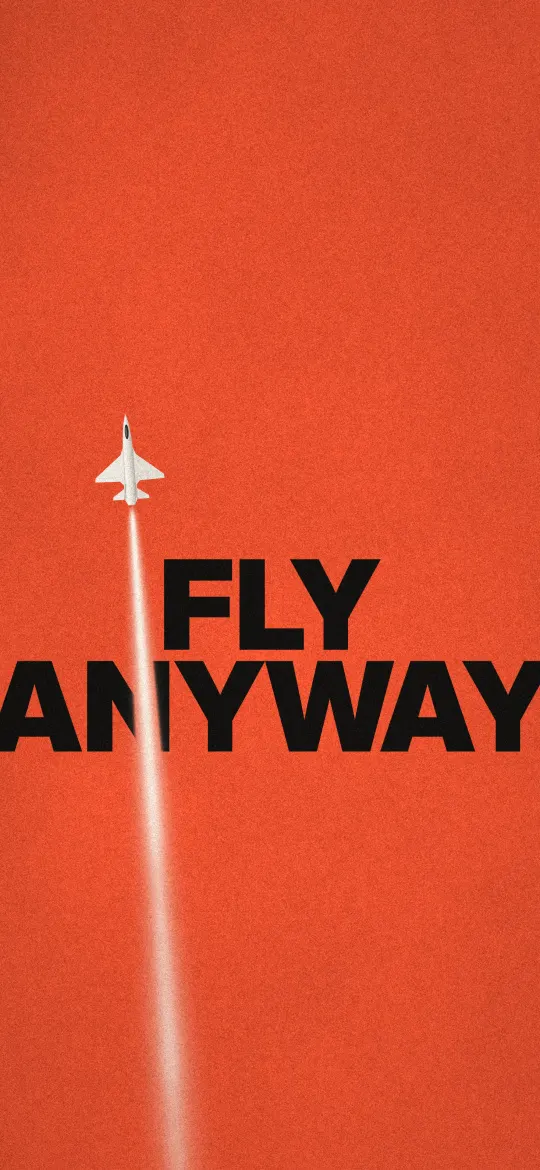 Fly Anyway Red Poster
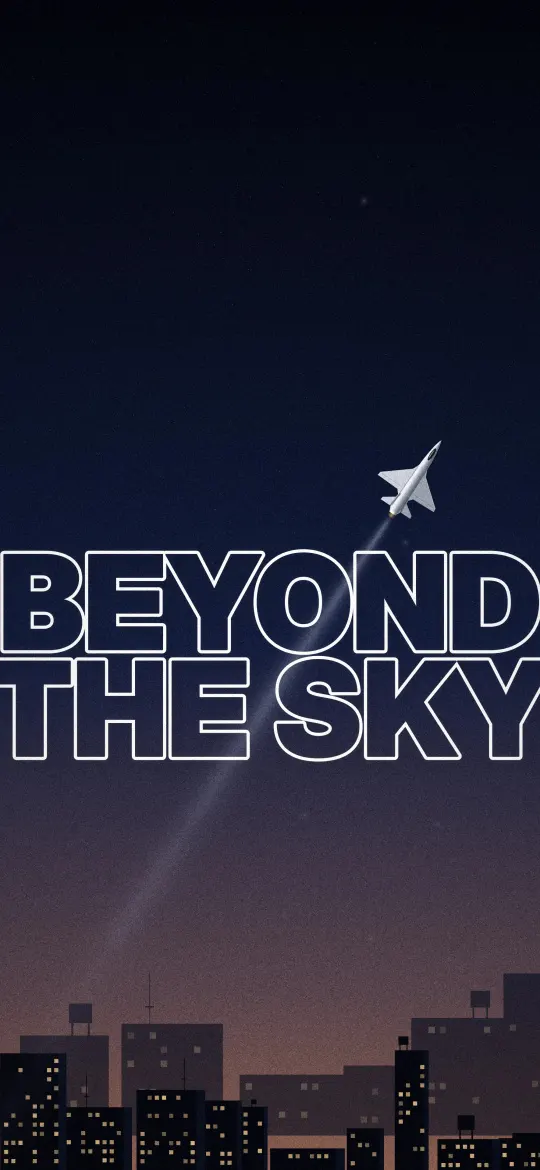 Beyond the Sky City Night
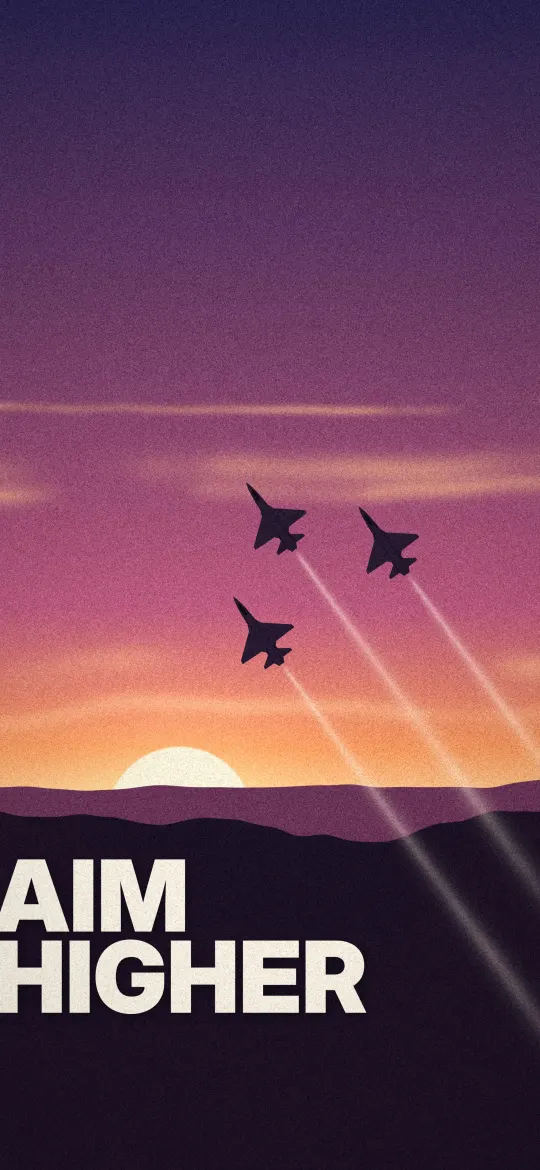 Aim Higher Sunset
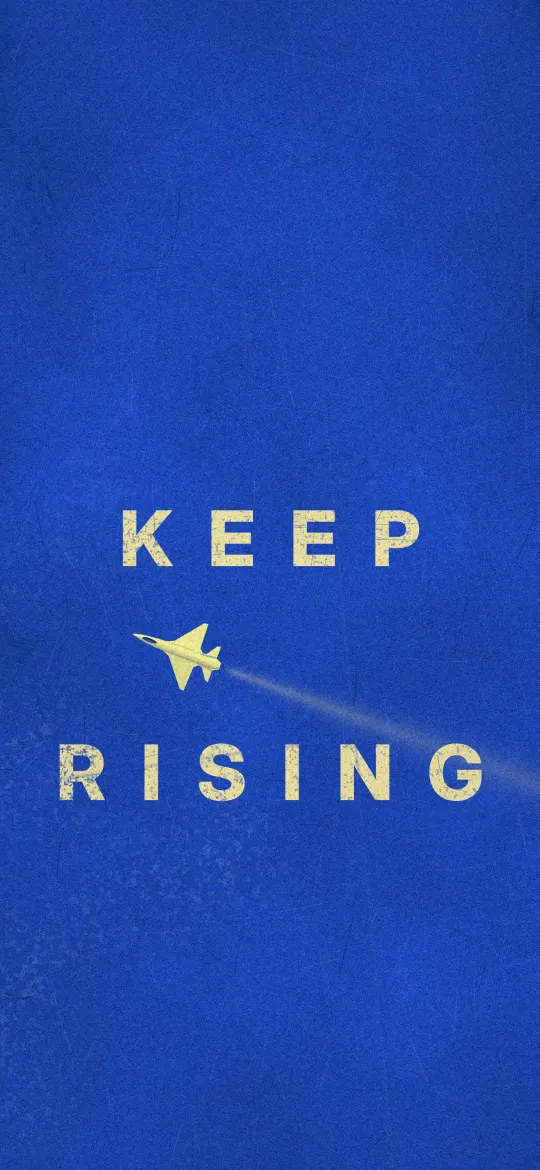 Keep Rising Blue Poster
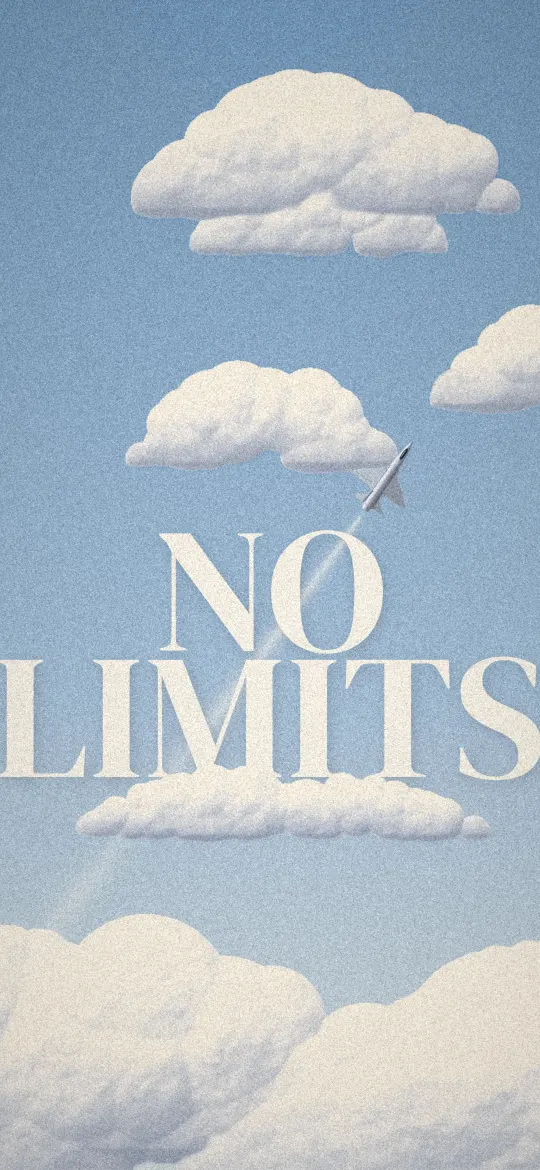 No Limits Cloud Sky
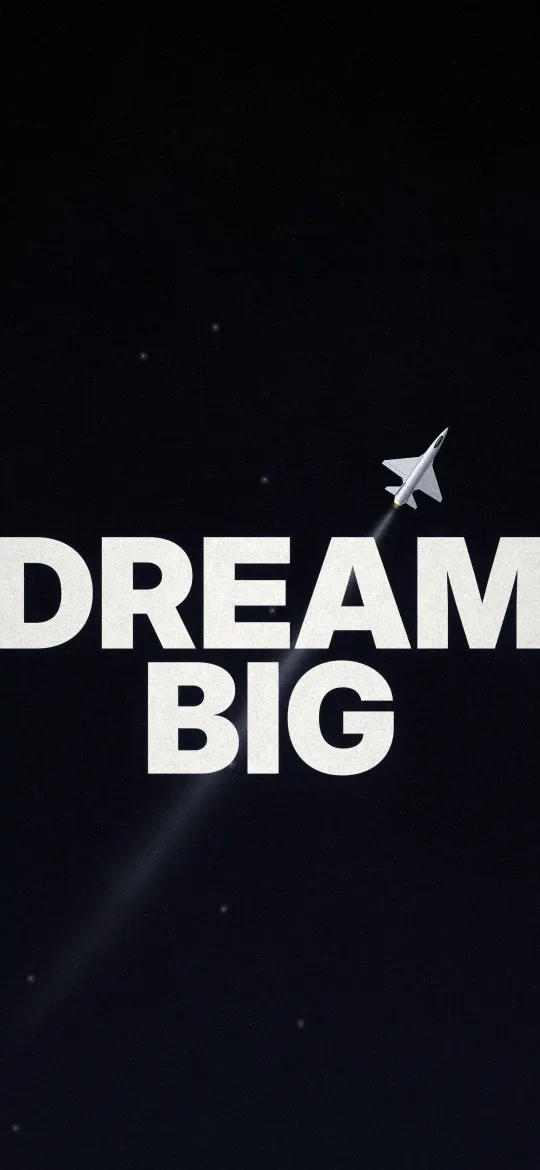 Dream Big Starfield
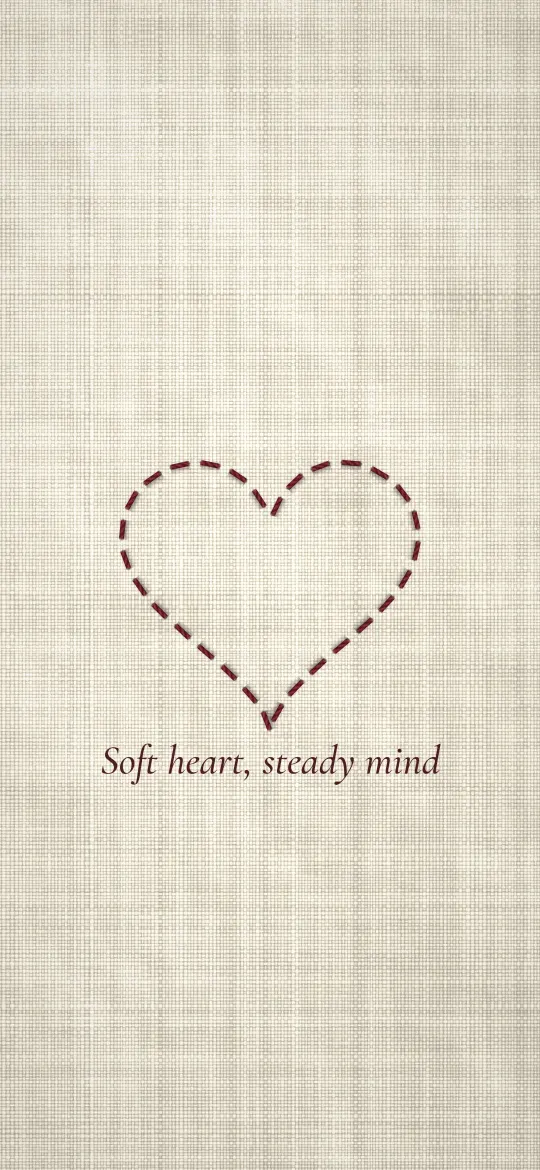 Stitched Thread Heart
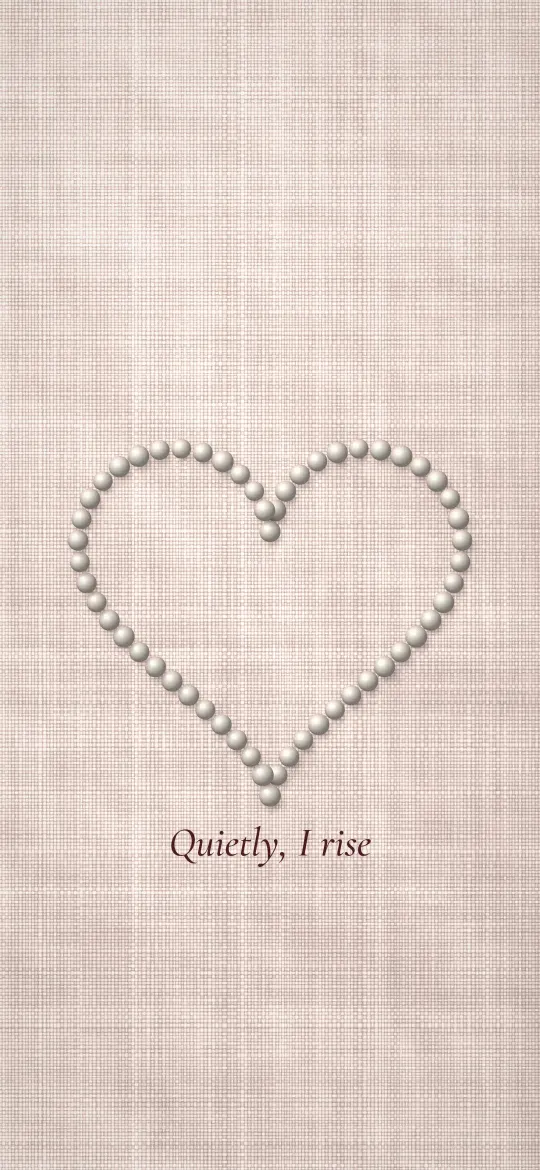 Pearl Heart Quietly I Rise
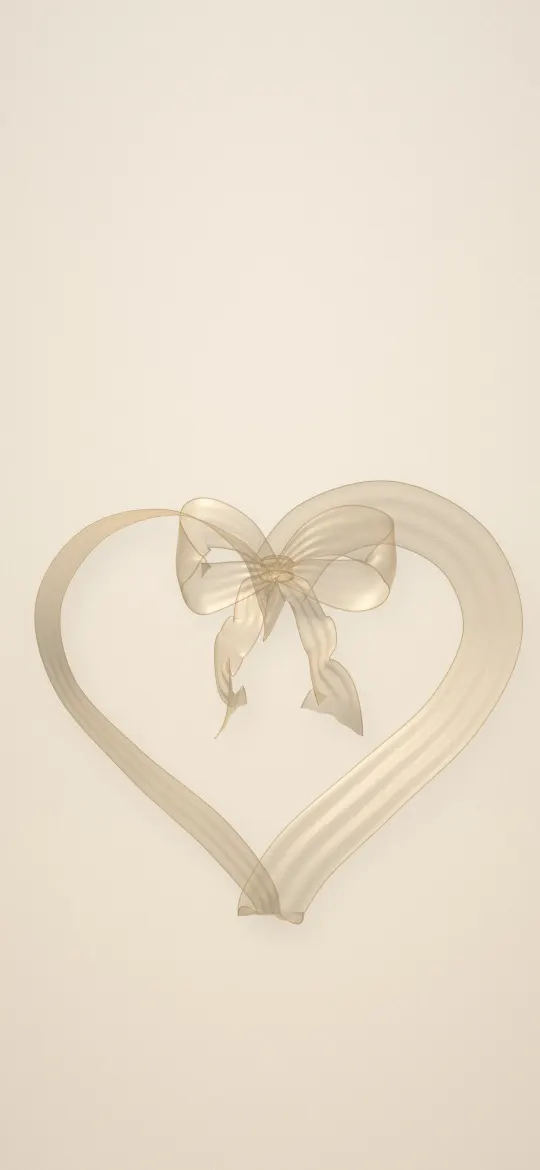 Champagne Ribbon Heart
 Butterfly Heart in the Dark
 Blue Flower Heart Wreath
 Lavender Flower Heart
 Autumn Leaf Heart
 Teddy and Heart Balloon
 Paw Print Heart Loop
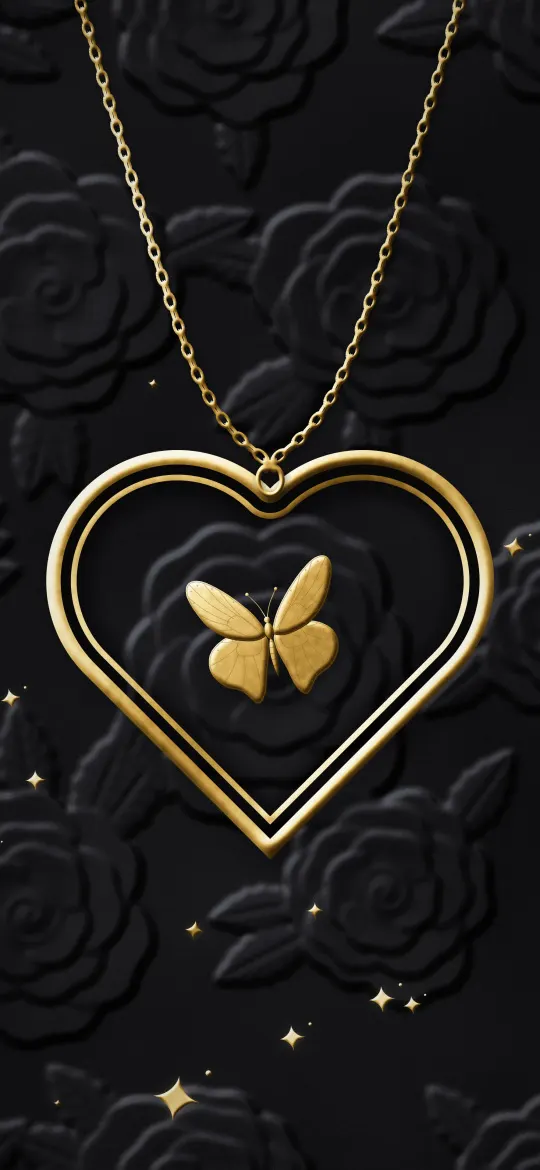 Gold Heart Locket on Black Velvet
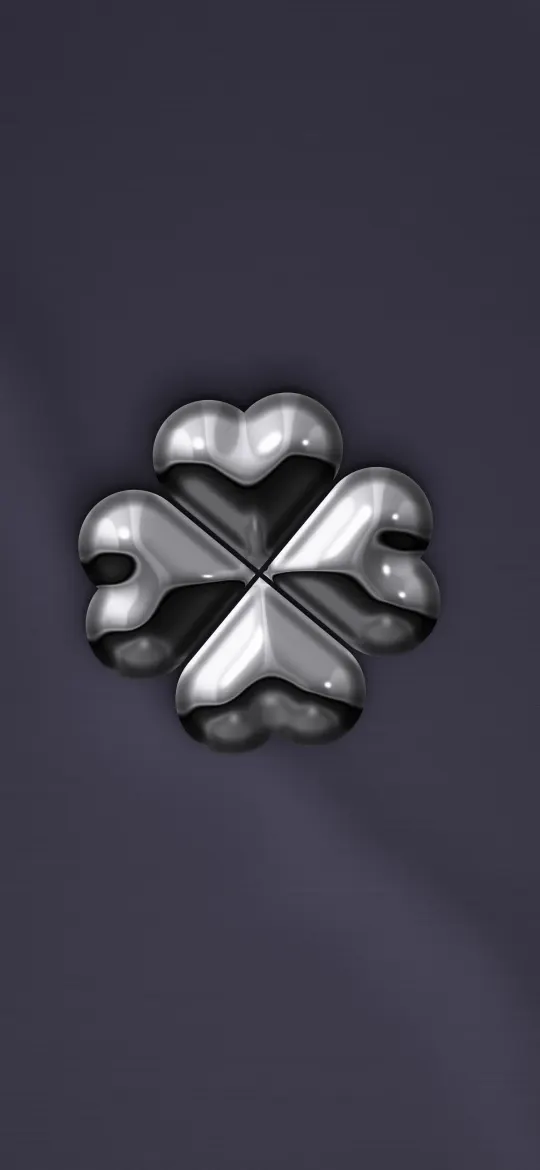 Chrome Four-Heart Clover
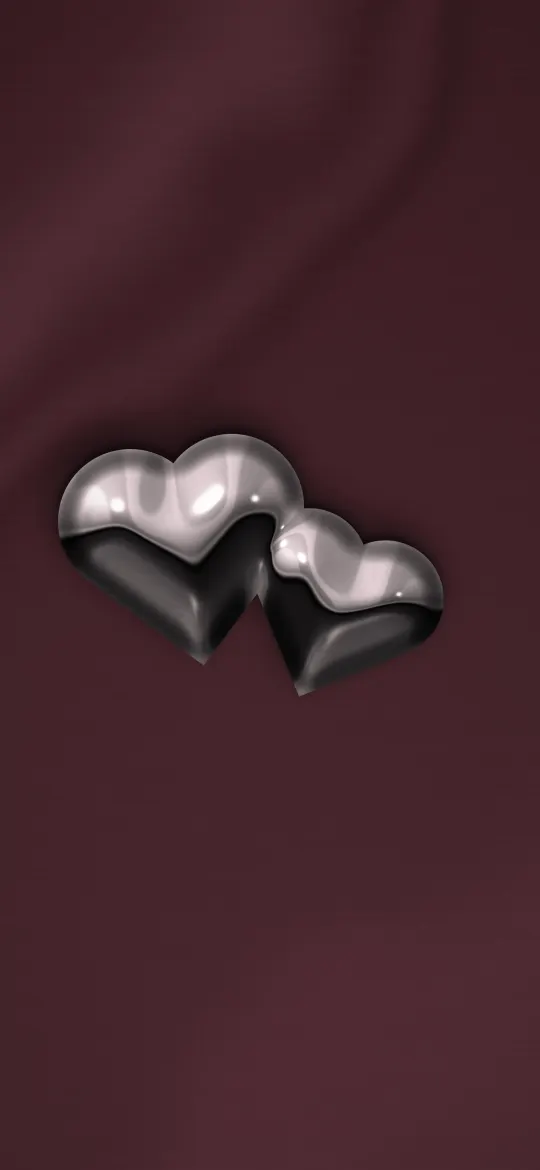 Twin Chrome Hearts
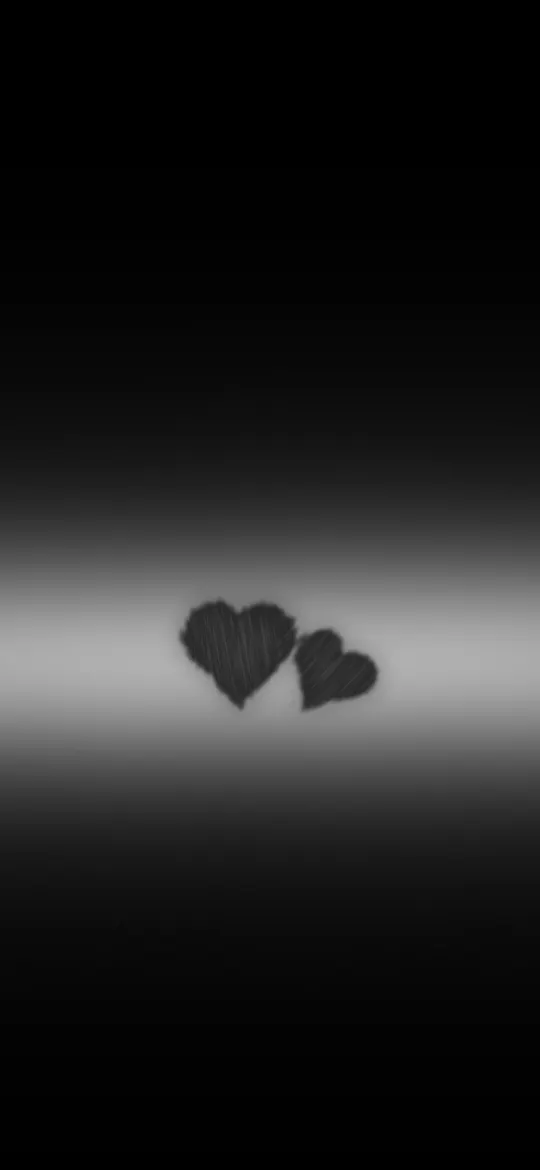 Two Hearts on a Light Band
 Swallow Infinity Hearts
 Heartbeat Swallow
 Two Butterflies, One Heart
 Paper Plane Loop
 Pink Butterfly Heart Trail
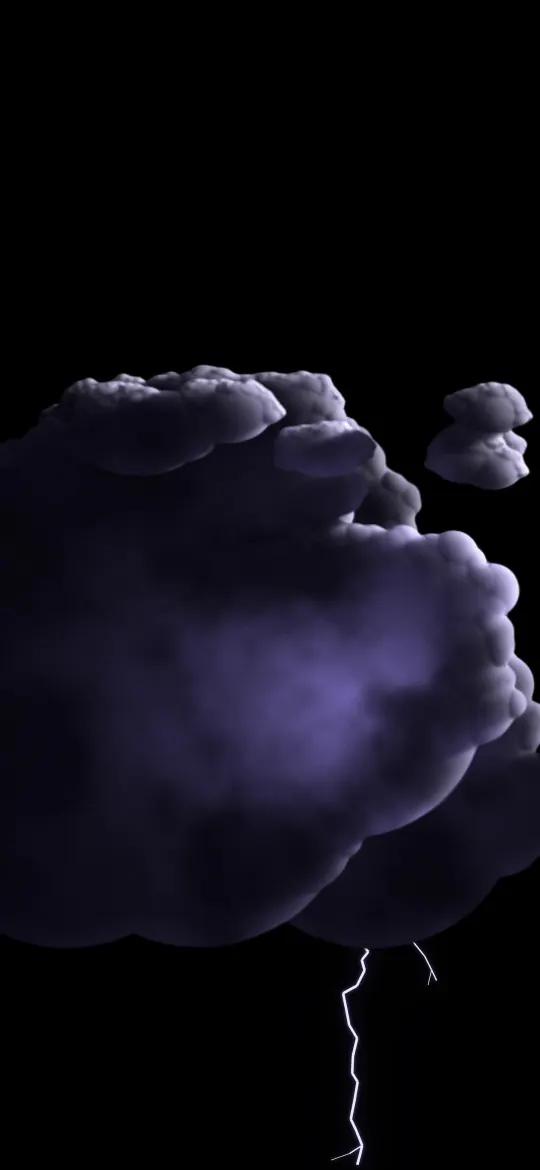 Violet Lightning Cloud
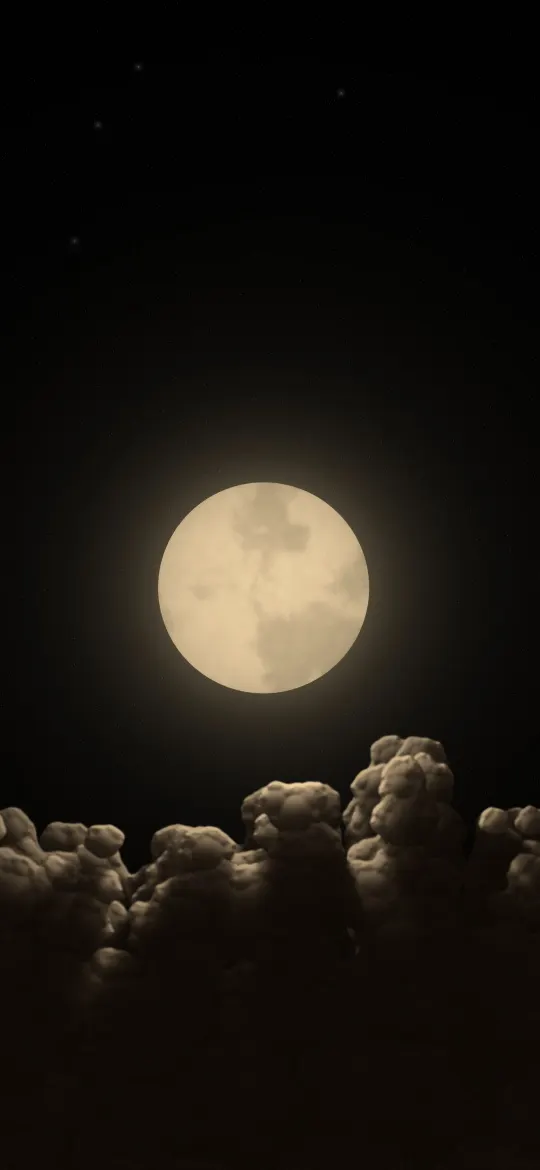 Full Moon Above the Clouds
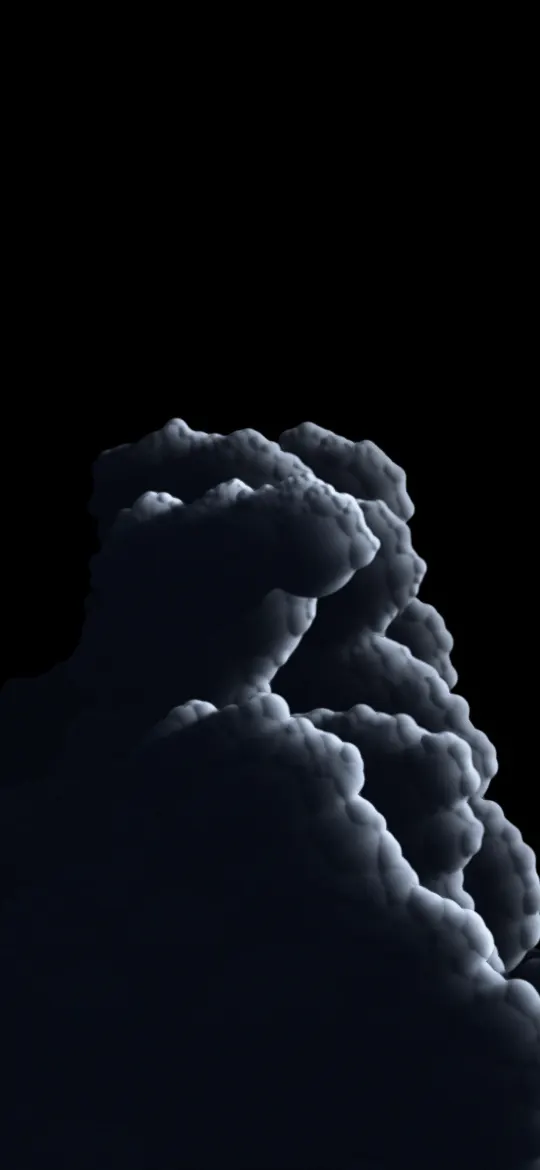 Cold Storm Tower
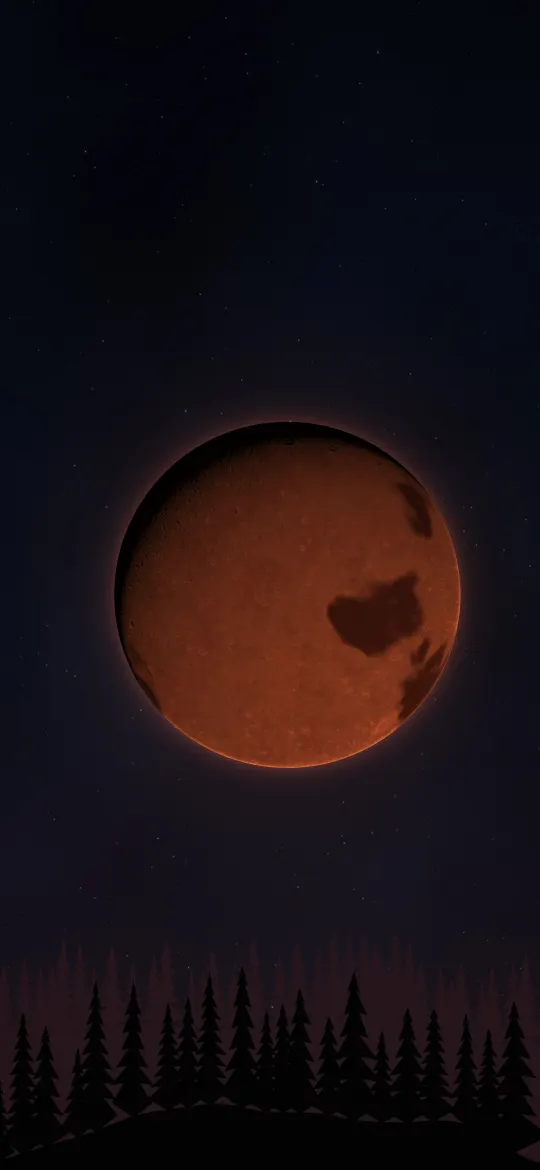 Blood Moon Over Pines
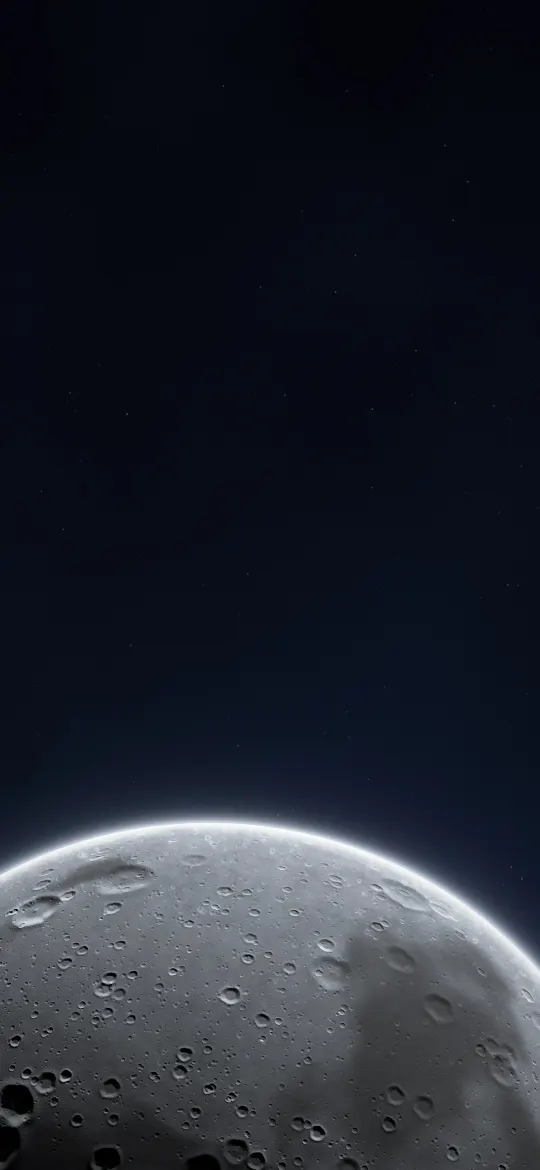 Moonrise from Below
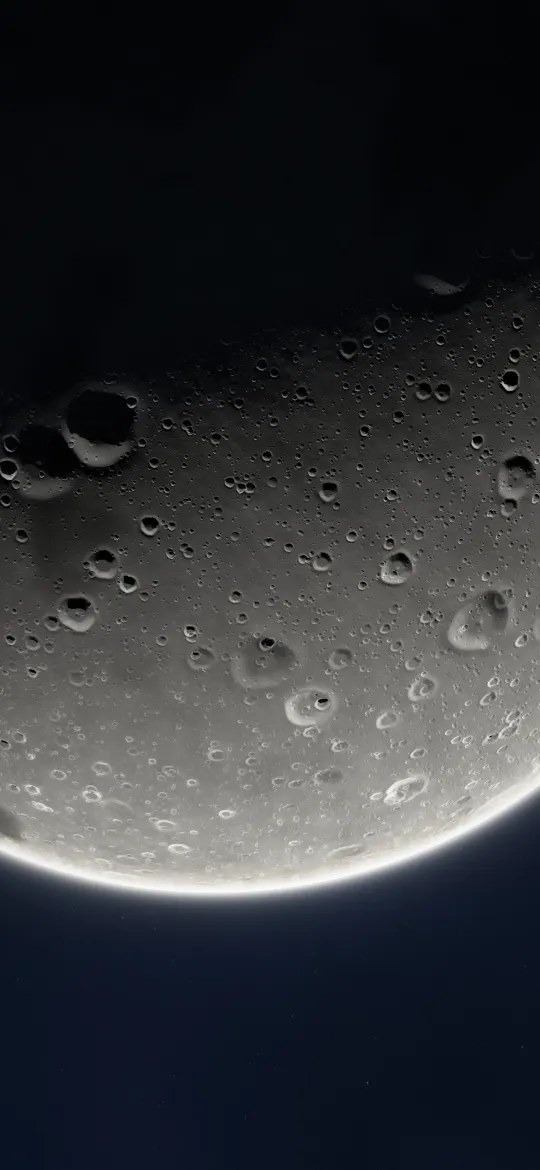 Huge Moon Rim Glow
 Black to Purple Fade
 Cyan Light Twist
 Fire and Ice Braid
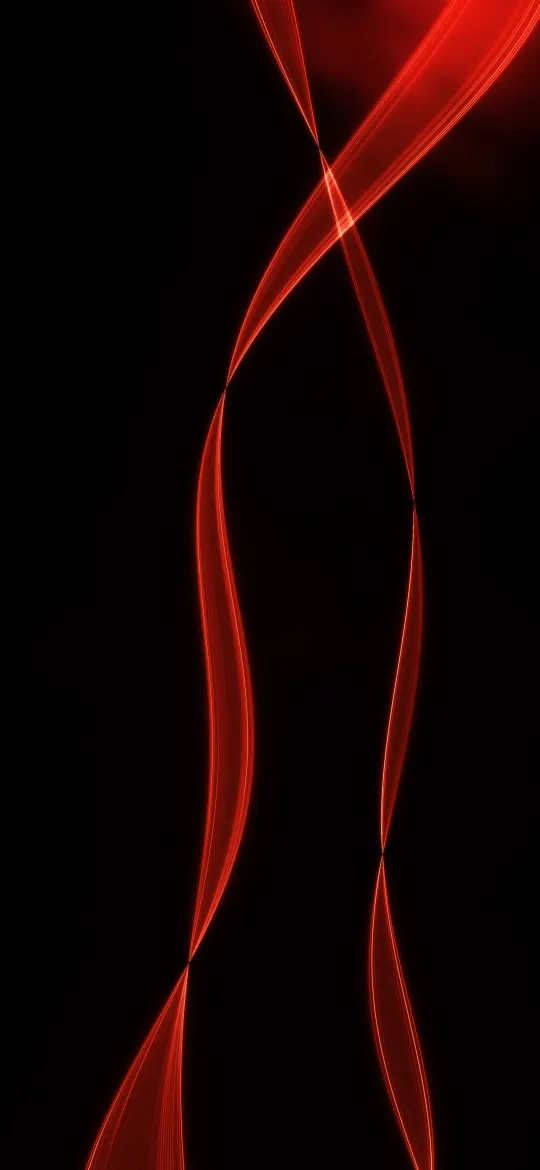 Red Light Ribbon
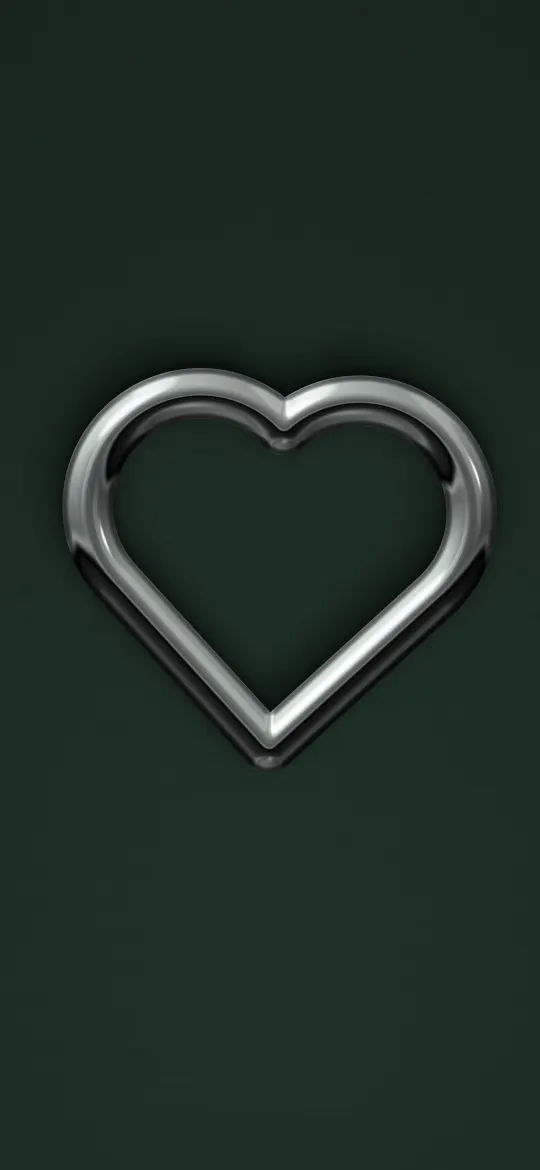 Chrome Heart Ring
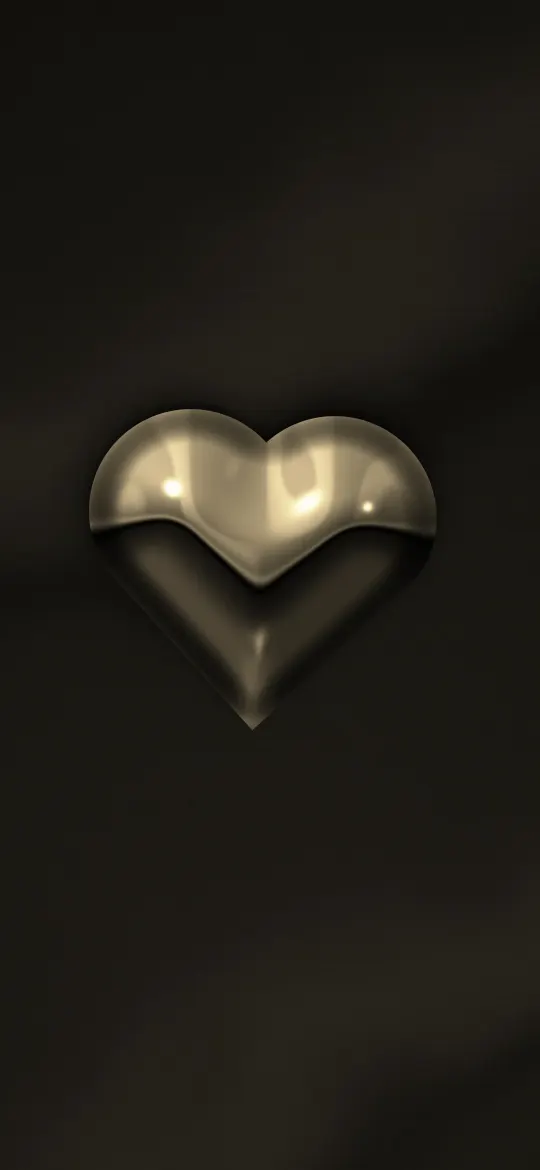 Gold Chrome Heart
Why the exact 750 × 1334 size matters
The iPhone SE (2nd & 3rd gen) screen is 750 × 1334 pixels, an aspect ratio of about 16:9. A generic wallpaper at a different shape gets zoomed by iOS to fill the screen, which softens detail and can push the subject under the clock. Every wallpaper on this page has been cropped from its full-resolution original to exactly 750 × 1334, so what you see in the preview is what lands on your lock screen.
How to set a wallpaper on the iPhone SE (2nd & 3rd gen)
- Open a wallpaper above and tap Download wallpaper. Your model is selected for you.
- Open the image in Photos, tap the share button, then Use as Wallpaper.
- Adjust the clock style or depth effect if you like, tap Add, then choose lock screen, home screen or both.
More detail, including Files and Safari downloads, is in our guide to setting a wallpaper on iPhone.
iPhone SE (2nd & 3rd gen) wallpaper questions
What wallpaper size does the iPhone SE (2nd & 3rd gen) need?
The iPhone SE (2nd & 3rd gen) has a 4.7-inch screen at 750 × 1334 pixels. Every wallpaper on this page is cropped to exactly that size, so it fills the screen without stretching.
Which iPhones use 750 × 1334 wallpapers?
The iPhone SE (2nd & 3rd gen), 8 and 7 all share this 750 × 1334 screen, so the same file fits each of them.
Will iOS zoom or move the wallpaper?
A wallpaper at your screen's exact resolution is shown as-is. If iOS still zooms it, turn off "Perspective Zoom" (on older iOS) or pinch to fit while adjusting the wallpaper.
Are these wallpapers free?
Yes. Every wallpaper is free to download and use on your own iPhone. See the license page for details.
Wallpapers for other iPhones
- iPhone Duo — inner screen (upright)
- iPhone Duo — cover screen
- iPhone 18 Pro Max / 17 Pro Max / 16 Pro Max
- iPhone 18 Pro / 17 Pro / 17 / 16 Pro
- iPhone Air
- iPhone 16 Plus / 15 Plus / 15 Pro Max / 14 Pro Max
- iPhone 16 / 15 / 15 Pro / 14 Pro
- iPhone 14 Plus / 13 Pro Max / 12 Pro Max
- iPhone 17e / 16e / 14 / 13 / 13 Pro / 12 / 12 Pro
- iPhone 13 mini / 12 mini
- iPhone 11 Pro Max / XS Max
- iPhone 11 Pro / XS / X
- iPhone 11 / XR
- iPhone 8 Plus / 7 Plus
- 4K Universal (any phone)