 Pink Pearl Spheres
iPhone Air wallpapers page 3
575 free wallpapers cut to 1260 × 2736 pixels, the exact resolution of the 6.5-inch screen on the iPhone Air.
Pink Pearl Spheres
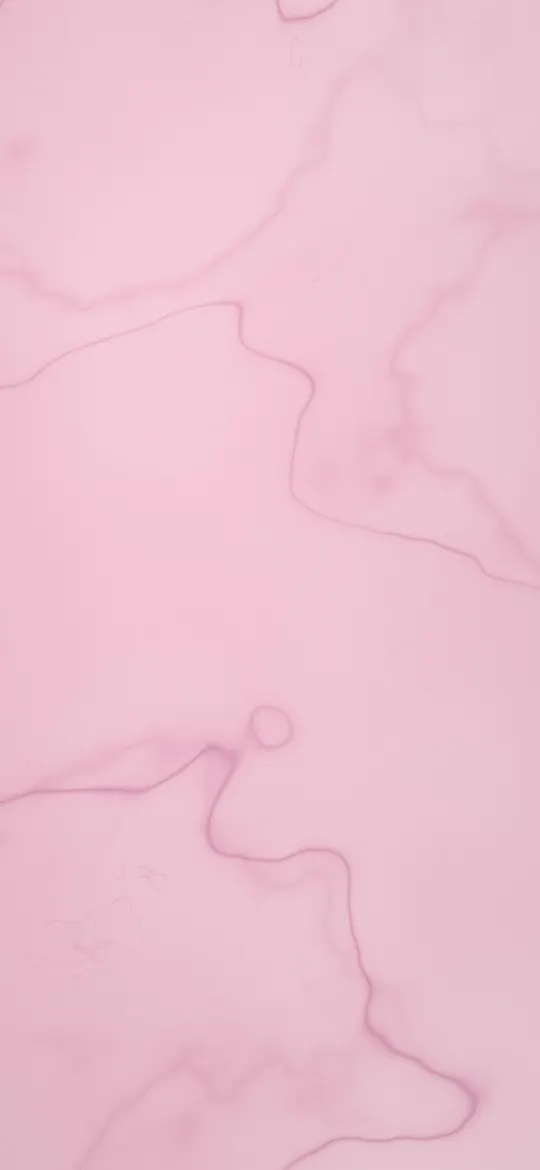 Rose Marble Veins
 Drifting Blossom Petals
 Rose Quartz Haze
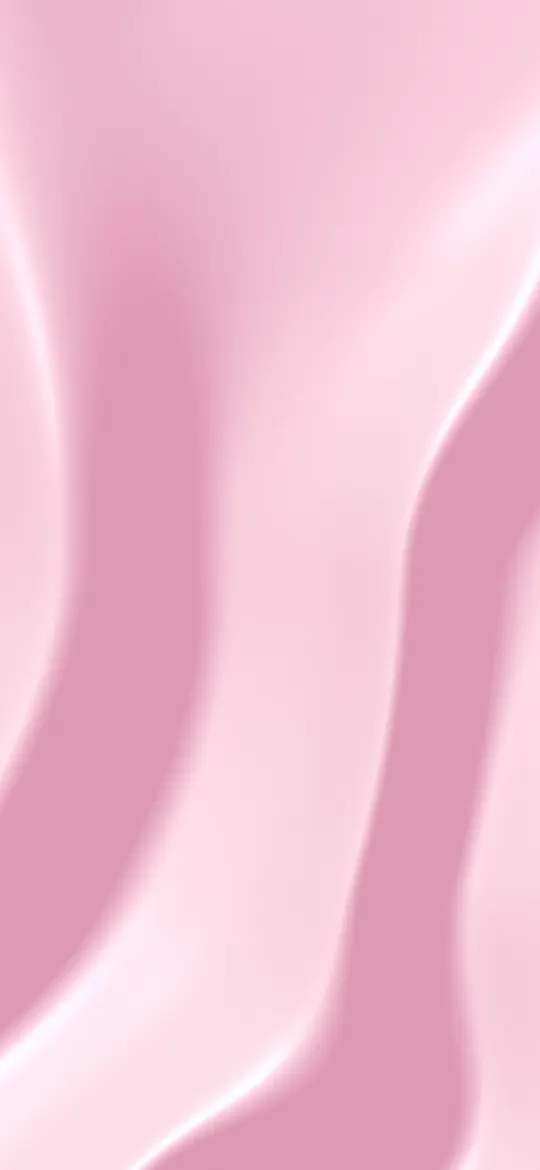 Blush Satin Folds
 Maple Leaf Drift
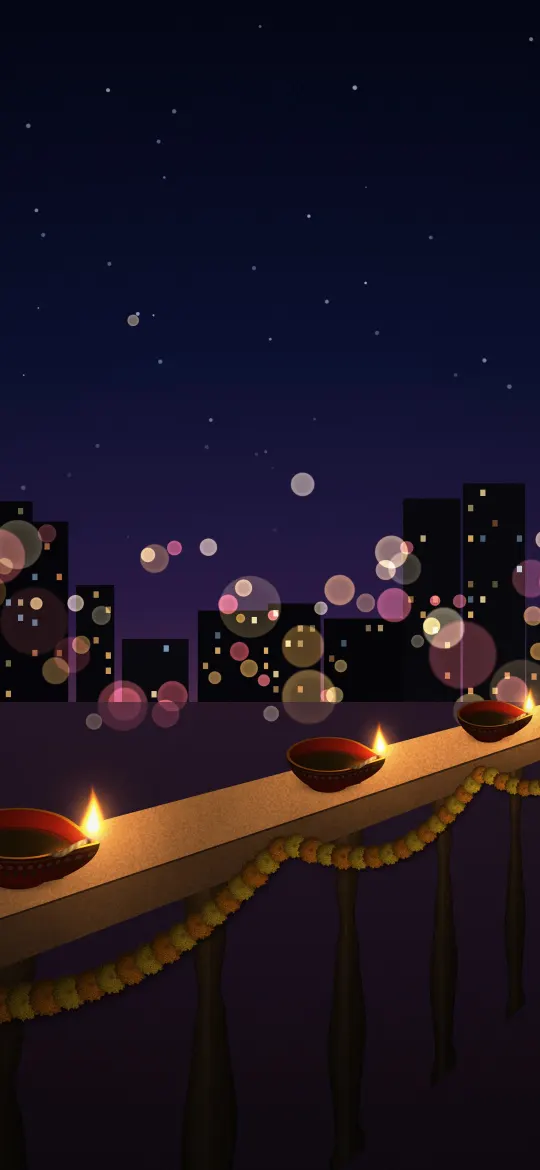 Diyas on the Balcony Railing
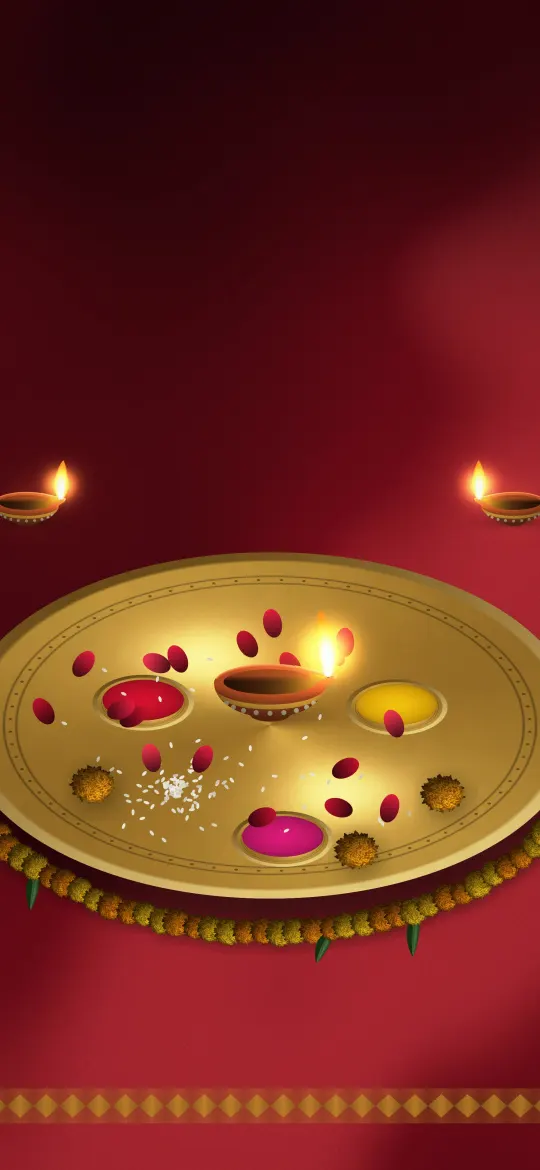 Decorated Brass Thali
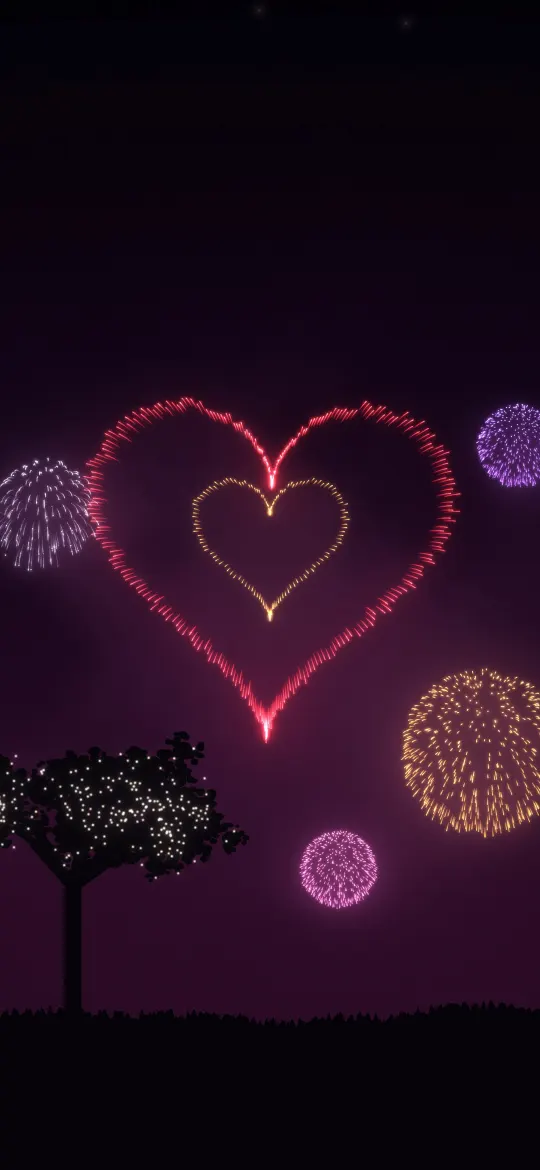 Heart Fireworks
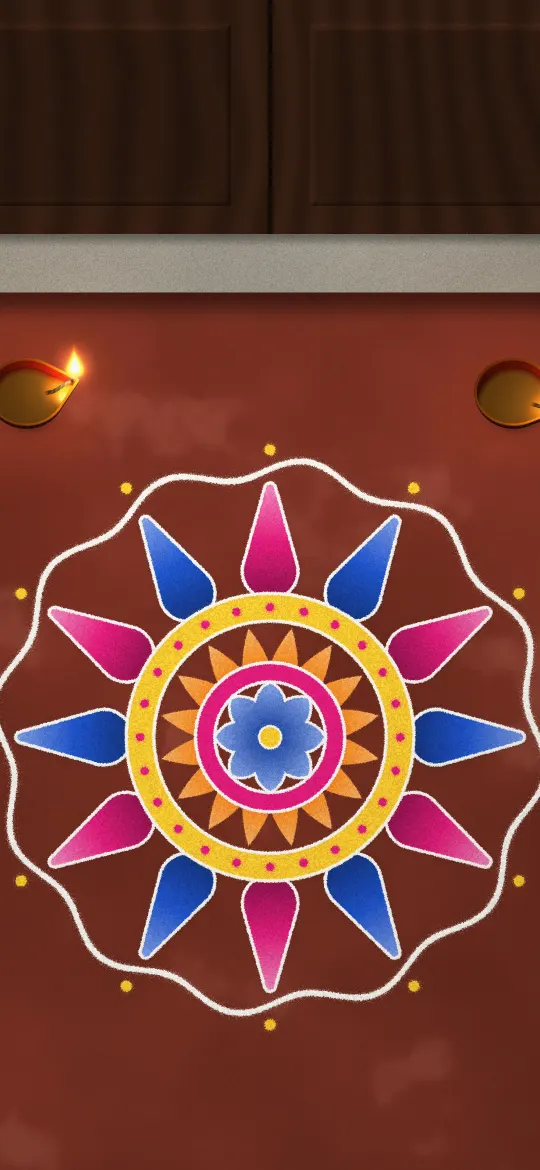 Doorstep Rangoli
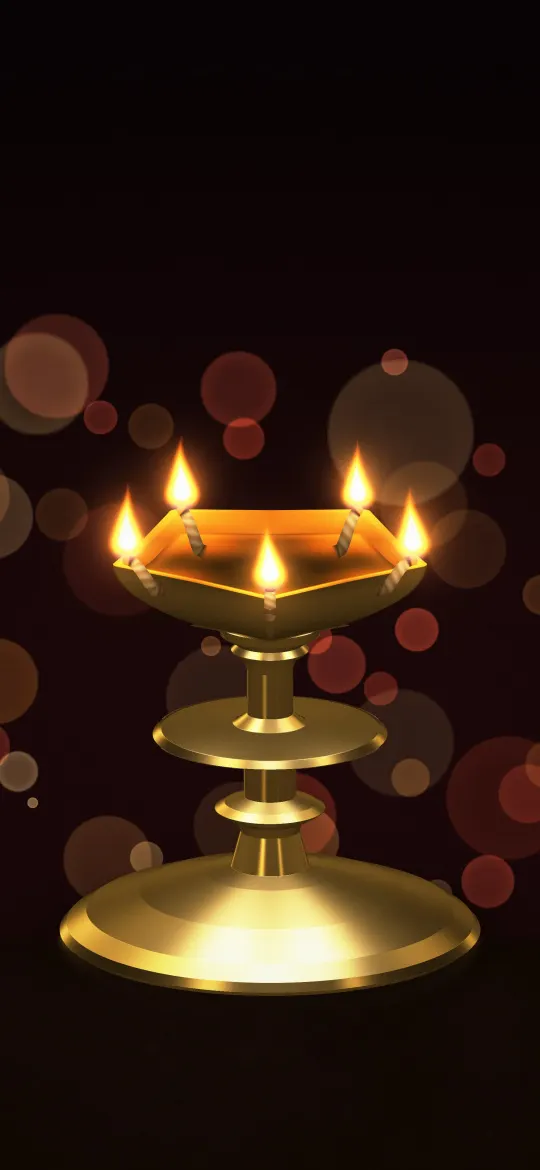 Brass Lamp with Five Flames
 Diwali Gifts and Diyas
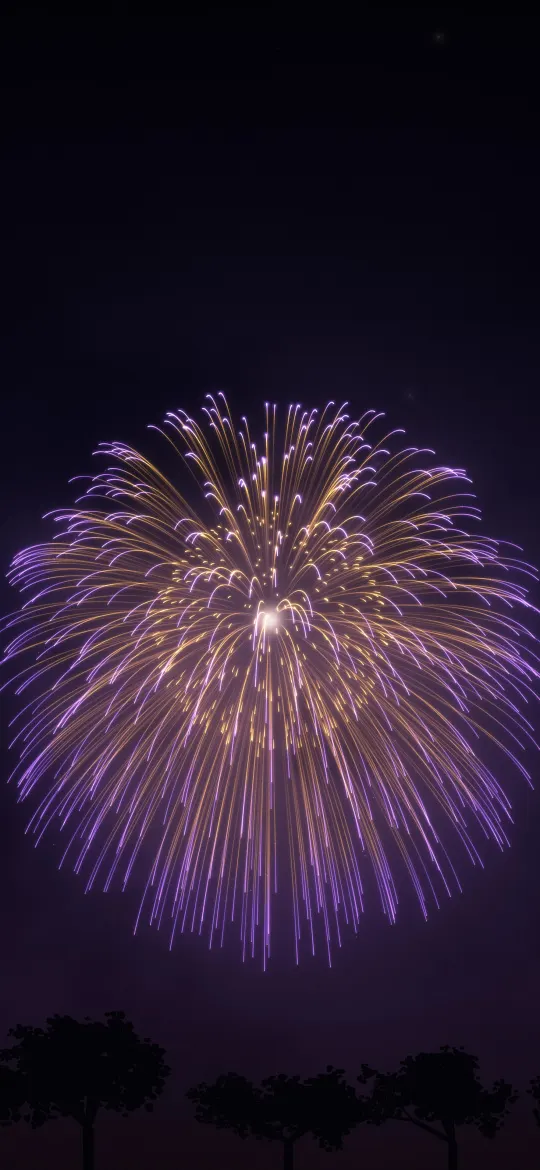 Violet Chrysanthemum Firework
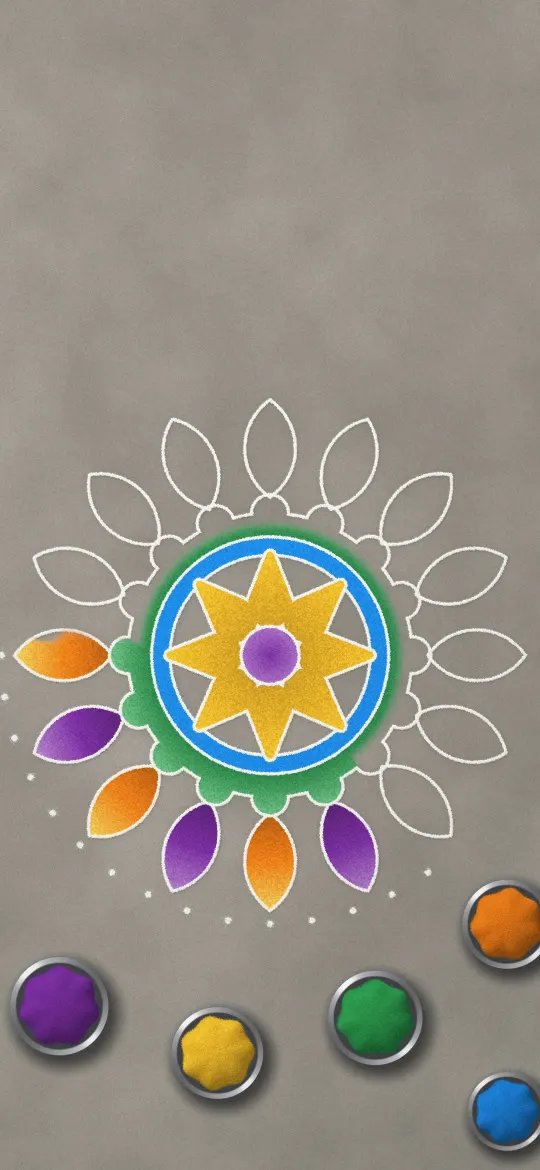 Rangoli in Progress
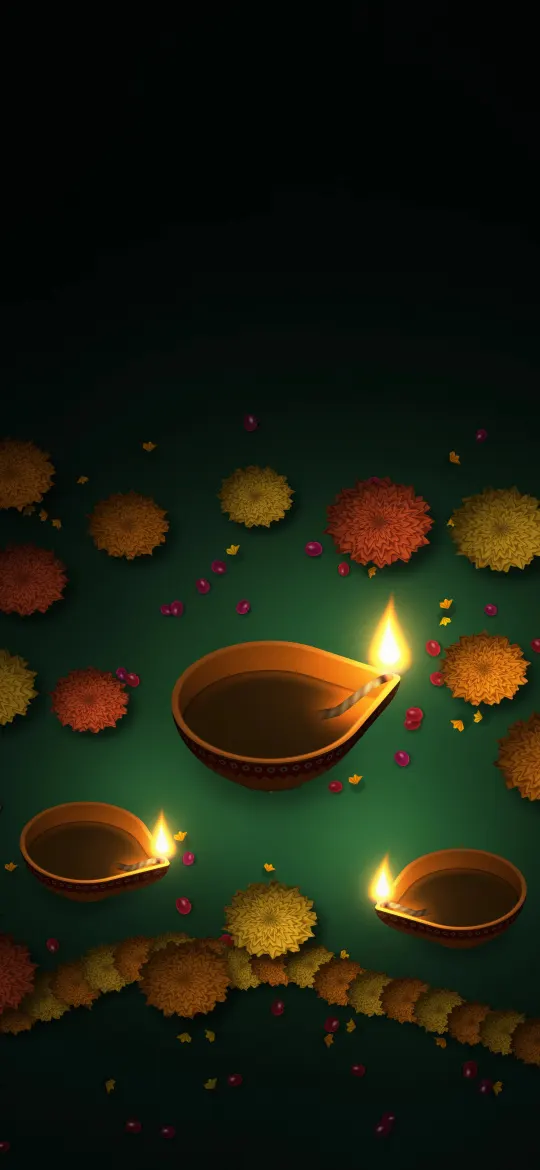 Golden Diyas and Marigolds
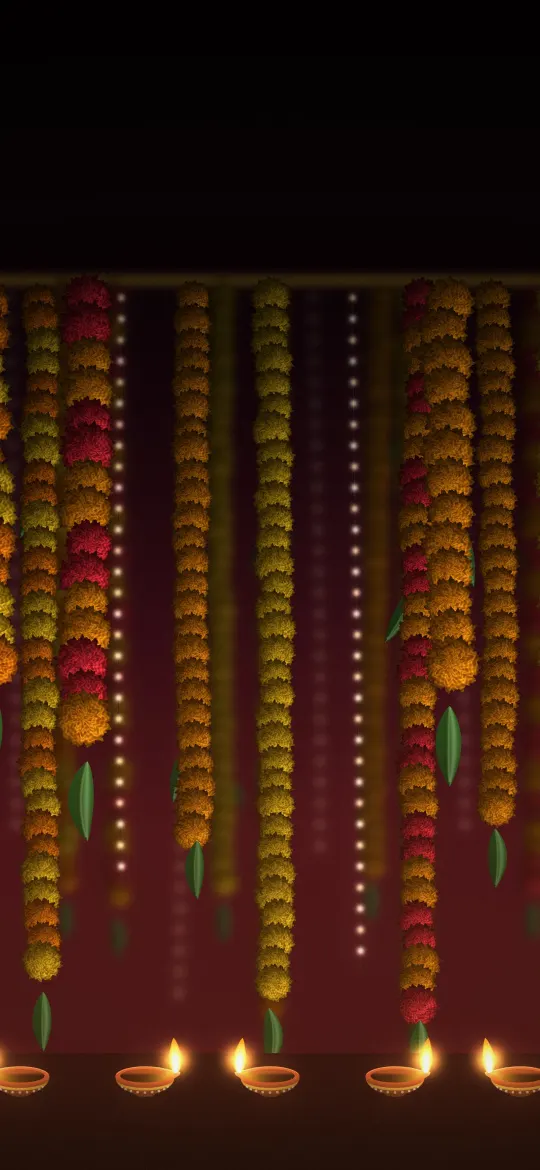 Marigold Garland Curtain
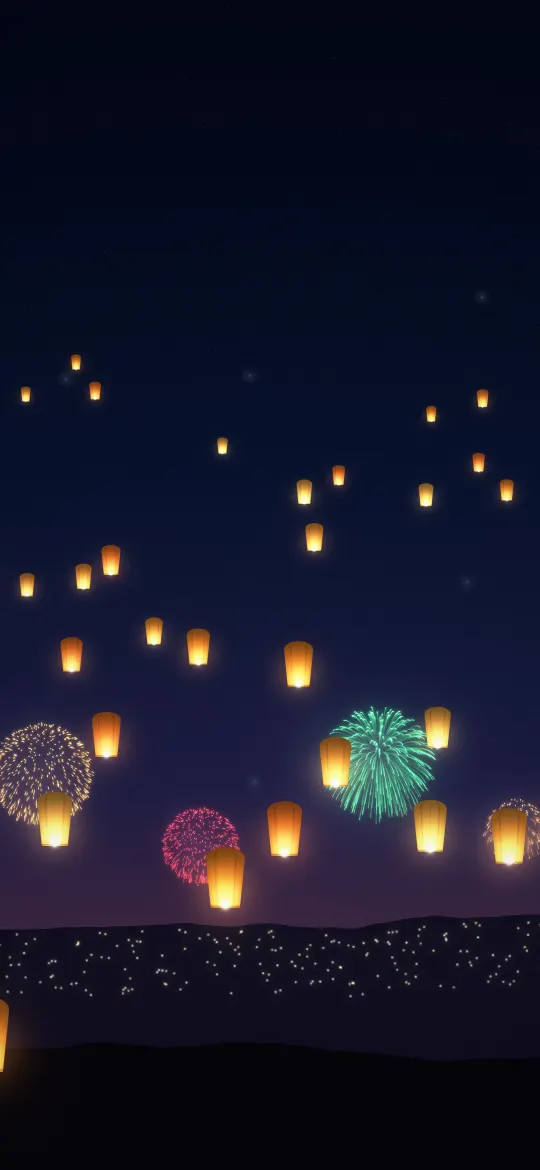 Sky Lanterns and Fireworks
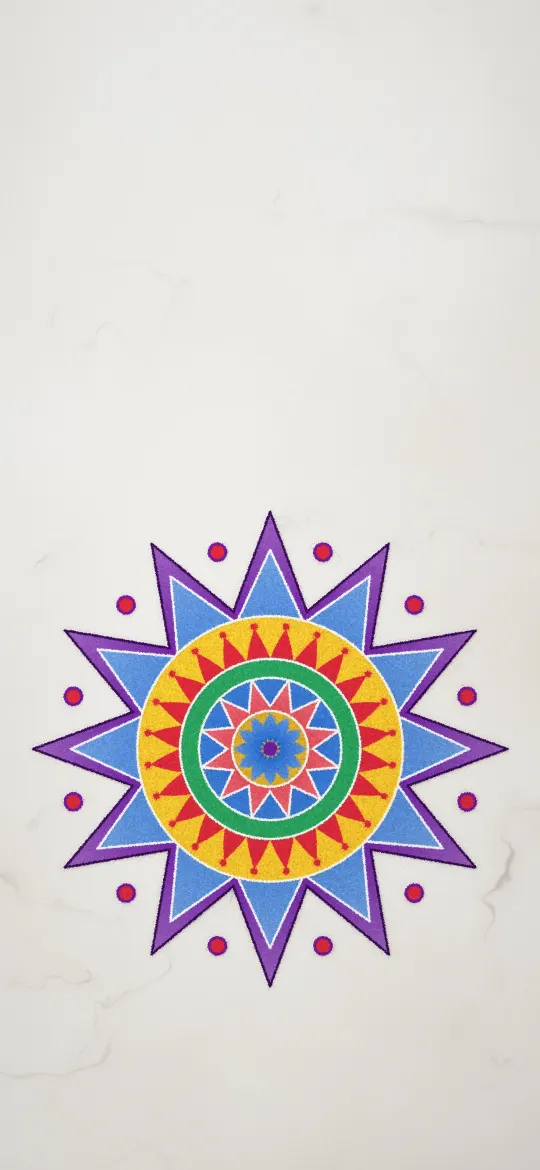 Star Rangoli on Marble
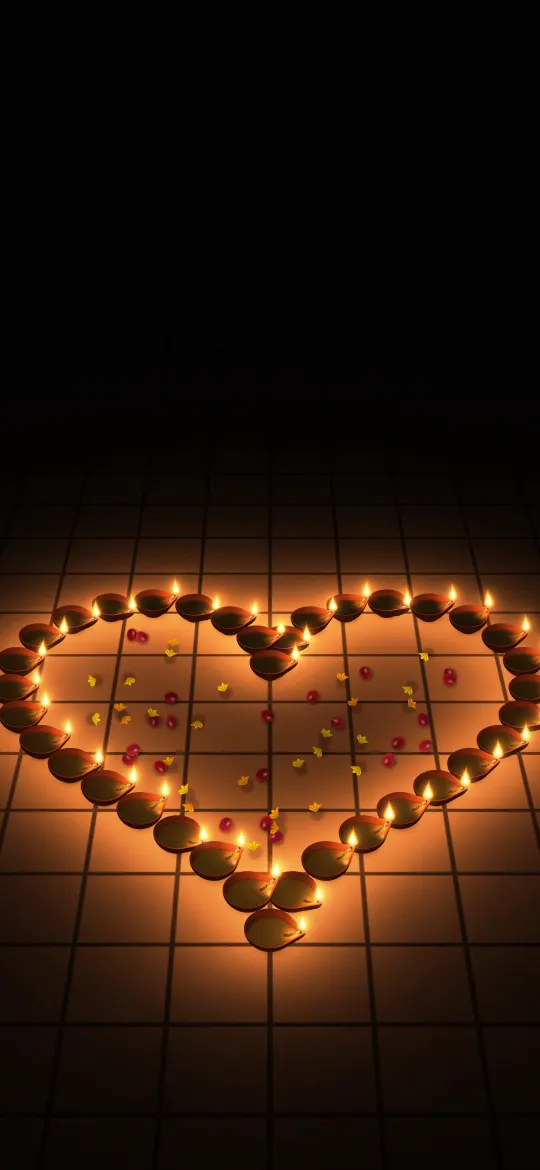 Heart of Diyas
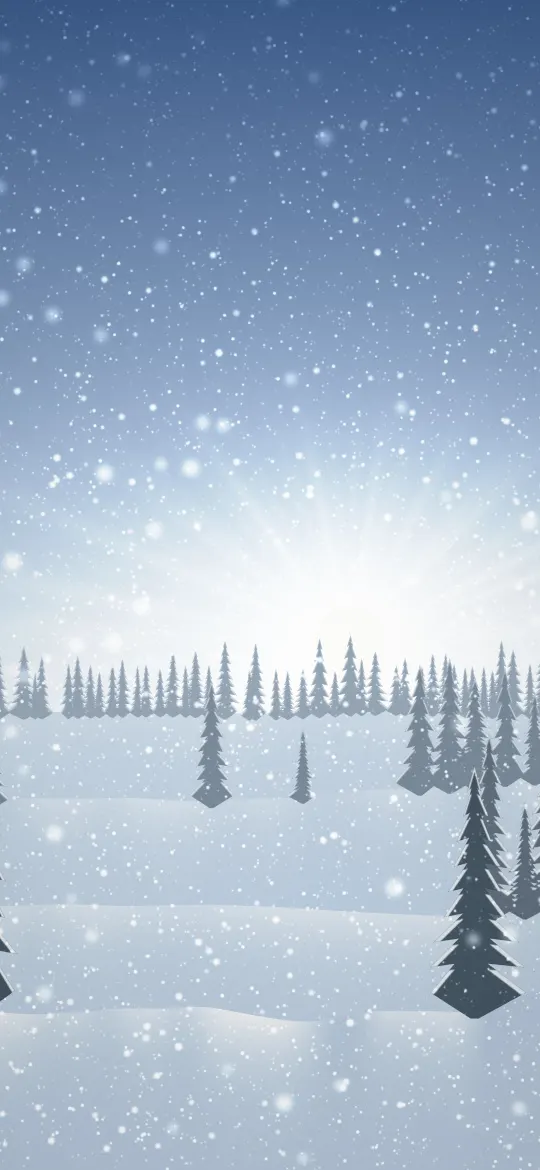 Silent Frost Morning
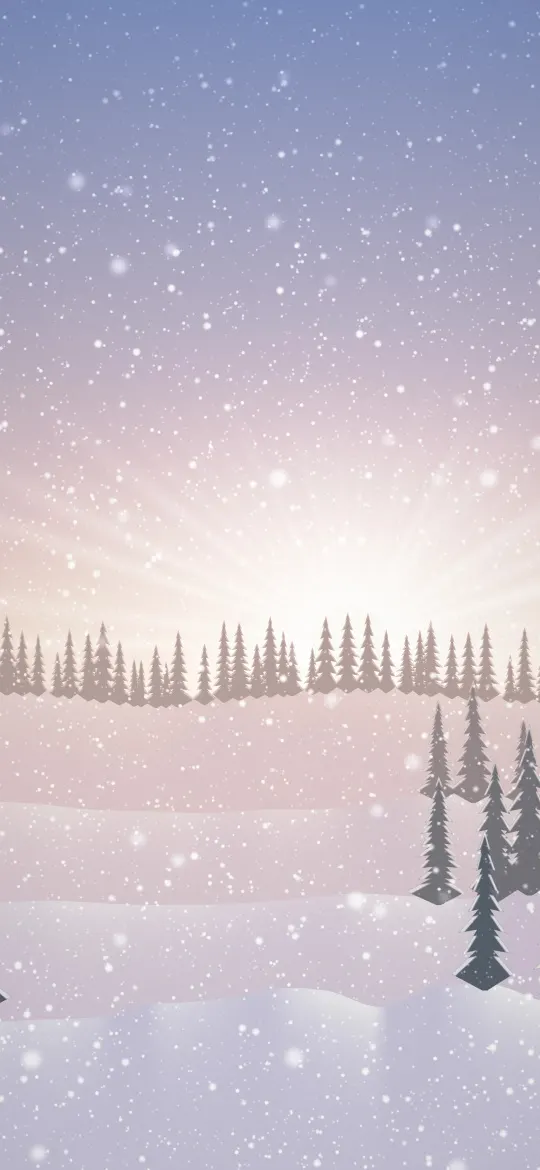 Pink Dawn Snowfall
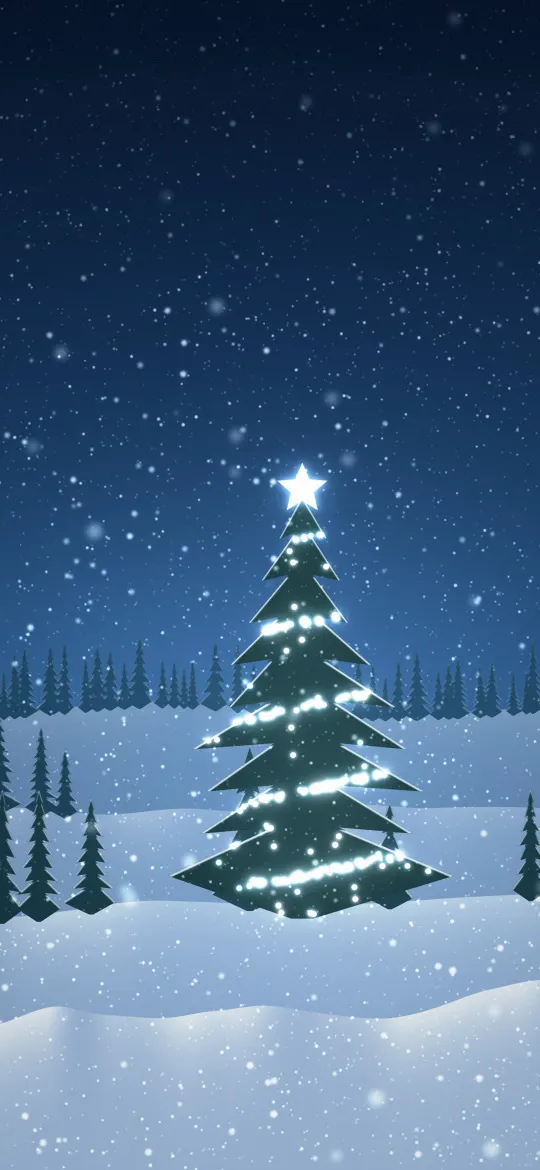 Frosted Blue Tree Lights
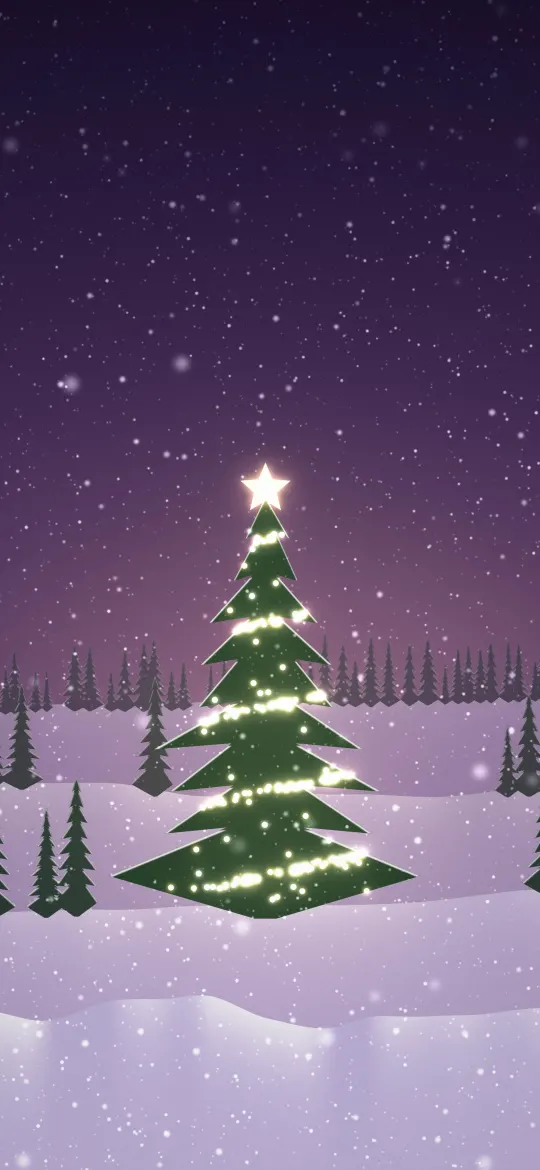 Golden Light Fir
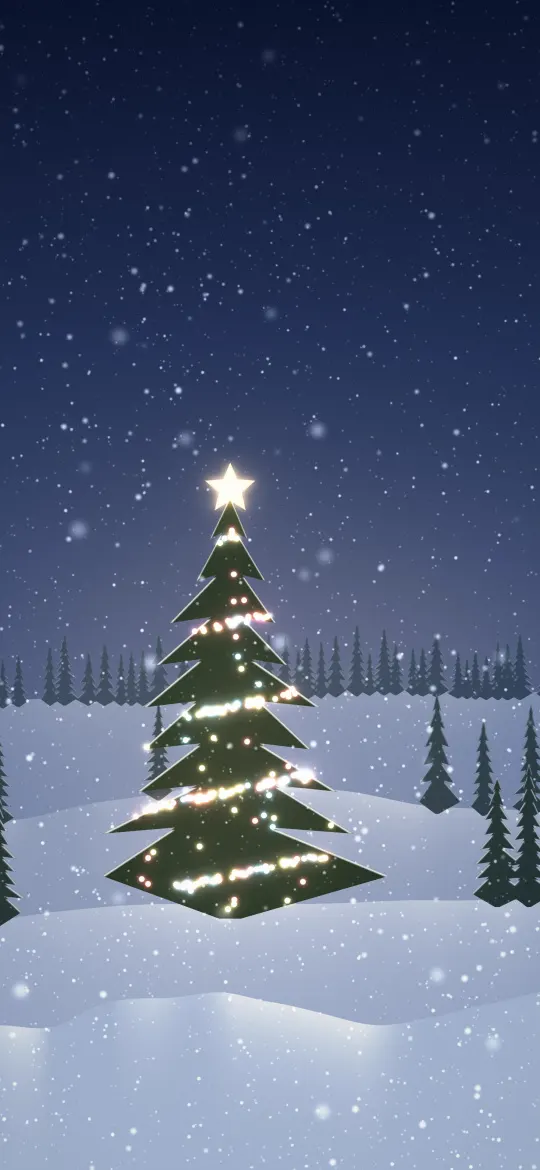 Starlit Christmas Tree
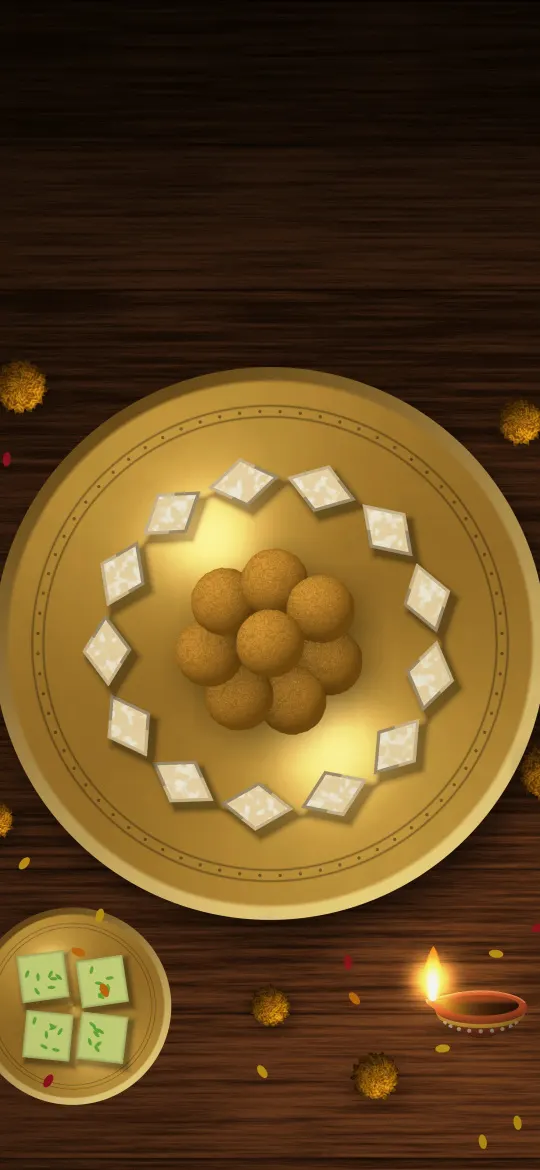 Diwali Sweets Plate
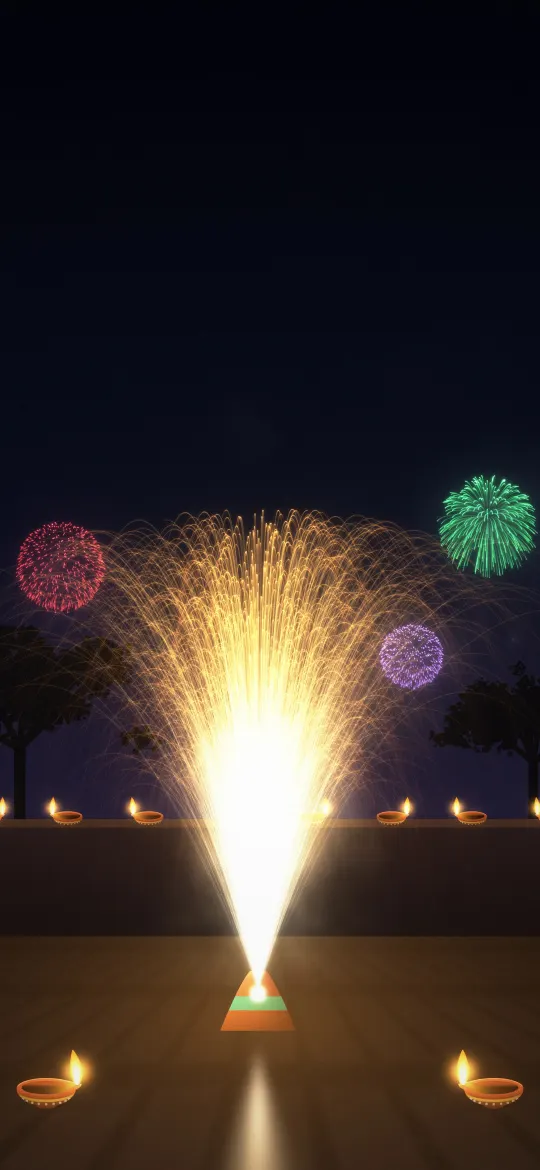 Golden Ground Fountain
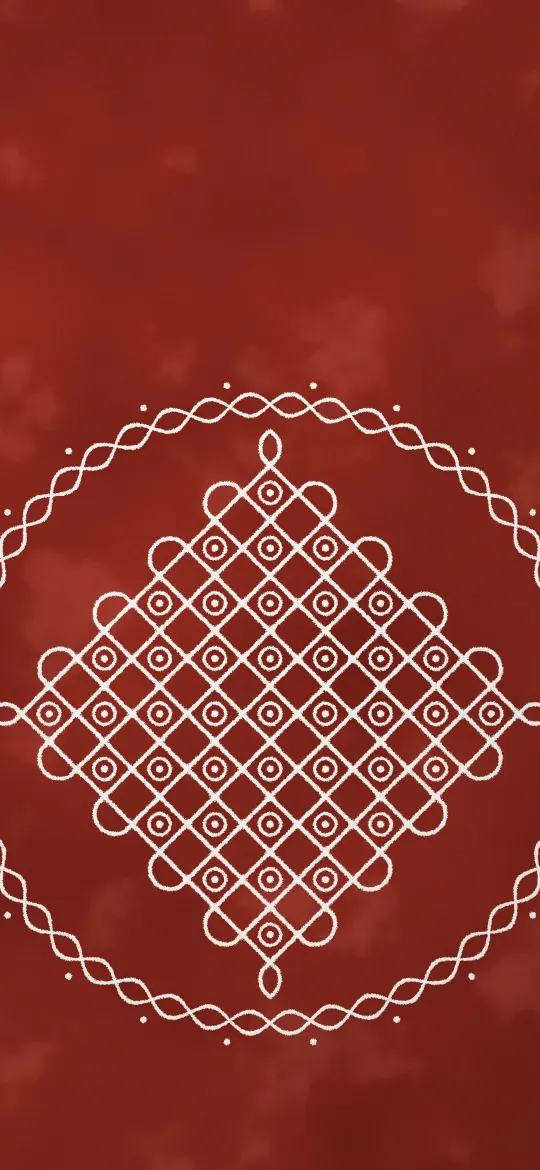 White Kolam on Red Floor
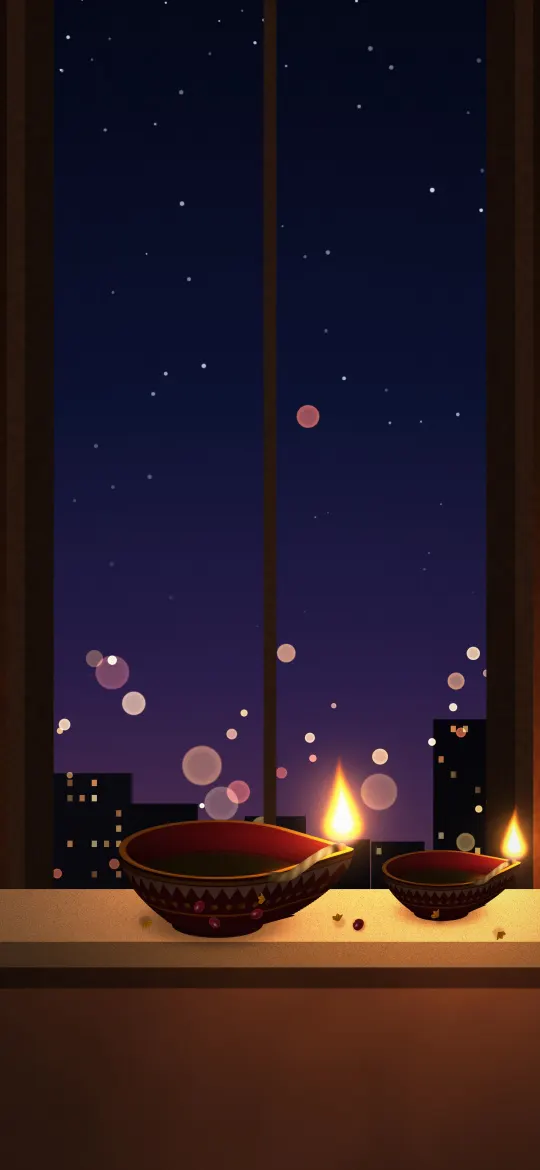 Diyas on the Windowsill
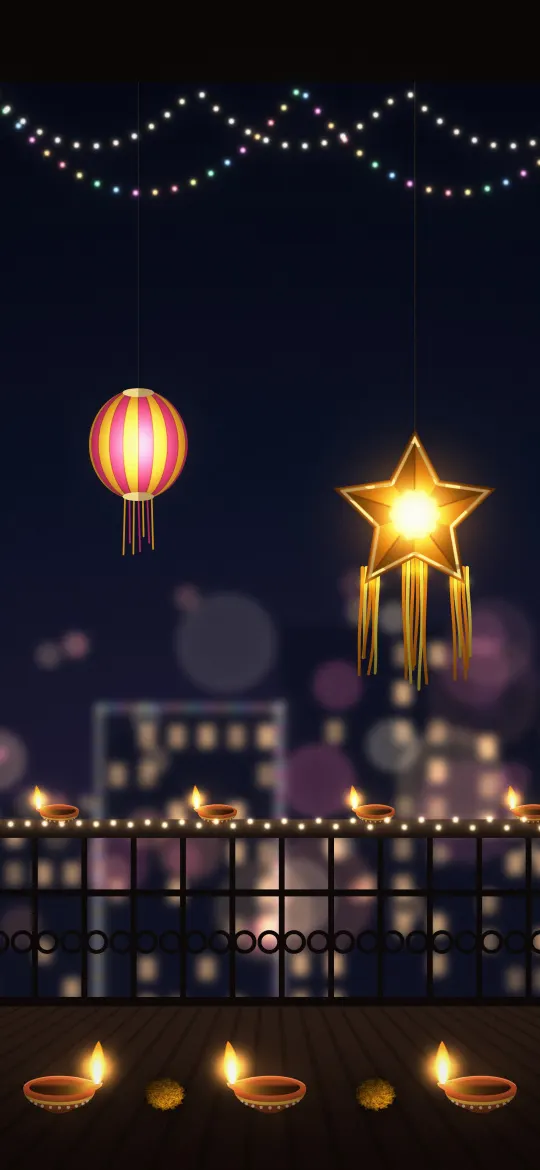 Diwali Balcony Lights
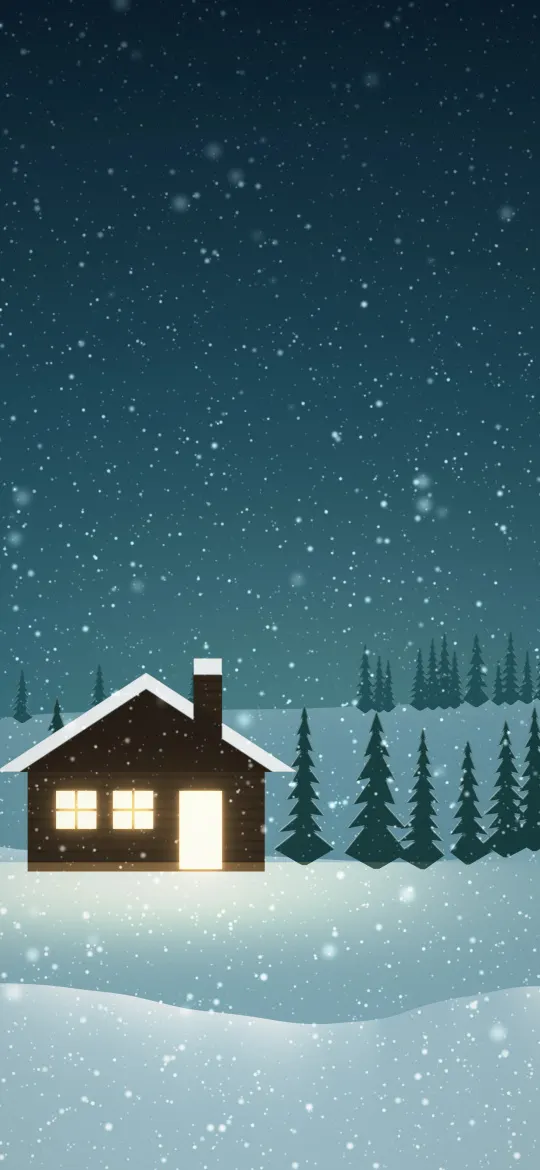 Cabin in the Pines
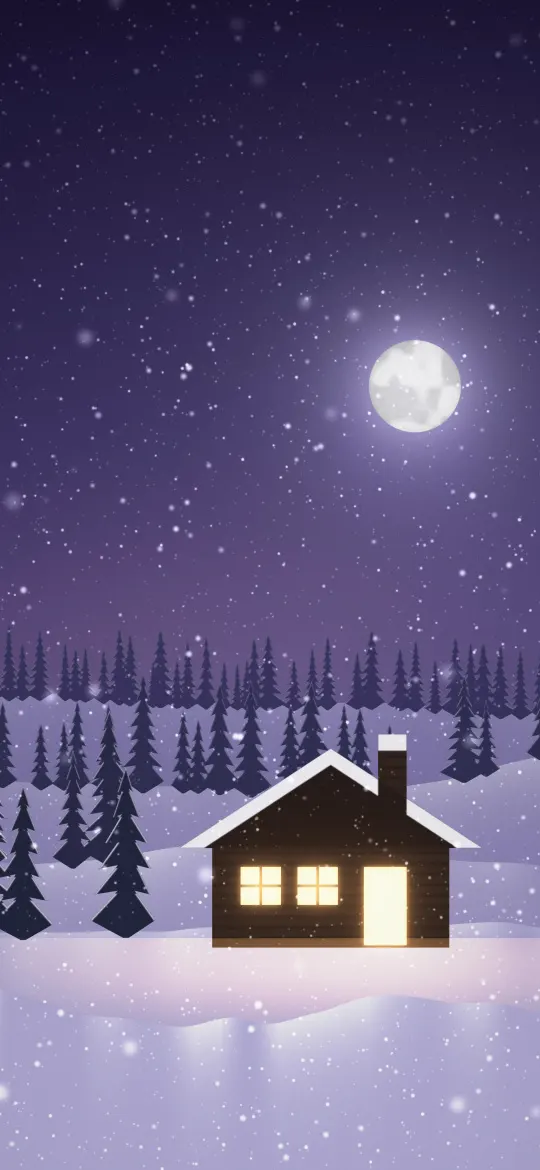 Moonlit Cabin Night
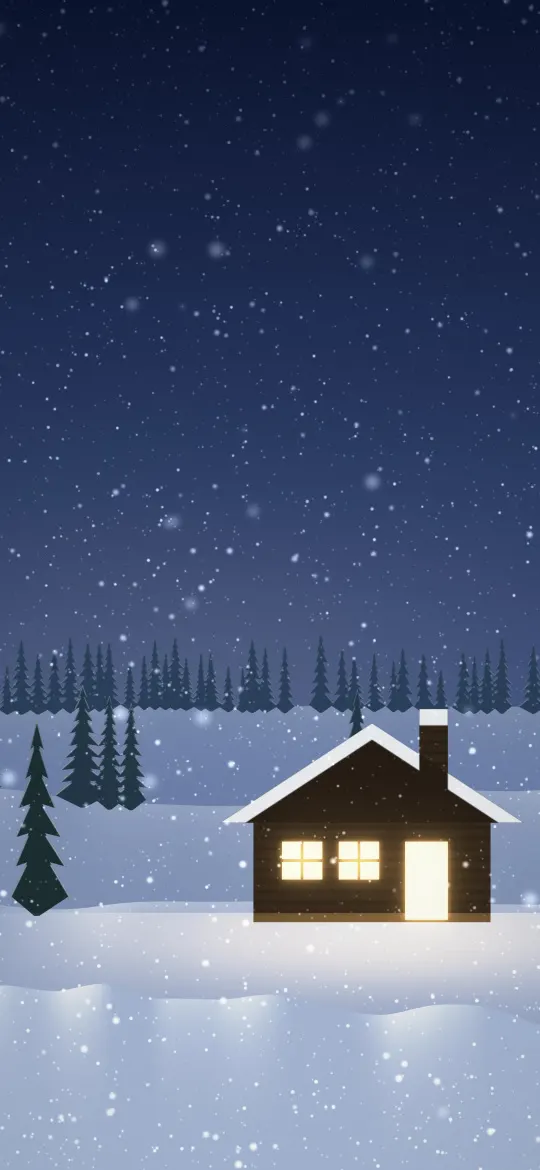 Snowbound Cabin Glow
 Icy Twinkle Lights
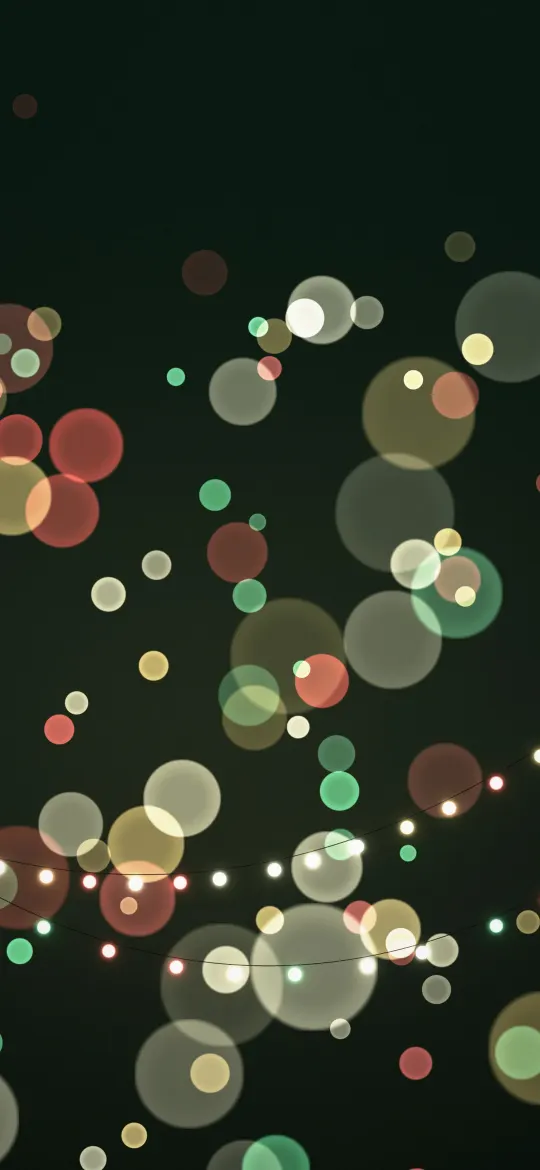 Festive Light Garland
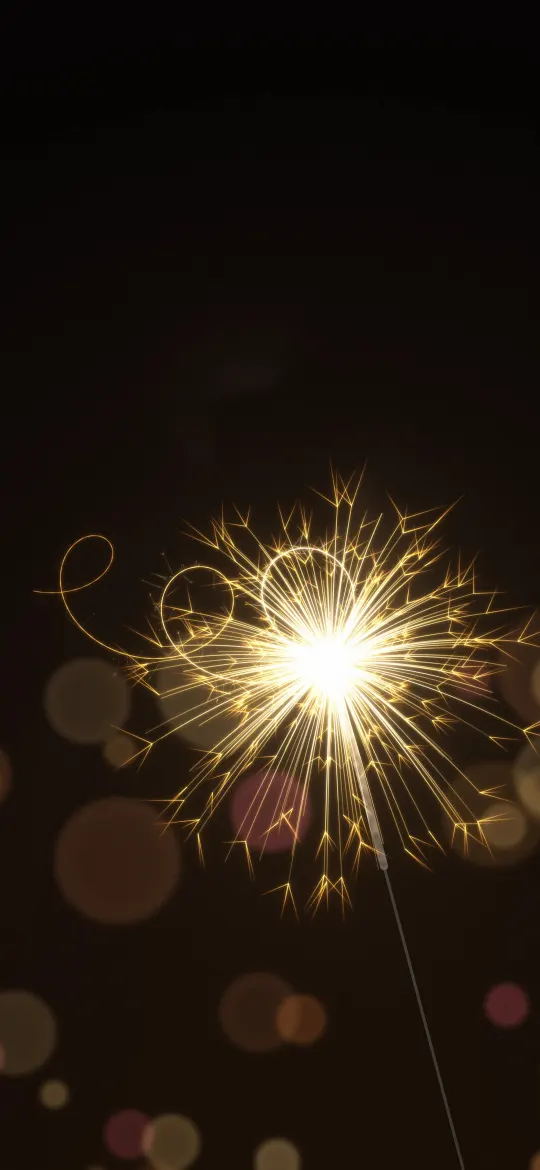 Sparkler Light Trail
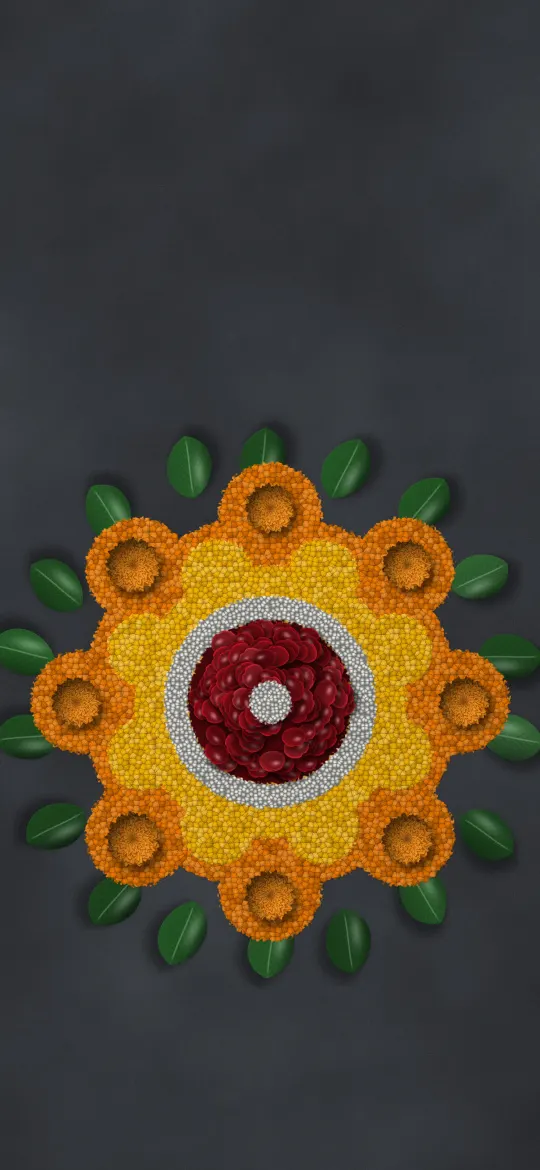 Flower Petal Rangoli
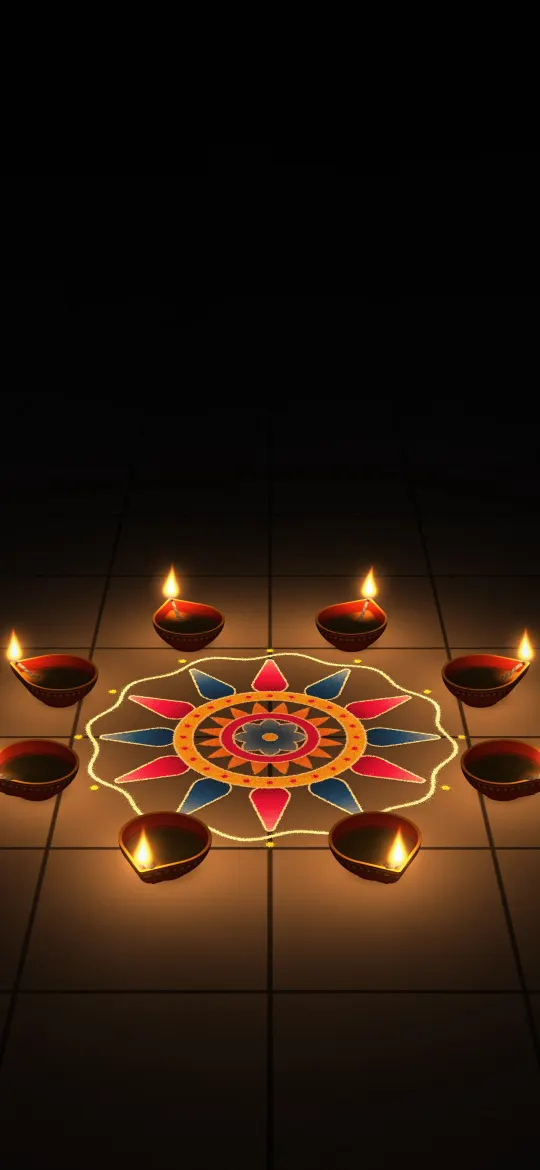 Ring of Diyas Around a Rangoli
 Happy Diwali Golden Bokeh
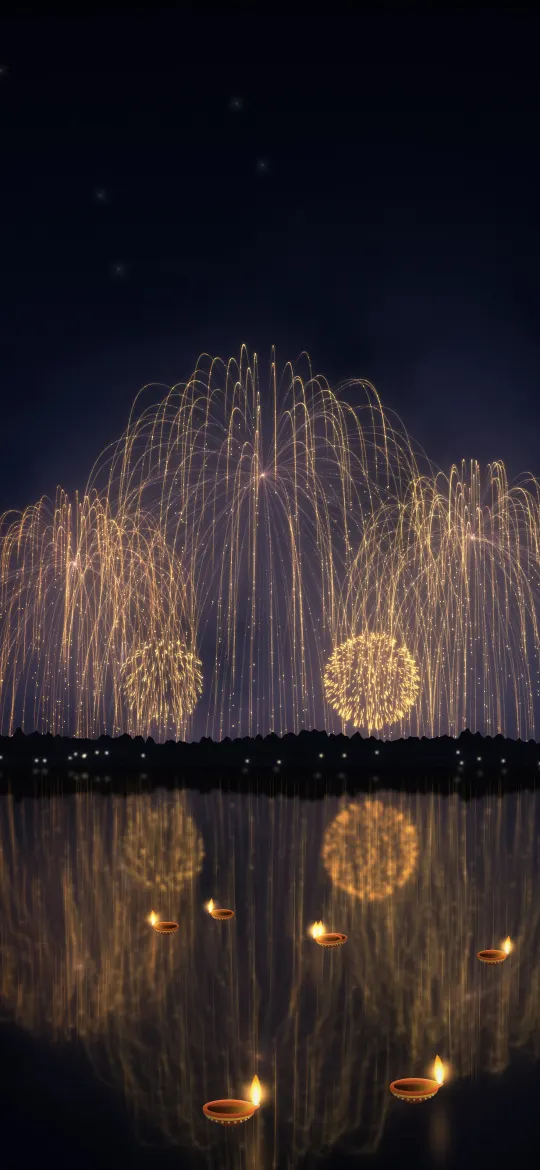 Golden Fireworks Over the Lake
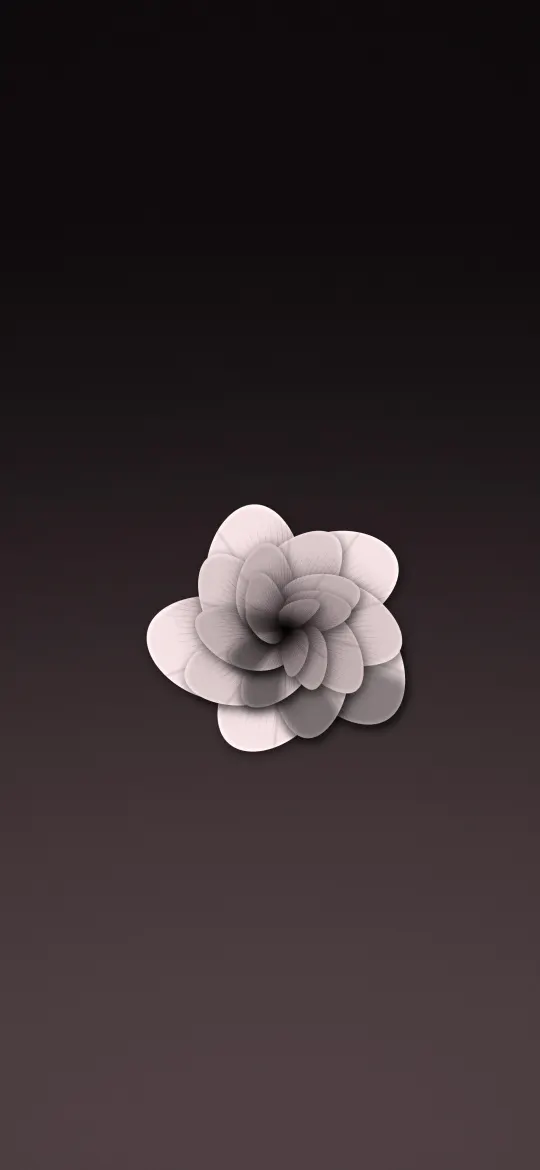 Blush Rose on Mauve
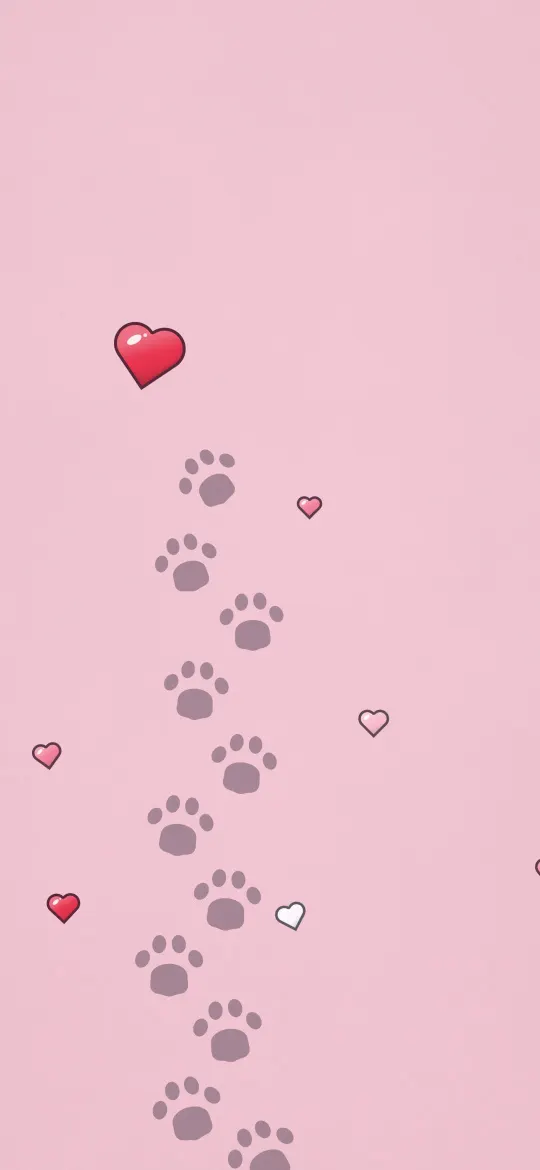 Little Paw Print Trail
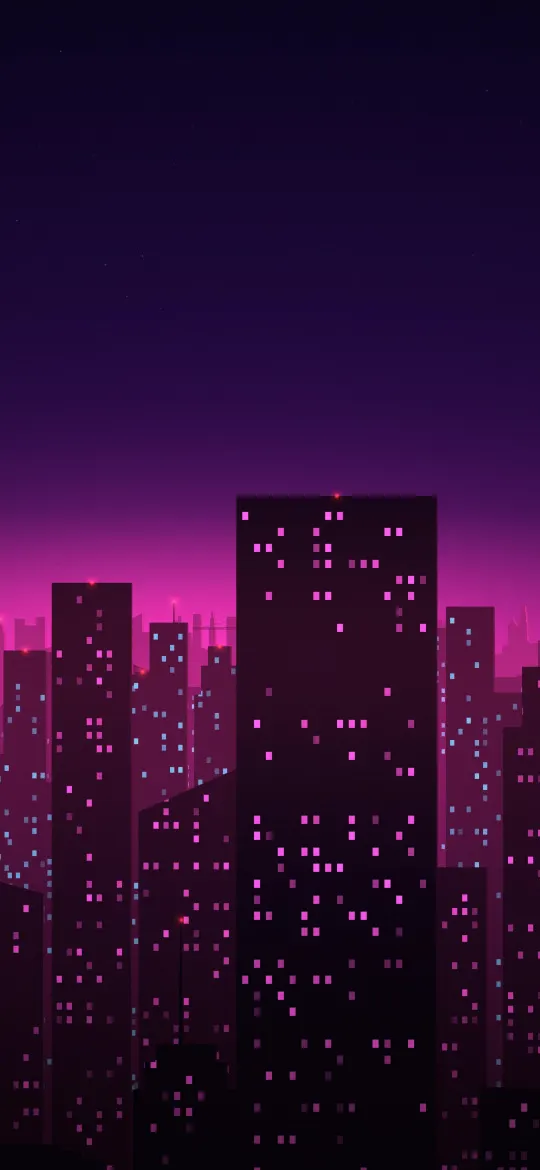 Neon Magenta City
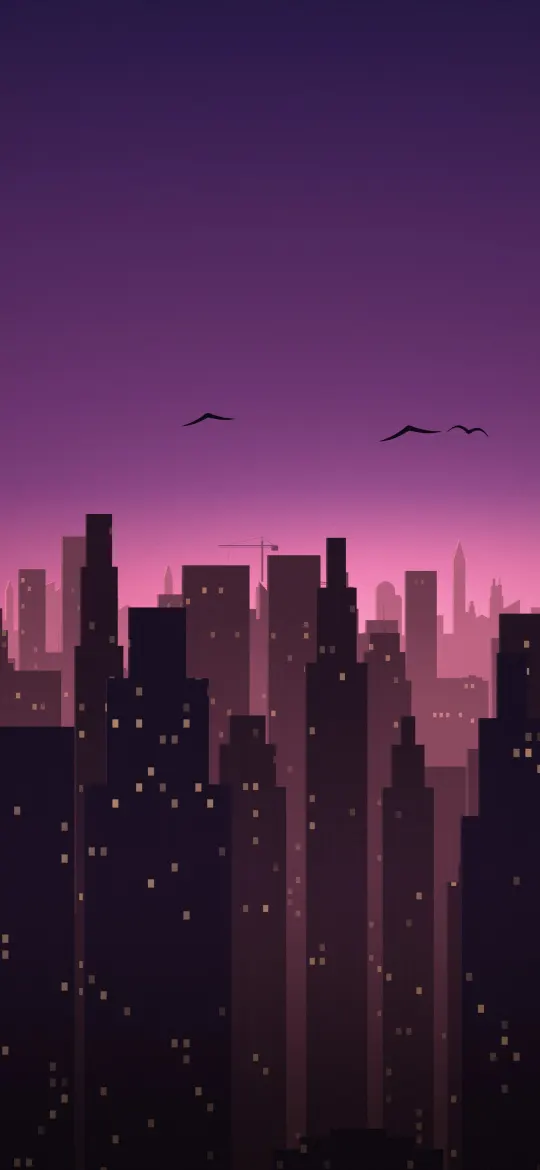 Pink Dusk Skyline
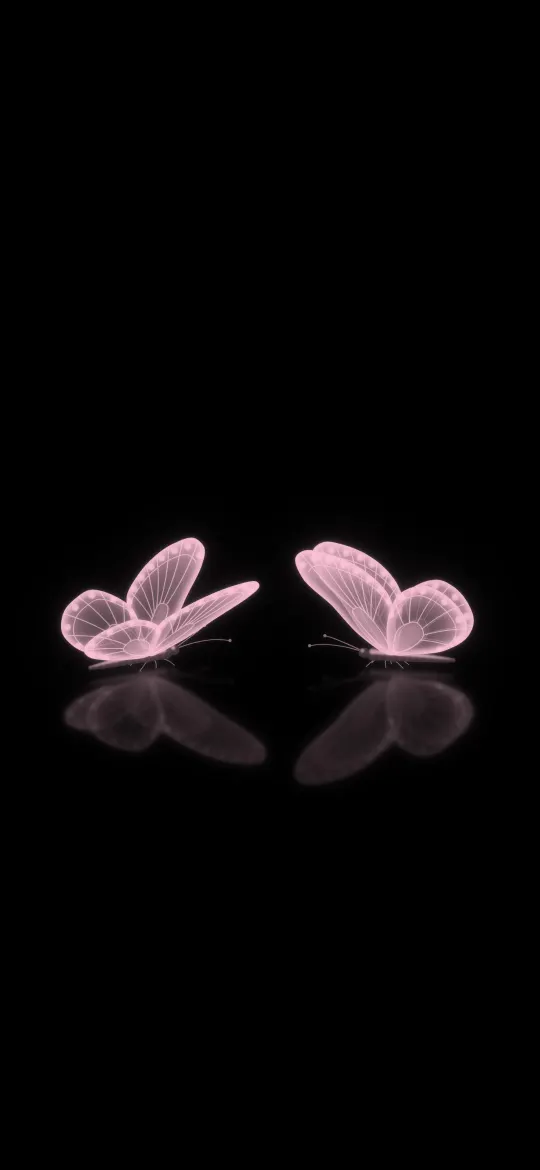 Two Pink Glow Butterflies
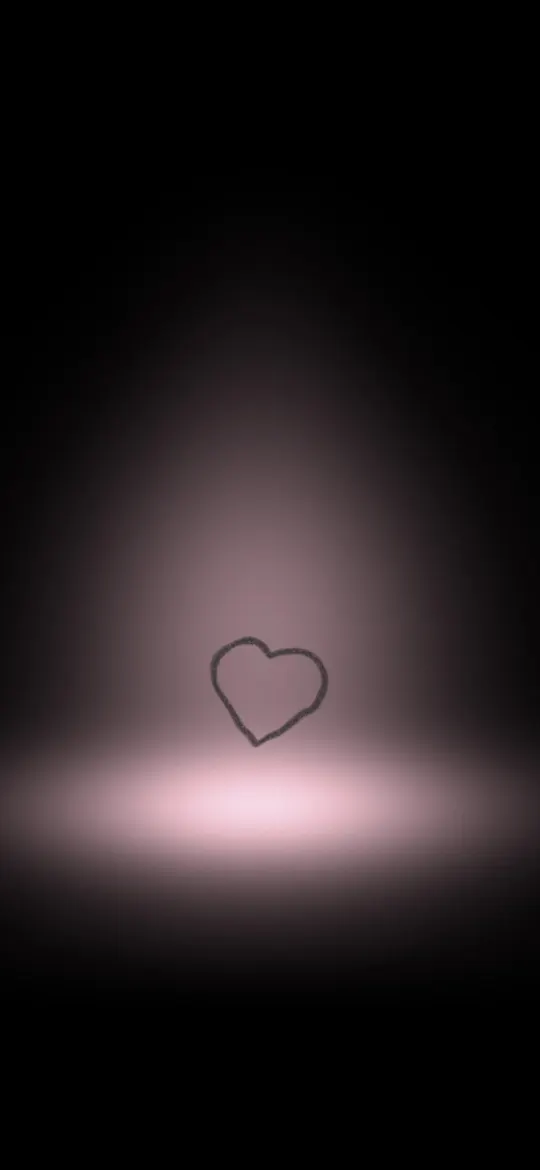 Rose Spotlight Heart
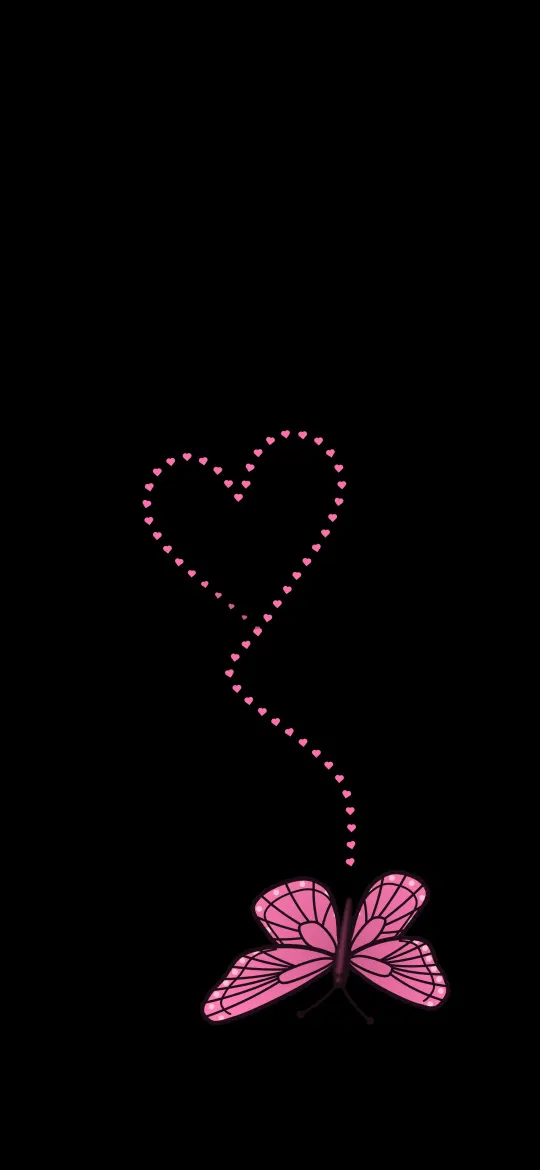 Butterfly and Heart Balloon
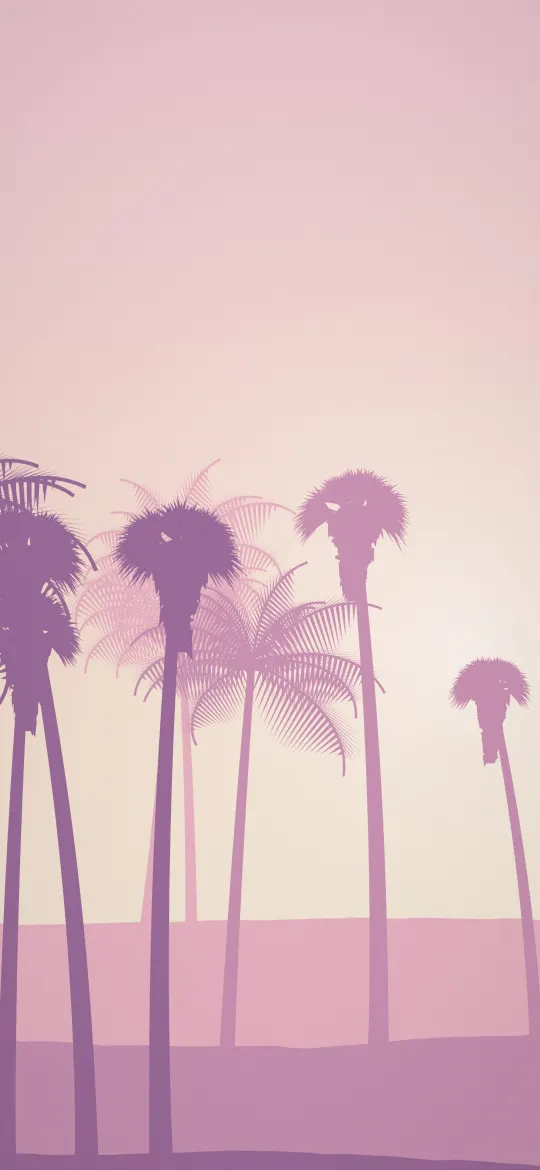 Pastel Pink Palms
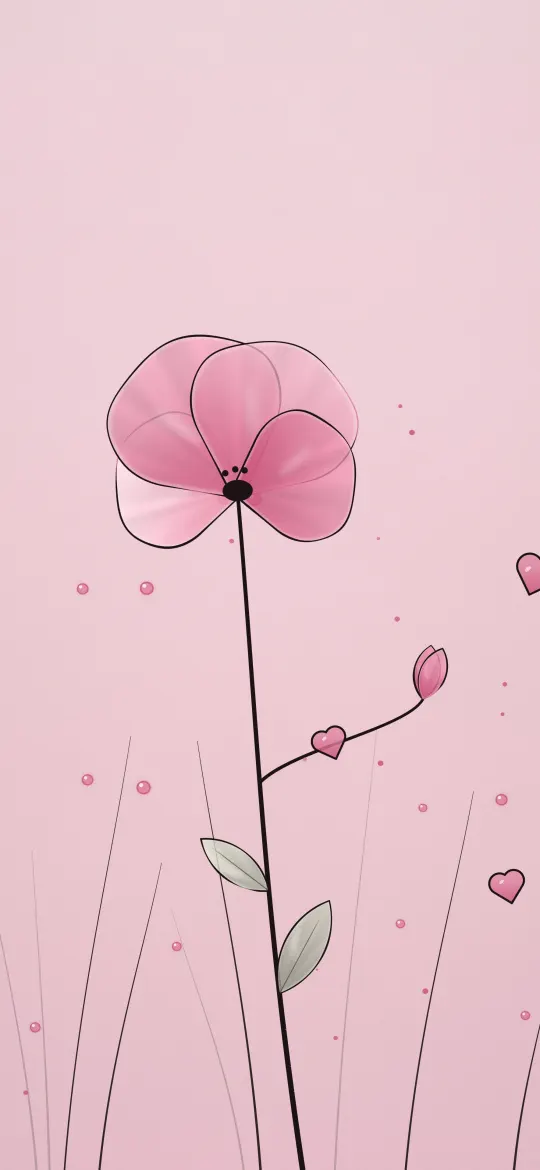 Tall Pink Poppy Line Art
Why the exact 1260 × 2736 size matters
The iPhone Air screen is 1260 × 2736 pixels, an aspect ratio of about 19.5:9. A generic wallpaper at a different shape gets zoomed by iOS to fill the screen, which softens detail and can push the subject under the clock. Every wallpaper on this page has been cropped from its full-resolution original to exactly 1260 × 2736, so what you see in the preview is what lands on your lock screen.
How to set a wallpaper on the iPhone Air
- Open a wallpaper above and tap Download wallpaper. Your model is selected for you.
- Open the image in Photos, tap the share button, then Use as Wallpaper.
- Adjust the clock style or depth effect if you like, tap Add, then choose lock screen, home screen or both.
More detail, including Files and Safari downloads, is in our guide to setting a wallpaper on iPhone.
iPhone Air wallpaper questions
What wallpaper size does the iPhone Air need?
The iPhone Air has a 6.5-inch screen at 1260 × 2736 pixels. Every wallpaper on this page is cropped to exactly that size, so it fills the screen without stretching.
Which iPhones use 1260 × 2736 wallpapers?
The iPhone Air all share this 1260 × 2736 screen, so the same file fits each of them.
Will iOS zoom or move the wallpaper?
A wallpaper at your screen's exact resolution is shown as-is. If iOS still zooms it, turn off "Perspective Zoom" (on older iOS) or pinch to fit while adjusting the wallpaper.
Are these wallpapers free?
Yes. Every wallpaper is free to download and use on your own iPhone. See the license page for details.
Wallpapers for other iPhones
- iPhone Duo — inner screen (upright)
- iPhone Duo — cover screen
- iPhone 18 Pro Max / 17 Pro Max / 16 Pro Max
- iPhone 18 Pro / 17 Pro / 17 / 16 Pro
- iPhone 16 Plus / 15 Plus / 15 Pro Max / 14 Pro Max
- iPhone 16 / 15 / 15 Pro / 14 Pro
- iPhone 14 Plus / 13 Pro Max / 12 Pro Max
- iPhone 17e / 16e / 14 / 13 / 13 Pro / 12 / 12 Pro
- iPhone 13 mini / 12 mini
- iPhone 11 Pro Max / XS Max
- iPhone 11 Pro / XS / X
- iPhone 11 / XR
- iPhone 8 Plus / 7 Plus
- iPhone SE (2nd & 3rd gen) / 8 / 7
- 4K Universal (any phone)