When wallpaper options on an iPhone are greyed out or missing, a setting is nearly always the reason, not a fault. If you can't add or change a wallpaper at all, the iPhone is most likely managed by a work or school, which can lock the wallpaper. If only one effect is unavailable, such as Depth Effect, Perspective Zoom or a moving spatial scene, look at the picture, Reduce Motion and Low Power Mode.
In short
- Can't change the wallpaper at all: look for "This iPhone is supervised" at the top of Settings and check Settings › General › VPN & Device Management.
- Apple's iOS 27 Screen Time pages don't list a wallpaper restriction.
- Depth Effect needs a photo with a clear subject placed near the clock.
- Reduce Motion limits wallpaper motion, and Low Power Mode turns off some visual effects.
- Changes that don't stick or a gray-looking picture often point to a Focus.
You can't add or change the wallpaper at all
Rule out the simple case first. Apple's guide says that if you touch and hold the Lock Screen and don't see the Add New button, touch and hold again and enter your passcode. You can also use Settings › Wallpaper › Add New Wallpaper.
If both routes are blocked, the iPhone is probably managed. Apple's device management documentation lists a restriction called Modify Wallpaper for supervised devices: with it, "users can't modify the wallpaper for the Lock Screen or Home Screen."
- Open Settings. On a supervised iPhone, Apple says a line below the Search field reads "This iPhone is supervised" and names the organization.
- Go to Settings › General › VPN & Device Management to see the installed profiles.
- If a work or school profile is listed, ask its IT team to allow wallpaper changes.
Don't delete a work profile to get around it: Apple notes that removing a profile also deletes the settings, apps and data that came with it.
Is Screen Time to blame?
Probably not. Apple's iOS 27 guide puts Screen Time blocks under Settings › Screen Time › Content & Privacy Restrictions: content ratings, built-in features under Other Features (such as AirDrop and Camera), Siri and Apple Intelligence, and privacy settings. Wallpaper isn't named there, or in Apple's iOS 27 parental controls article.
AI wallpapers are the exception on managed phones. iOS 27 can generate Lock Screen wallpapers with Image Playground, and Apple lists an Allow Image Playground restriction that organizations can use to switch it off.
Depth Effect is greyed out
Depth Effect puts the subject of a photo in front of the clock. In iOS 27 it is a Depth Effect button in the Lock Screen editor, or an item under More (…) for a photo that supports layering. Apple's iOS 16 guide gave the reason it fails: layering may not be available if the subject is too high, too low, or covers too much of the clock.
- Touch and hold the Lock Screen, then tap Customize and choose the Lock Screen.
- Pinch and drag the photo with two fingers until the top of the subject just overlaps the time.
- Tap Depth Effect, or tap More (…) and choose Depth Effect, then tap Done.
If the option stays unavailable, iOS can't find a subject. One clear shape against open sky works best:
 Minimalist Bonsai Tree
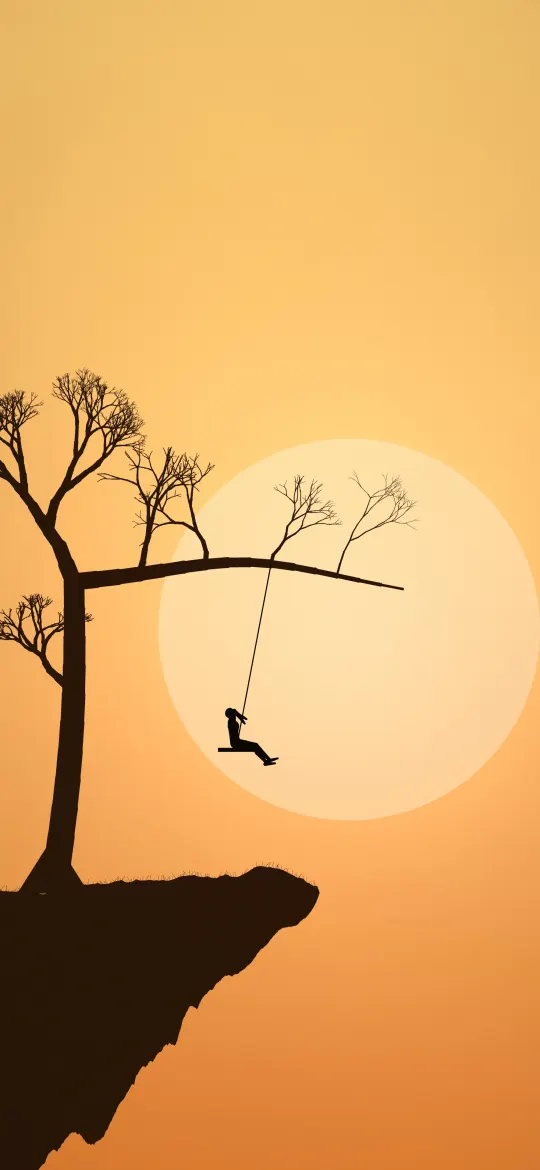 Swing Under a Lone Tree
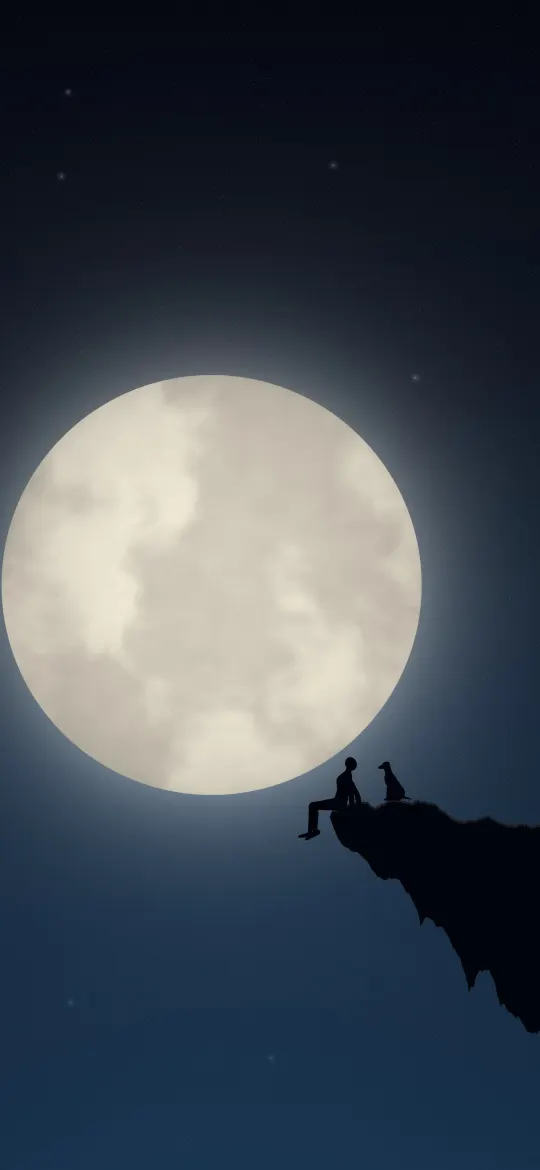 Moonlit Cliff with a Dog
 Mountain Peaks Above a Sea of Clouds
Our Depth Effect guide covers widgets, clock size and framing in detail.
Perspective Zoom or a moving wallpaper is missing
Perspective Zoom and spatial scenes move the wallpaper as you tilt the phone. Apple's iOS 27 guide lists "motion effects for wallpaper" among the things Reduce Motion changes, and its iOS 15 guide said the Perspective Zoom option doesn't appear at all while Reduce Motion is on. The current guide no longer describes a Perspective Zoom switch, so what you see depends on your iOS version.
- Go to Settings › Accessibility › Motion.
- Turn off Reduce Motion, then open the Lock Screen editor again.
Spatial scenes, the 3D effect added in iOS 26, need an iPhone 12 or later and a photo that supports spatial effects, according to Apple. If the button is there but nothing moves, check Low Power Mode: Apple says it "turns off some visual effects," and iDownloadBlog reports that spatial scene wallpapers stop moving while it is on.
- On iPhone 15 or later, go to Settings › Battery › Power Mode and turn off Low Power Mode. On iPhone 14 or earlier it is in Settings › Battery.
- If it keeps coming back, check Adaptive Power on the same screen: Apple says it can turn on Low Power Mode when the battery reaches 20%.
Options missing from the gallery
Some options are only hidden. Apple says Weather or Astronomy may need you to scroll down the gallery and tap Get, and the Live Photo effect needs a Live Photo that can be turned into slow motion. Apple's iOS 27 release notes list Image Playground wallpapers as an Apple Intelligence feature for iPhone 15 Pro, iPhone 15 Pro Max and all iPhone 16 models and later.
| Option | Why it is greyed out or missing | What to do |
|---|---|---|
| Add New, Customize | iPhone locked, or a work or school restriction | Unlock first; check VPN & Device Management |
| Depth Effect | No clear subject, or it sits too high or too low | Reframe the photo or pick another |
| Perspective Zoom | Reduce Motion is on | Turn it off in Accessibility › Motion |
| Spatial scene motion | iPhone 11, or Low Power Mode is on | Needs iPhone 12 or later; turn off Low Power Mode |
| Live Photo | The Live Photo can't be turned into slow motion | Choose a different Live Photo |
| Weather, Astronomy | Not added to the gallery yet | Scroll down and tap Get |
| Image Playground | iPhone without Apple Intelligence | Needs iPhone 15 Pro, iPhone 16 or later |
Edits don't stick, or the picture looks gray
Apple says a Lock Screen linked to a Focus appears whenever that Focus is on, and switching away from it also switches the Focus. So a Focus may be showing a different Lock Screen from the one you edited. Touch and hold the Lock Screen and tap Focus near the bottom of the wallpaper to see the link; our Focus wallpaper guide shows how to undo it.
If the picture itself looks dim, each Focus has Options in Settings › Focus that can darken the Lock Screen while it is on. If it only looks darker at night or in Dark Mode, our post on Dark Appearance Dims Wallpaper explains what replaced that old switch. Once everything works, setting a new wallpaper takes a few taps.
Quick answers
Why is Add New Wallpaper greyed out on my iPhone?
Usually because a work or school manages the iPhone. Apple offers organizations a Modify Wallpaper restriction for supervised iPhones; check Settings › General › VPN & Device Management for a profile.
Can Screen Time stop me from changing my wallpaper?
Apple's iOS 27 Screen Time pages don't list a wallpaper restriction. Settings › Screen Time › Content & Privacy Restrictions covers content ratings, features such as AirDrop and Camera, Siri and Apple Intelligence, and privacy.
Why is Depth Effect greyed out?
Apple says layering may not be available if the subject is too high, too low, or covers too much of the clock. Reframe the photo in Customize so the subject just overlaps the time, or choose a picture with one clear subject.
Why can't I find Perspective Zoom?
Turn off Reduce Motion in Settings › Accessibility › Motion. Apple's iOS 15 guide said the Perspective Zoom option doesn't appear while Reduce Motion is on.
Does Low Power Mode turn off wallpaper effects?
Apple says it turns off some visual effects, and iDownloadBlog reports that spatial scene wallpapers stop moving while it is on. On iPhone 15 or later, turn it off in Settings › Battery › Power Mode.
Sources
- Device management restrictions for iPhone and iPad devices, Apple
- About Apple device supervision, Apple
- Install or remove configuration profiles on iPhone, Apple
- Block features or content with Screen Time on iPhone, Apple
- Create a custom iPhone Lock Screen, Apple
- Create a custom iPhone Lock Screen (iOS 16), Apple
- Change the wallpaper on iPhone (iOS 15), Apple
- Customize onscreen motion on iPhone, Apple
- Use Low Power Mode to save battery life on your iPhone or iPad, Apple
- Save battery life with Power Modes on iPhone, Apple
- About iOS 27 Updates, Apple
- Unable to use spatial scene mode on iPhone in iOS 26? Here's the fix, iDownloadBlog